Leaderboard
-

Phil Macey
Authors1Points23Posts

Popular Content
Showing content with the highest reputation on 06/25/26 in Posts
-
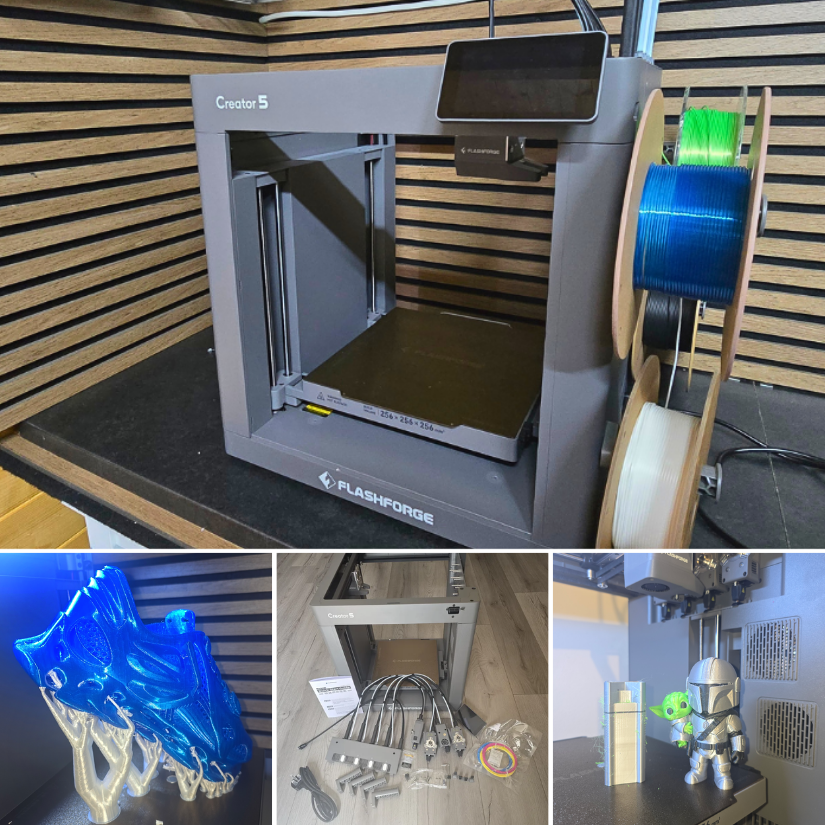
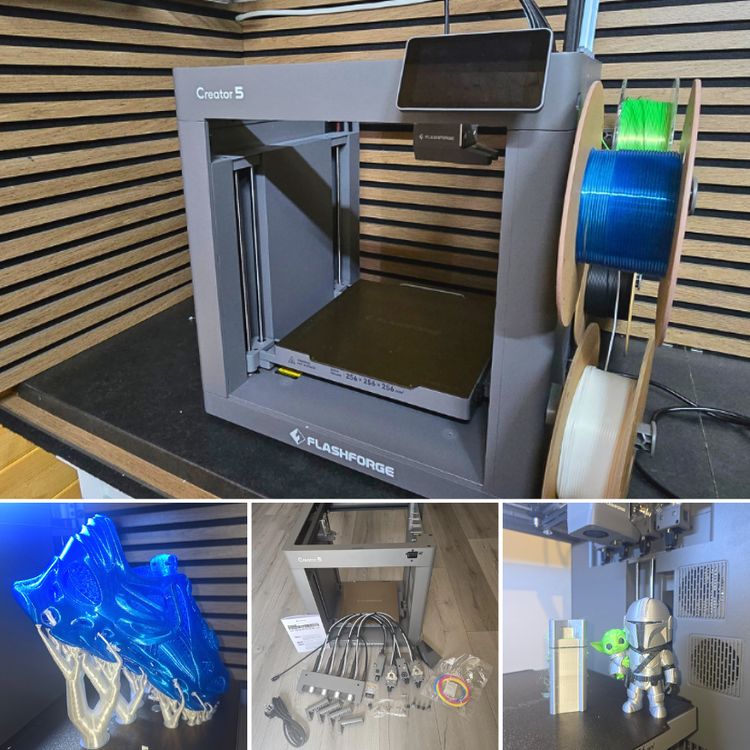
1 pointFlashforge Creator 5 Hands-On: 4-Toolhead 3D Printer, TPU Shoes, and Multi-Colour Test Prints We have just published a new hands-on article on 3DWithUs featuring the Flashforge Creator 5. This is a 4-toolhead FDM 3D printer designed for multi-colour and multi-material printing with reduced filament waste compared with many traditional colour-changing systems. In this test, we covered setup, calibration, Orca-Flashforge slicer workflow, multi-colour prints, TPU printing, and even a pair of 3D printed shoes. 📹 https://youtu.be/1DOy4EUQpK0 ✍ https://3dwithus.com/flashforge-creator-5-hands-on-review-4-toolhead-3d-printer Featured: MAXSIMO, CloudBerry Toolchangers and nozzle-changing systems are becoming a very interesting area in desktop FDM 3D printing. Machines like the Flashforge Creator 5 show how this technology is moving into a more affordable range, making multi-material workflows more accessible to makers. What do you think about this approach compared with AMS-style colour systems? Feel free to start a new thread or post your C5 makes or questions here.
 1 point