Therealk
Members
-
Joined
-
Last visited
-
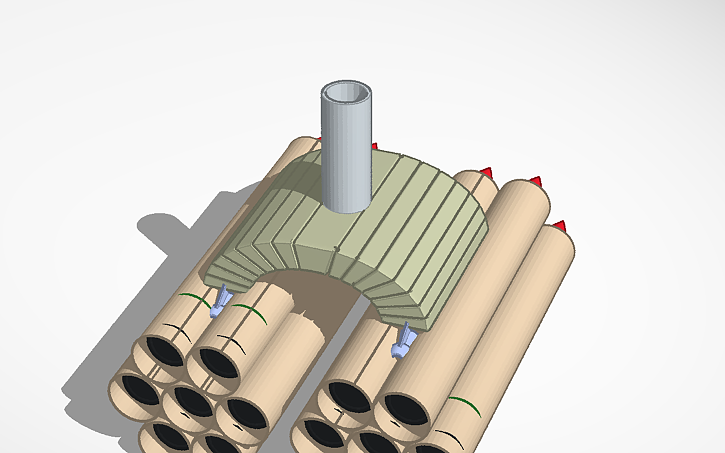
To the 3d designers, makers, and innovators if you are listening. I think the most meaningful gifts are the ones that spark creativity. Fuel my passion for design and invention. Give a small inventor a 3d printer. I will invent solutions for a lifetime and I promise to print you something amazing in return!https://www.tinkercad.com/things/0OrmEl0sxv0-missile-launcher-design
-
Hey do you think I could somehow get a free Elegoo Centari Carbon? I've just been wanting a 3d printer since my other toy box 3d printer broke and I couldn't fix it. I spent almost all of the money I could spend on that little 3d printer and when It broke I gave it to a friend. But now I want a new 3d printer that cant break and so that I can make some money. You don't have to do this at all, you don't even have to read this, but if you do I would be so HAPPY and filled with thanks for you giving me a free 3d printer. I hope this comment finds you well. Have a blessed day!