


Skip to content
View in the app

A better way to browse. Learn more.

3DWithUs

A full-screen app on your home screen with push notifications, badges and more.

To install this app on iOS and iPadOS
  1. Tap the Share icon in Safari
  2. Scroll the menu and tap Add to Home Screen.
  3. Tap Add in the top-right corner.
To install this app on Android
  1. Tap the 3-dot menu (⋮) in the top-right corner of the browser.
  2. Tap Add to Home screen or Install app.
  3. Confirm by tapping Install.

Yuto Horiuchi

Authors
  • Joined

  • Last visited

    Never

About Me

I am a Japan-based writer working on 3D printer reviews, localization and community projects. He founded Japan RepRap Festival and serves as representative director of 3Dプリンターを愛でる会, a Japanese 3D printing community association. [Yuto Horiuchi on X]
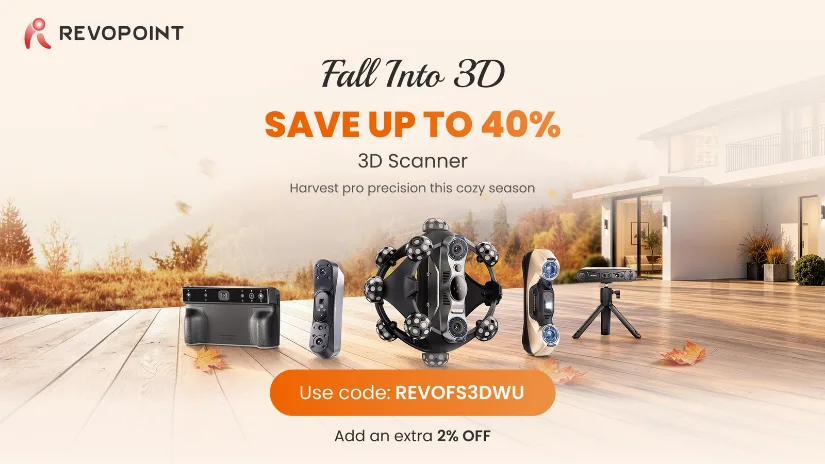

Revopoint Fall Into 3D promotion offering up to 40% off selected 3D scanners with an additional 2% discount code.

Account

Navigation

Search

Search

Configure browser push notifications

Chrome (Android)
  1. Tap the lock icon next to the address bar.
  2. Tap Permissions → Notifications.
  3. Adjust your preference.
Chrome (Desktop)
  1. Click the padlock icon in the address bar.
  2. Select Site settings.
  3. Find Notifications and adjust your preference.