


Skip to content
View in the app

A better way to browse. Learn more.

3DWithUs

A full-screen app on your home screen with push notifications, badges and more.

To install this app on iOS and iPadOS
  1. Tap the Share icon in Safari
  2. Scroll the menu and tap Add to Home Screen.
  3. Tap Add in the top-right corner.
To install this app on Android
  1. Tap the 3-dot menu (⋮) in the top-right corner of the browser.
  2. Tap Add to Home screen or Install app.
  3. Confirm by tapping Install.

Simon Hooks

Authors
  • Joined

  • Last visited

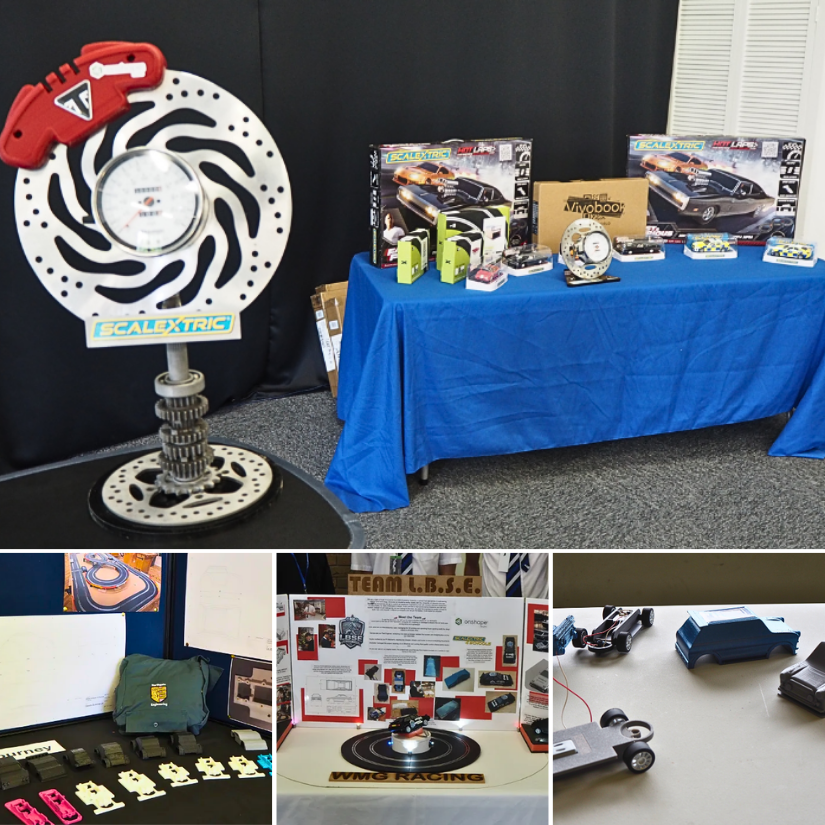
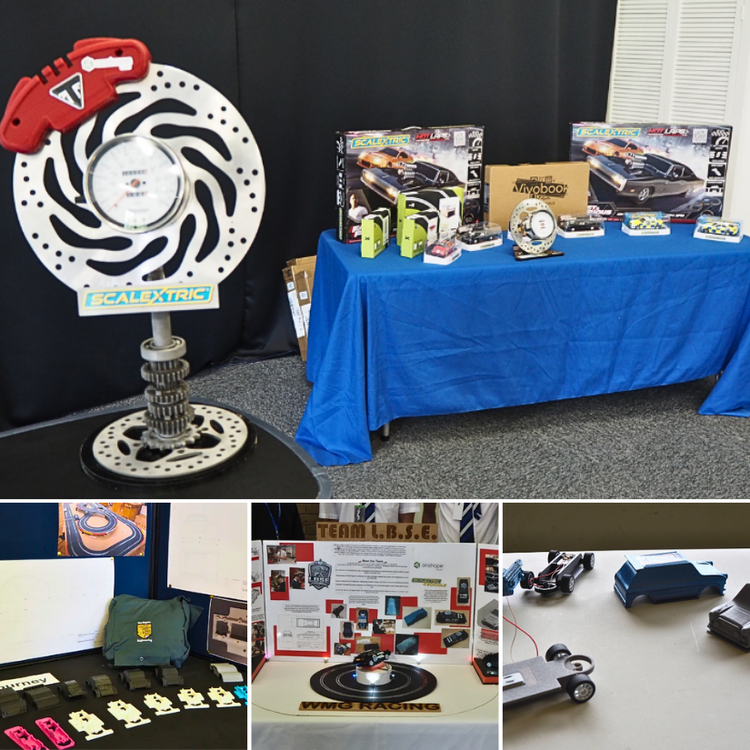
  1. At Scalextric4Schools, students design, 3D print and race their own cars, combining CAD with practical engineering. 🏎️ Take a look at some of our student projects and feel free to share your own designs or ask questions! Read more: https://3dwithus.com/scalextric4schools-from-cad-and-3d-printing-to-racing-cars
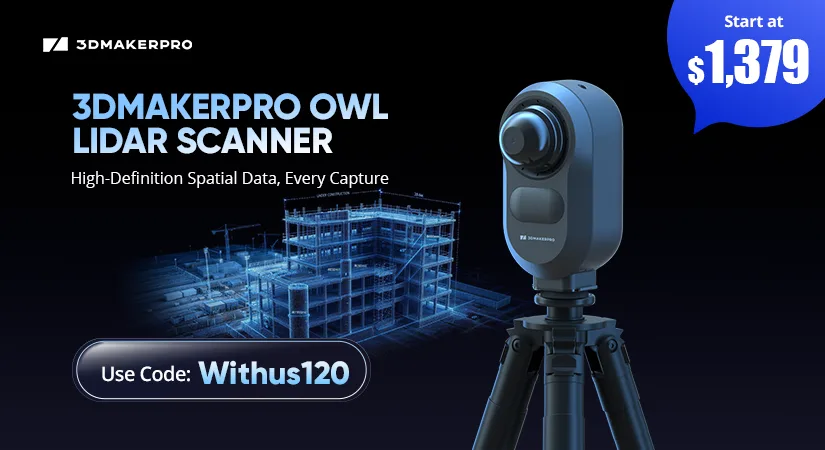
3DMakerpro OWL stationary LiDAR 3D scanner launch banner featuring a construction site point cloud, starting price of $1,379 and discount code Withus120.
Black Friday Deals 2026

Account

Navigation

Search

Search

Configure browser push notifications

Chrome (Android)
  1. Tap the lock icon next to the address bar.
  2. Tap Permissions → Notifications.
  3. Adjust your preference.
Chrome (Desktop)
  1. Click the padlock icon in the address bar.
  2. Select Site settings.
  3. Find Notifications and adjust your preference.