

Skip to content
View in the app

A better way to browse. Learn more.

3DWithUs

A full-screen app on your home screen with push notifications, badges and more.

To install this app on iOS and iPadOS
  1. Tap the Share icon in Safari
  2. Scroll the menu and tap Add to Home Screen.
  3. Tap Add in the top-right corner.
To install this app on Android
  1. Tap the 3-dot menu (⋮) in the top-right corner of the browser.
  2. Tap Add to Home screen or Install app.
  3. Confirm by tapping Install.

Hannahvvvh

Members
  • Joined

  • Last visited

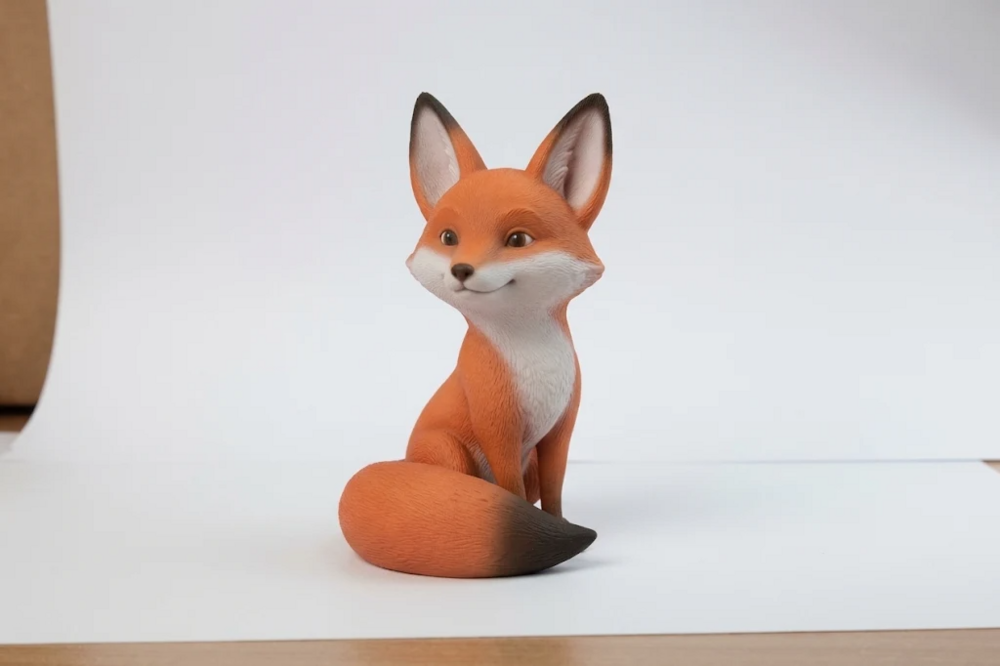
  1. Okay, so I finally got my model printed for the first time and I can't stop grinning! A small part I modeled for a uni assignment had been sitting on my screen forever. Recently I caught JLC3DP's Black Friday deal and grabbed some coupons, so I got it printed for super cheap and just went for it. I don't even own a printer. The second I opened the package I just froze. The model I'd been spinning around in Blender every day was suddenly in my hand, with weight, with texture, every little detail there. It honestly felt a bit magical. No matter how many times you orbit around it in Blender, nothing beats holding the real thing.
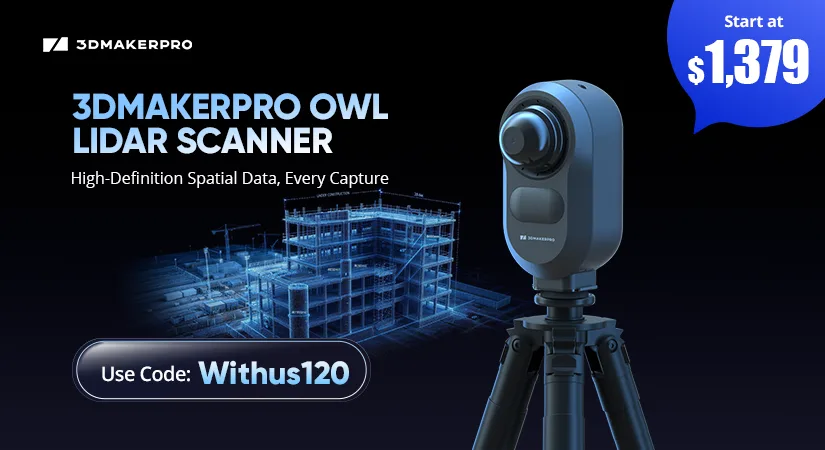
3DMakerpro OWL stationary LiDAR 3D scanner launch banner featuring a construction site point cloud, starting price of $1,379 and discount code Withus120.
Black Friday Deals 2026

Account

Navigation

Search

Search

Configure browser push notifications

Chrome (Android)
  1. Tap the lock icon next to the address bar.
  2. Tap Permissions → Notifications.
  3. Adjust your preference.
Chrome (Desktop)
  1. Click the padlock icon in the address bar.
  2. Select Site settings.
  3. Find Notifications and adjust your preference.