Leaderboard
-
Marcidy
Authors1Points33Posts
Popular Content
Showing content with the highest reputation on 07/15/26 in all areas
-
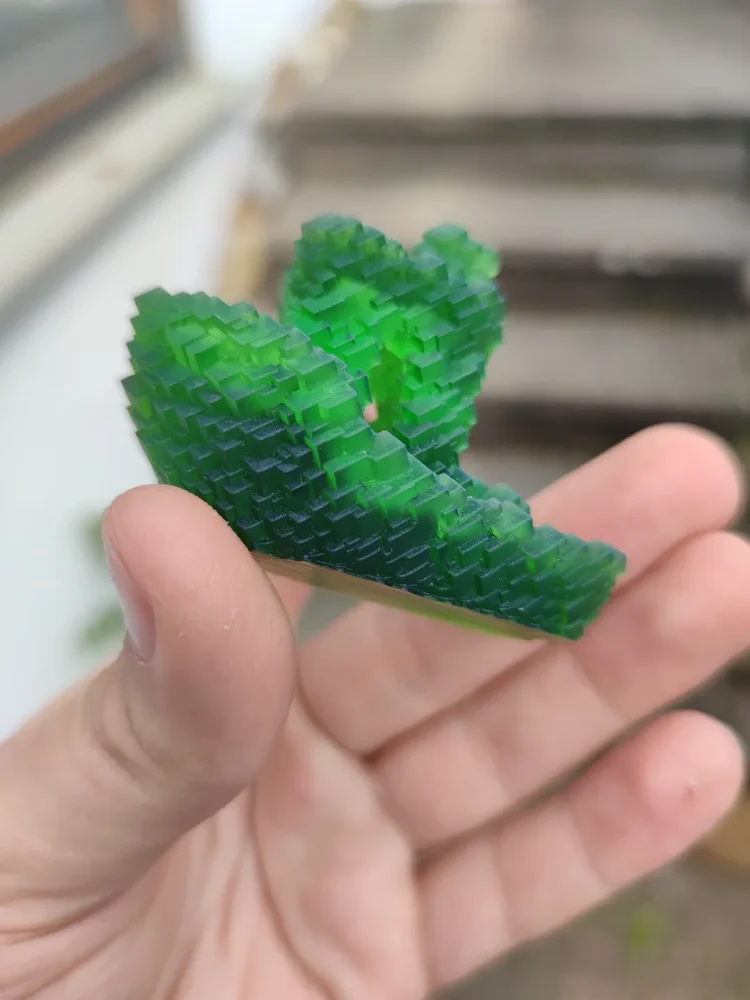
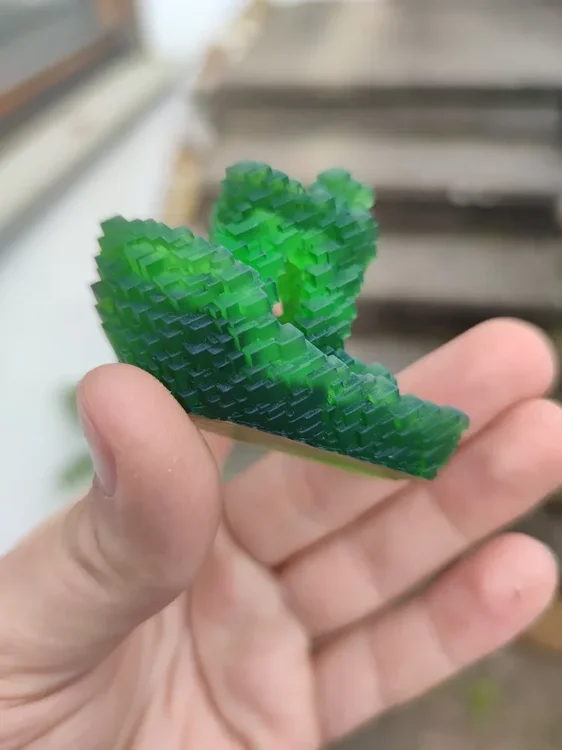
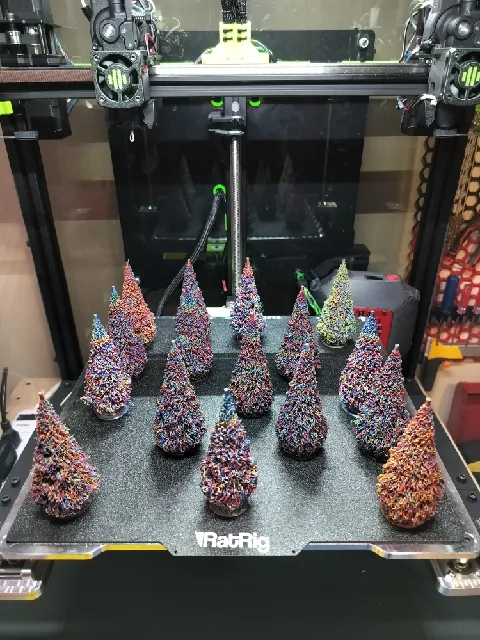
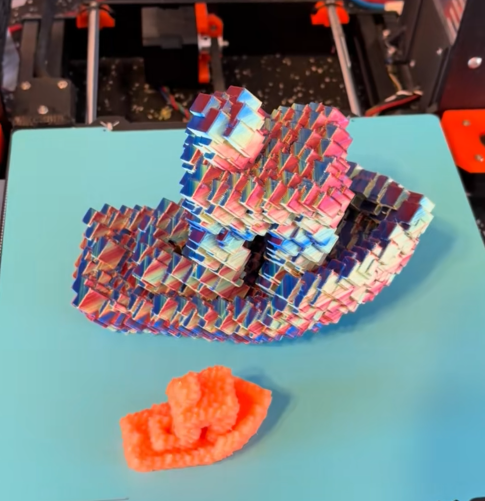
1 pointI reached 10,000 downloads on Printables and I wanted to say thank you to everyone who supported me and my models! Moreover, I wanted to share a few things about my journey and what comes next. I started making and uploading 3D models in October 2025. I made my first designs in TinkerCAD and Blender. Then I discovered FreeCAD, and I have been using it ever since. I have been designing all kinds of decorative, functional and miscellaneous things with them. I have also been taking part in contests and community challenges alike, while uploading some of my personal projects as well. In the future, I plan to keep extending my current collections with new or better designs, like: Glitch models Fidgets and toys Accessories for the Honeycomb Storage wall (I will also keep adding some of my personal projects to the mix and keep participating in contests as well!) So, here are some of my most favorite makes of my models: Glitch Benchy make by @LegoRJ35 I love the radioactive look, the green resin shows! Christmass Tree make by @Agit68_226454 They are just so colorful! I love them! Another Glitch Benchy make by @dominic_301362 That Silk Twist PLA just looks astonishing (and the size of it — wow)! Thank you again to everyone, who helped me with likes, downloads and makes on Printables! (This post was mainly focused on my Printables journey, but I am active on other platforms as well: linktr.ee/marcidy)
 1 point