Marcidy
Authors
-
Joined
-
Very cool! I love it! May it serve you well!!!
-
Thank you!
-
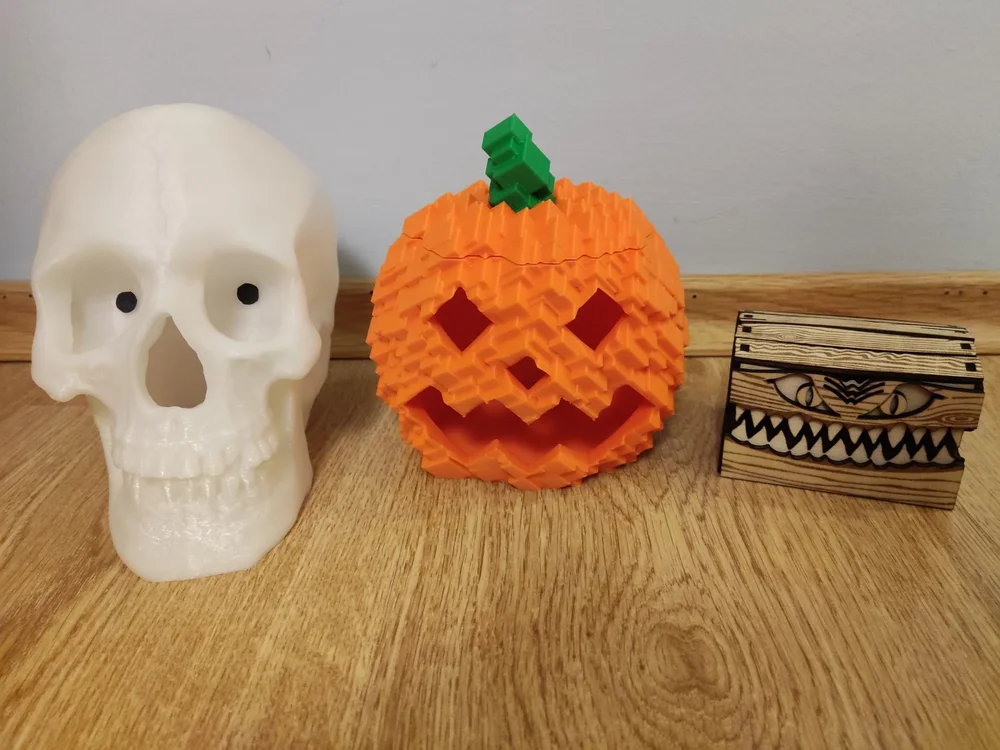
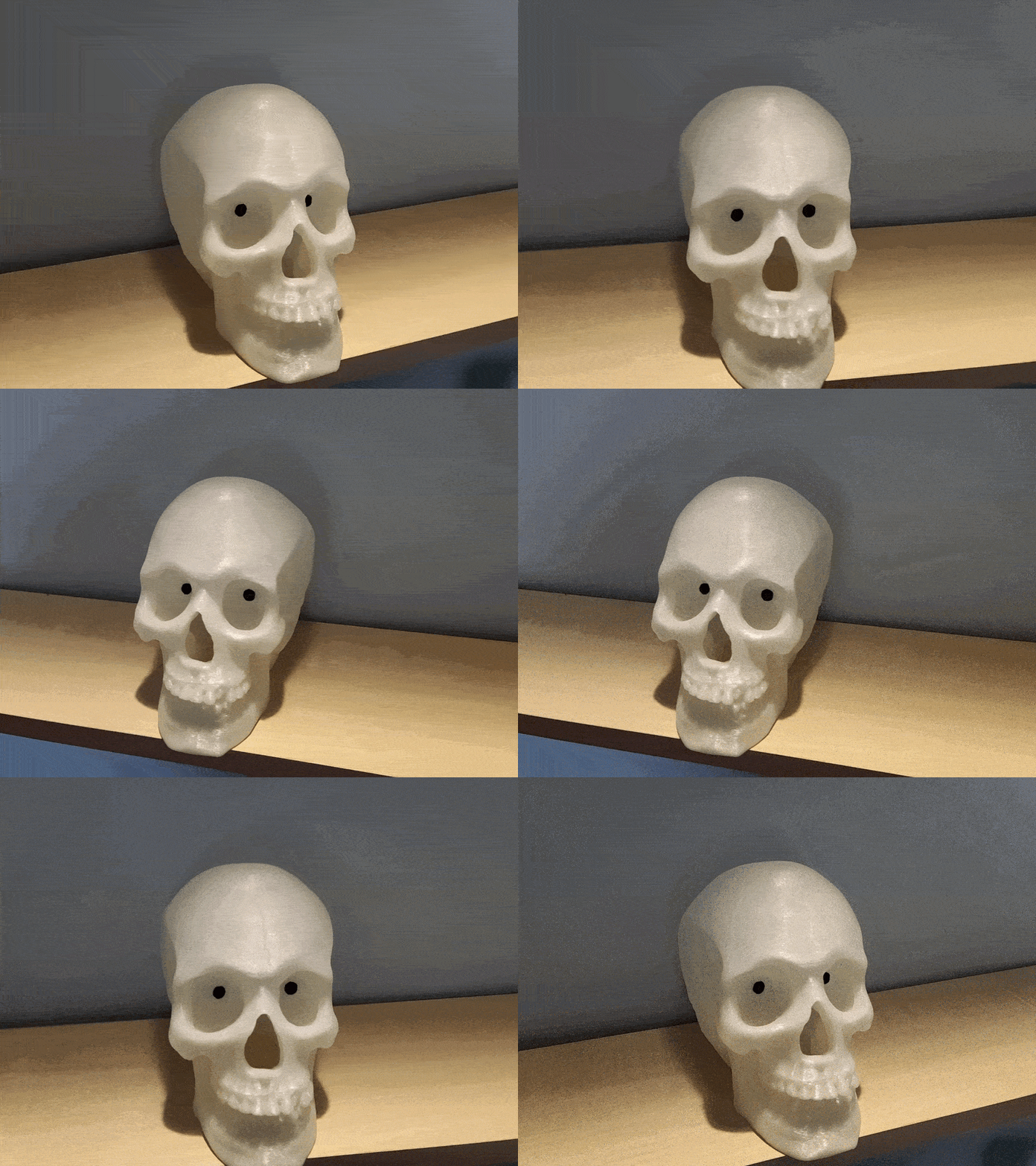
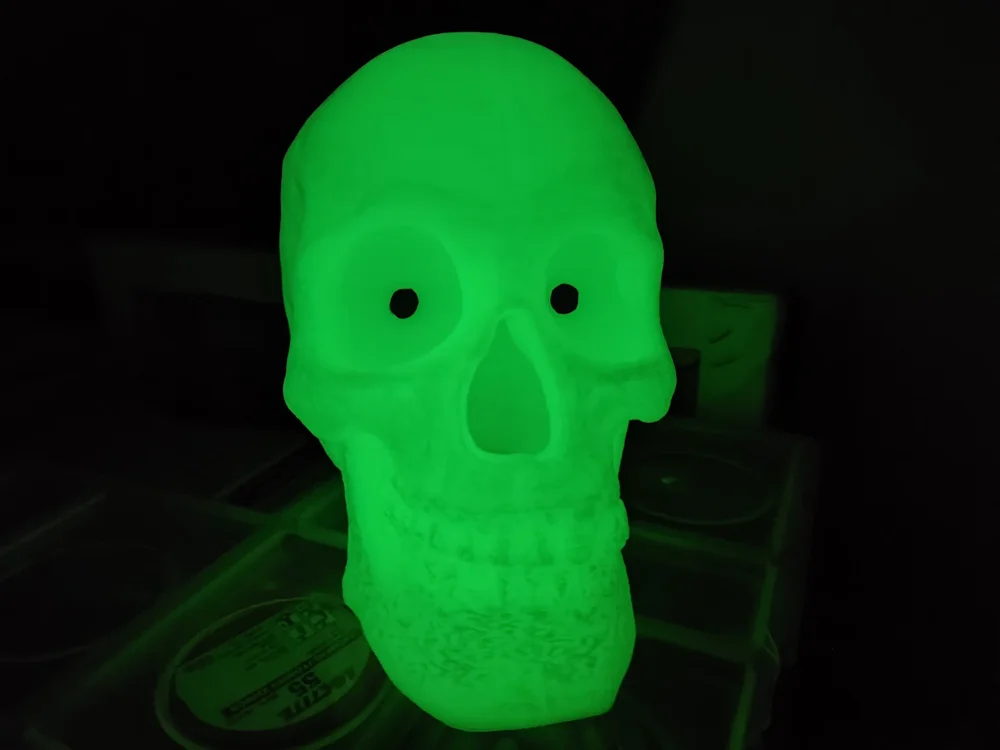
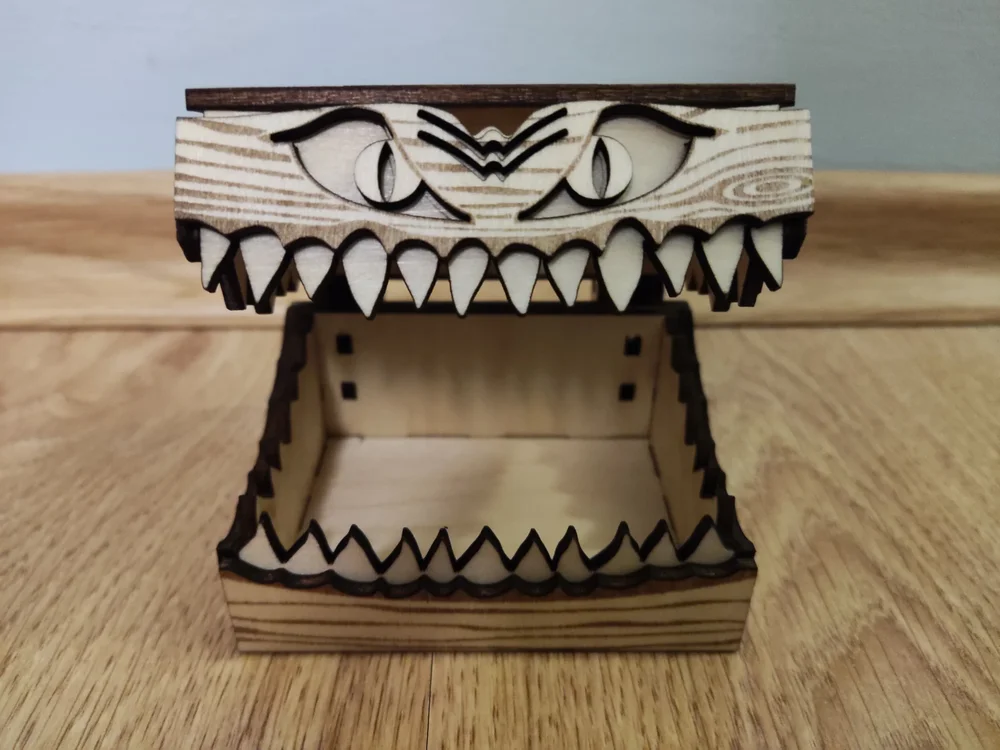
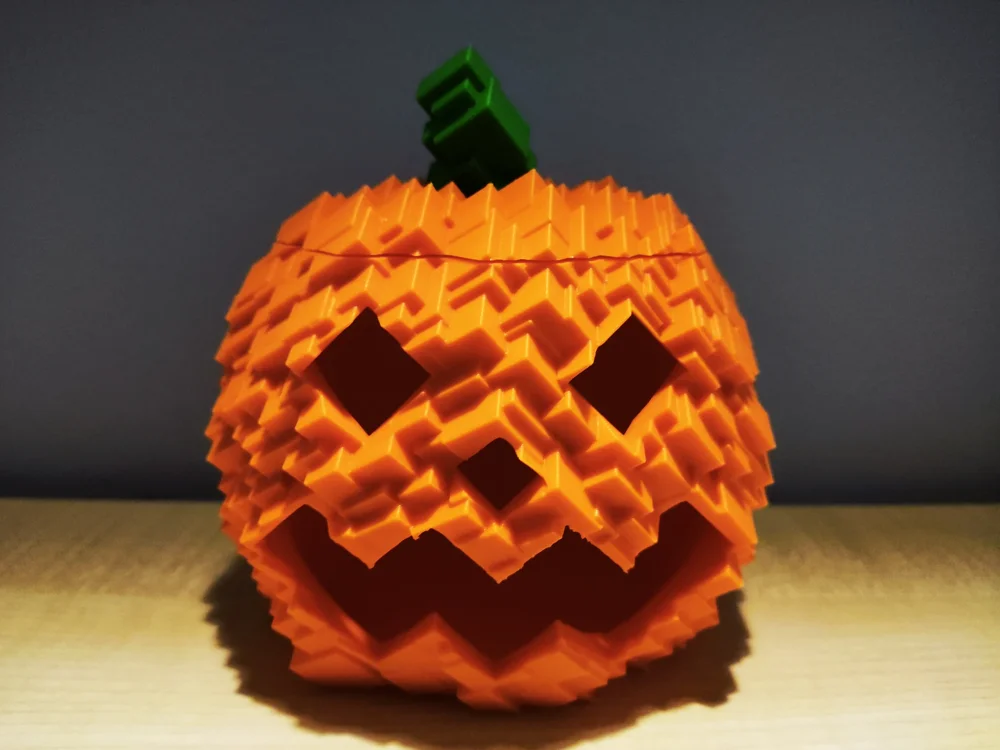
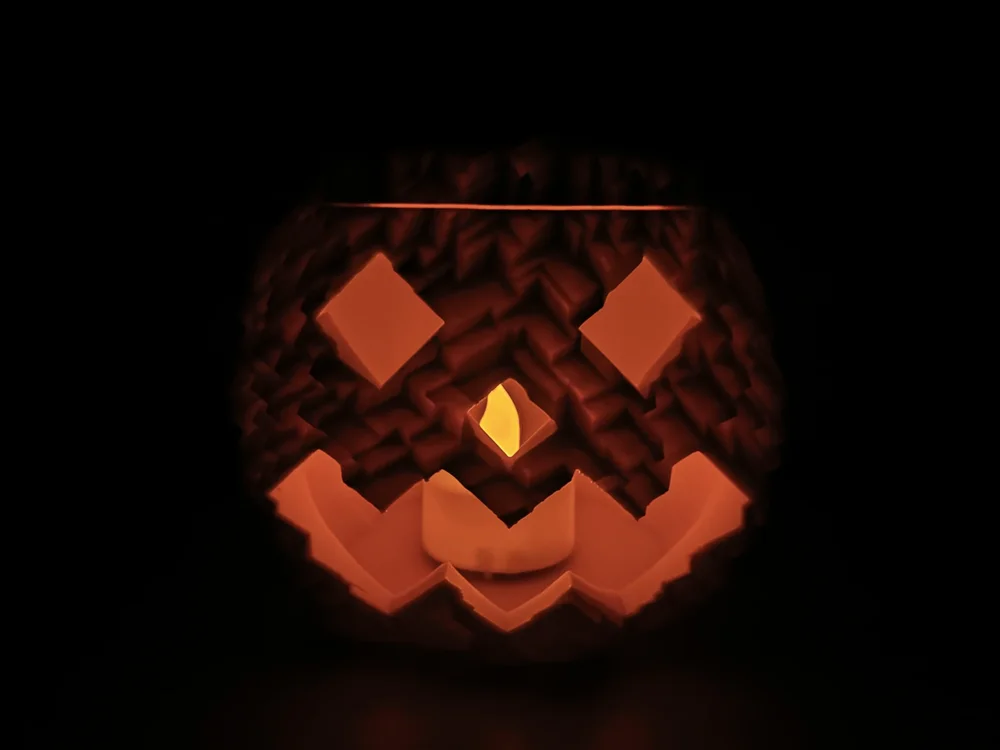
Having a 3D printer and a laser engraver really makes events like Halloween special. I had a blast making these projects and I wanted to share them with the community: Staring Skull with eyes that follow by me: I used two thin paper pieces for the eyes. I colored them black using a marker and attached them with Blu Tack. For the model, I used glow-in-the-dark PLA. Miniaturized Halloween candy box by @Laserjeffery: I used my Carverall X1Pro to make it out of basswood sheets. Glitch Pumpkin by me: (Don't put real candles inside) And how are you preparing for Halloween?
-
It was a pleasure working with the X1Pro! Thank you, 3DWithUS and Carverall!
-
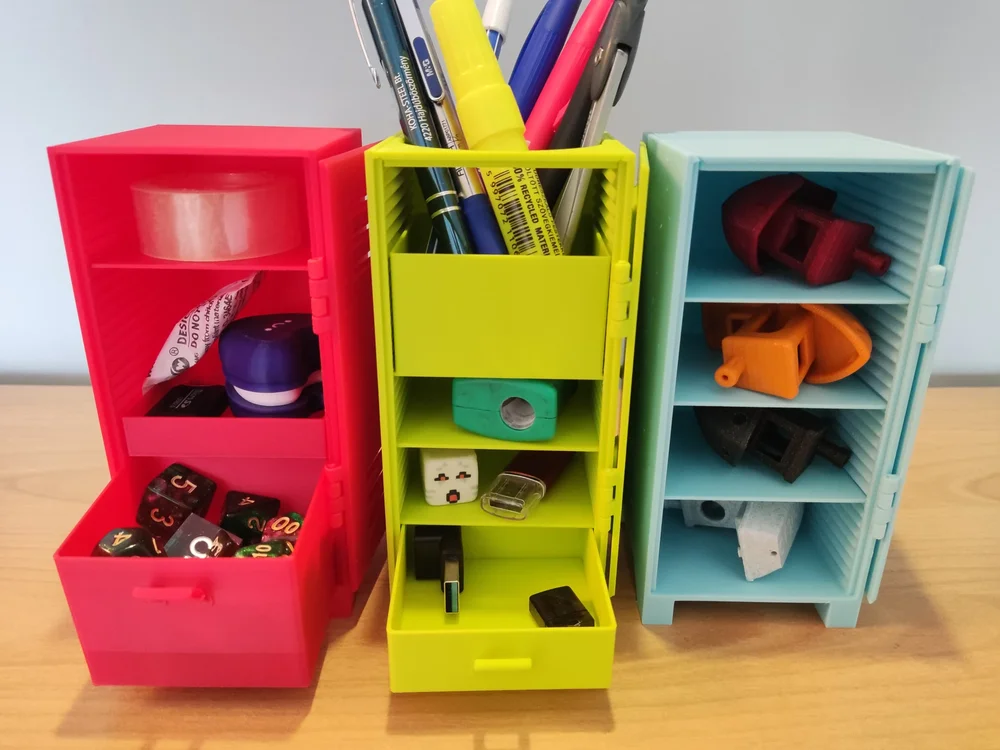
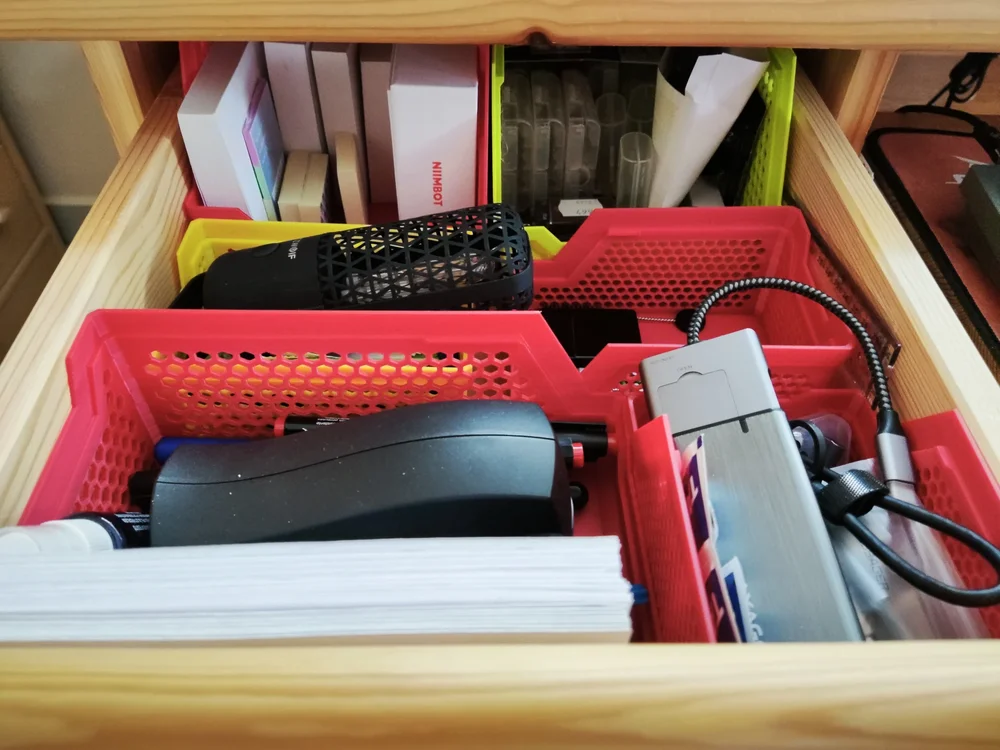
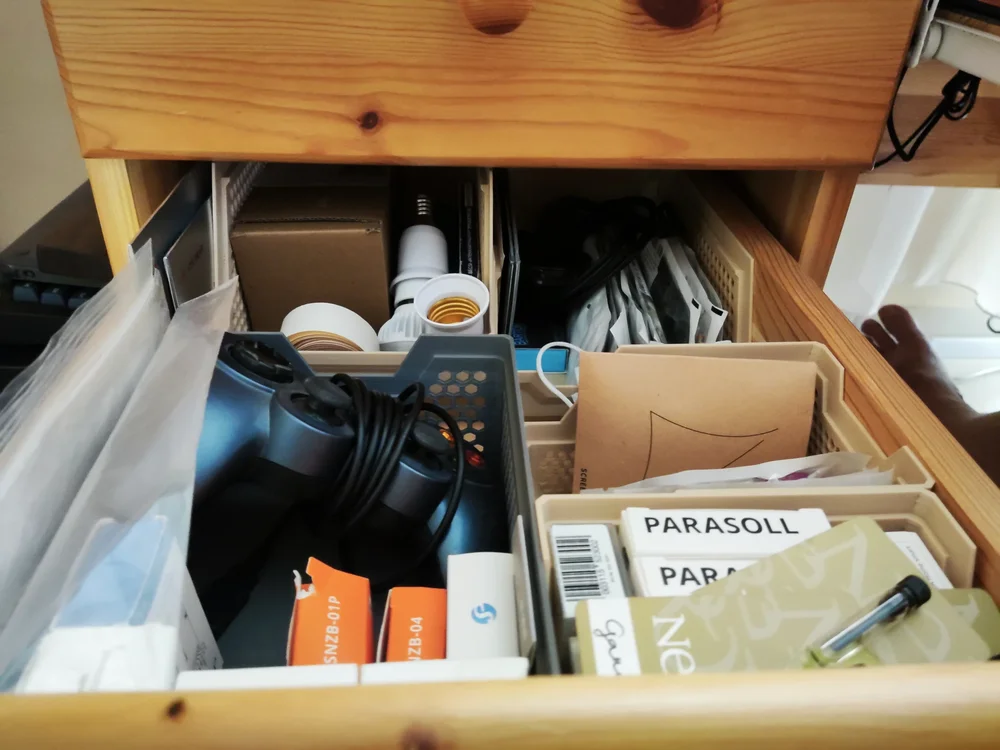
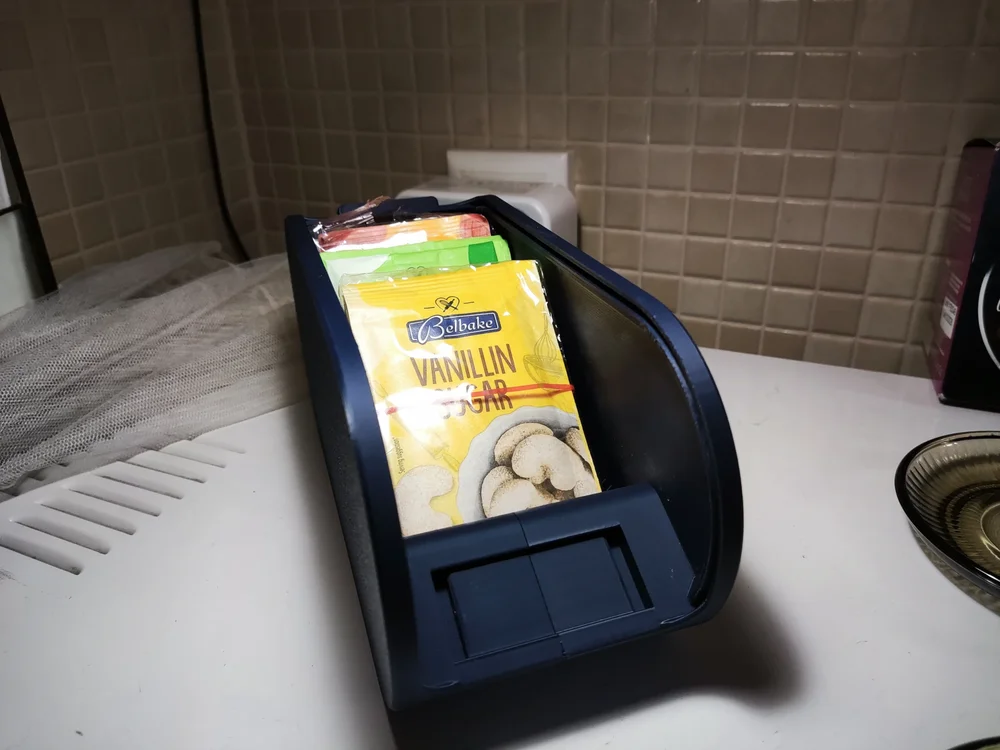
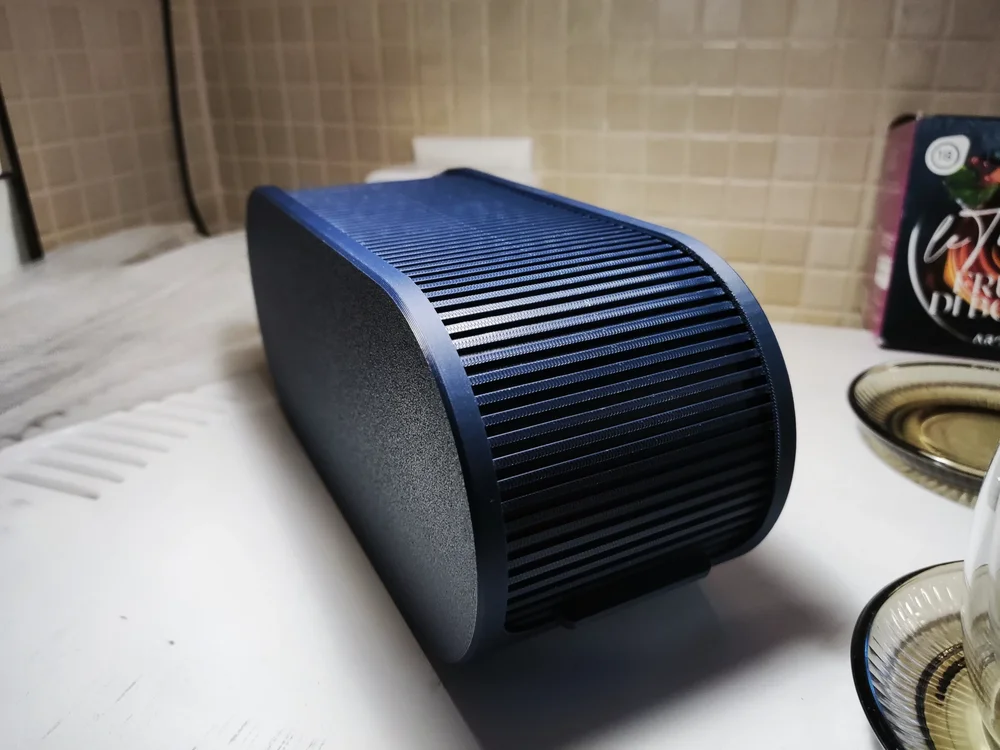
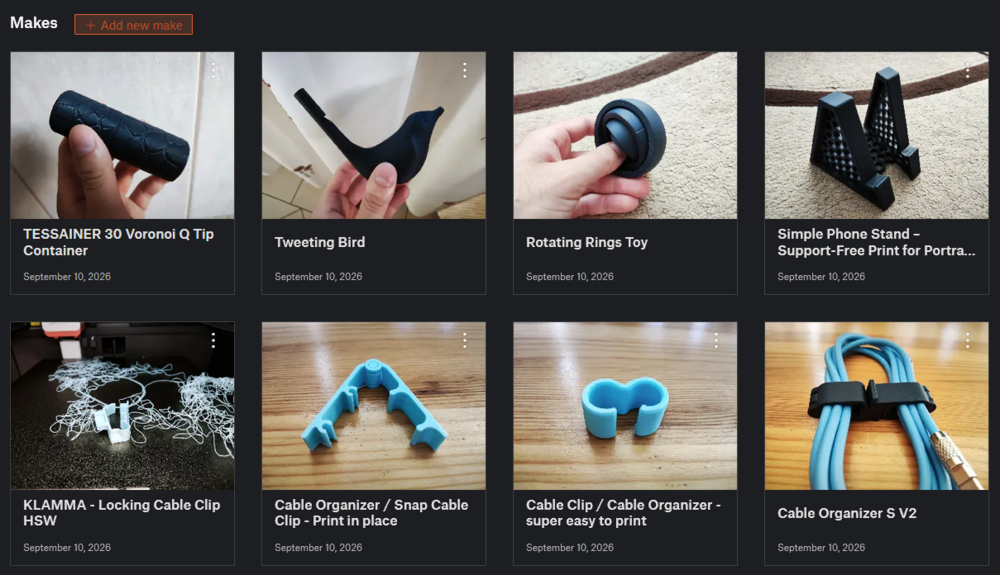
After some work, here are my next batch of printing examples: Modular Locker Storage (model by me): Stacking Storage Tray and Basket (model by @PenguinPrototypes): Shutter Box (model by @3DPrinty): Stackable Sunlu Spool Organizer (model by @3DAlex_SPB): I also printed some smaller things as well, which you can find on my Printables profile: Most of the filaments I used: Sunlu PLA - Midnight Sunlu PLA Matte - Sprout Green Sunlu PLA Matte - Ocean Blue Sunlu PLA+ Gray Sunlu PLA+ Red The matte filament sticks a little bit harder to the PEI plate, but looks very appealing. Additionally, PLA+ and plain PLA prints the easiest. Currently I am trying out the silk variants. I will post about them later!
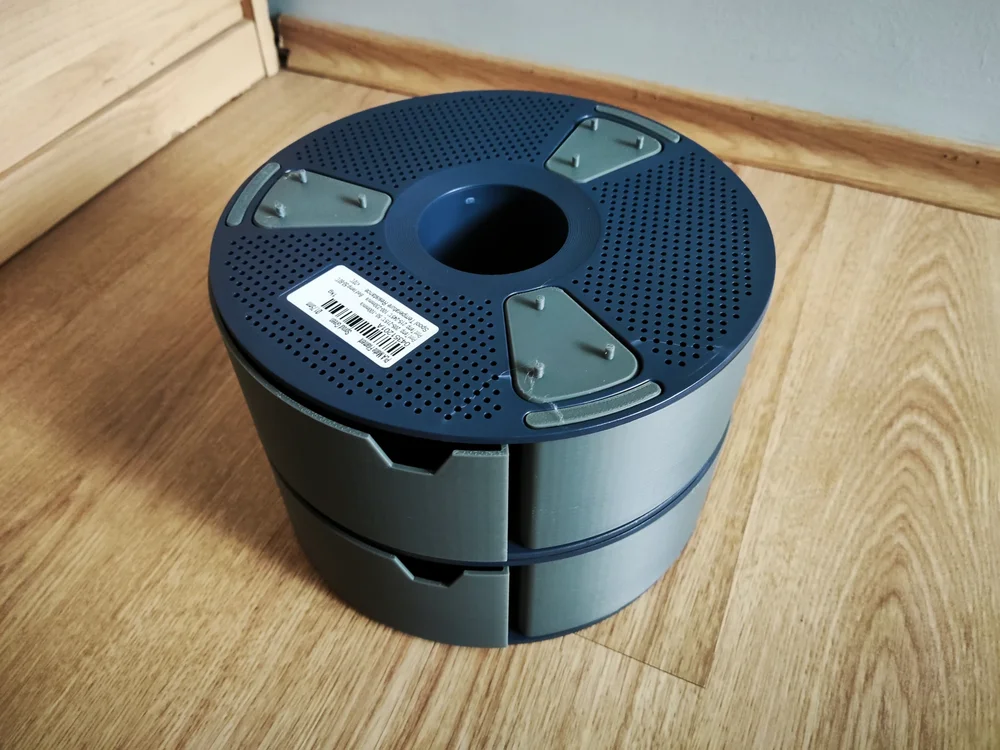
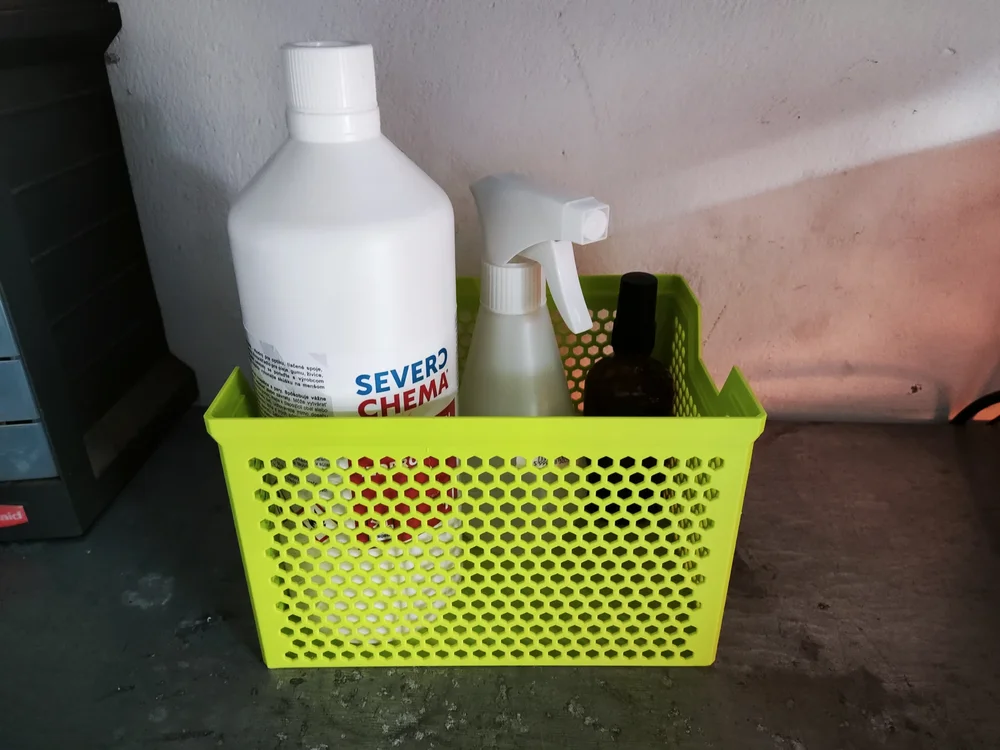
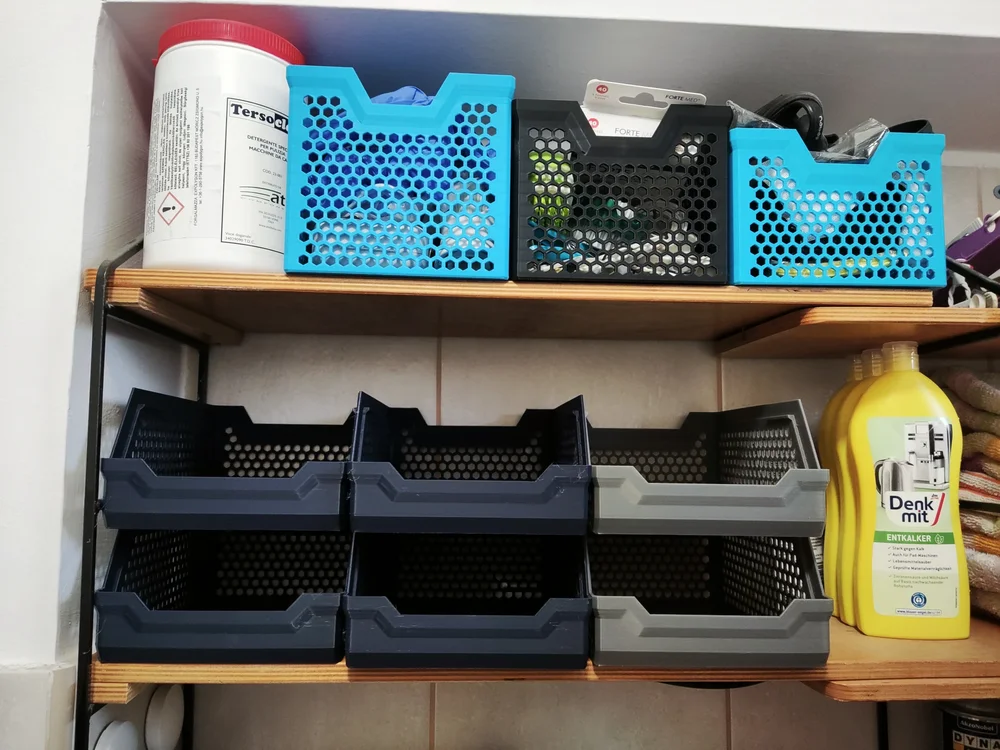
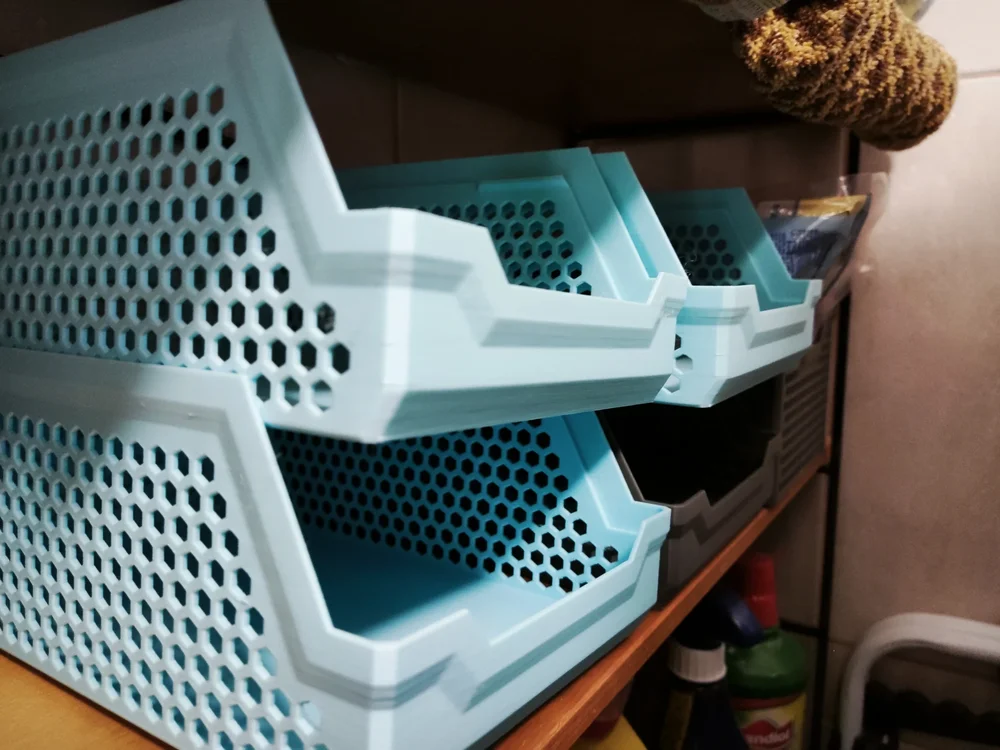
-
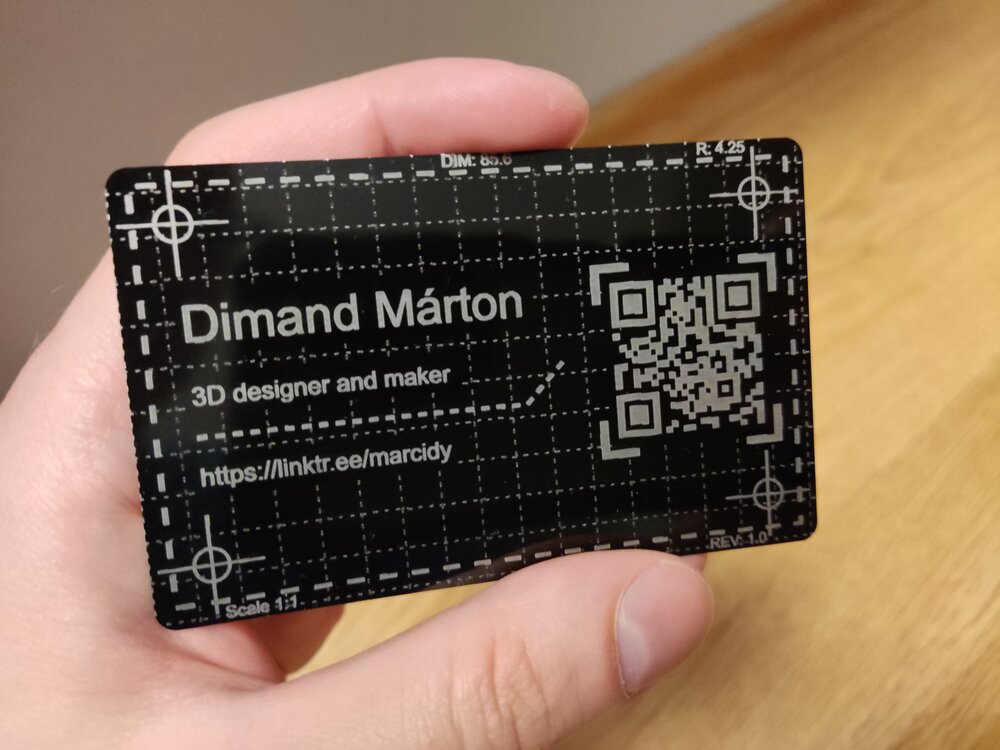
And the work has begun... (Engraved anodized aluminium card) I am still waiting for a few accessories and materials to arrive, but I just couldn't wait any longer, so I ran my first project. It came out pretty nice and sharp :)
-
Good idea! Once I've used it for a while, I'll share my experience with it.
-
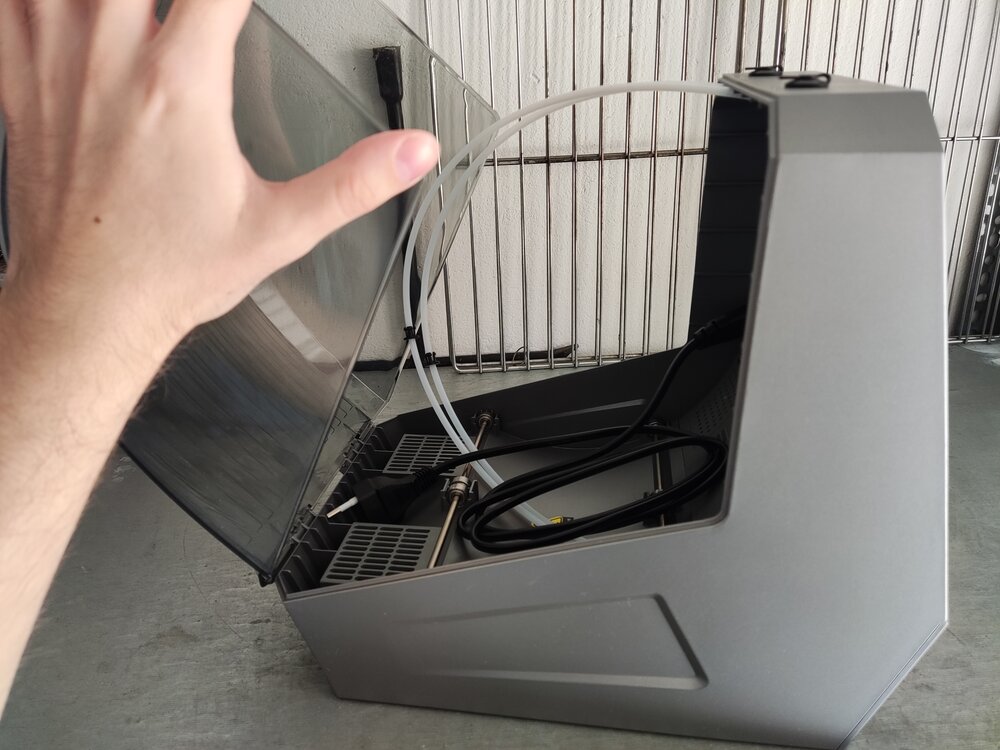
Just received a Space Pi Plus by redeeming my points on Creality cloud. I haven't had the chance to use it yet (most of my spools are already dry enough), but looks great. Now I can finally dry filament properly :D.
-
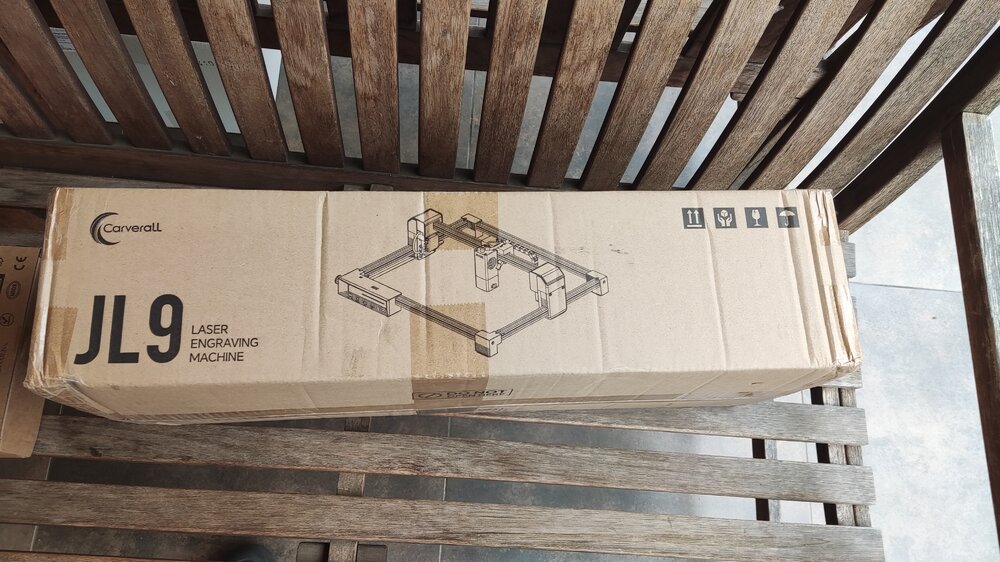
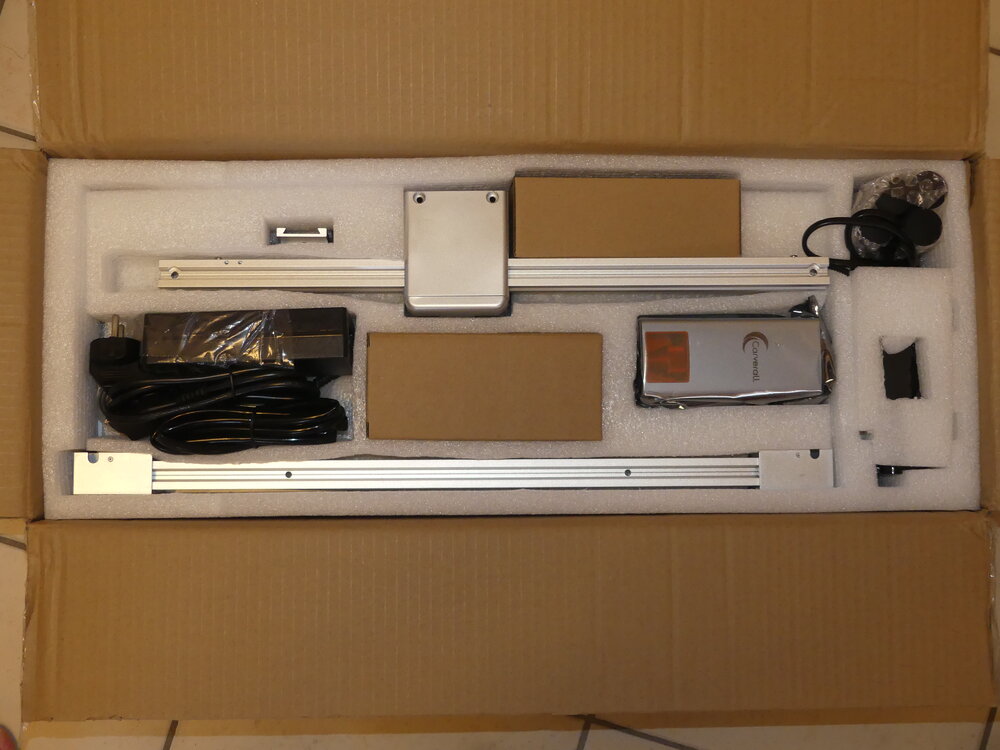
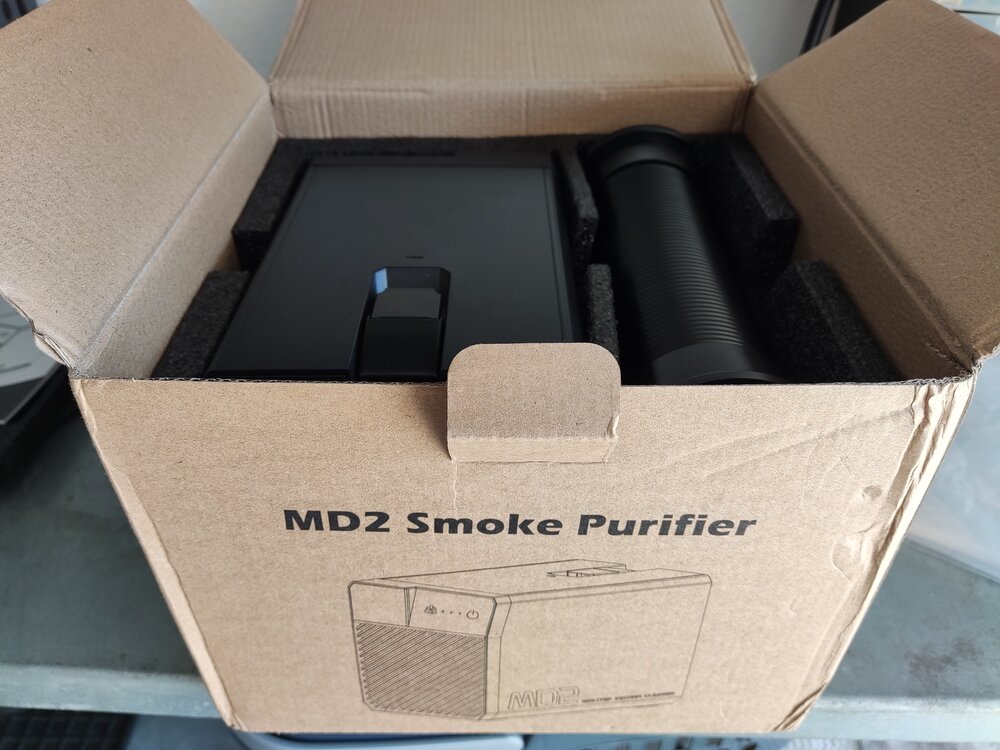
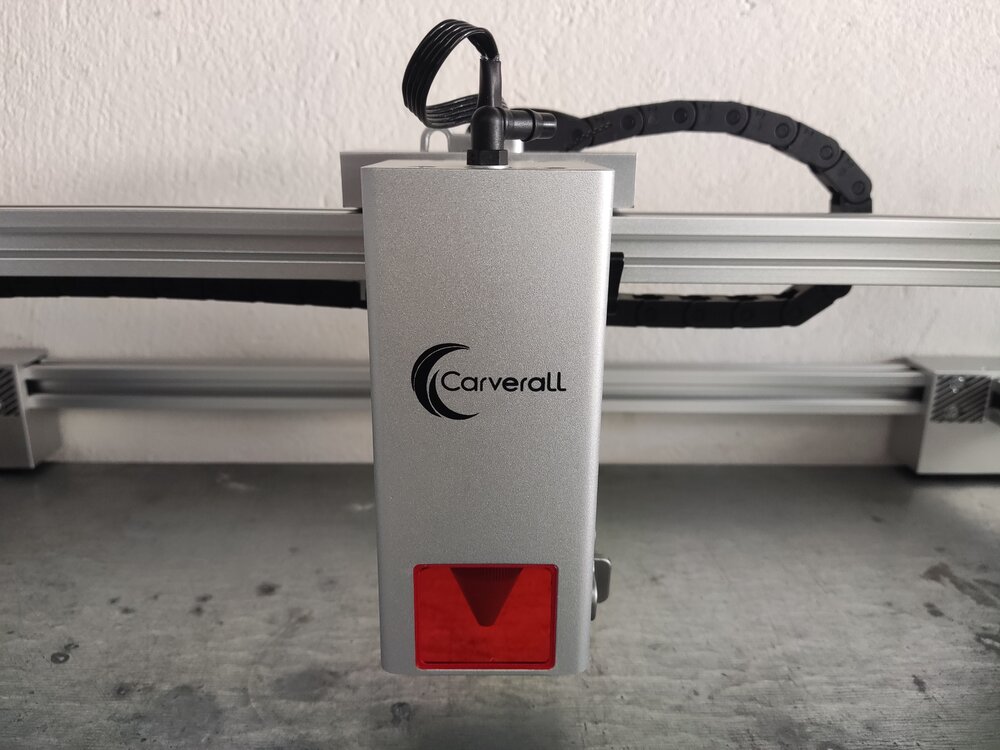
Just received these packages recently. Assembly is still in progress as I am waiting on some accessories and materials, but hopefully, the work can start soon! I am really excited to be part of this collab with 3DWithUs and Carverall!
-
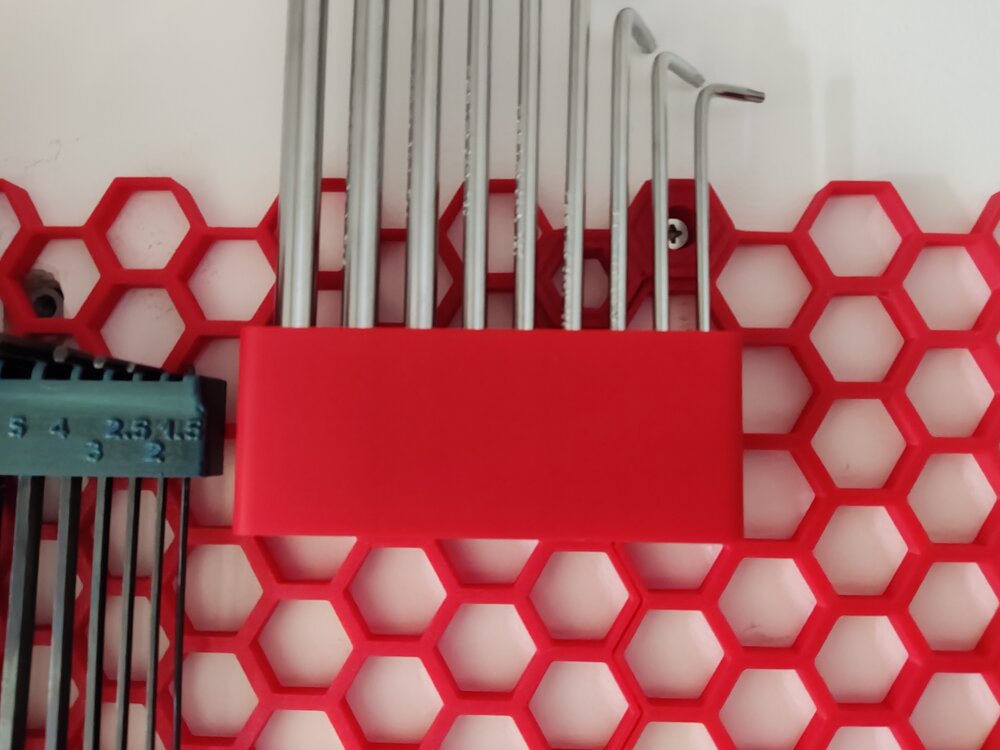
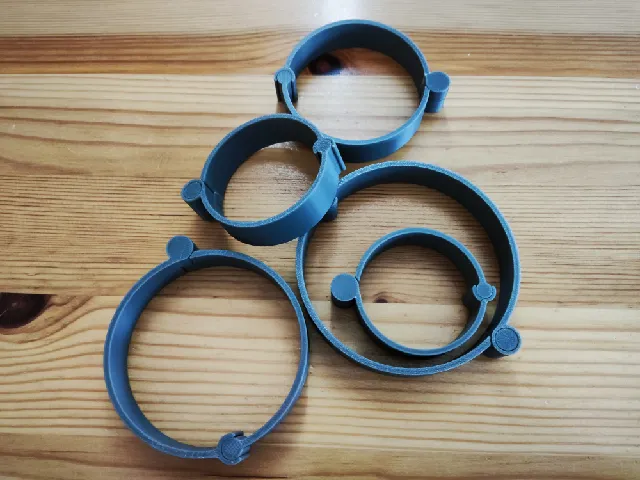
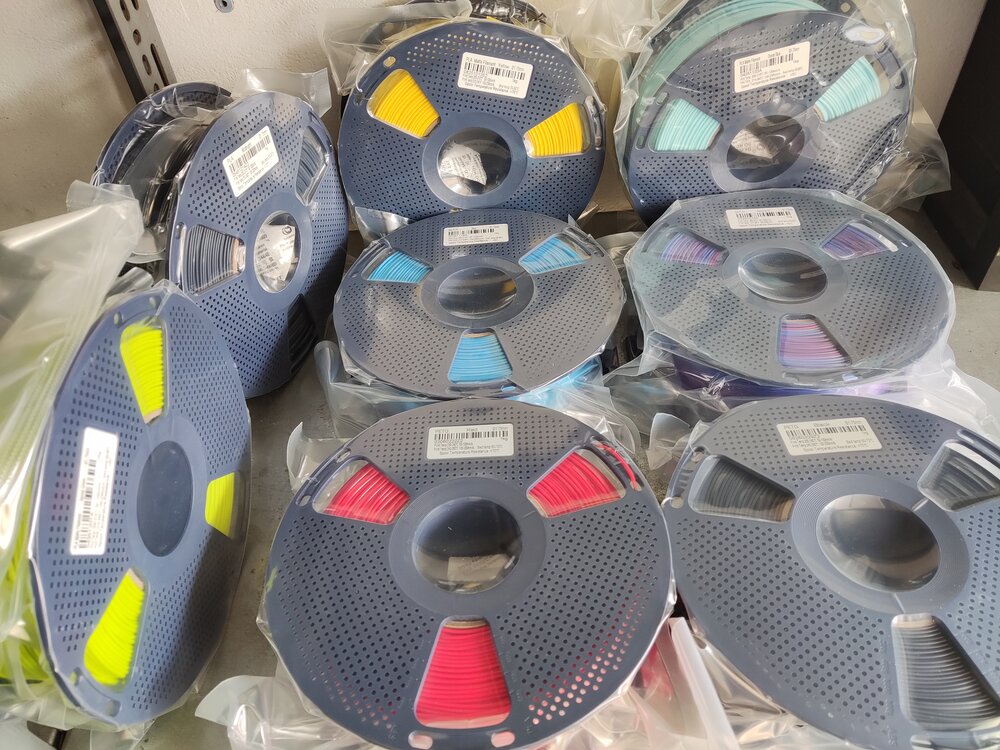
It's been a while since I posted here, so here is the new batch of giveaway filament prints :D The PLA+ Red and Gray were really good. They are definitely tougher than regular PLA (not PETG levels, but perfect for my applications): They are perfect for HSW inserts, holders and cable organizers. Also, these were all of the giveaway filaments I received in recent months: Sunlu PETG - Red Sunlu PETG - Black Sunlu PLA Matte - Yellow Sunlu PLA - Midnight Sunlu PLA Matte - Sprout Green Sunlu PLA Matte - Ocean Blue Sunlu Silk PLA+ - Rainbow Sunlu Silk PLA+ - Blue When I posted about my HSW setup, Sunlu was kind enough to let me choose PETG over PLA (love you Sunlu ❤️). I have quite a lot of filament rolls open, so I didn't have the heart to open these as well for a test print, but as soon as my supply diminishes, I will post a follow-up about them! I highly recommend participating in the monthly giveaways! You can earn some wonderful filament rolls! Thank you 3DWithUs and SUNLU for the giveaway!
-
Thanks! Feel free to link it. Nice article! I didn't even know you covered this topic!
-
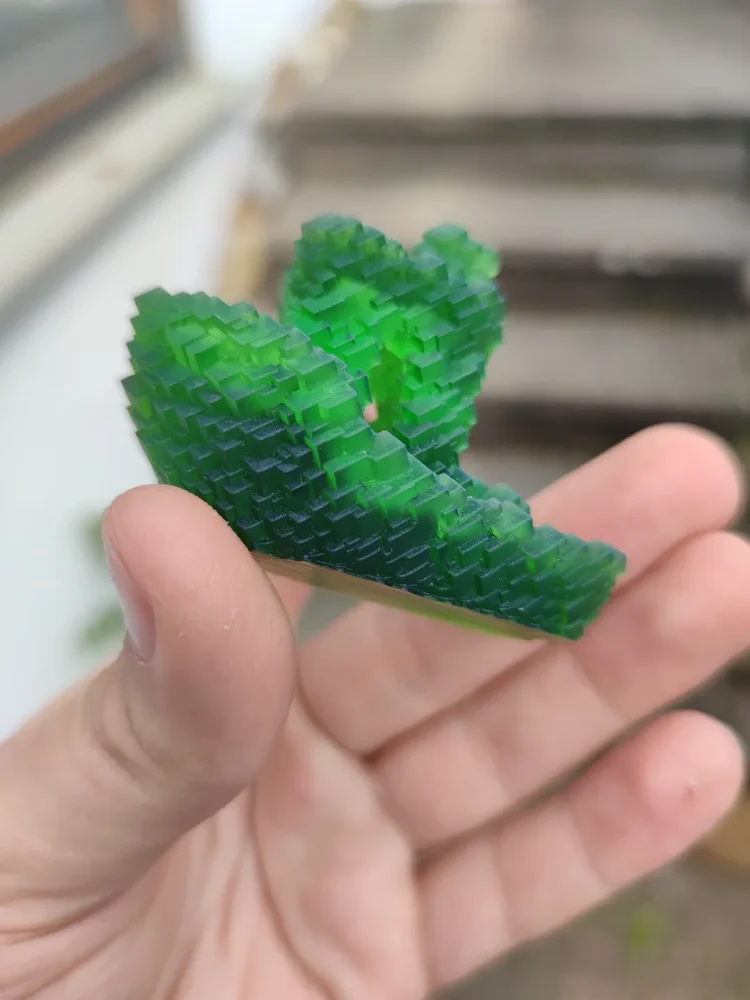
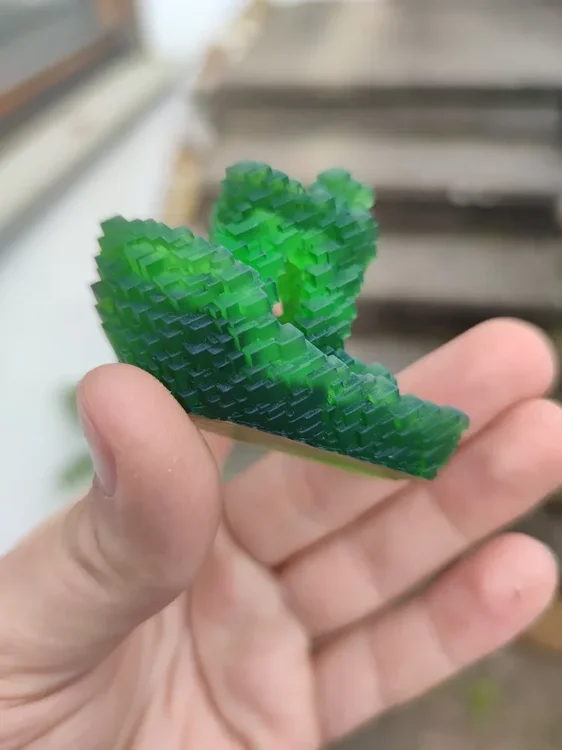
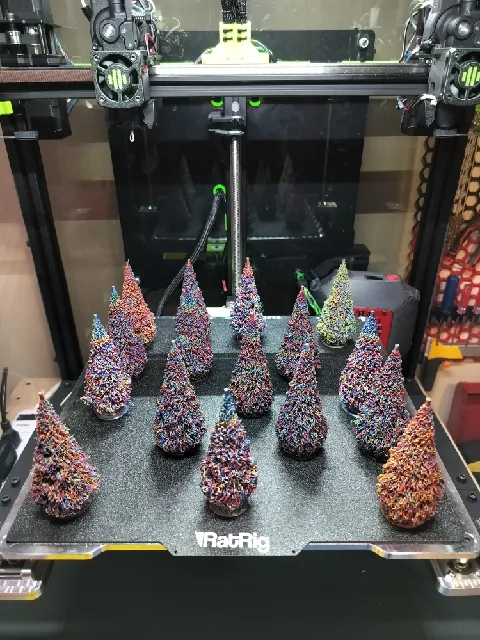
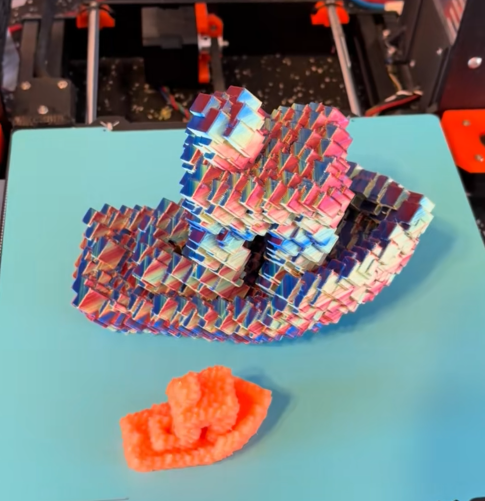
I reached 10,000 downloads on Printables and I wanted to say thank you to everyone who supported me and my models! Moreover, I wanted to share a few things about my journey and what comes next. I started making and uploading 3D models in October 2025. I made my first designs in TinkerCAD and Blender. Then I discovered FreeCAD, and I have been using it ever since. I have been designing all kinds of decorative, functional and miscellaneous things with them. I have also been taking part in contests and community challenges alike, while uploading some of my personal projects as well. In the future, I plan to keep extending my current collections with new or better designs, like: Glitch models Fidgets and toys Accessories for the Honeycomb Storage wall (I will also keep adding some of my personal projects to the mix and keep participating in contests as well!) So, here are some of my most favorite makes of my models: Glitch Benchy make by @LegoRJ35 I love the radioactive look, the green resin shows! Christmass Tree make by @Agit68_226454 They are just so colorful! I love them! Another Glitch Benchy make by @dominic_301362 That Silk Twist PLA just looks astonishing (and the size of it — wow)! Thank you again to everyone, who helped me with likes, downloads and makes on Printables! (This post was mainly focused on my Printables journey, but I am active on other platforms as well: linktr.ee/marcidy)
-
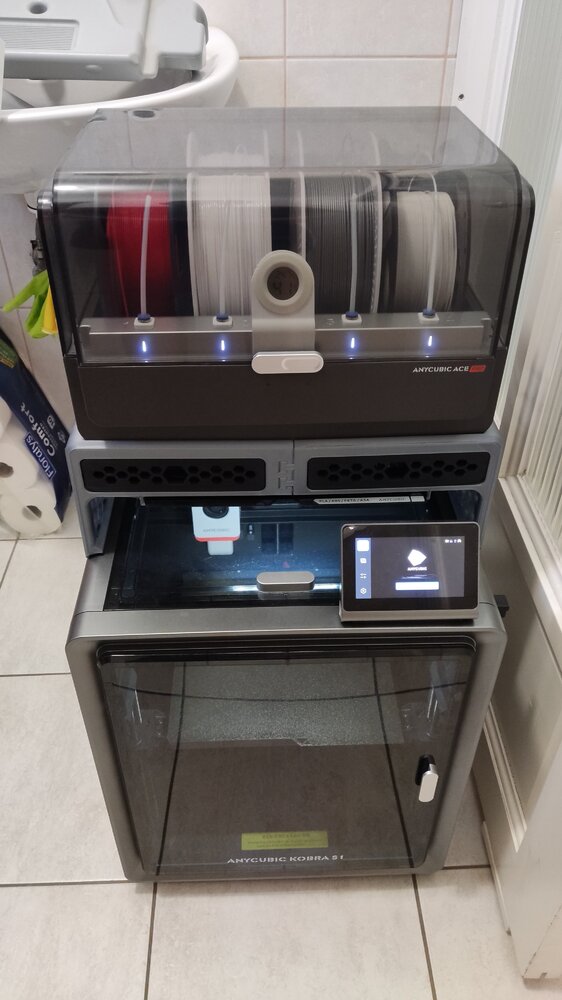
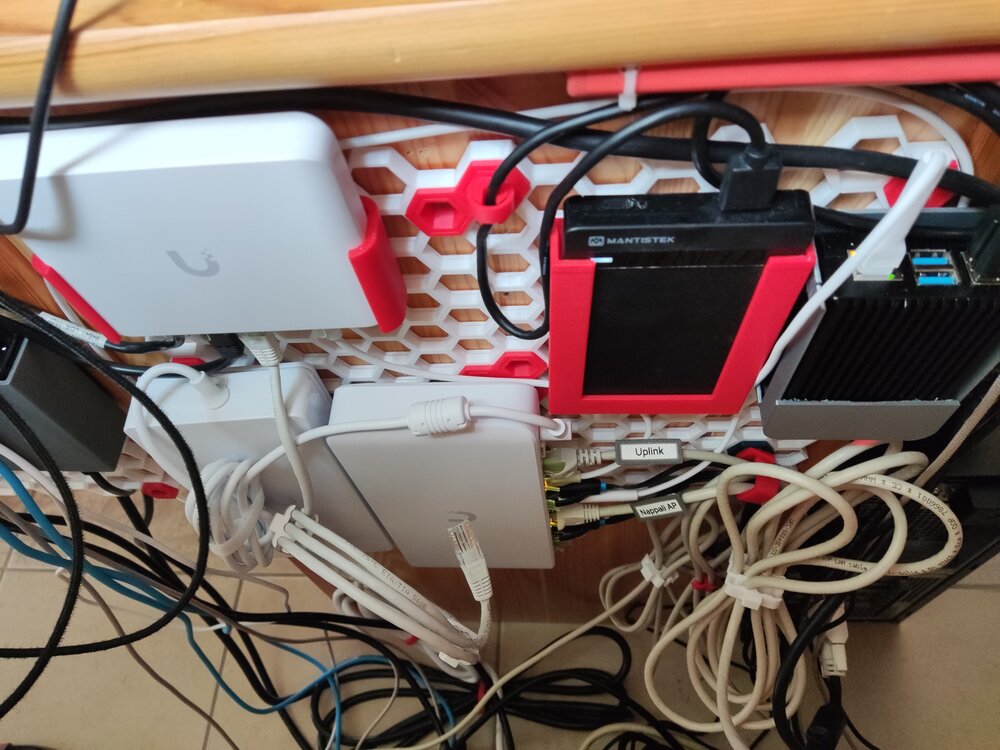
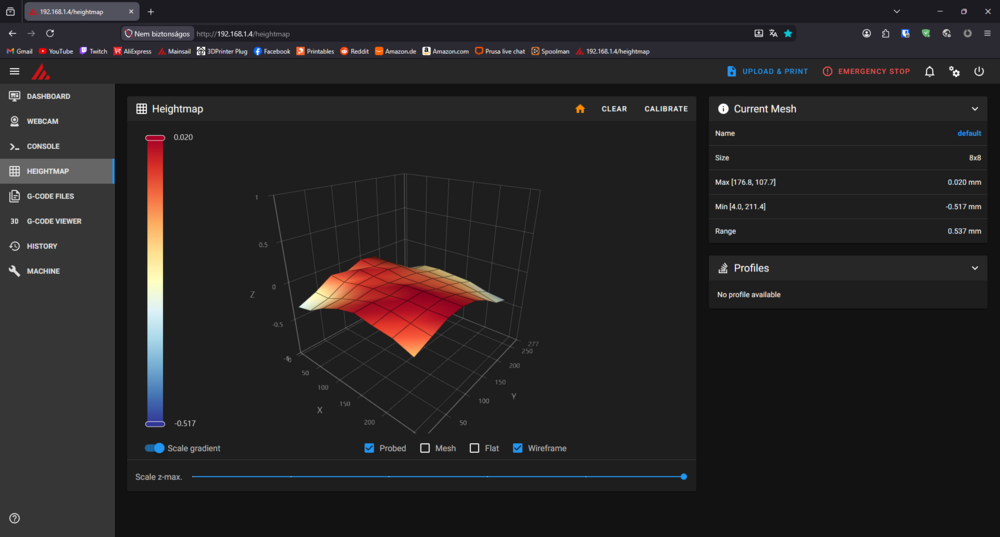
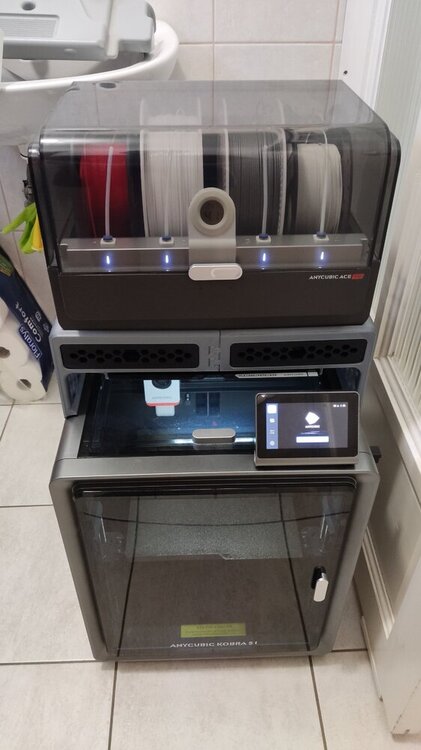
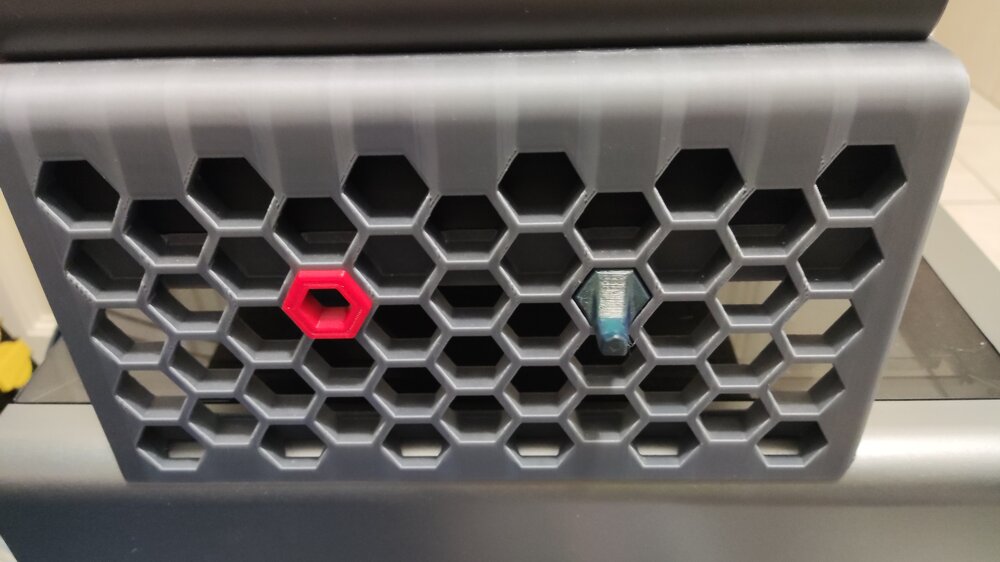
Hi! Just saw this topic/review while browsing the forum and I wanted to share my experience as well. I got the printer in 2025/June and I had it printing for more than 500 hours. I mostly printed with all kinds of PLA (silk, matte, coextrusion, gradient, glow in the dark, etc...) and recently PETG (occasionally I tried TPU as well). The default print profiles from Orcaslicer work really well and there is not much more to calibrate. I tried modding it as well, but that wasn't a smooth run: I tried out different hotends and nozzles (even two diamond ones), but all of them underperformed and the original brass nozzle came out on top. What actually improved the printing experience was the Rinkhals community firmware. It grants you full access to the printer: You can change the config (Speed up the color change for the ace pro), see your bed mesh, remote print with Orcaslicer, Mainsail/fluuid webUI, etc... Here is my bed mesh with custom leveling: 8x8 bicubic as opposed to the original 5x5 lagrange method. I also changed the leveling speed. Another really good mod is the Ace Pro riser: It gives you more space to work with. You can also remove the top cover with it. The side panels are even compatible with the Honeycomb storage wall project! (You can check out more about that here) At last but not least, You can check out my prints with the machine here. Most of those makes were printed on this printer (check the tags). Overall it is a great printer for an even greater price and that's why I chose this machine as my first 3d printer. The only downside i can think of is the warped bed (This is the most common problem for users): It has some really low points near the back corners. Edit: I posted about my setup on SUNLU's new community event if you are interested: https://www.sunlu.com/community/posts/323/a-humble-workspace-1-printer-but-60-kg-filament
-
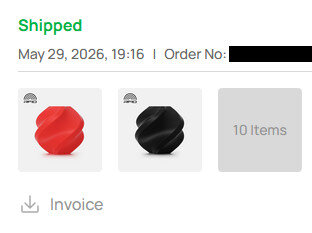
Hi! Thank you, thats very kind of you! I would absolutely love some PETG instead of PLA! I got way too many PLA at home now :D (30+ kg). Also after I finished the project I redeemed my points from bambulab for some PETG. Unluckily they just announced 1-2 days later, that they are renewing their PETG Basic with more colors and additives (They pulled the rug on their PETG-HF project). As for request i don't know if SUNLU has them on stock, but bambulab didn't have any orange/green available at the time. So maybe one of those colors? But it's perfectly fine if they send some random filament they have at the ready :) Thank you for the giveaway!
-
Hi! 3DWithUs has a list of ongoing giveaways related to 3D printing: https://3dwithus.com/3d-printer-giveaways You could try your luck in one of them.