Leaderboard
-
Marcidy
Authors1Points31Posts
Popular Content
Showing content with the highest reputation on 07/27/26 in all areas
-
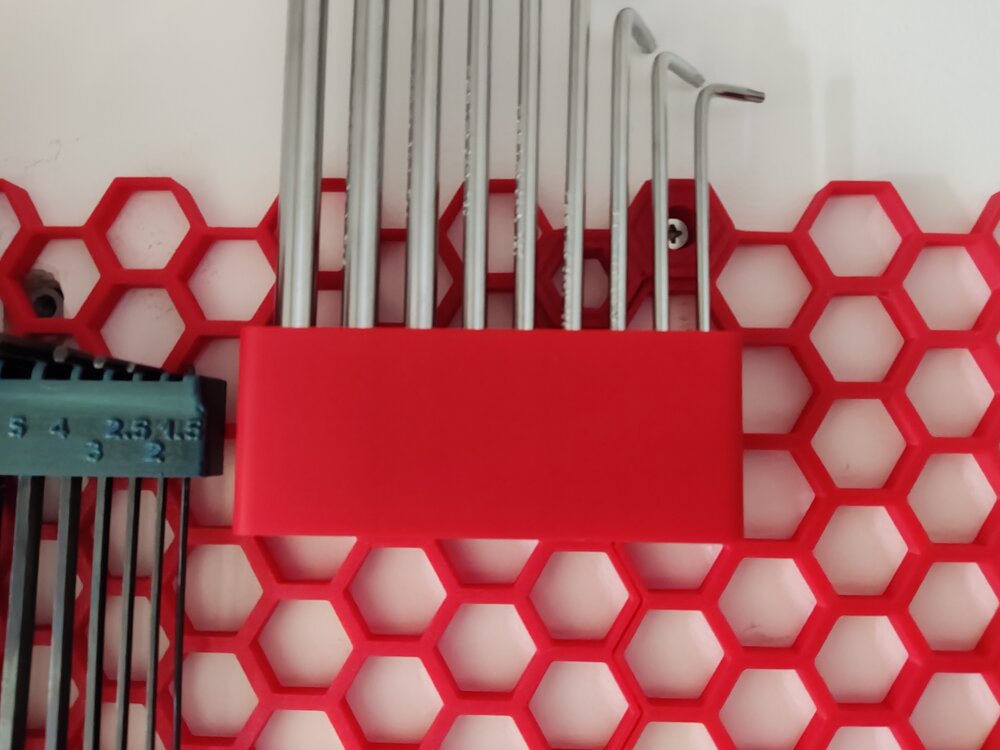
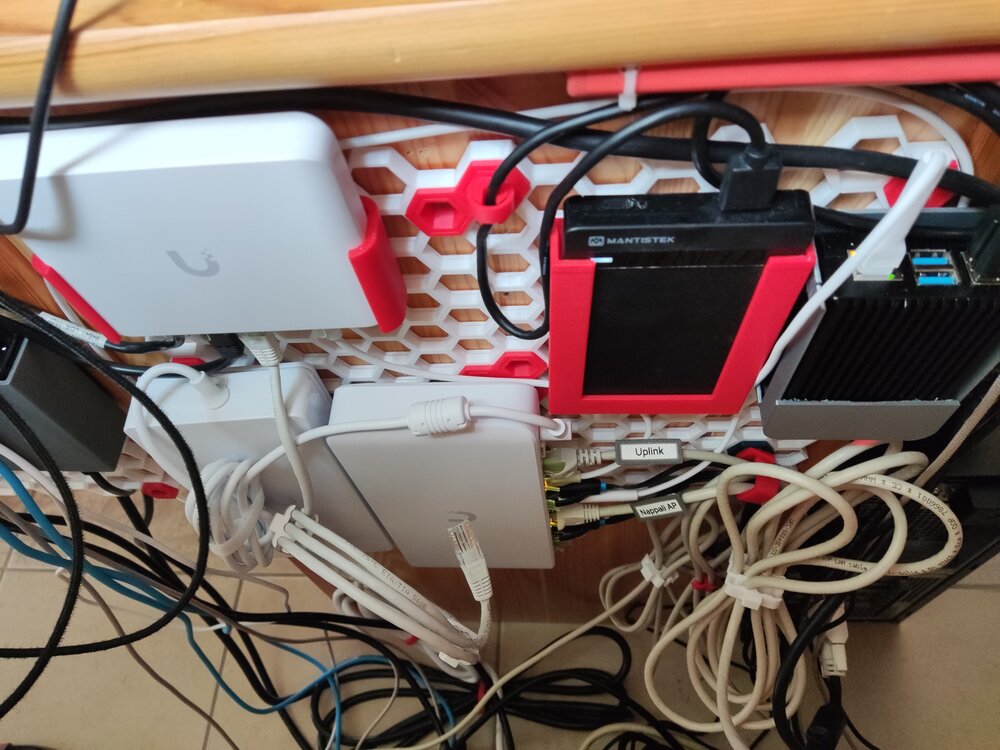
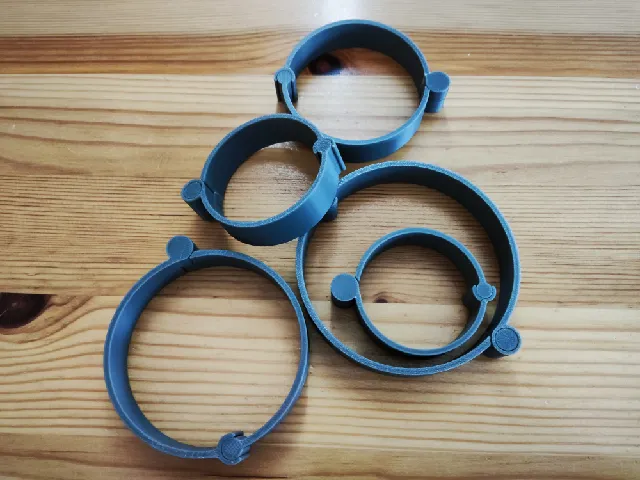
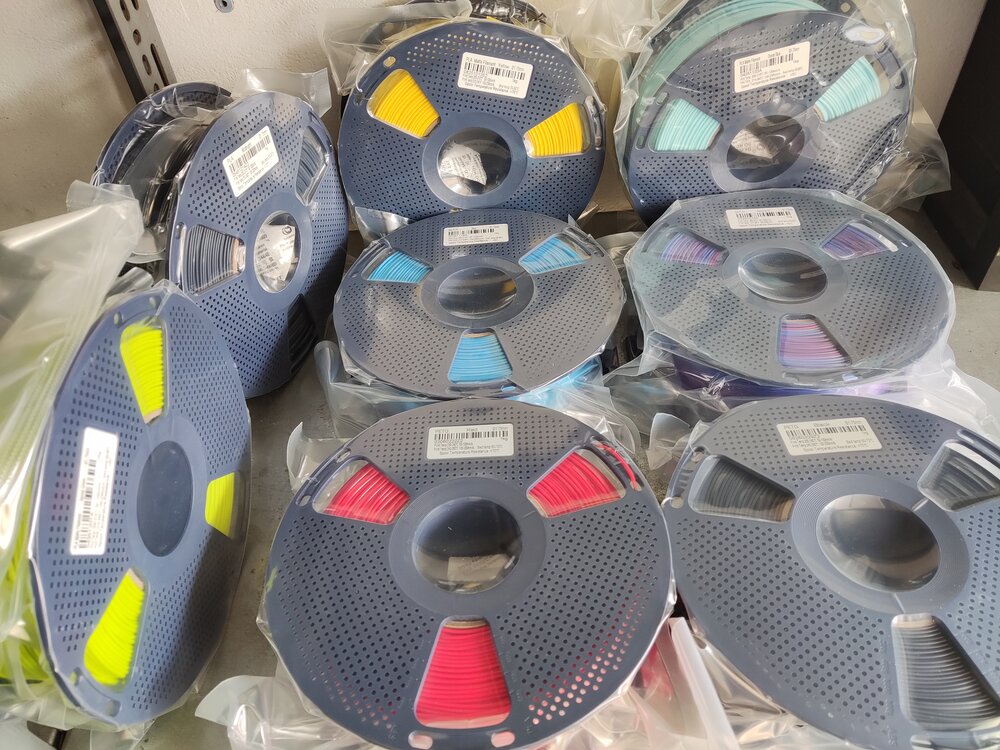
It's been a while since I posted here, so here is the new batch of giveaway filament prints :D The PLA+ Red and Gray were really good. They are definitely tougher than regular PLA (not PETG levels, but perfect for my applications): They are perfect for HSW inserts, holders and cable organizers. Also, these were all of the giveaway filaments I received in recent months: Sunlu PETG - Red Sunlu PETG - Black Sunlu PLA Matte - Yellow Sunlu PLA - Midnight Sunlu PLA Matte - Sprout Green Sunlu PLA Matte - Ocean Blue Sunlu Silk PLA+ - Rainbow Sunlu Silk PLA+ - Blue When I posted about my HSW setup, Sunlu was kind enough to let me choose PETG over PLA (love you Sunlu ❤️). I have quite a lot of filament rolls open, so I didn't have the heart to open these as well for a test print, but as soon as my supply diminishes, I will post a follow-up about them! I highly recommend participating in the monthly giveaways! You can earn some wonderful filament rolls! Thank you 3DWithUs and SUNLU for the giveaway!
 1 point