CADProps
Members
-
Joined
-
Last visited
Everything posted by CADProps
-
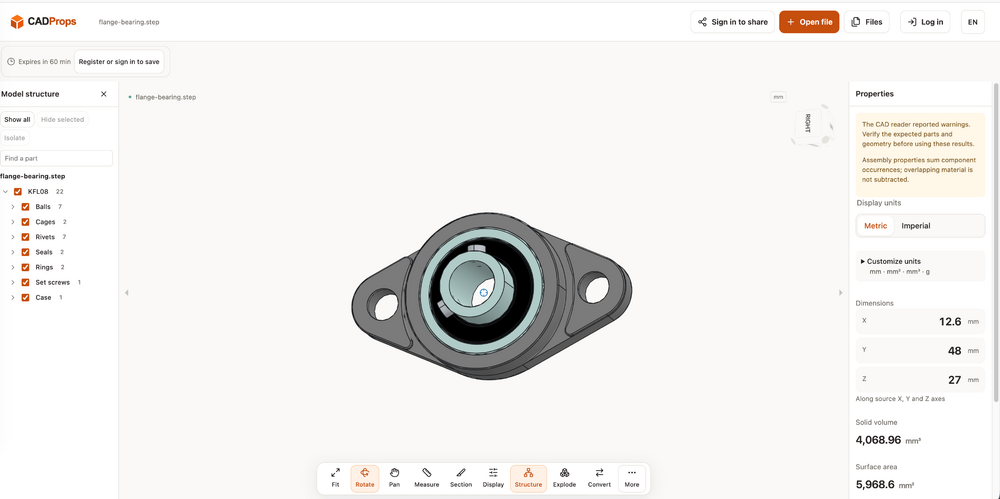
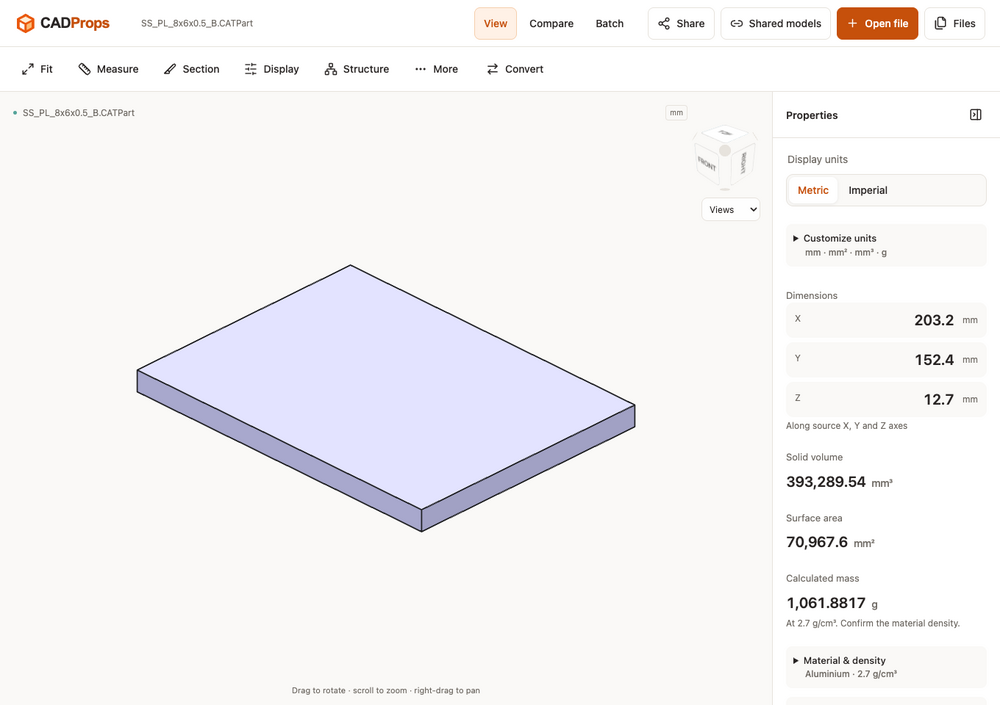
Hi everyone — we’re the team behind CADProps. We built it for those moments when someone sends you a CAD file and you want to inspect the model and check its dimensions without installing another desktop application. For example, you can open a STEP file, rotate the model, check its units and overall dimensions, and inspect geometry properties. CADProps also opens STL and other supported mesh formats, which can be useful when checking a model received for a 3D printing project. If you’d like to try it with a known sample, we’ve put public STEP and STL files here: https://www.cadprops.com We’d be interested to hear what you usually check first when receiving someone else’s model. Are dimensions, units, geometry properties, or comparing versions the most useful to you? — CADProps