All Activity
Today
-
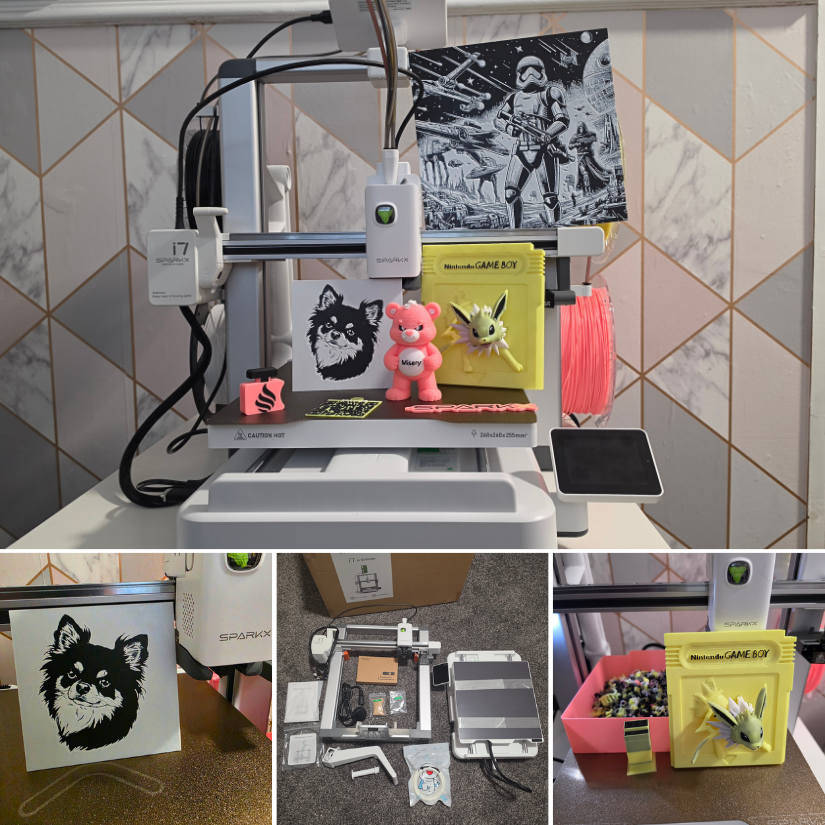
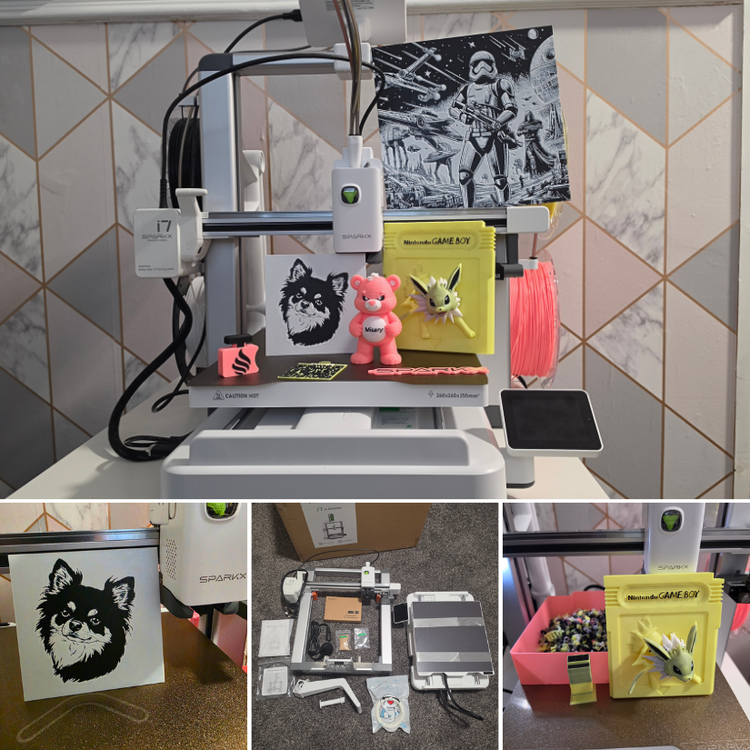
We’ve just published our hands-on review of the Creality SparkX i7 Nano Combo with the compact CFS Nano multicolor system. If you’re considering this setup, have questions about it, or already use one, share your thoughts and experiences here. https://3dwithus.com/creality-sparkx-i7-nano-cfs-nano-hands-on-review
-
To learn the Ender 3, I’d start on YouTube and search for “original Ender 3 setup” or “Ender 3 beginner guide.” CHEP and Teaching Tech both have many older Ender 3 videos that are still useful. For an electrician, getting to grips with 3D printing should be pretty straightforward. Good luck with the machine!
-
Thanks for responding, Max. I have been wanting to get into 3D printing for some time because at times, I have needed a part that I could not find and if I could learn 3D printing, I could make it myself. If I can't get it going, I've only lost $50. BTW, where would I find some good video's on how to learn to use this machine and start printing. I'm an electrician by trade so I'm not very good at this stuff.
Yesterday
-
Hi Roger, welcome to the forum! On the original Ender 3, those two metal ends of the belt normally don’t connect to each other. Each end hooks into the carriage, with the belt running around the motor pulley and idler. If you’re completely new to 3D printing, though, I wouldn’t recommend trying to repair a machine that may also have an electrical fault. It may be safer and less frustrating to return it if possible, or sell it as faulty/for parts on eBay and buy a working printer to learn on.
-
Roger joined the community
-
Hi everyone, I am new here and new to 3D printing so I don't know anything. I bought a used printer and I'm having some difficulty with my machine. First what happened is this, the screen would be lite up but it would be blank, nothing showing on the screen. After some research I found that it more than likely is a short somewhere in the heater wiring and probably at the heater head. So I started moving it around it the screen lite up with letters again. Next I started taking it off and the belt came apart where the two ends connect. My question is this, there are two metal clips on the ends of the belt but how do I connect them back together? Is there some sort of clip that came off of it because I can not find out how it is suppose to attach together. The belt seems to be in good shape but if I can put it back together and get it going now I won't have to wait for a new one. Thank you for your help. Have a great! By the way, its the old Ender 3 3D printer.
Last week
-
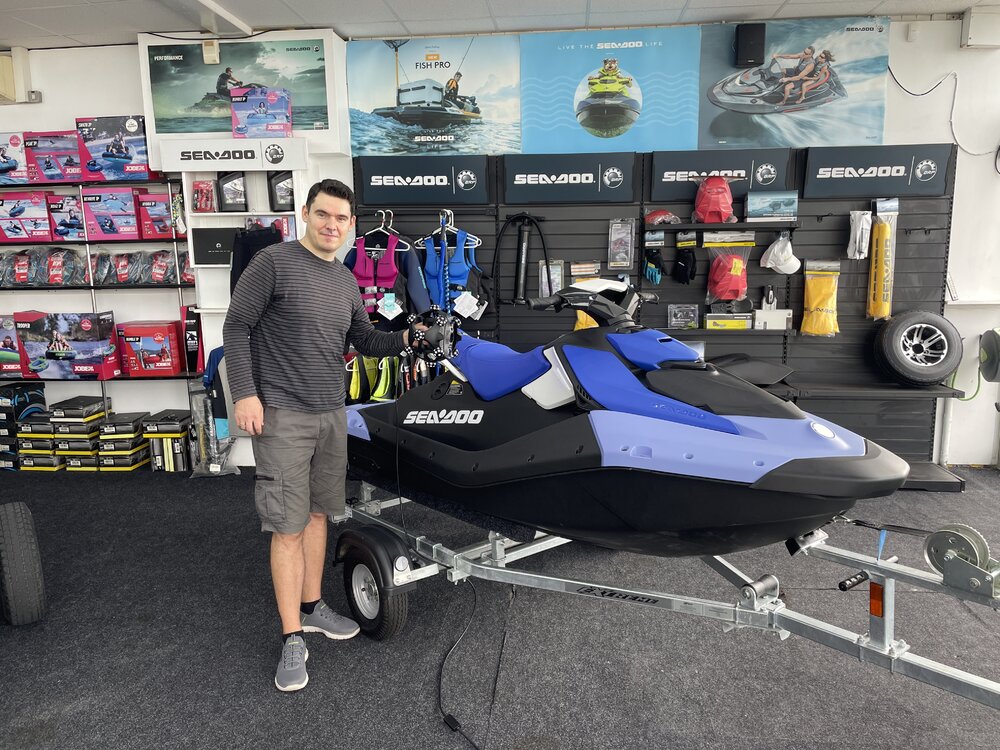
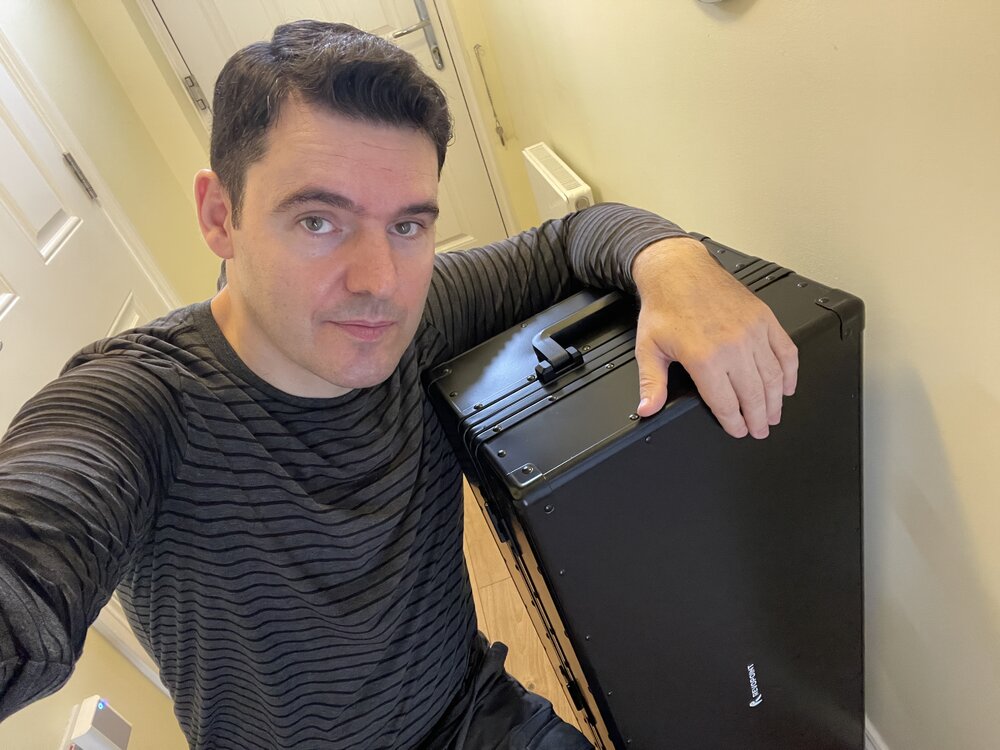
Today I took the @Revopoint3d Trackit SR on a field trip. 😎 Big kudos to our local Thorpe Bay Marine jet ski store for letting me scan one of their Sea-Doos. Had to explain to the 🚕 driver that what’s inside this very cool case is perfectly legal. 😅#3dscanning https://www.thorpe-bay-marine.co.uk/
-
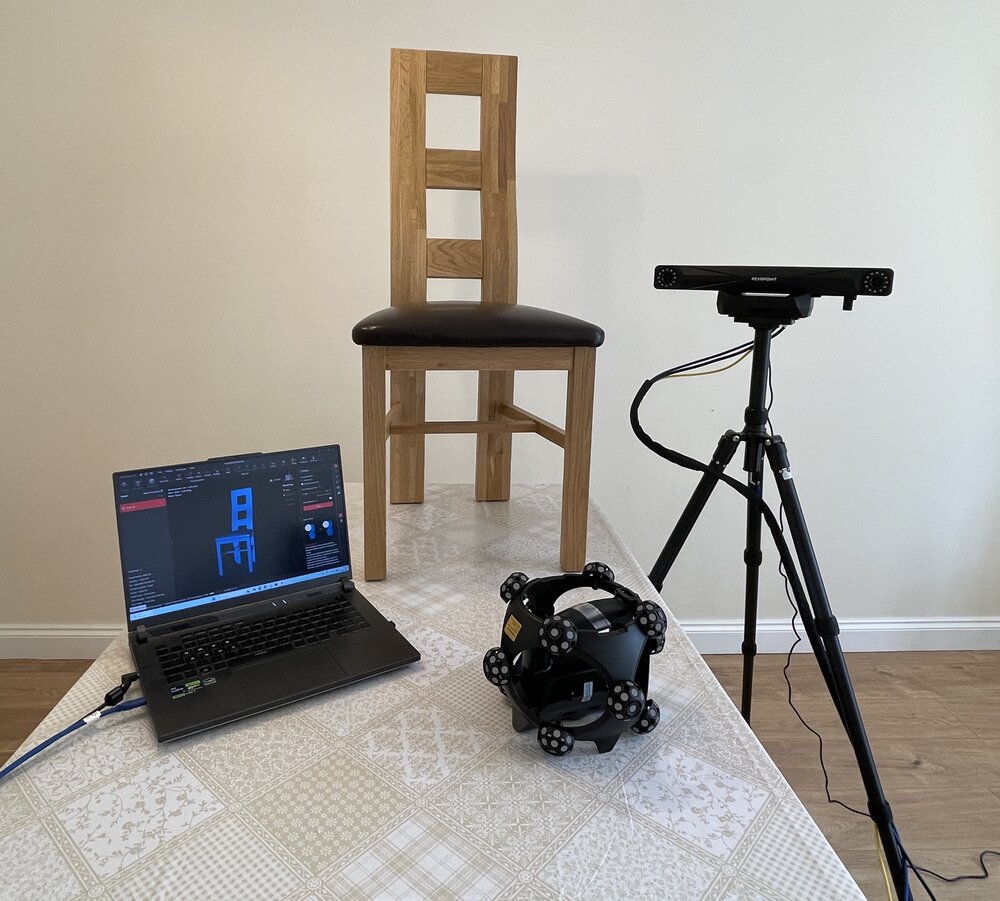
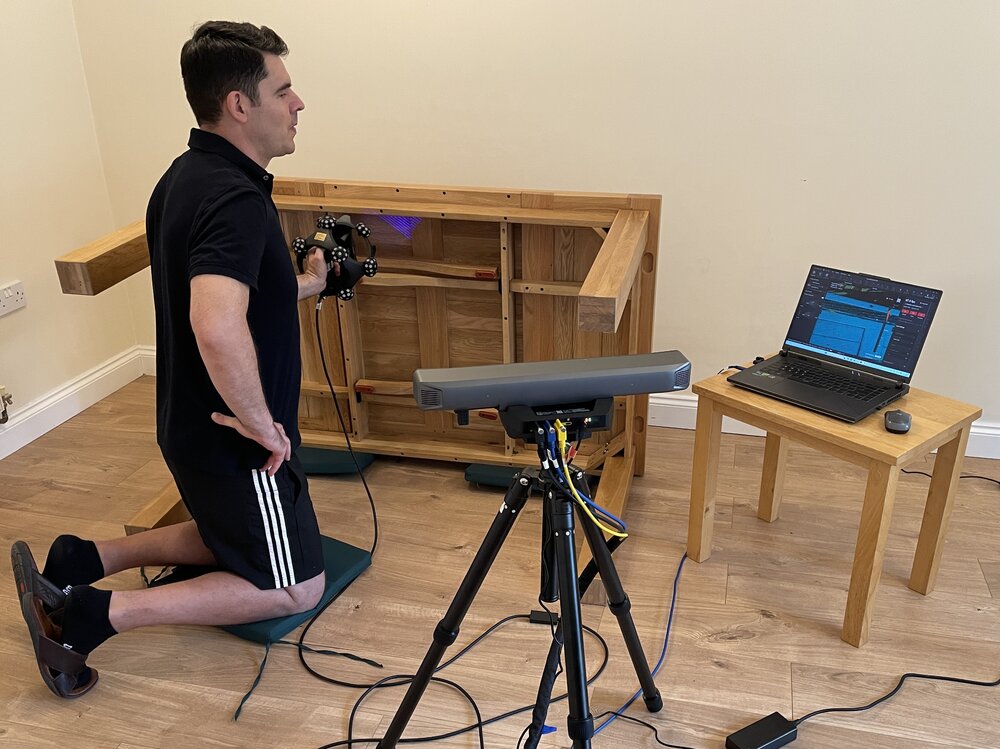
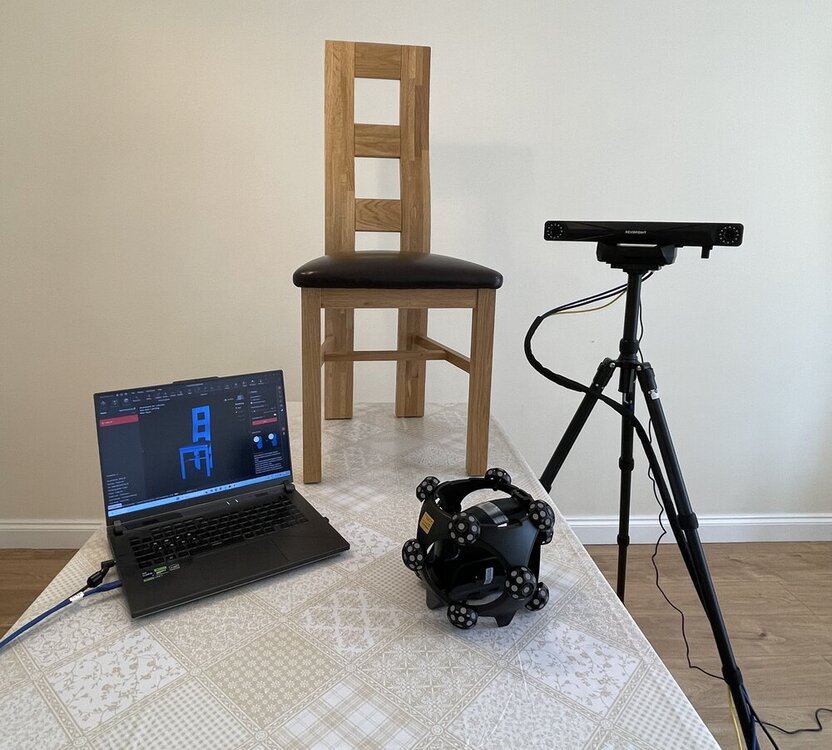
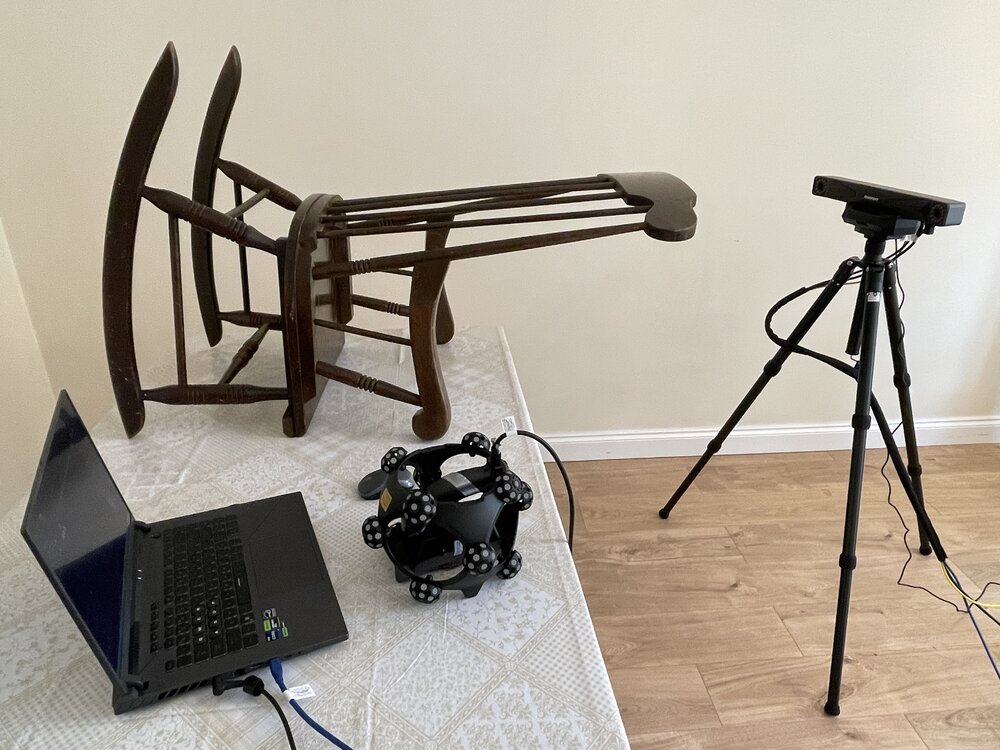
Here are the latest Trackit SR testing developments. I briefly turned my living room into a 3D Scanning studio. Scanning all day is a physical job- everything hurts, like if I were in the gym. Testing the Trackit SR on something bigger this time. Apparently 3D scanning furniture is a thing. I can see why.
-
Jonathan Litzow joined the community
-
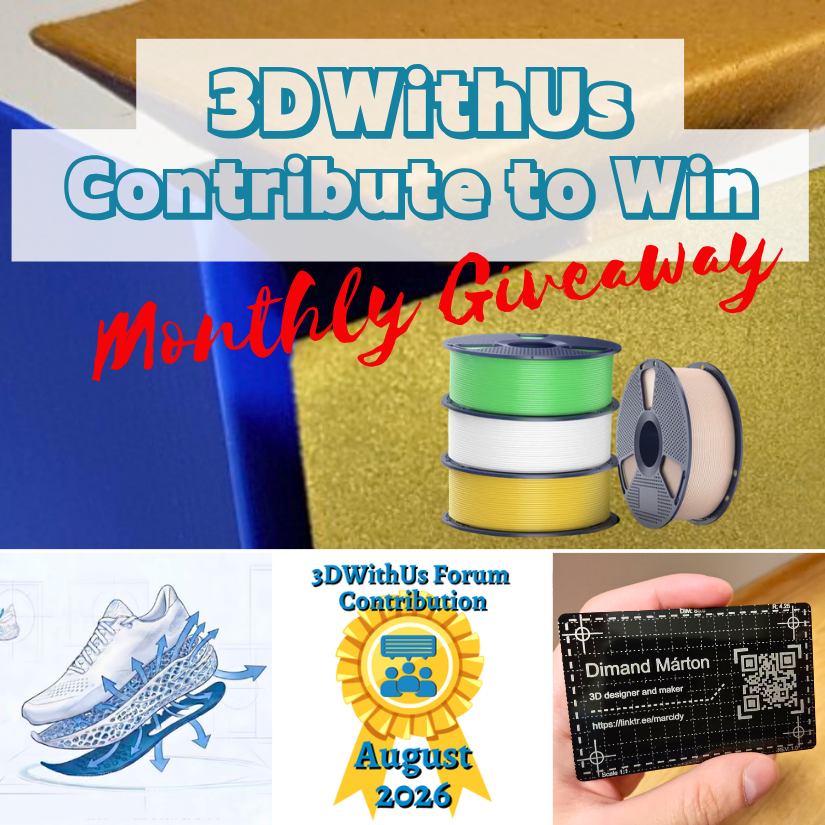
Congratulations! 🎉 This post won 1 filament spool in the Contribute to Win - August 2026 giveaway. We will contact you shortly to arrange the delivery of the SUNLU filament spool. Giveaway Rules: https://3dwithus.com/forum/topic/973-contribute-to-win-monthly-giveaway

-
Congratulations! 🎉 This post won 1 filament spool in the Contribute to Win - August 2026 giveaway. We will contact you shortly to arrange the delivery of the SUNLU filament spool. Giveaway Rules: https://3dwithus.com/forum/topic/973-contribute-to-win-monthly-giveaway
Earlier
-
Congratulations! 🎉 This post won 1 filament spool in the Contribute to Win - August 2026 giveaway. We will contact you shortly to arrange the delivery of the SUNLU filament spool. Giveaway Rules: https://3dwithus.com/forum/topic/973-contribute-to-win-monthly-giveaway
-
Congratulations! 🎉 This post won 1 filament spool in the Contribute to Win - August 2026 giveaway. We will contact you shortly to arrange the delivery of the SUNLU filament spool. Giveaway Rules: https://3dwithus.com/forum/topic/973-contribute-to-win-monthly-giveaway
-
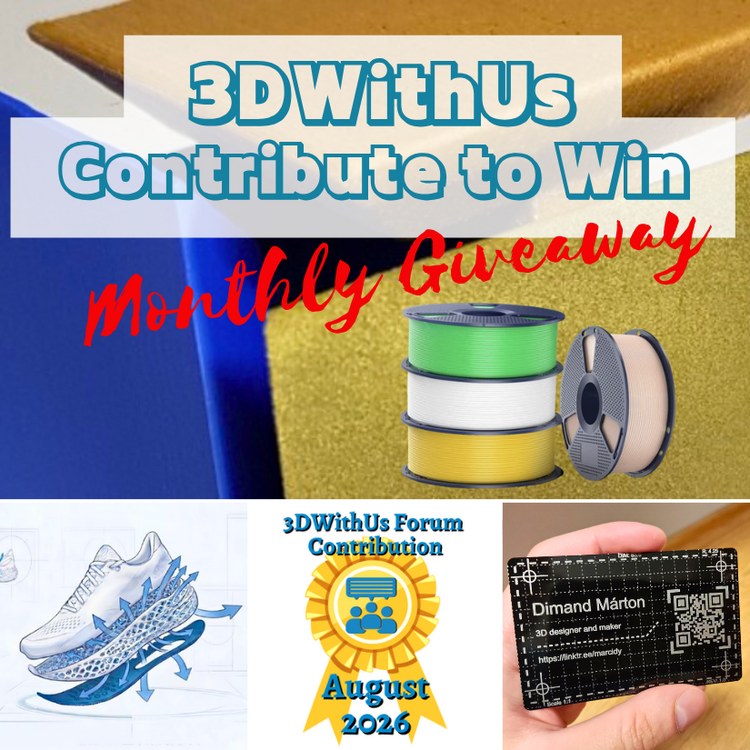
🎉 August Giveaway Completed — September Giveaway Is On The Way! Thanks to all participants! We're excited to award our filament prize to forum contributors 🙌 🏆 Winning contributions: Carverall JL9 Make: https://3dwithus.com/forum/topic/1152-carverall-jl9-discussion/#findComment-1576 Longer LK10 Plus: https://3dwithus.com/forum/topic/1233-longer-lk10-plus/#comment-1499 How Do You Calculate the Real Cost of Your 3D Prints?: https://3dwithus.com/forum/topic/1295-how-do-you-calculate-the-real-cost-of-your-3d-prints/ SLS PEBA to Scale 3D-Printed Footwear: https://3dwithus.com/forum/topic/1354-sls-peba-to-scale-3d-printed-footwear/ Two SUNLU filament spools are now on their way 🎁 What's Next✅ The September giveaway is live ✅ SUNLU filament spools will be awarded to 1–4 contributors whose posts or comments add the most value to the community and forum. ✅ All helpful & creative contributions count. Share your projects, tips, questions, fails & wins. Every contribution helps grow the community and puts you in the running. If you were considering posting but haven’t jumped in yet, this is the perfect time to start. Sign Up Here https://3dwithus.com/forum/register/
-
lucascharity63 joined the community
-
Jason joined the community
-
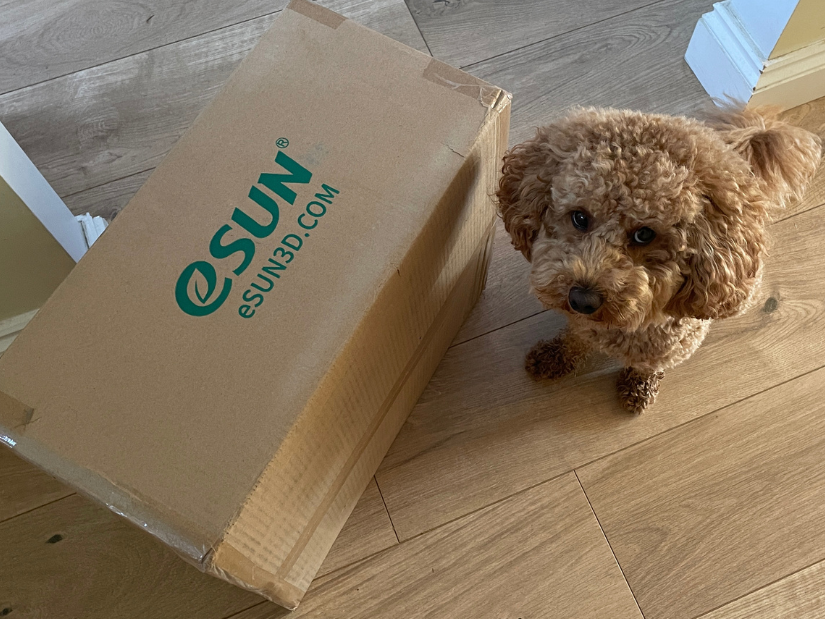
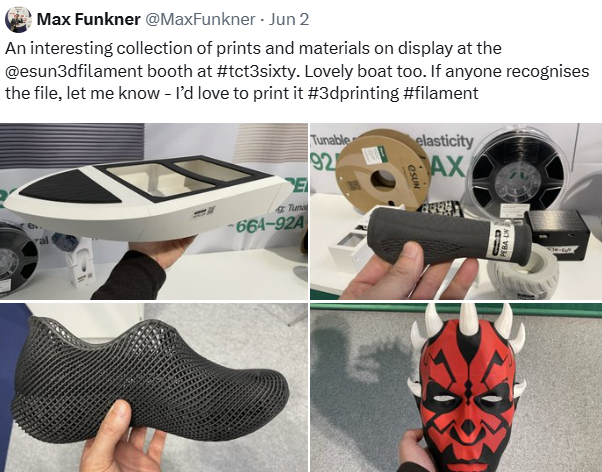
Power of tradeshows. Every little kick towards collaboration helps. The first part of our eSUN collaboration has arrived: a box full of filament. Teddy is definitely not amused that I forced him to work again 🐾 Earlier this year I visited the eSUN booth at TCT3Sixty. They had an impressive range of materials available. My original post on X: https://x.com/MaxFunkner/status/2092605001990332899
-
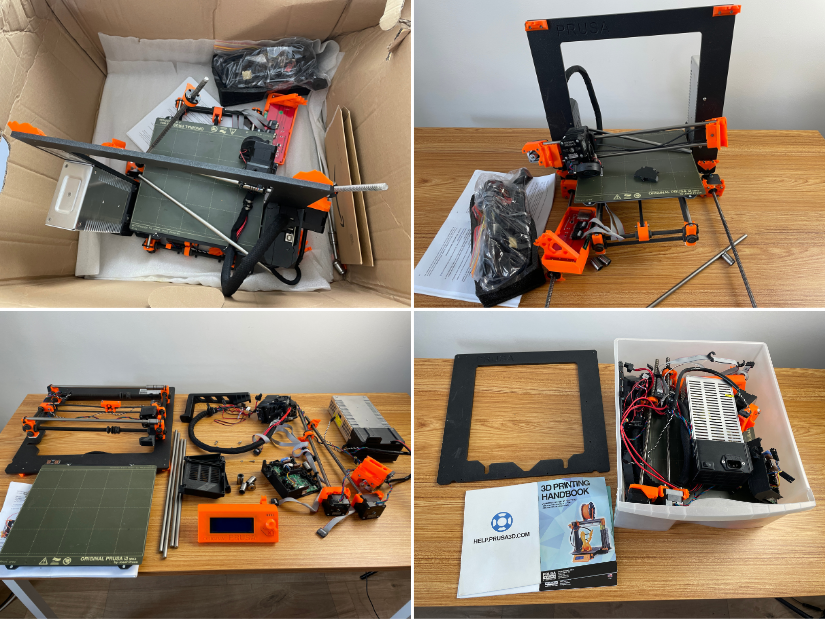
After an unlucky transportation attempt, all I could do was perform a final autopsy on the iconic machine that made me believe in #3Dprinting. Bye-bye, my friend. It was a great journey! 🫡 My original Prusa i3 MK2.5S retired, but definitely not forgotten. https://3dwithus.com/original-prusa-i3-mk2-mk25s-upgrade
-
I've always been curious about one question: Does spending more money on a 3D printer actually make a big difference? Many beginners struggle with the same decision: Should I buy an affordable printer first and learn along the way, or save money and get a higher-end machine from the beginning? So I decided to do a simple comparison. I printed the same model using: The same PLA filament The same 0.4mm nozzle The same 0.2mm layer height Similar speed settings The only difference was the printer itself. Here is what surprised me. Print qualityHonestly, the difference was smaller than I expected. Both printers were able to produce a good-looking print. But after looking closer, I noticed some differences: The more expensive printer handled overhangs better Surface quality was more consistent There was less ringing on sharp edges However, the cheaper printer was still much better than I expected. The biggest difference wasn't the final print — it was the process.The more expensive printer saved me a lot of time: Less calibration Fewer failed prints Less troubleshooting More time actually designing and printing The cheaper printer was not bad at all, but it required more patience and adjustment. My personal conclusion:I think many beginners focus too much on the final print quality. The truth is, most modern 3D printers can produce impressive results. The bigger difference is the user experience. A cheaper printer can teach you a lot about 3D printing, but a more expensive printer allows you to spend more time creating instead of fixing problems. I'm curious: Would you rather buy a cheaper printer and learn everything yourself, or pay more for a smoother printing experience? What was your first 3D printer, and would you buy the same one again?
-
Ryan2333 joined the community
-
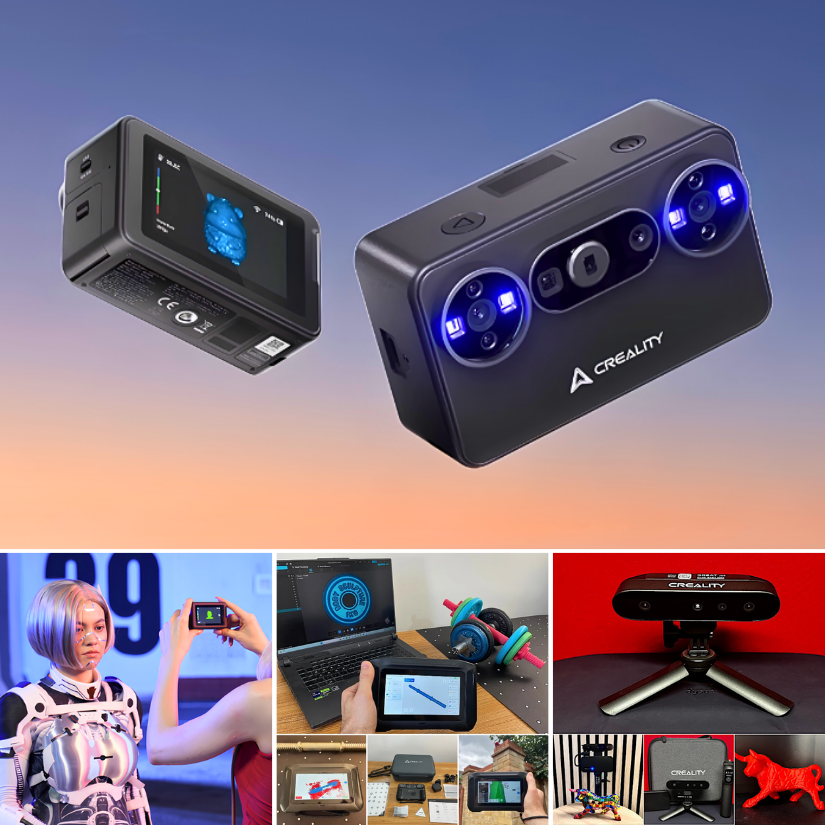
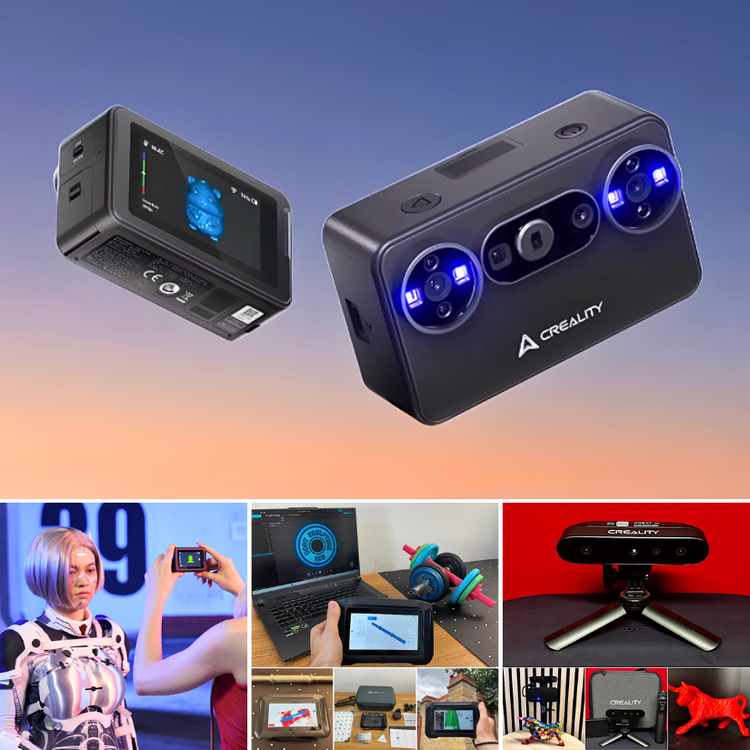
Creality’s 3D scanner lineup is interesting. From the tiny new Pika to the standalone Sermoon P1 and more. Still waiting for Pika to arrive. Here is the first look: https://3dwithus.com/creality-new-3d-scanners
-
Interesting development. SLS PEBA for footwear is definitely one of the more practical AM applications, especially for midsoles and performance testing. The durability numbers are worth watching, as long-term compression and fatigue are still key questions for 3D printed footwear.
-
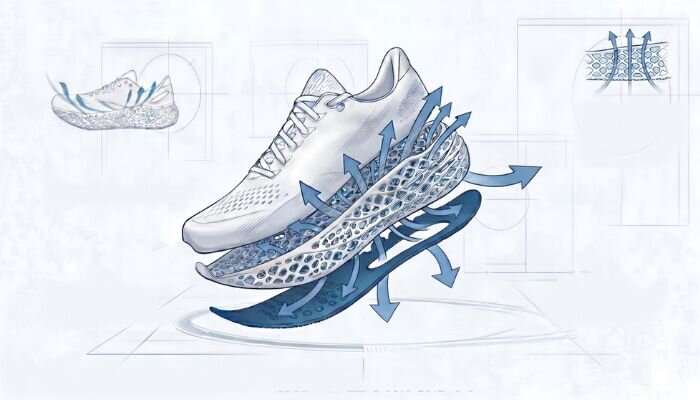
TPM3D announced that it has reached a significant milestone with the industrial-scale integration of selective laser sintering (SLS) and high-performance PEBA elastomers for footwear manufacturing. https://www.3dnatives.com/en/tpm3d-sls-peba-footwear-18052026/#! Durability and long-term mechanical degradation have remained significant challenges for 3D-printed midsoles in high-performance sports applications. TPM3D says it has worked to address this “durability gap” through rigorous engineering and testing. According to internal testing, the company’s SLS PEBA components demonstrate a compression set of 22% to 26%, with no irreversible deformation observed after 200,000 dynamic flex cycles.

-
paco joined the community
-
Uliphant joined the community
-
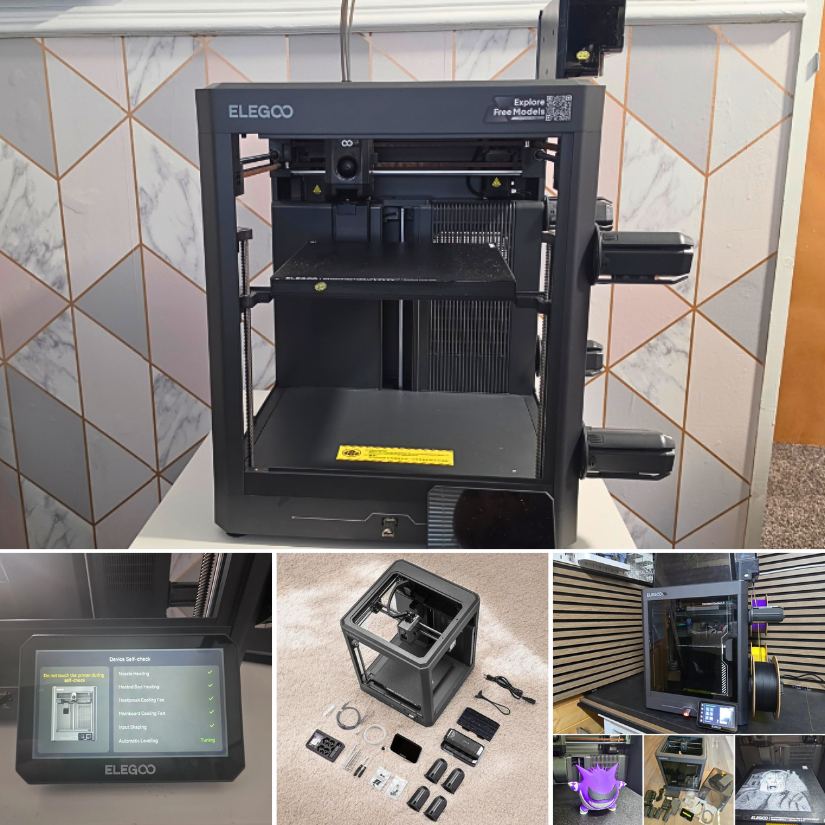
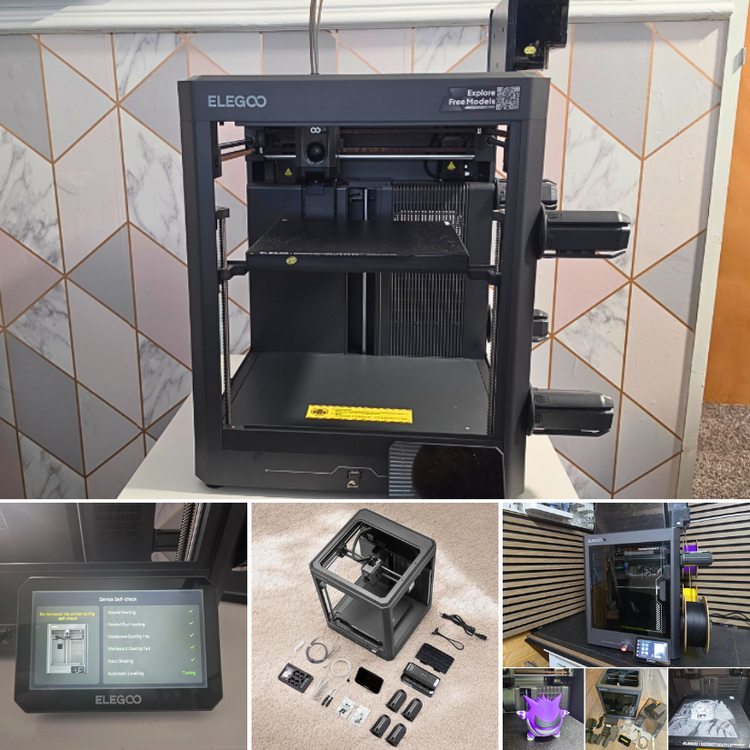
I recently had a closer look at the new Elegoo Centauri 2 Combo. 📹 https://youtu.be/9a95vRu0310 ✍ https://3dwithus.com/elegoo-centauri-2-combo-overview This is an overview rather than a full hands-on review, focusing on the design, setup, CANVAS multi-colour system, and the main differences compared with the Centauri Carbon 2.
-
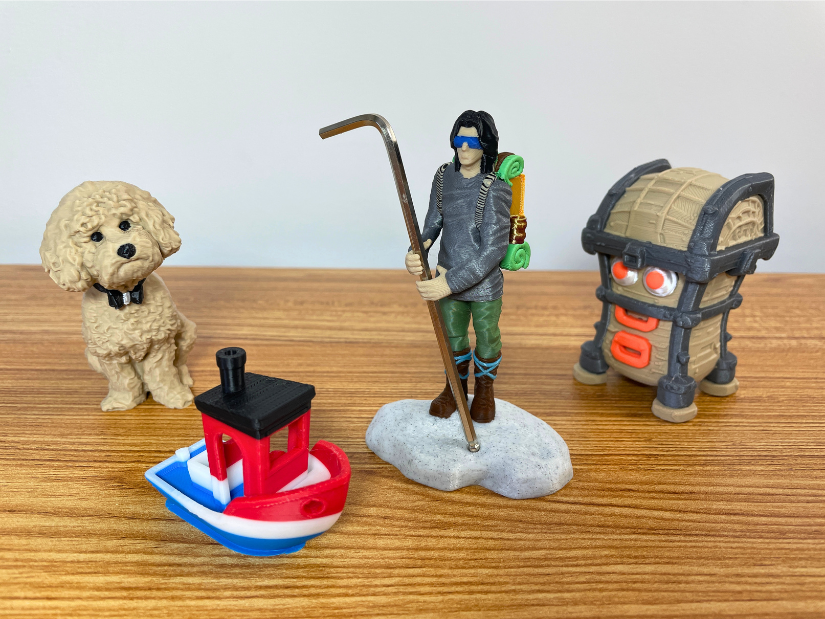
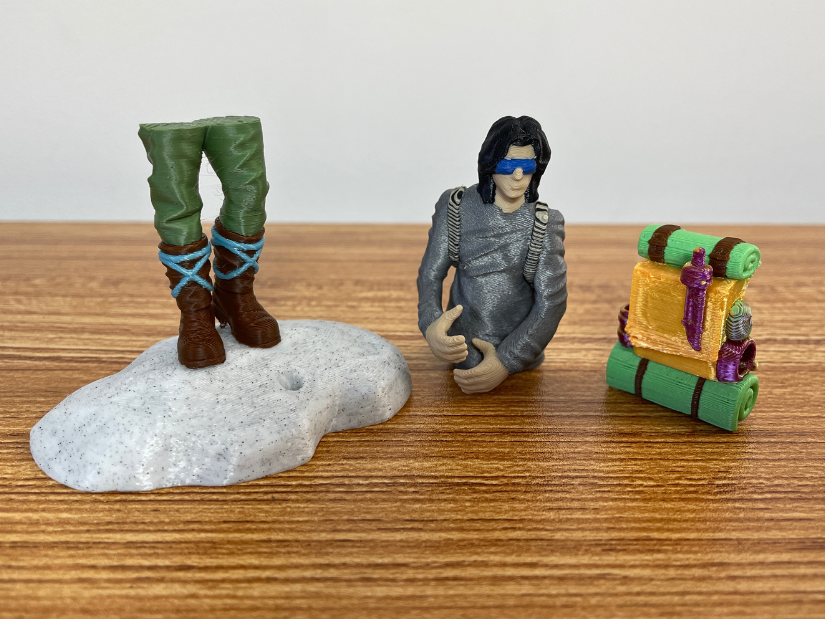
Printed the Guardian figurine/tool holder using 12 colors + 2 mixed shades on the Snapmaker U1. Color mixing would work better if I scaled the model up. Very happy with this segmentation experiment.
-
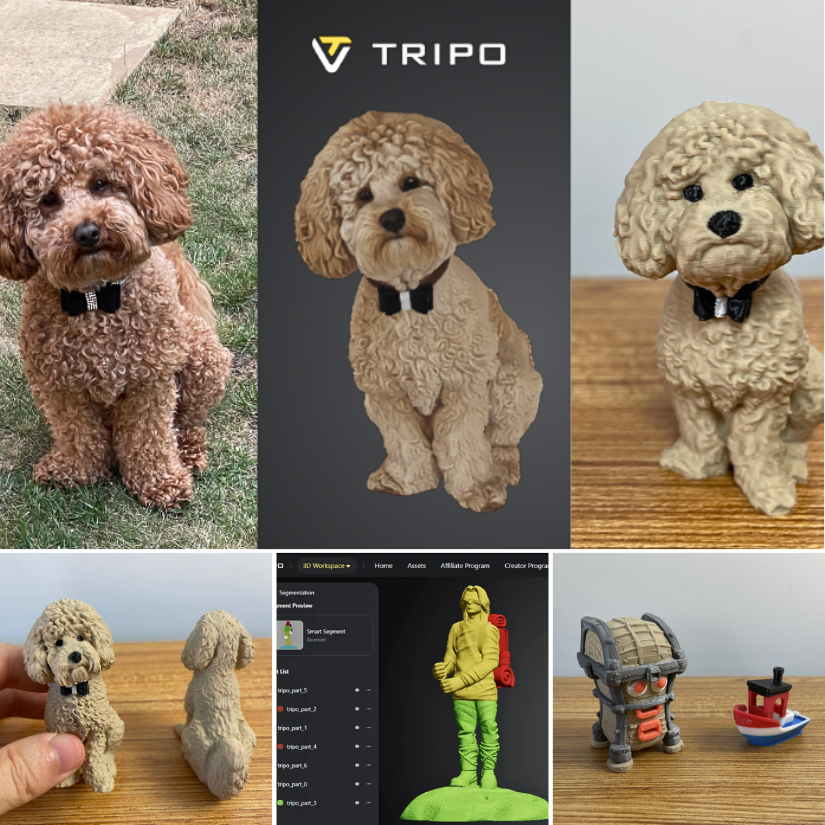
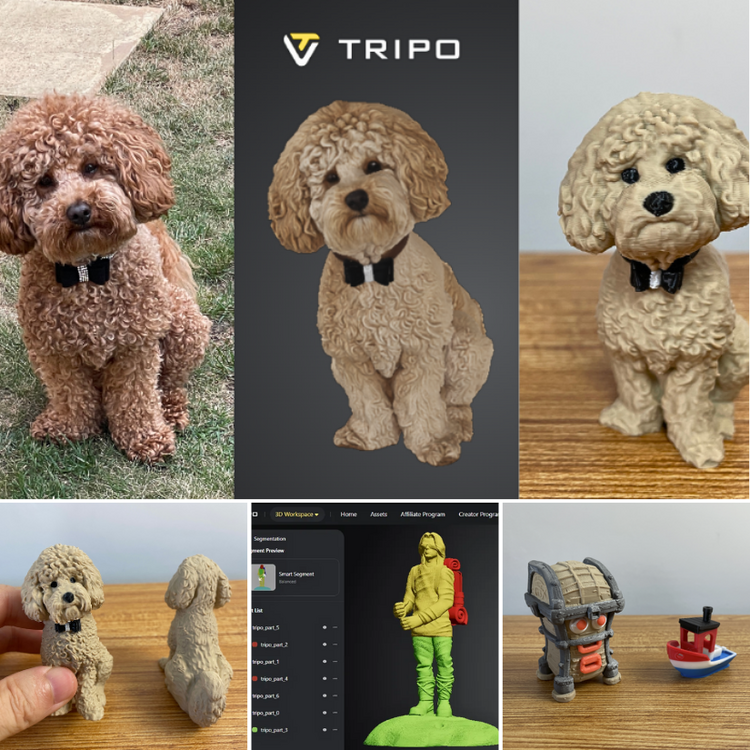
Testing Tripo AI for 3D printing. Text-to-3D, photo-to-3D, Refine, Segmentation, Blender cleanup, 3D printing... I went a bit deeper than planned. Full review: https://3dwithus.com/tripo-ai-review-3d-printing Please share your own Tripo AI results and prints
-
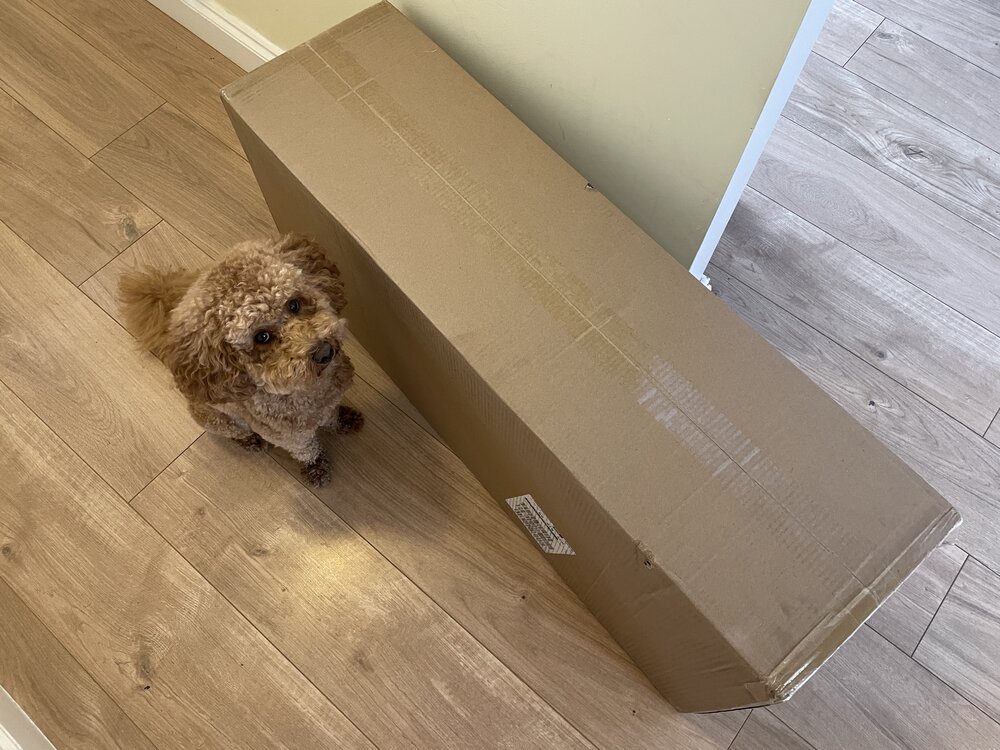
🐶 'Daddy cmon - do it already' 🐾 The Revopoint Trackit SR has arrived. All in one big box. Size-wise, I can feel the difference straight away, as the original Trackit came in two big, heavy-duty cases. Hands-on testing soon...
-
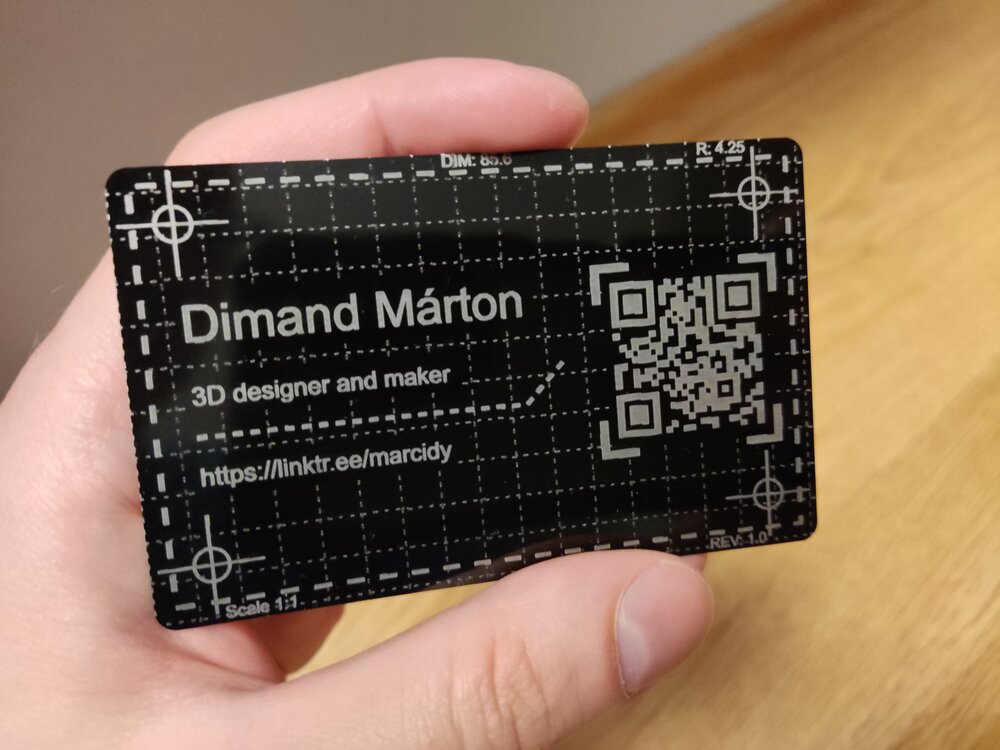
Your business card looks awesome! Great design. And the QR code works very well. 👍
-
And the work has begun... (Engraved anodized aluminium card) I am still waiting for a few accessories and materials to arrive, but I just couldn't wait any longer, so I ran my first project. It came out pretty nice and sharp :)
-
Hi everyone, I'm curious how people here calculate the real cost of their 3D prints, especially those who sell prints regularly. Filament cost and print time are easy enough to calculate, but once I started looking deeper, there were many other costs that can easily be overlooked — electricity, machine wear, failed prints, labor, packaging, marketplace fees, maintenance, etc. That's what led me to build a small Excel-based 3D Printing Profit & Pricing System that combines these costs and calculates selling price, profit and margin. I've recently finished it and I'm looking for feedback from people who actually sell 3D prints. If you'd like to take a look: Calculator on Gumroad: https://aipowersystems.gumroad.com/l/rvmwhm I'd also be interested to hear how you currently price your prints. Do you use a spreadsheet, an online calculator, or just a fixed markup over material/print time?