
Max Funkner
Authors
-
Joined
-
Last visited
-
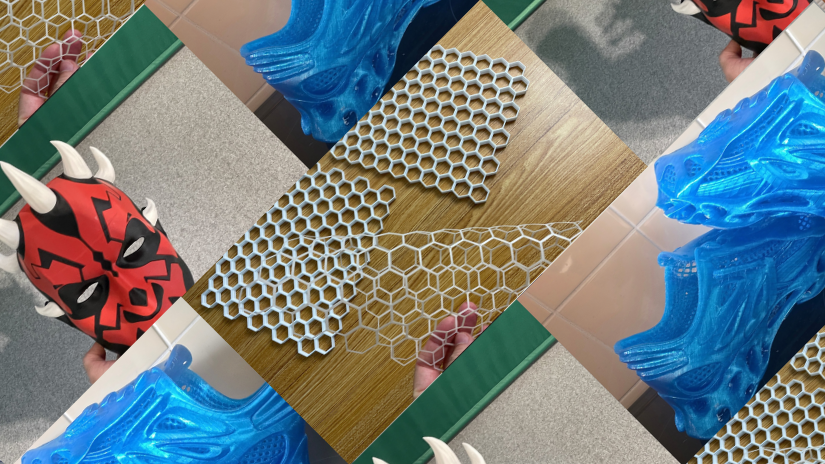
Dimand, you definitely influenced me to finally build my own HSW. Thanks! I used several of your hooks in the setup and featured them in the short video, too. I’ve also added the HSW project and designs to our dedicated eSUN filament guide: https://3dwithus.com/esun-filament-hands-on-testing-guide
-
I’ve just published our new eSUN Filament Guide, bringing together PLA, PETG, TPU and ABS hands-on testing, older 3DWithUs projects, and tradeshow coverage. https://3dwithus.com/esun-filament-hands-on-testing-guide
-
Interesting. Haven't heard of this yet. Does it work like glow-in-the-dark filaments? Looking forward to your prints.
-
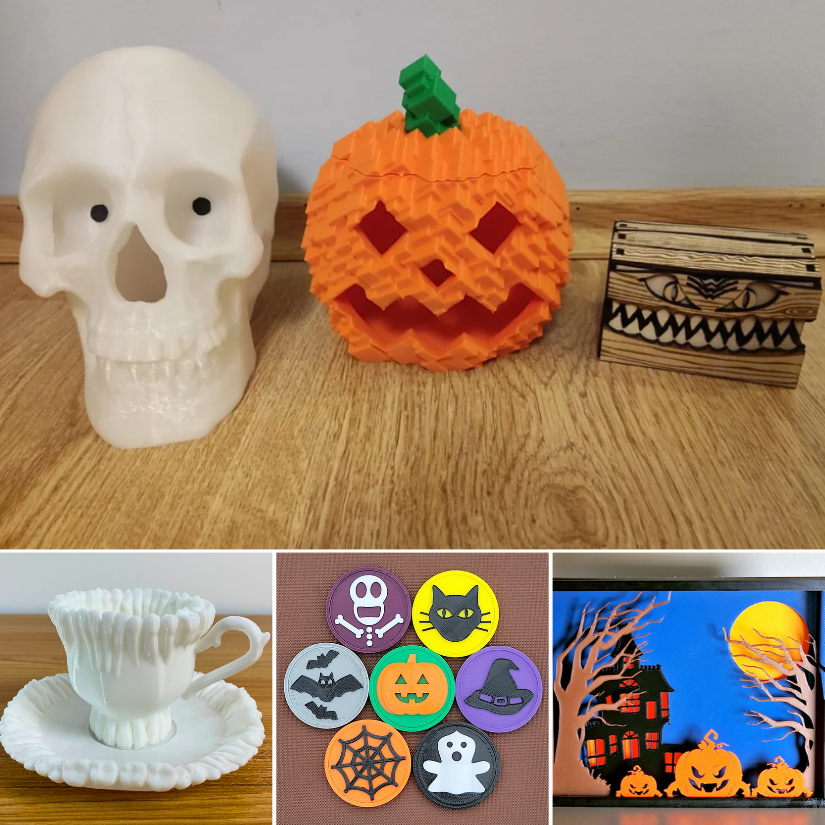
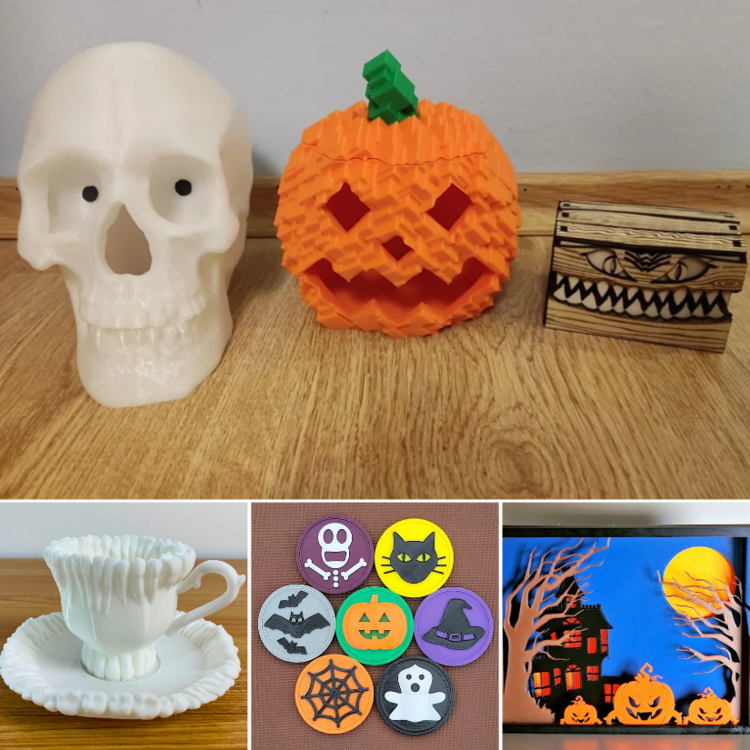
We updated our guide and added links to your models. https://3dwithus.com/halloween-3d-printing-ideas I wish you had an Instagram account 😉
-
Interesting approach. I’d test a sample with holes, thin walls, text, and fine surface detail, and maybe print it in different areas of the build platform to check consistency. Looking forward to seeing the results.
-
Contact [email protected] and let them know your new preferred name/nickname.
-
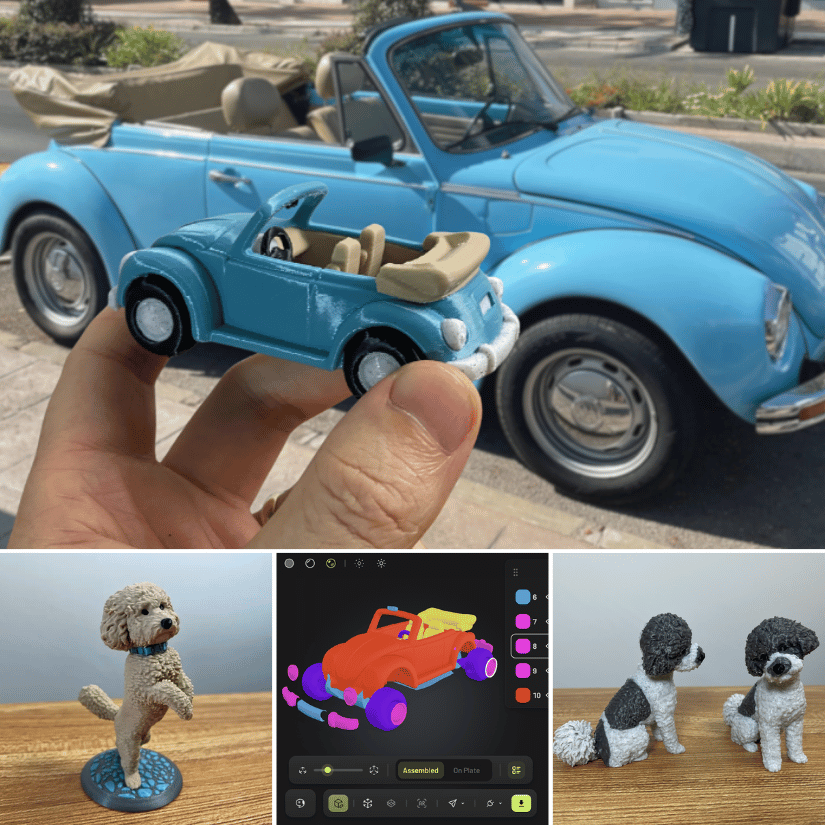
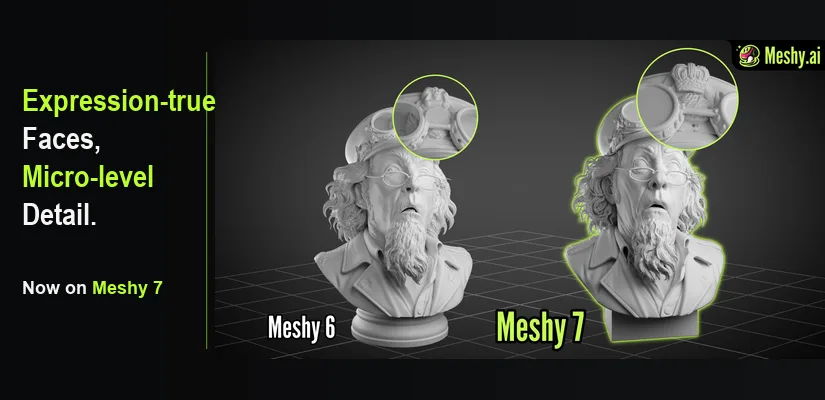
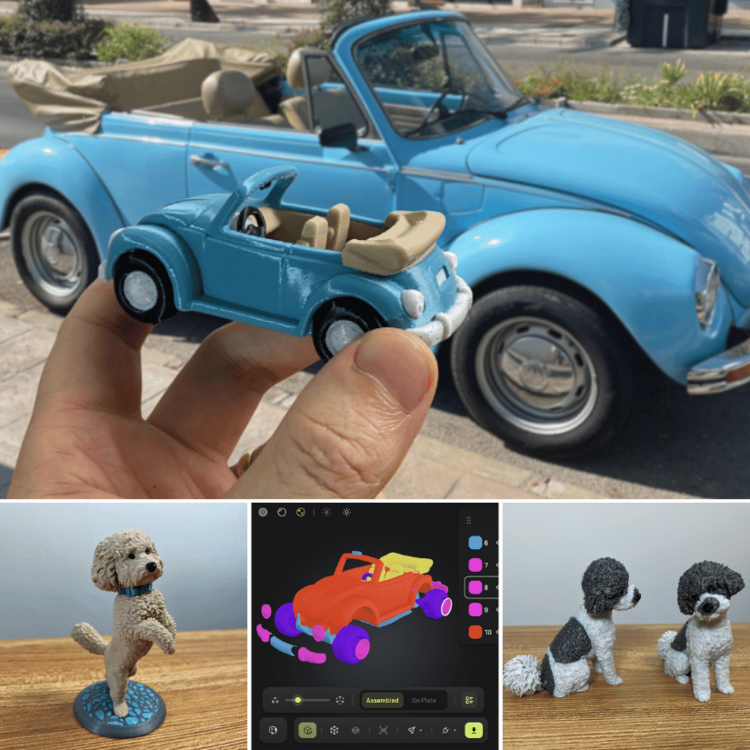
I’ve just finished a new hands-on test of Meshy AI, focusing specifically on how useful AI-generated models can be for actual 3D printing. For this round, I tested several very different workflows. Full hands-on review: https://3dwithus.com/meshy-ai-hands-on-review-photo-to-3d-printing I’m also interested to hear if anyone here has already experimented with AI-generated models for 3D printing. What worked well for you, and what still needed manual cleanup?
-
Great project! These “useless boxes” are always fun, especially when you start adding more movements and random behavior. I’ve seen a few versions online before where, instead of just an arm coming out, a little creature actually crawls out of the box, gets annoyed and switches the switch OFF. 😂 There is definitely plenty of room to make your own version unique. One small recommendation: if you’re planning to participate in our monthly filament giveaway, I’d suggest changing your username from Award0586 to something a little more personal or recognizable. Generic-looking usernames can sometimes be mistaken for automated or promotional accounts. 🙂
-
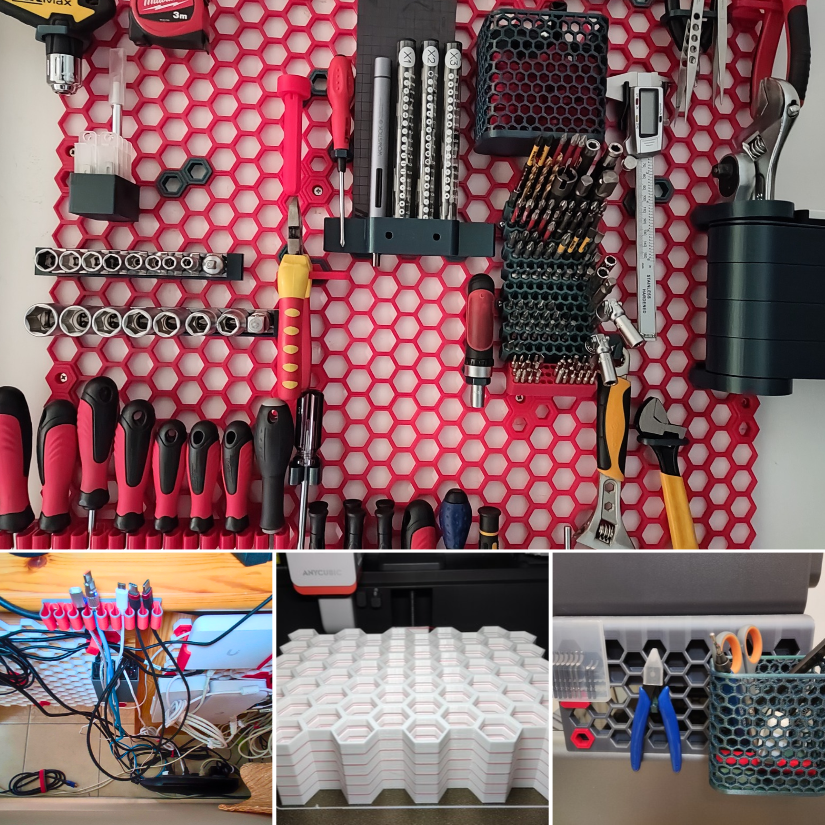
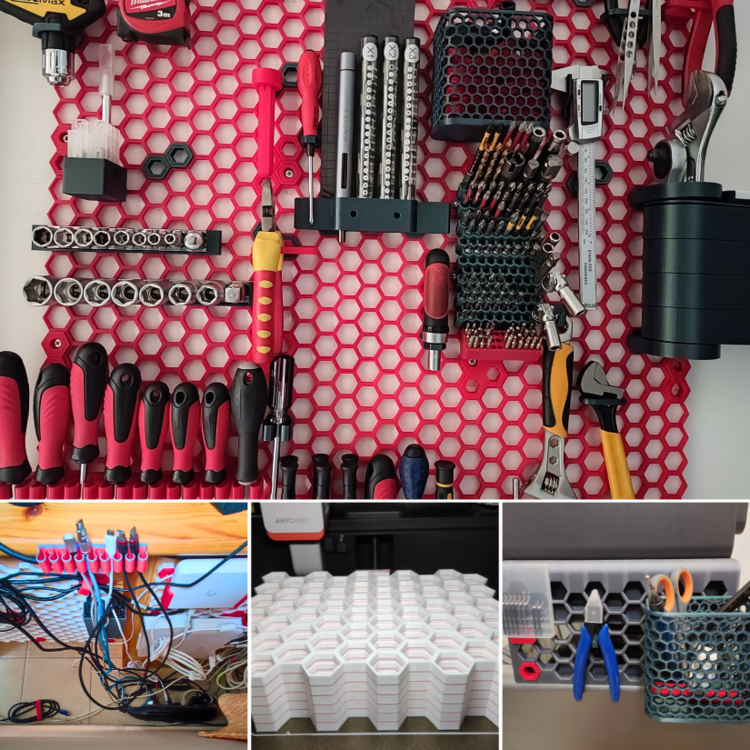
Updated: We added new hands-on examples, including batch-printed HSW tiles, cable management, and an HSW-compatible setup on the Anycubic Kobra S1. https://3dwithus.com/honeycomb-storage-wall-guide-3d-printed-tool-organization
-
Great makes and designs - good job! I will add these to the existing guide for extra publicity!
-
Interesting project, thanks for sharing. The facial integration into the trophy is a nice example of where custom models 3D printing shine.
-
Thanks for sharing this, Antony. I imagine many small 3D printing businesses aren't sure where they stand on UKCA/CE requirements, so it’s useful to have the process explained by someone actually working through it. Interesting idea with the app as well. Hopefully this thread can become a useful reference as you continue developing it.
-
The chances of winning are very good. Check how winning posts did that in the past.
-
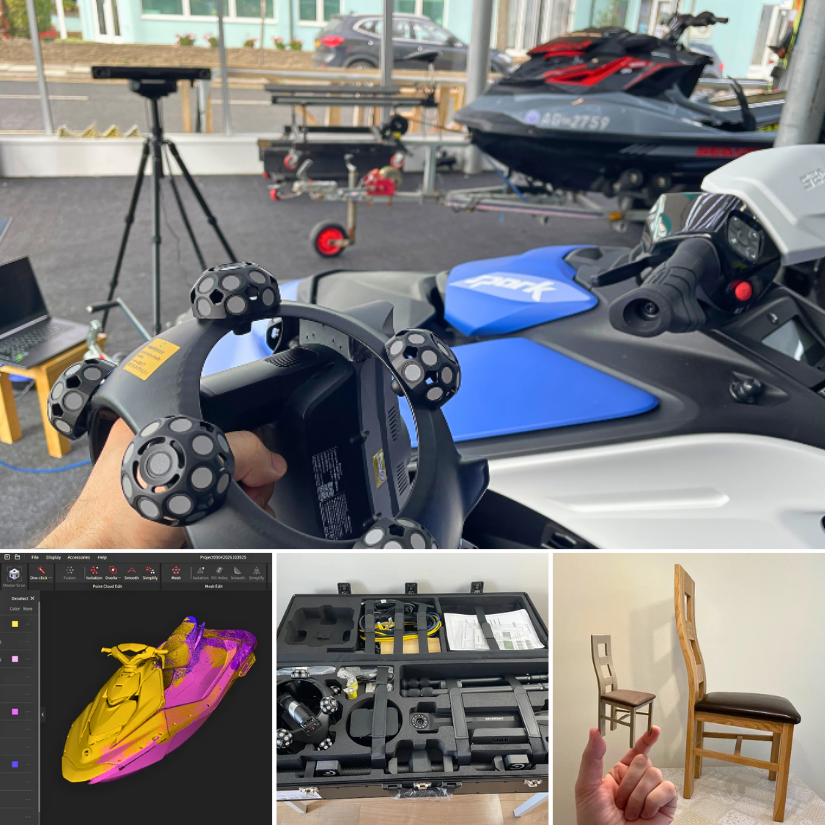
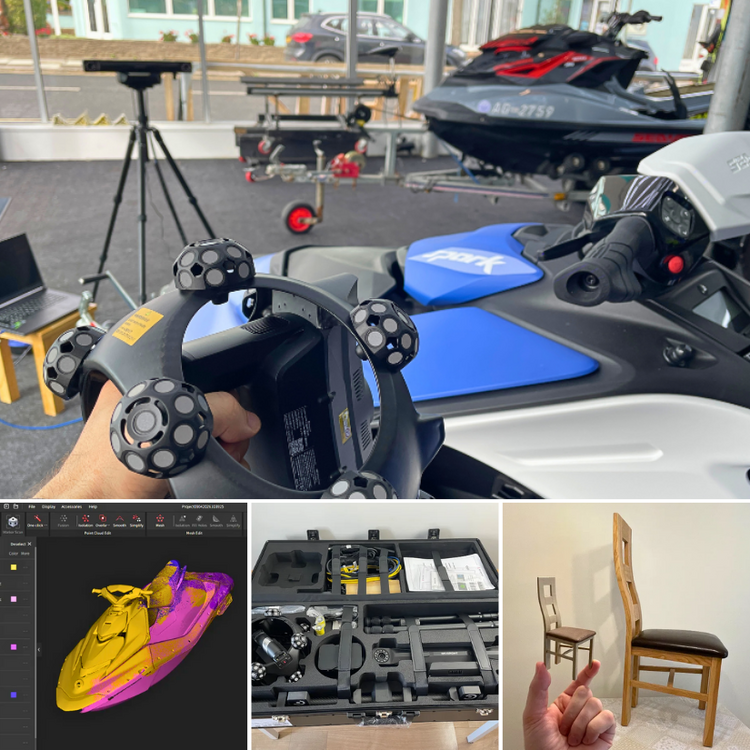
I’ve just finished testing the Revopoint Trackit SR across a mix of projects, including furniture, a Sea-Doo jet ski, Wi-Fi scanning, alignment, meshing, and even turning a scanned chair into a 3D printable miniature. The full hands-on article is now live, with plenty of scan examples and notes on what worked well and where I ran into challenges. https://3dwithus.com/revopoint-trackit-sr-review-large-object-3d-scanning A few highlights from my Trackit SR testing: large-object scanning, Revo Track alignment, the complete kit in one case, and a scanned chair turned into a miniature.
-
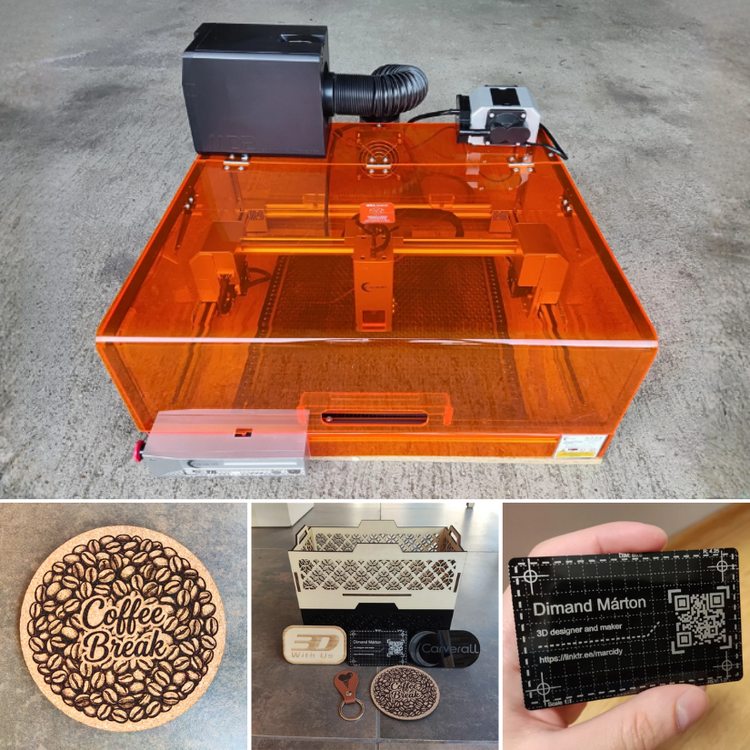
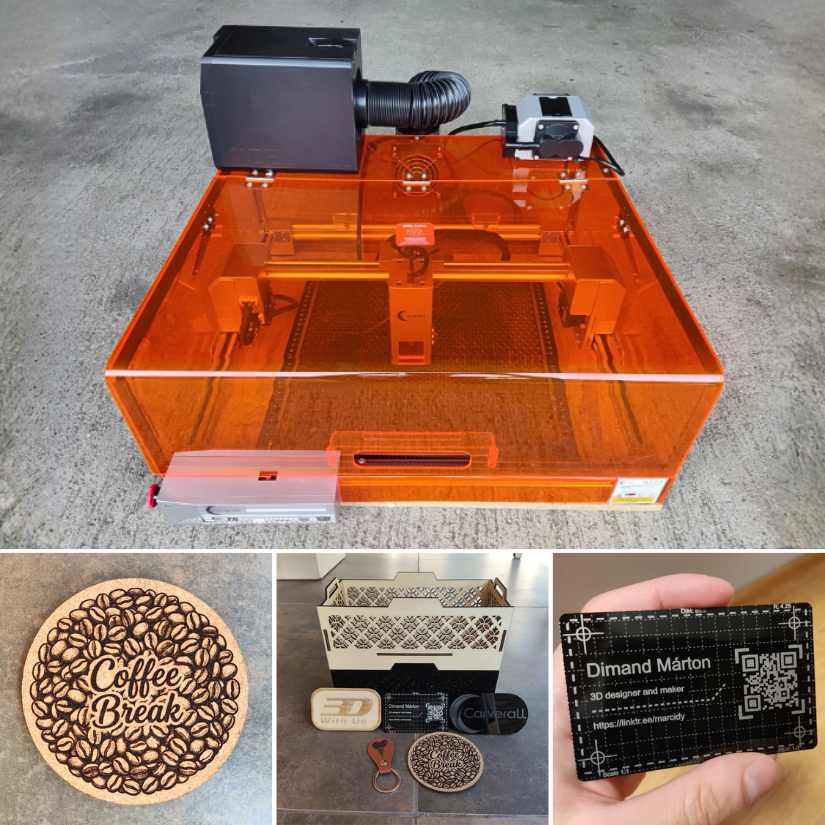
Woohoo, the Carverall X1Pro hands-on testing article is live: https://3dwithus.com/carverall-x1pro-review-testing