Leaderboard



Popular Content
Showing content with the highest reputation on 02/03/26 in Posts
-
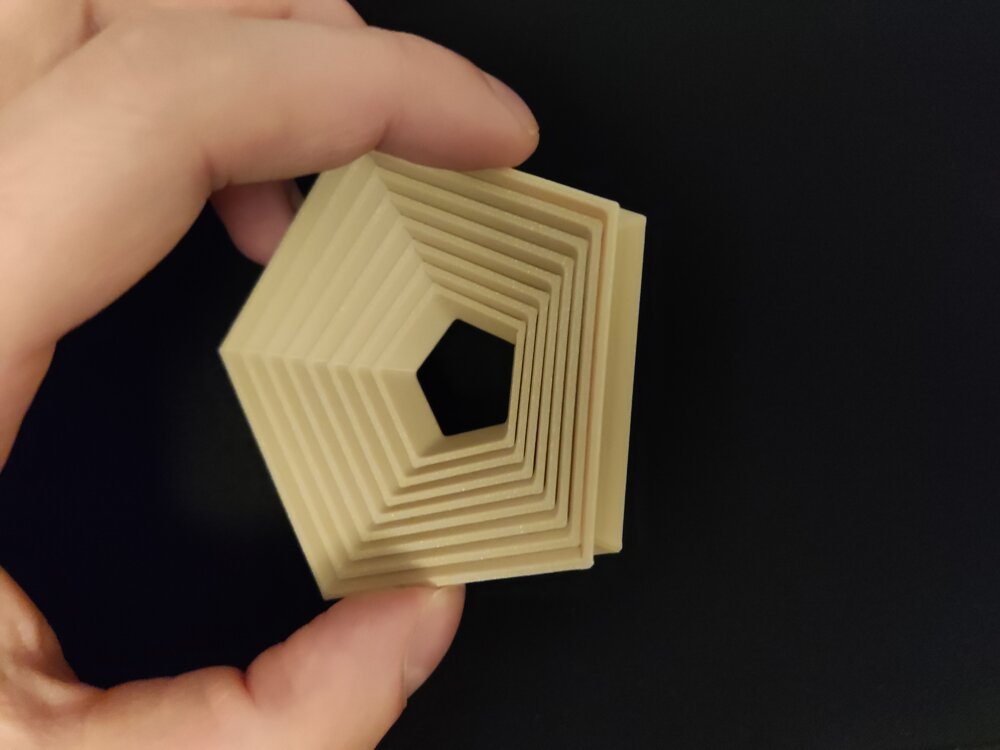
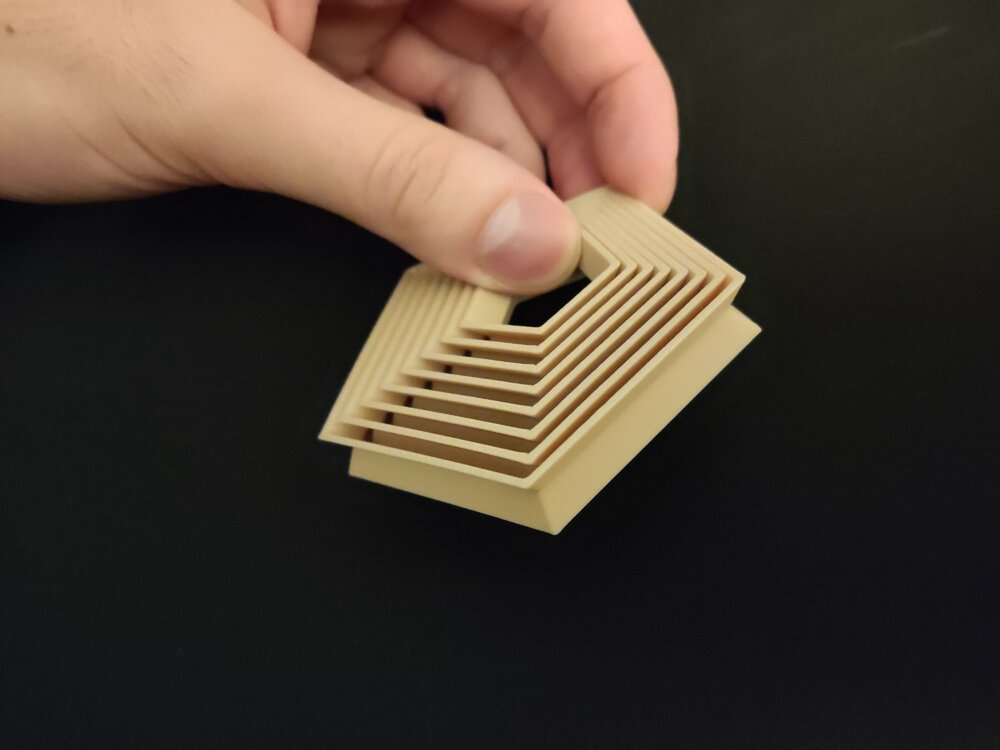
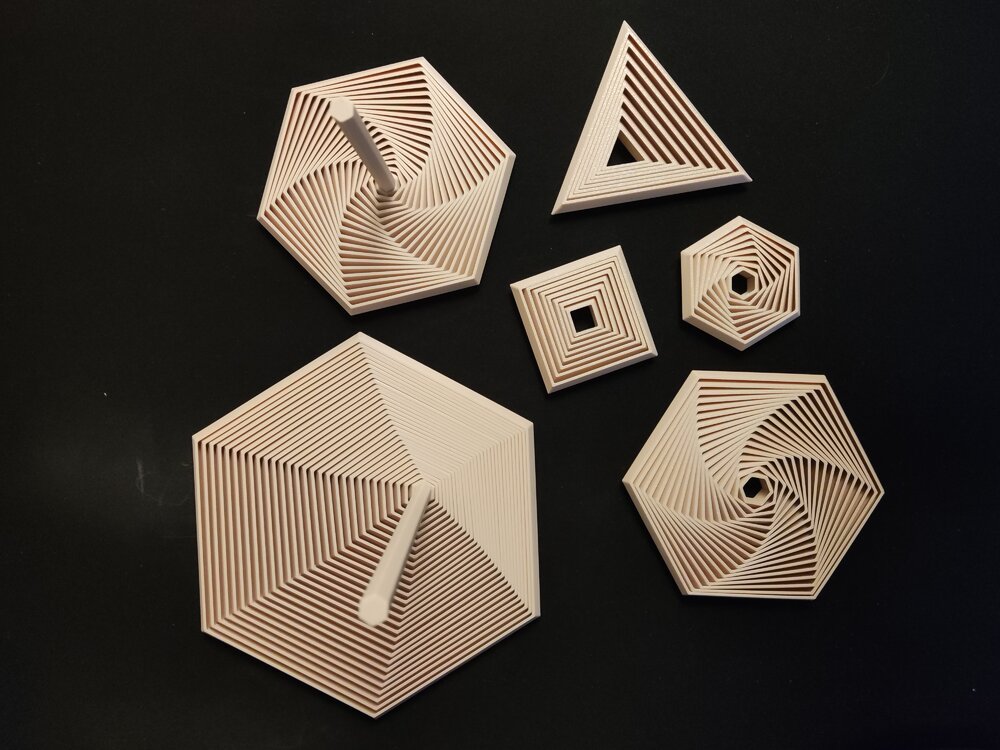
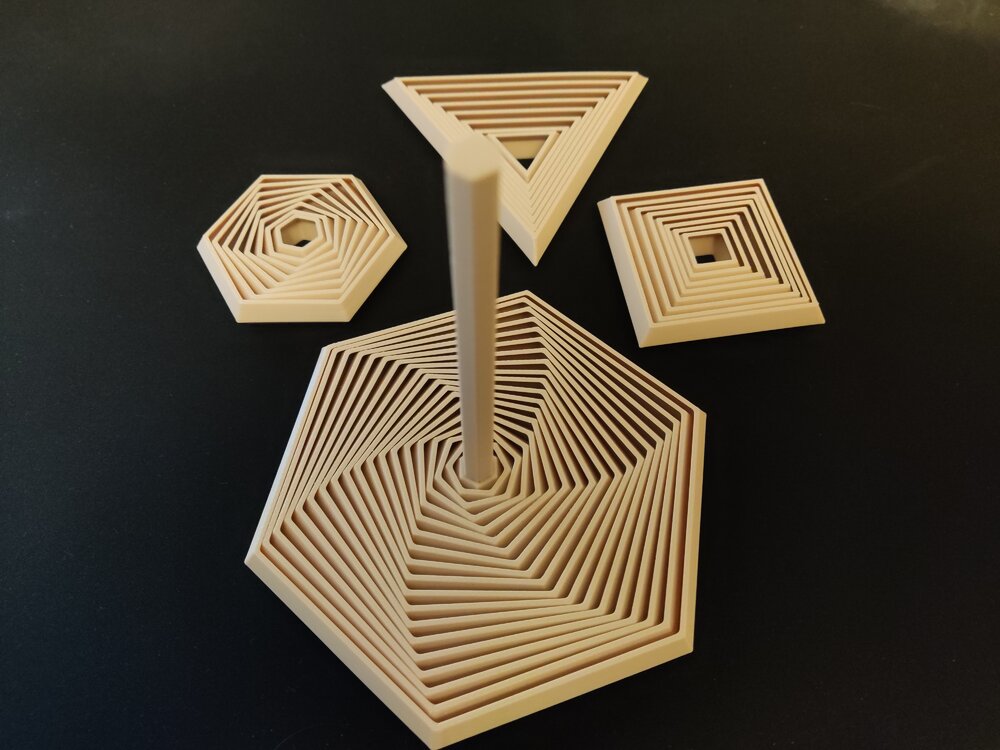
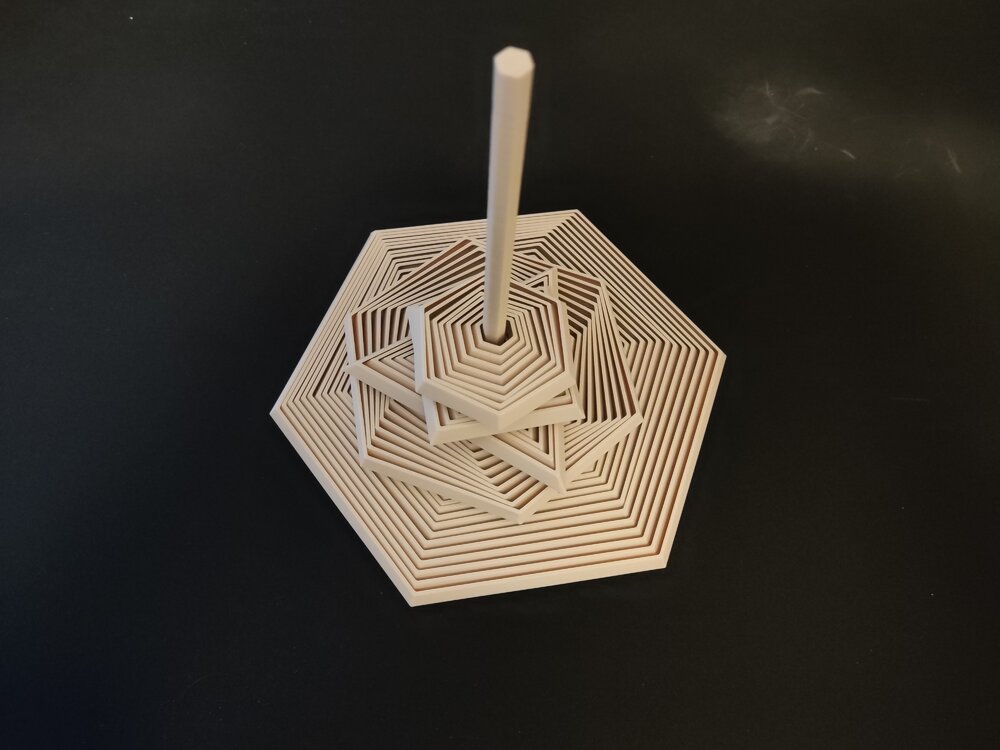
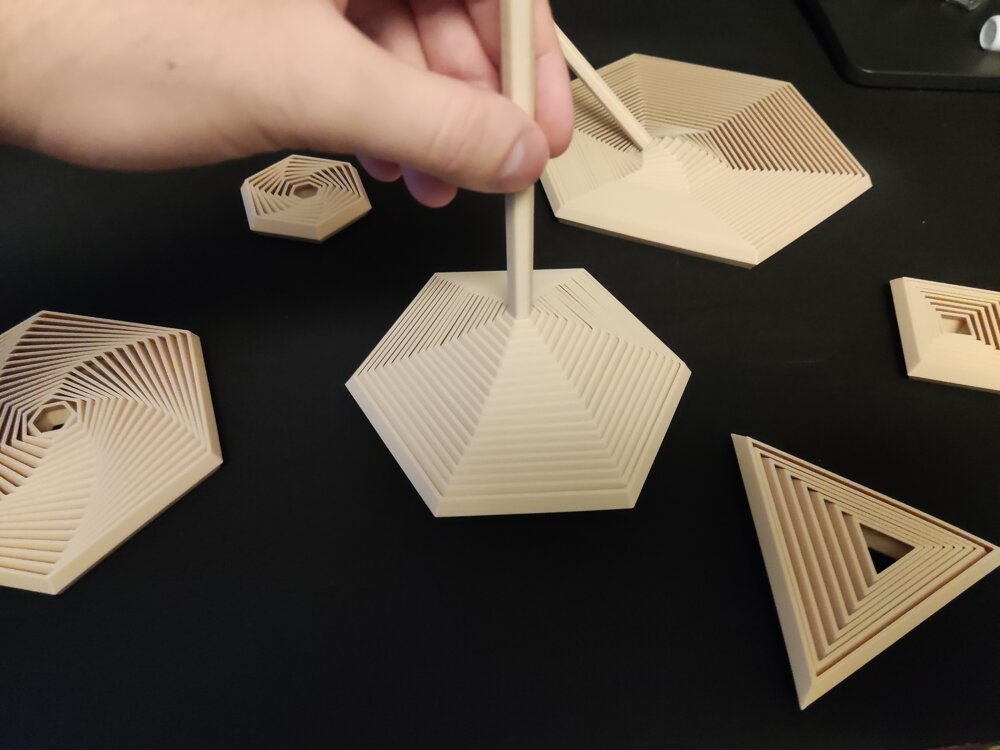
1 pointHi everyone! I would like to share one of my recent projects with you: A Parametric Polygon Fidget It is fully customizable in FreeCAD and contains some premade ones as well if you don't feel like creating your own. The project is available here. So what can you customize?Number of sides for the polygon Segment/layer count of the fidget Wall width Wall angle Spacing Overall size: Height, Width Handle size (The handle is optional) (You can make insideout fidgets as well with it! See last 2 attached pictures!) Happy printing and customizing!The project is available on Printables: https://www.printables.com/model/1537410-polygon-fidgets-fully-customizable-trianglesquarep Showcase pictures:
 1 point
 -
1 pointCongratulations! 🎉 This thread won 4 filament spools in the Contribute to Win - January 2026 giveaway. We will contact you shortly to arrange the delivery of two SUNLU filament spools. Giveaway Rules: https://3dwithus.com/forum/topic/973-contribute-to-win-monthly-giveaway
 1 point