Leaderboard
-

Phil Macey
Authors2Points24Posts -

3DWithUs
Administrators1Points53Posts -
Marcidy
Authors1Points33Posts



Popular Content
Showing content with the highest reputation on 03/12/26 in Posts
-
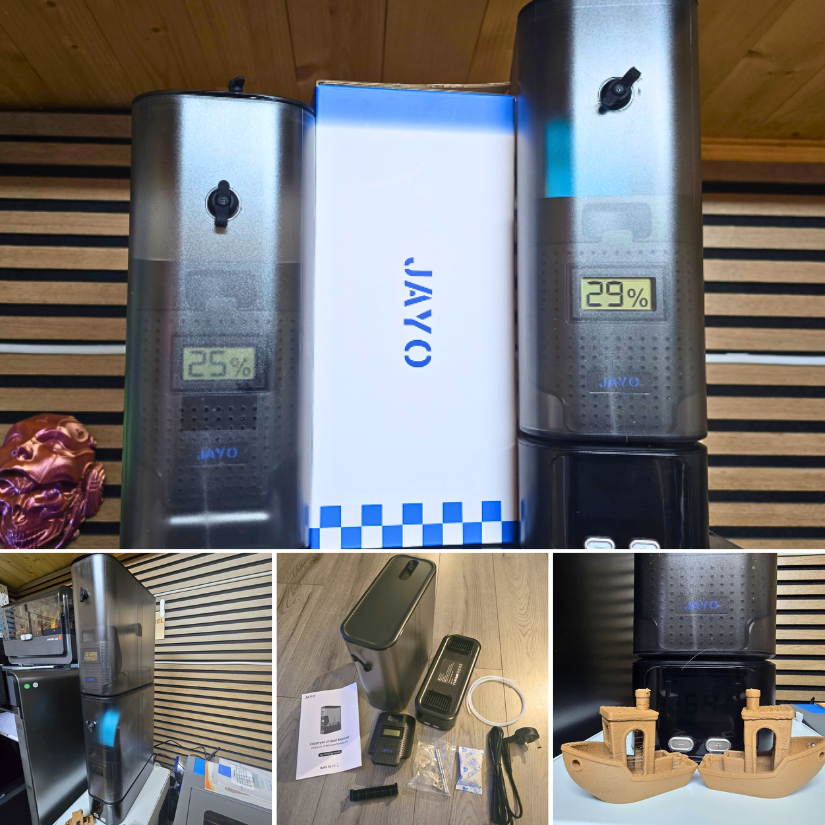
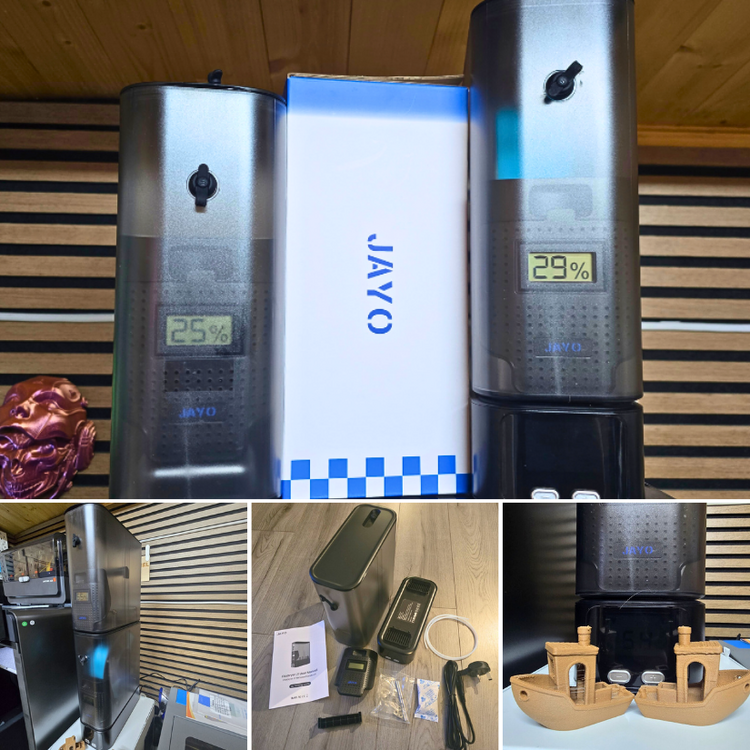
1 pointJAYO sent us the FilaDryer J1 to test. As usual, we thoroughly tested it by printing Benchy in WOOD PLA blend. Here is my detailed review, and my YouTube video is coming soon. https://3dwithus.com/jayo-filadryer-j1-filament-dryer-review Please comment here if you have any questions or want to showcase specific setups and mods.
 1 point
 -
1 pointAlongside with this hands-on review, I also recorded a detailed video showing the JAYO FilaDryer J1 setup, drying process, and real-world testing with filament prints. The video gives a closer look at the unit’s design, controls, and how it performs during everyday use.1 point
-
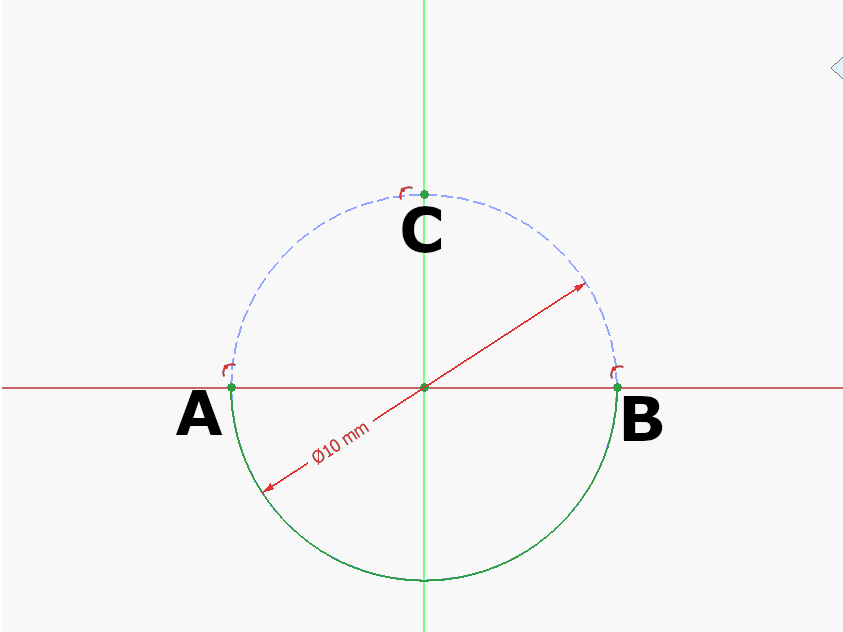
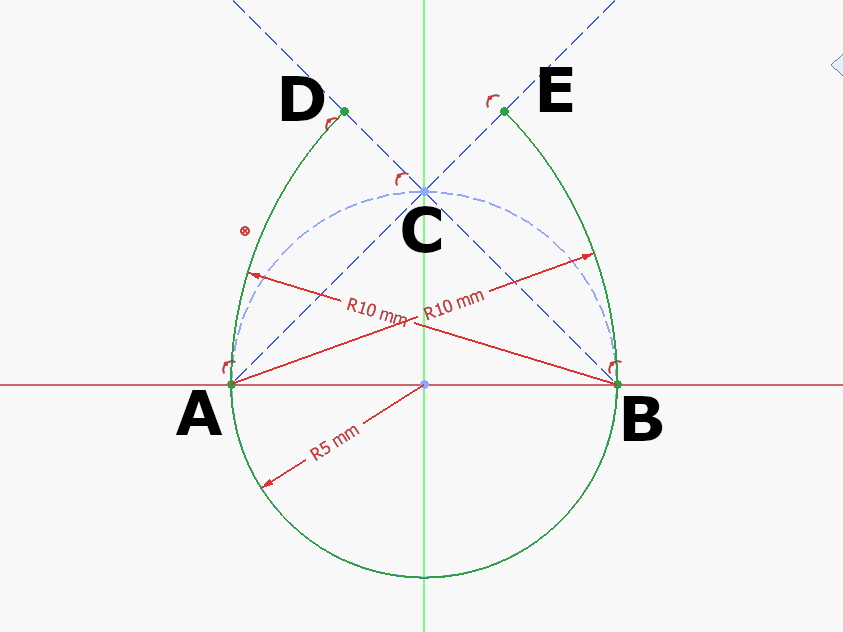
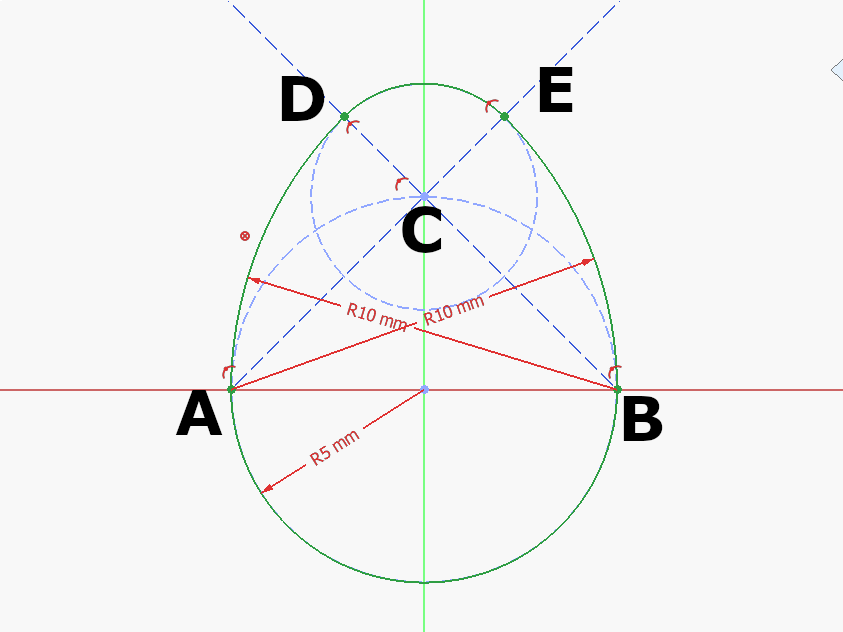
Step 1: Draw a construction circle at the Origin. Mark A, B, C where the circle meets the Y and Z Axis as seen above. Draw the half circle at the origin between A and B. Step 2: Draw a construction circle at the Origin. Mark A, B, C where the circle meets the Y and Z Axis as seen above. Draw the half circle at the origin between A and B. Step 3: Draw an arc centered at C between D-E: 🥚 Good job!The full tutorial project is available at Printables with the finished 3d model and FreeCAD file: https://www.printables.com/model/1615557-egg-tutorial-model
 1 point
 -
Congratulations! 🎉 This thread won 2 filament spools in the Contribute to Win - February 2026 giveaway. We will contact you shortly to arrange the delivery of two SUNLU filament spools. Giveaway Rules: https://3dwithus.com/forum/topic/973-contribute-to-win-monthly-giveaway
 1 point