Leaderboard
-
Marcidy
Members1Points17Posts

Popular Content
Showing content with the highest reputation on 04/05/26 in all areas
-
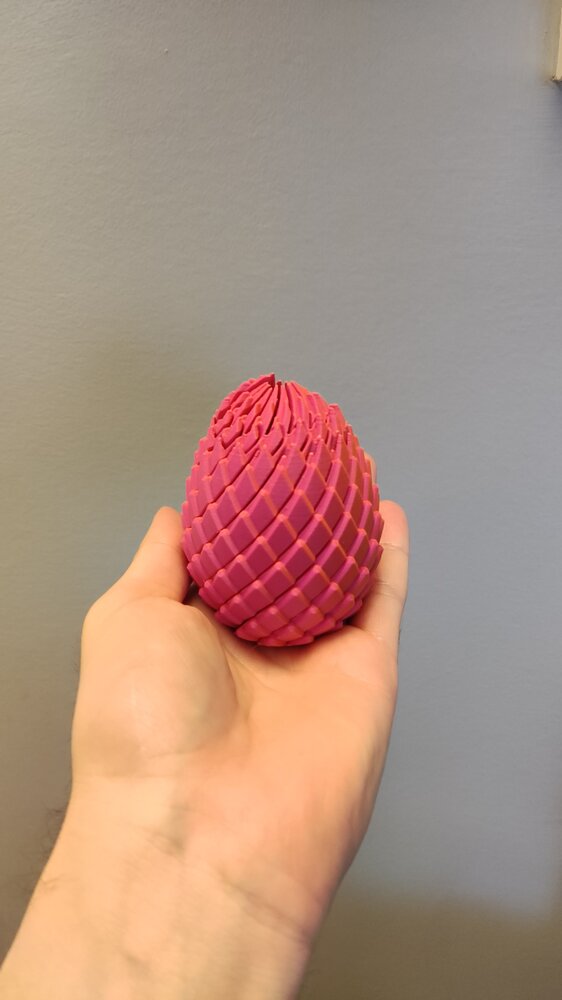
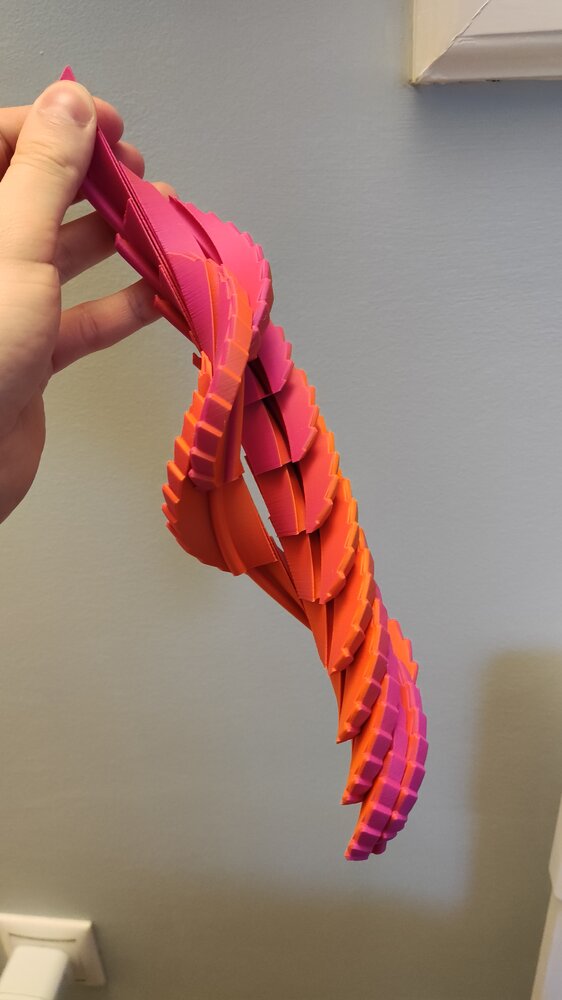
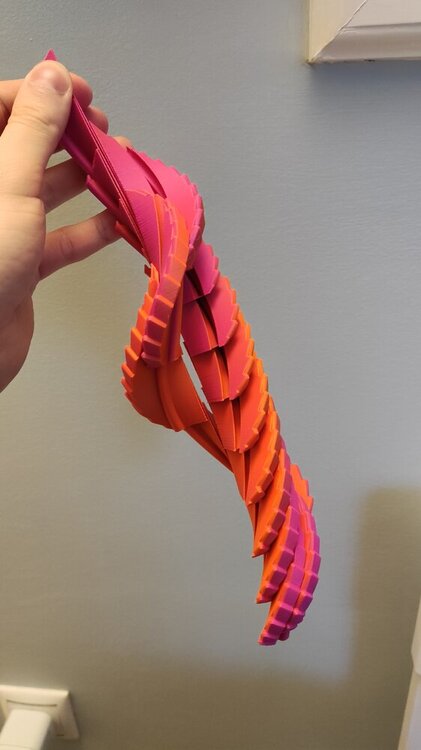
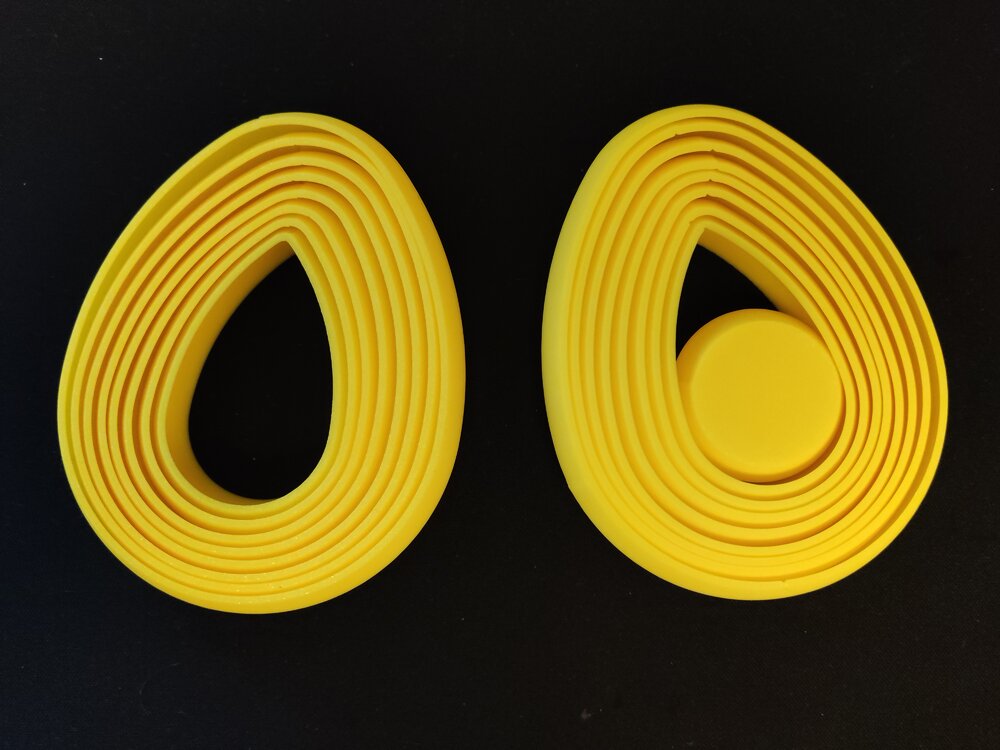
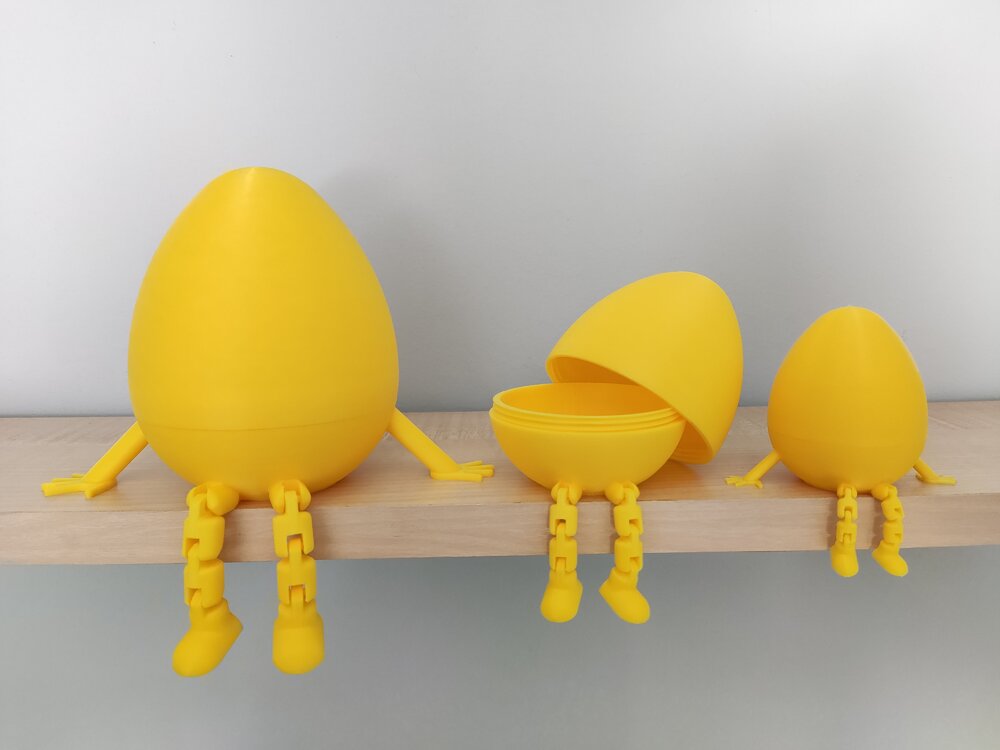
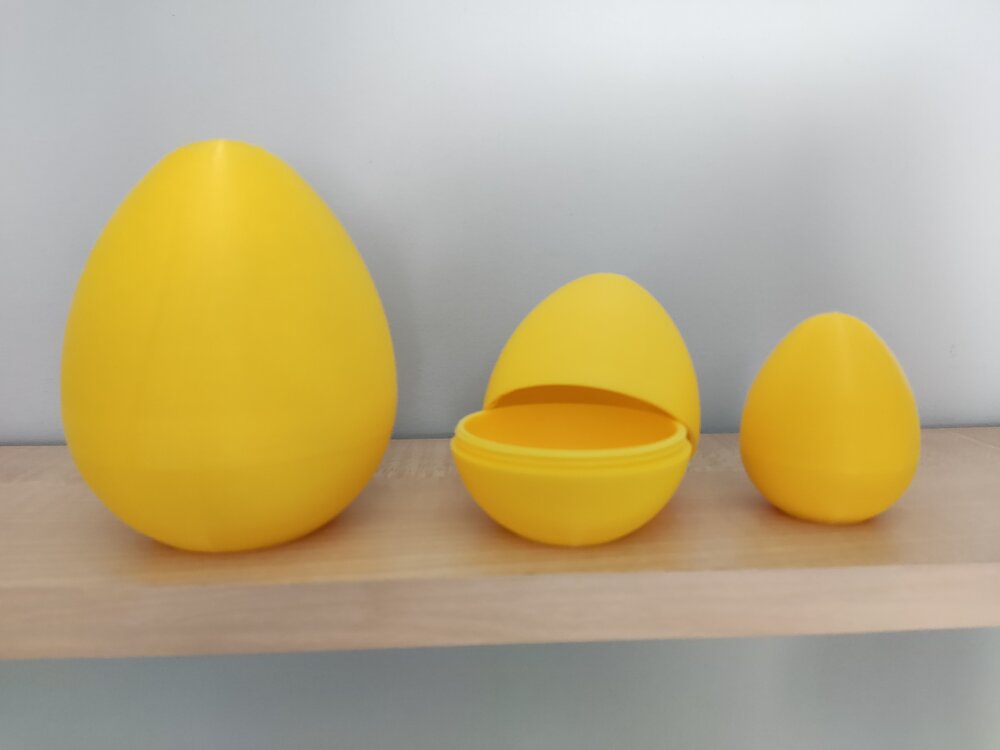
1 pointI both designed and printed some models for easter. Mine are a little bit simpler than others, but they came out well and as expected: These first 3 are my designs: Layered Egg Fidget: Articulated Twist Open Egg Containers: I made a mistake while modeling them. The left hand is backwards as you can see on the picture. Since then i updated the design and the issue is fixed. Simple Twist Open Egg (Original version): This was my first time modeling threads for 3D printing. They came out acceptable. The smallest one can slip but still holds the egg together securely. Other sizes are fine. Twisty Dragon Egg Fidget: (This design is not mine) I also made a showcase video for this to enter Snapmaker's easter giveaway: https://x.com/Marcidy_3D/status/2037489182990385450 (The theme might be familiar to some people :D) Happy Easter!
 1 point