Leaderboard
-
Marcidy
Authors1Points24Posts

Popular Content
Showing content with the highest reputation on 06/30/26 in Posts
-
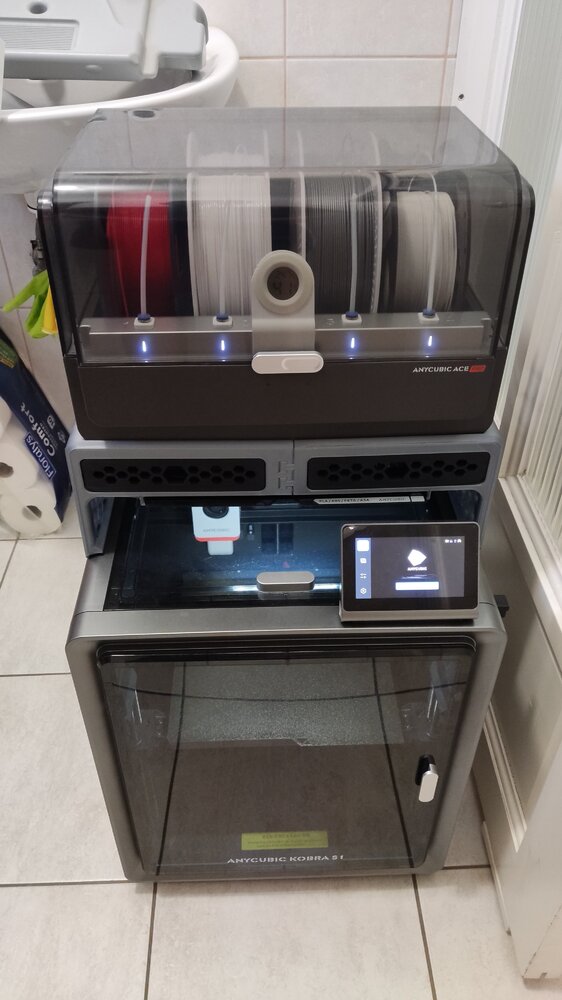
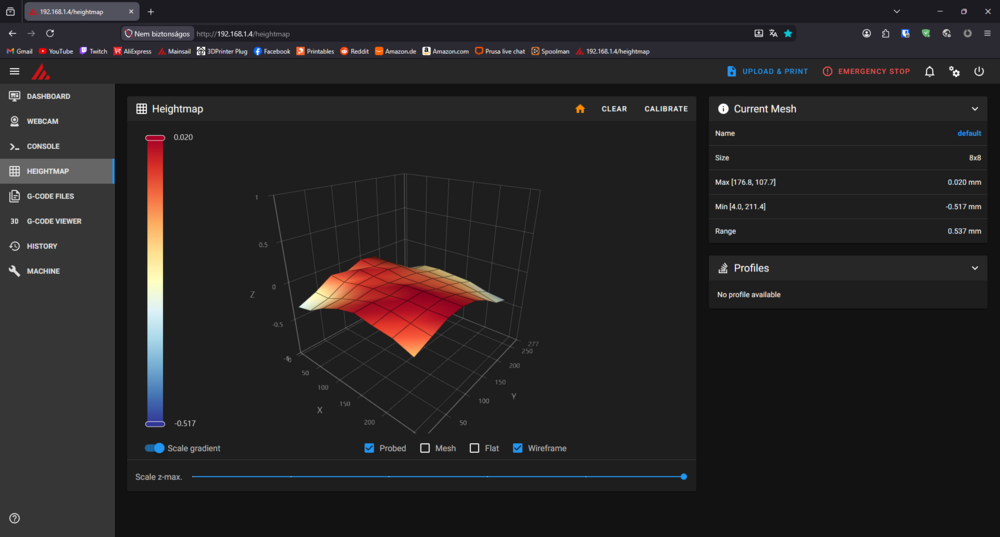
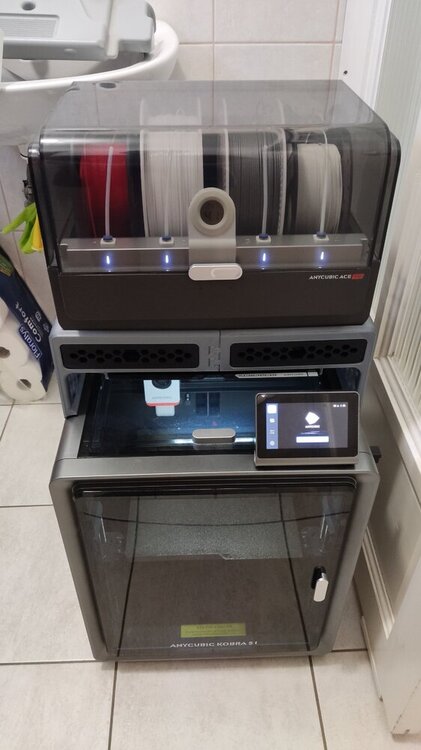
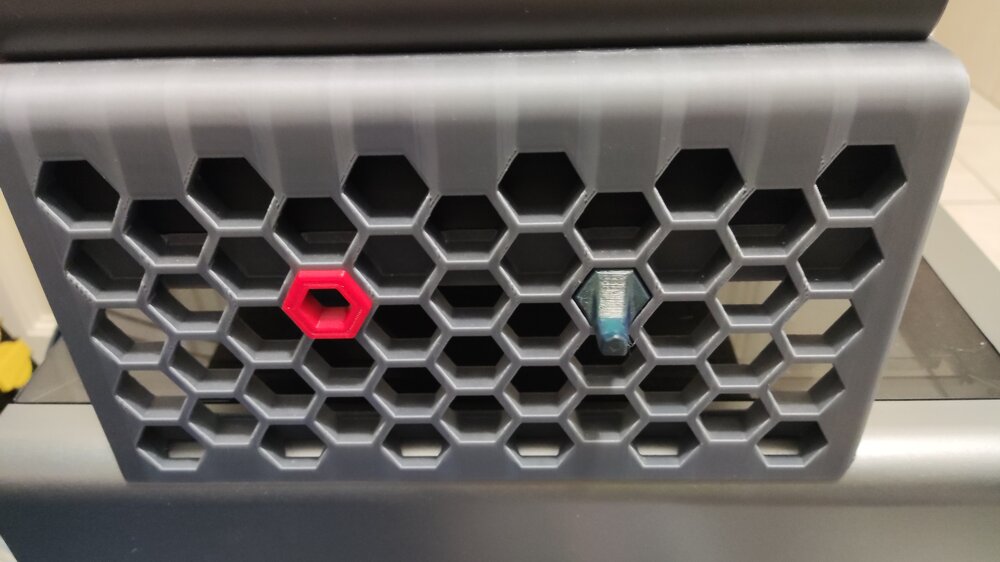
Hi! Just saw this topic/review while browsing the forum and I wanted to share my experience as well. I got the printer in 2025/June and I had it printing for more than 500 hours. I mostly printed with all kinds of PLA (silk, matte, coextrusion, gradient, glow in the dark, etc...) and recently PETG (occasionally I tried TPU as well). The default print profiles from Orcaslicer work really well and there is not much more to calibrate. I tried modding it as well, but that wasn't a smooth run: I tried out different hotends and nozzles (even two diamond ones), but all of them underperformed and the original brass nozzle came out on top. What actually improved the printing experience was the Rinkhals community firmware. It grants you full access to the printer: You can change the config (Speed up the color change for the ace pro), see your bed mesh, remote print with Orcaslicer, Mainsail/fluuid webUI, etc... Here is my bed mesh with custom leveling: 8x8 bicubic as opposed to the original 5x5 lagrange method. I also changed the leveling speed. Another really good mod is the Ace Pro riser: It gives you more space to work with. You can also remove the top cover with it. The side panels are even compatible with the Honeycomb storage wall project! (You can check out more about that here) At last but not least, You can check out my prints with the machine here. Most of those makes were printed on this printer (check the tags). Overall it is a great printer for an even greater price and that's why I chose this machine as my first 3d printer. The only downside i can think of is the warped bed (This is the most common problem for users): It has some really low points near the back corners. Edit: I posted about my setup on SUNLU's new community event if you are interested: https://www.sunlu.com/community/posts/323/a-humble-workspace-1-printer-but-60-kg-filament
 1 point