


Leaderboard
-
Marcidy
Authors1Points35Posts
Popular Content
Showing content with the highest reputation on 09/16/26 in all areas
-
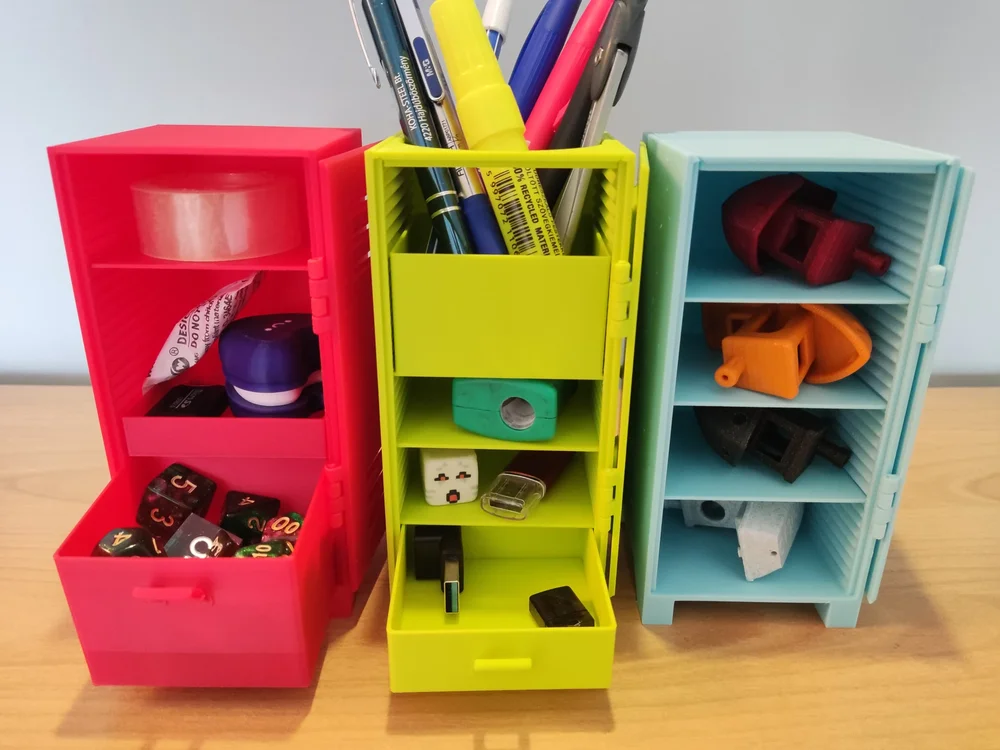
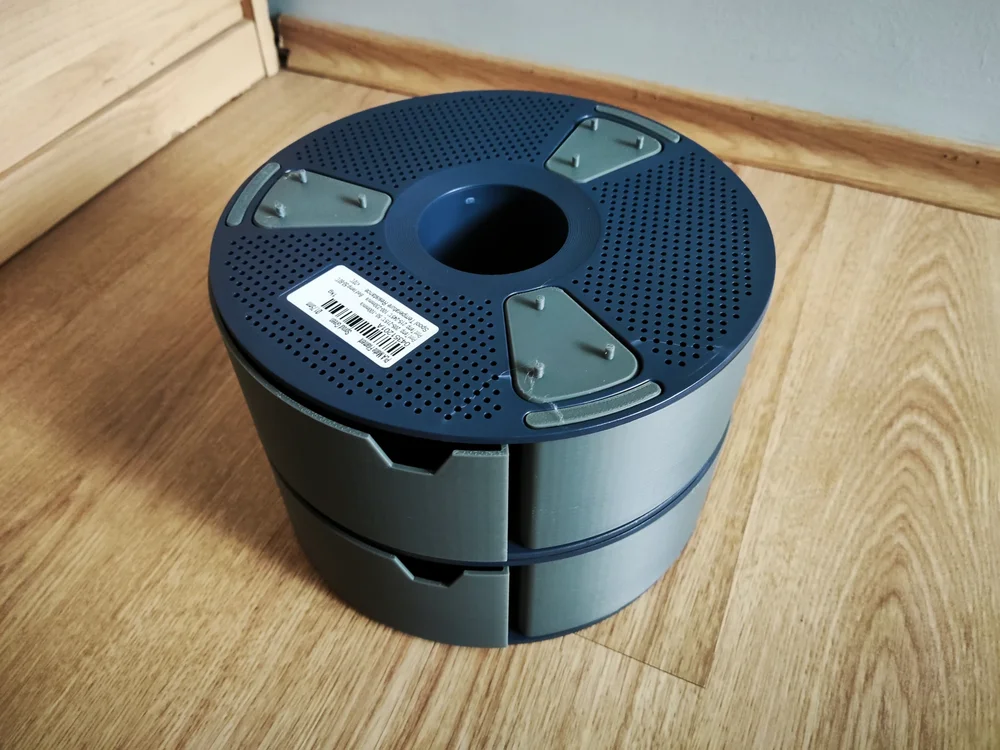
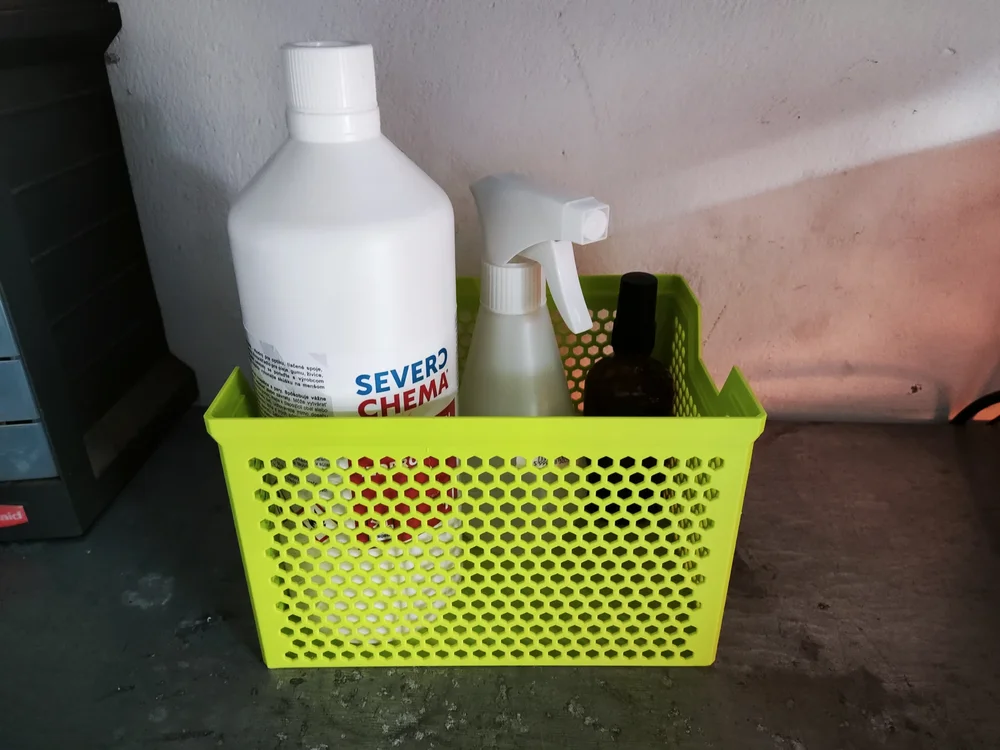
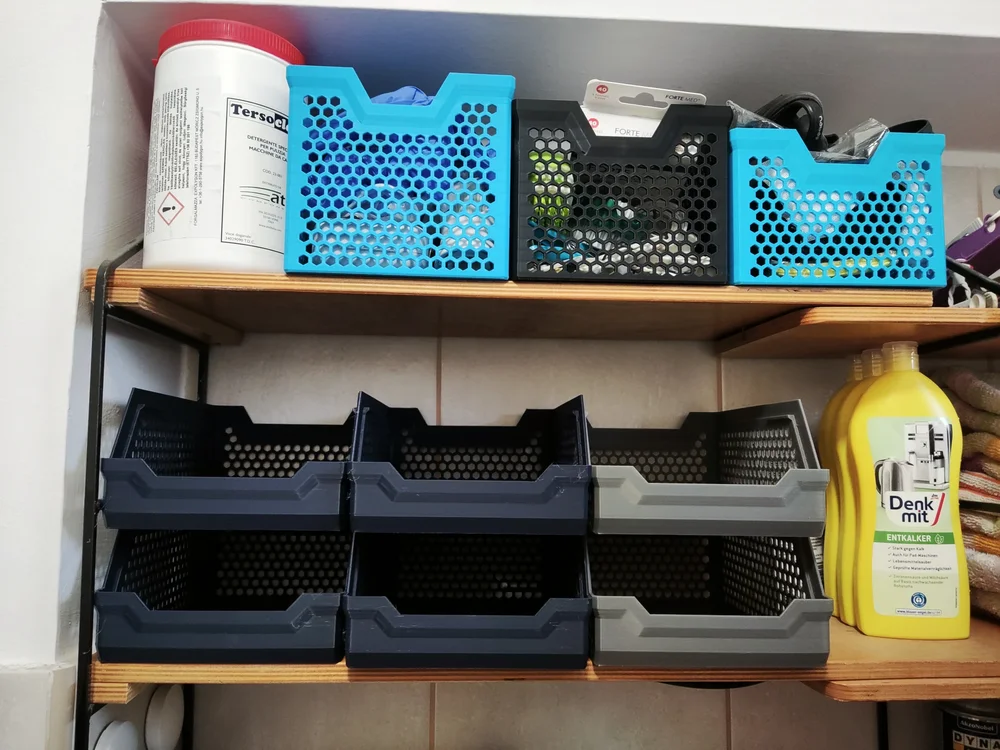
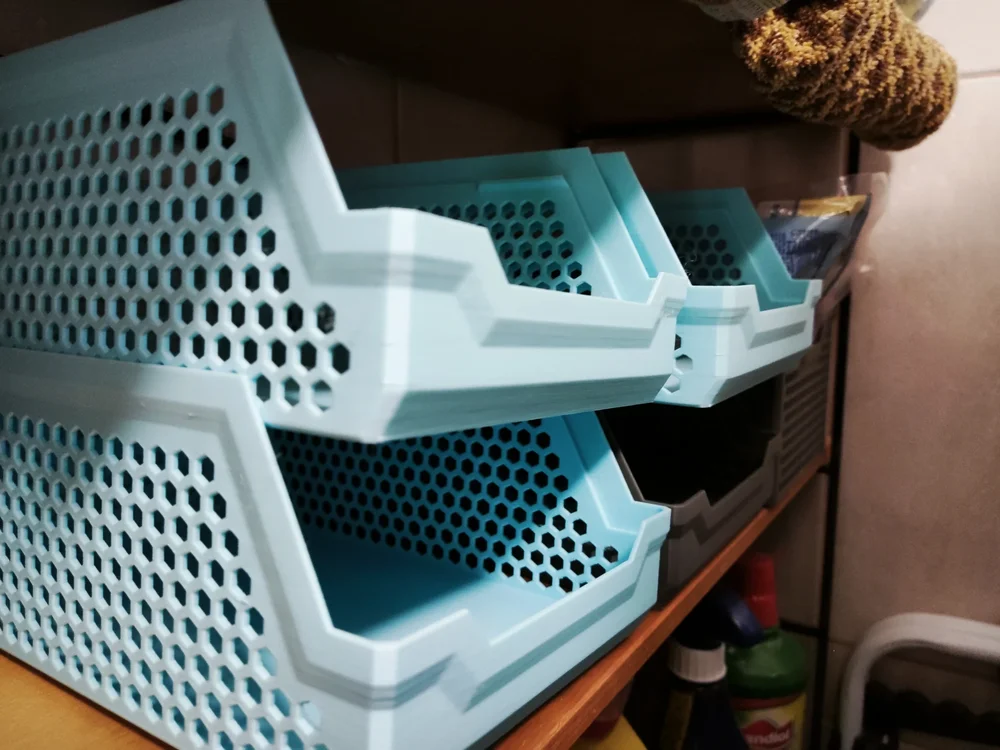
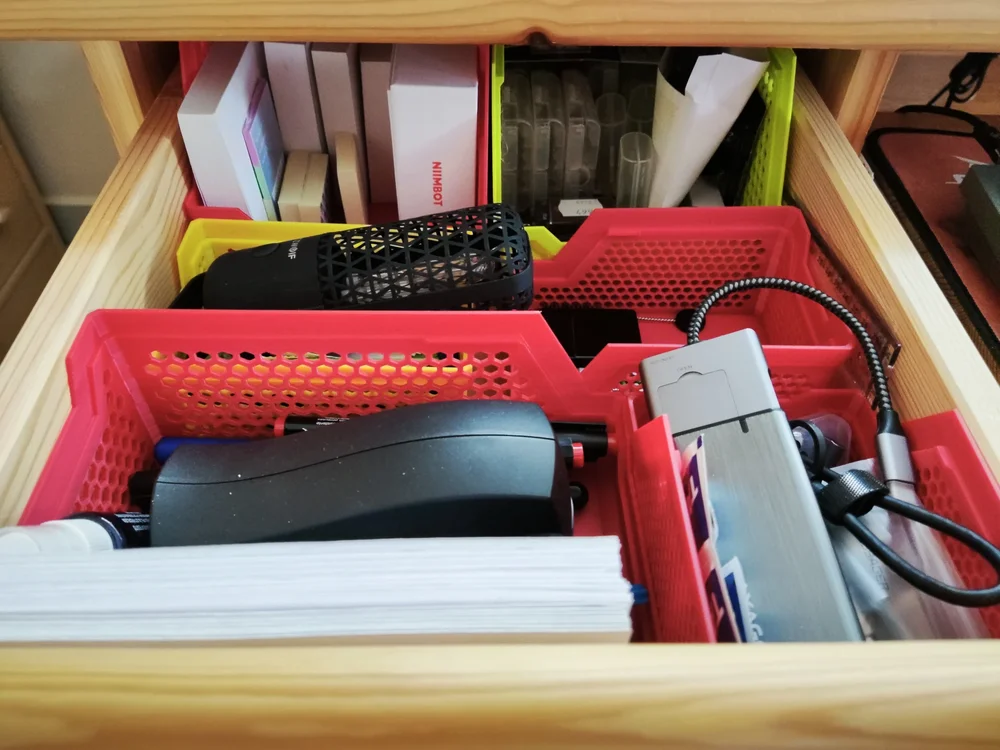
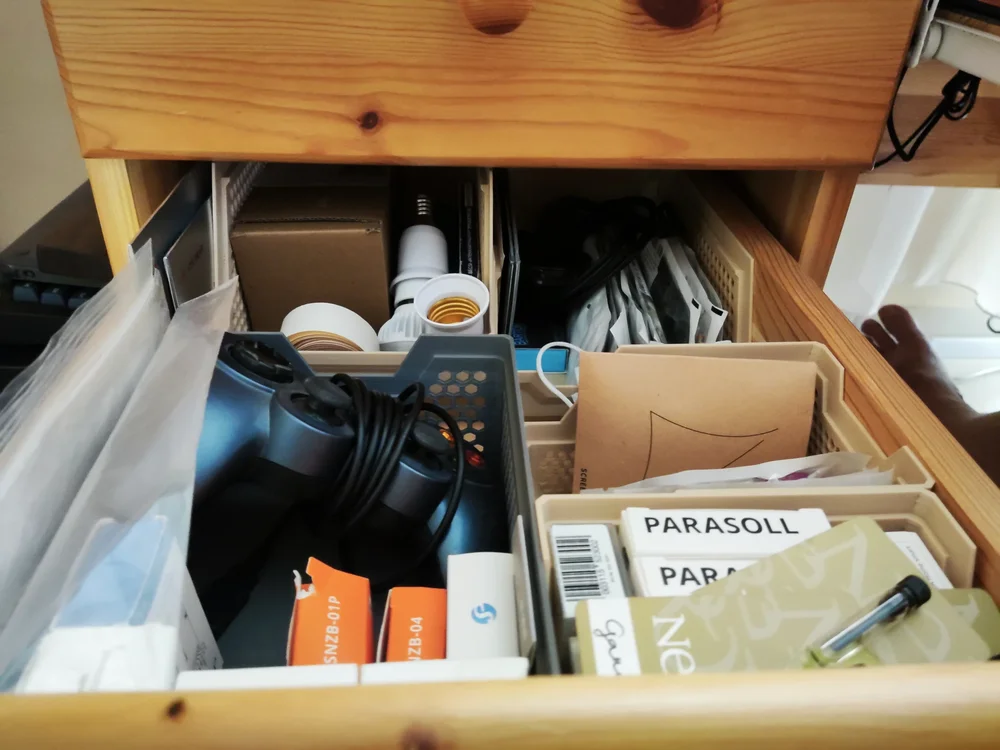
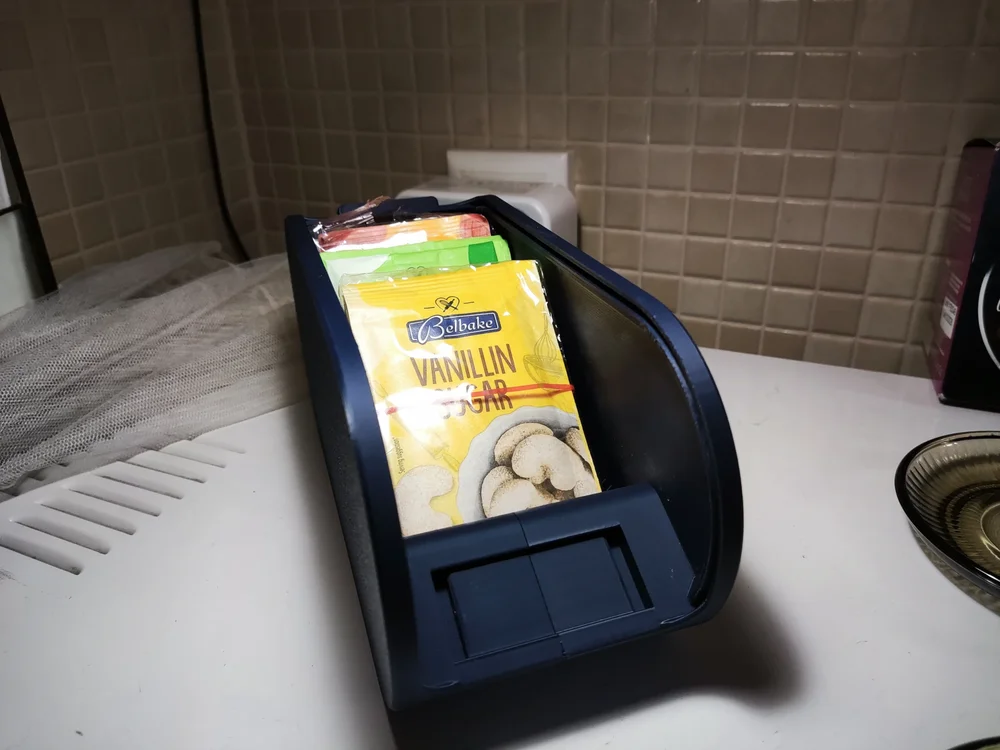
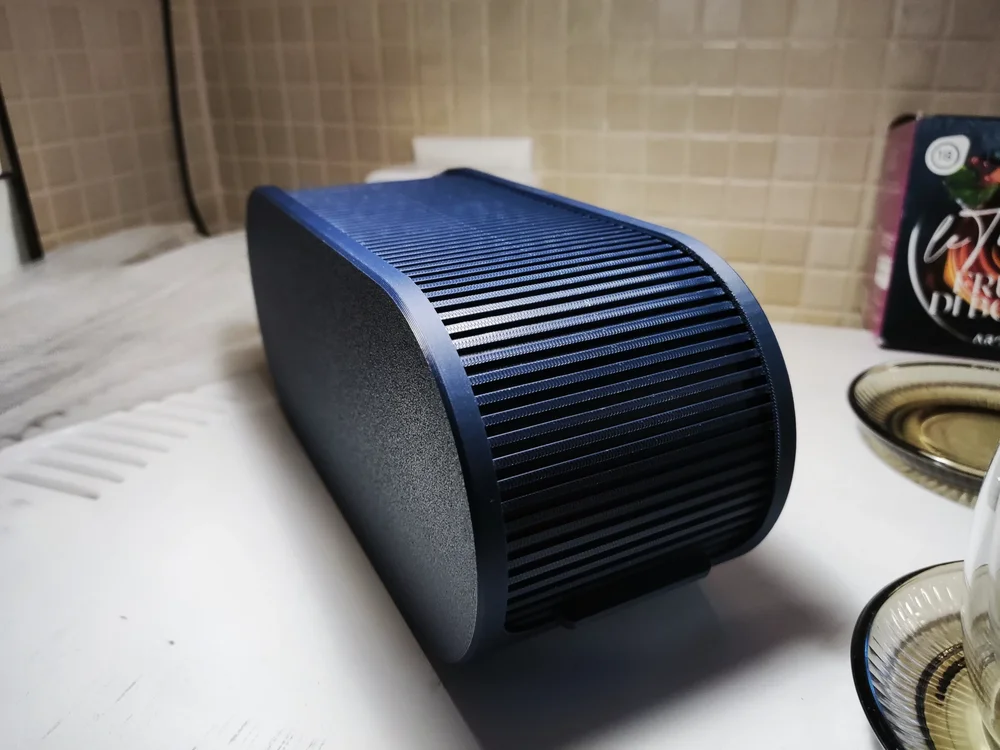
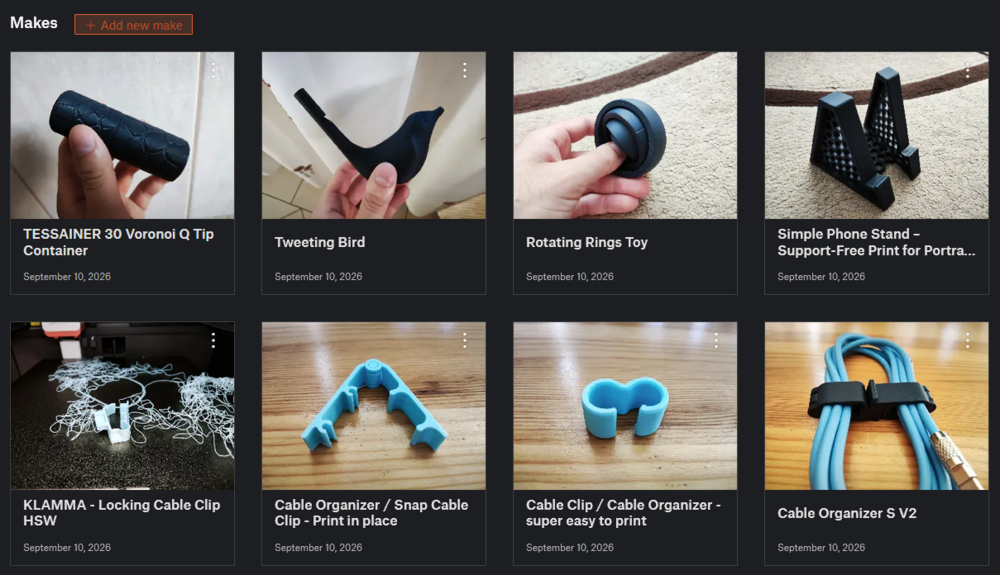
After some work, here are my next batch of printing examples: Modular Locker Storage (model by me): Stacking Storage Tray and Basket (model by @PenguinPrototypes): Shutter Box (model by @3DPrinty): Stackable Sunlu Spool Organizer (model by @3DAlex_SPB): I also printed some smaller things as well, which you can find on my Printables profile: Most of the filaments I used: Sunlu PLA - Midnight Sunlu PLA Matte - Sprout Green Sunlu PLA Matte - Ocean Blue Sunlu PLA+ Gray Sunlu PLA+ Red The matte filament sticks a little bit harder to the PEI plate, but looks very appealing. Additionally, PLA+ and plain PLA prints the easiest. Currently I am trying out the silk variants. I will post about them later!
 1 point
