
3DWithUs
Administrators
-
Joined
-
Last visited
Everything posted by 3DWithUs
-
Congratulations! 🎉 This post won 1 filament spool in the Contribute to Win - April 2026 giveaway. We will contact you shortly to arrange the delivery of the SUNLU filament spool. Giveaway Rules: https://3dwithus.com/forum/topic/973-contribute-to-win-monthly-giveaway

-
Congratulations! 🎉 This post won 2 filament spools in the Contribute to Win - March 2026 giveaway. We will contact you shortly to arrange the delivery of two SUNLU filament spools. Giveaway Rules: https://3dwithus.com/forum/topic/973-contribute-to-win-monthly-giveaway

-
Congratulations! 🎉 This thread has won two filament spools in the Contribute to Win - March 2026 giveaway. We will contact you shortly to arrange the delivery of two SUNLU filament spools. Giveaway Rules: https://3dwithus.com/forum/topic/973-contribute-to-win-monthly-giveaway
-
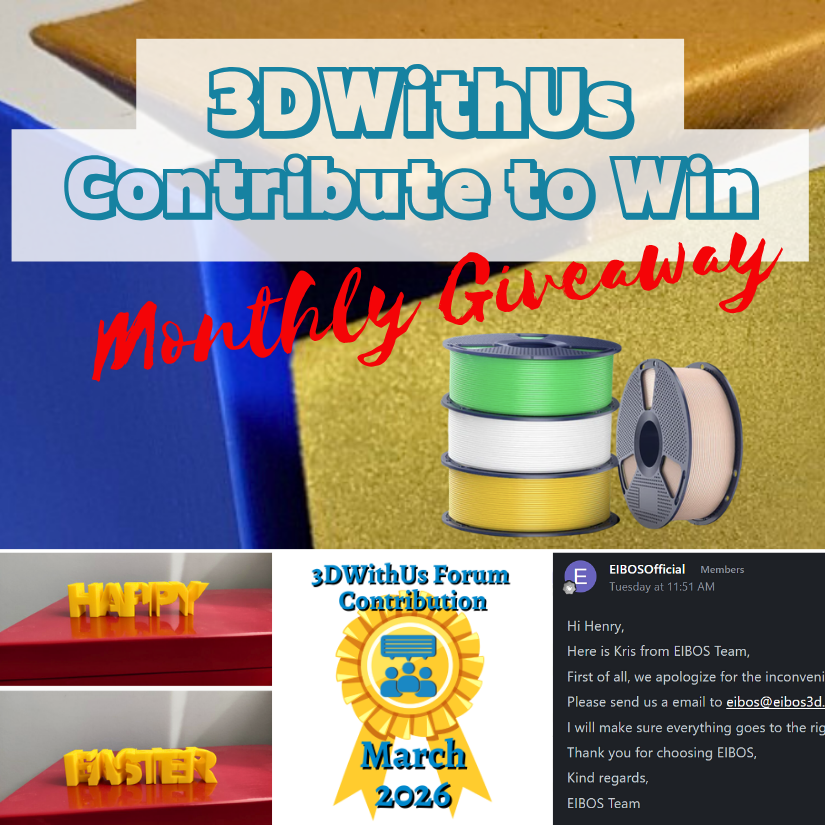
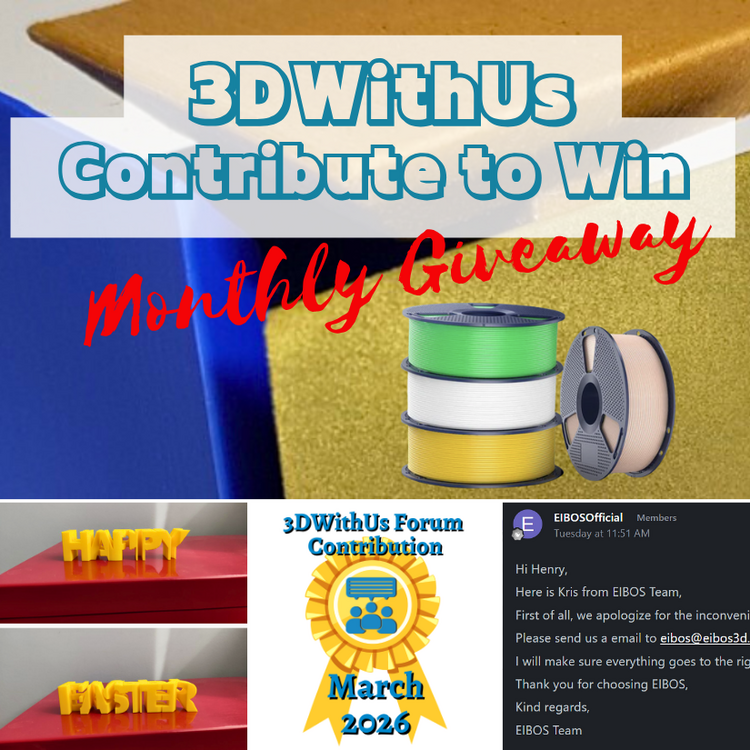
🎉 March Giveaway Completed — April Giveaway Is On The Way! Huge thanks to our forum supporters! We're excited to award our filament prize to forum contributors 🙌 🏆 Winning contributions: EIBOS Filament Dryer Issue & Support Response: https://3dwithus.com/forum/topic/1006-eibos-filament-dryer-disaster/#comment-1196 Guide-Inspired Print & Feedback: https://3dwithus.com/forum/topic/1005-how-to-design-text-flips-discussion/#findComment-1194 Two SUNLU filament spools are now on their way 🎁 What's Next✅ The April giveaway is live ✅ SUNLU filament spools will be awarded to 1–4 contributors whose posts or comments add the most value to the community and forum. ✅ All helpful & creative contributions count Share your projects, tips, questions, fails & wins. Every contribution helps grow the community and puts you in the running. If you were considering posting but haven’t jumped in yet, this is the perfect time to start. Sign Up Here https://3dwithus.com/forum/register/
-
Congratulations! 🎉 This thread won 2 filament spools in the Contribute to Win - February 2026 giveaway. We will contact you shortly to arrange the delivery of two SUNLU filament spools. Giveaway Rules: https://3dwithus.com/forum/topic/973-contribute-to-win-monthly-giveaway
-
Congratulations! 🎉 This thread won 2 filament spools in the Contribute to Win - February 2026 giveaway. We will contact you shortly to arrange the delivery of two SUNLU filament spools. Giveaway Rules: https://3dwithus.com/forum/topic/973-contribute-to-win-monthly-giveaway
-
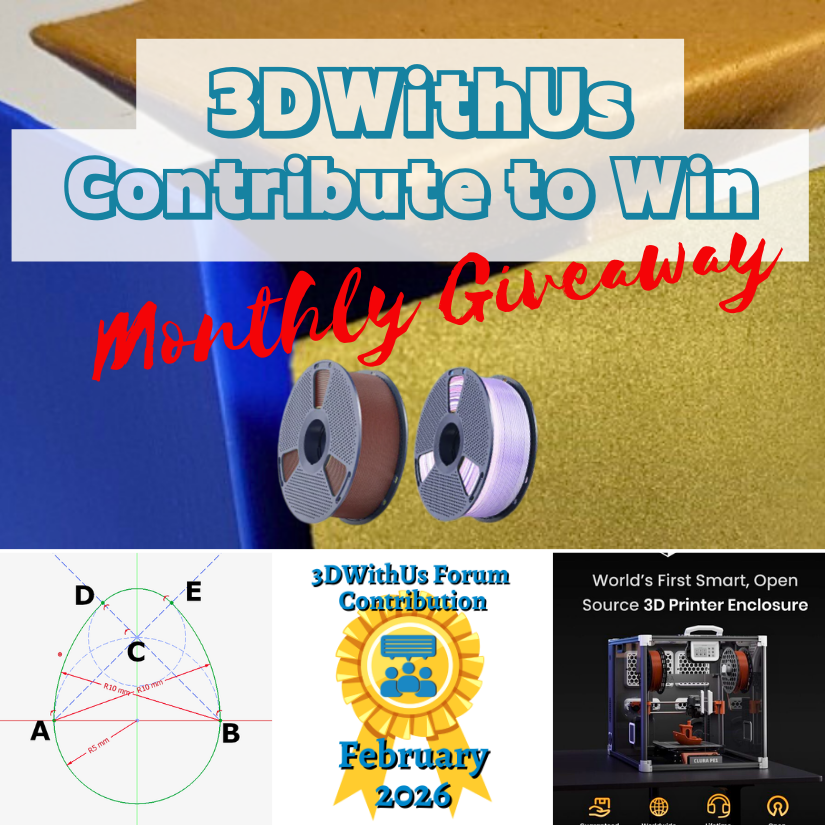
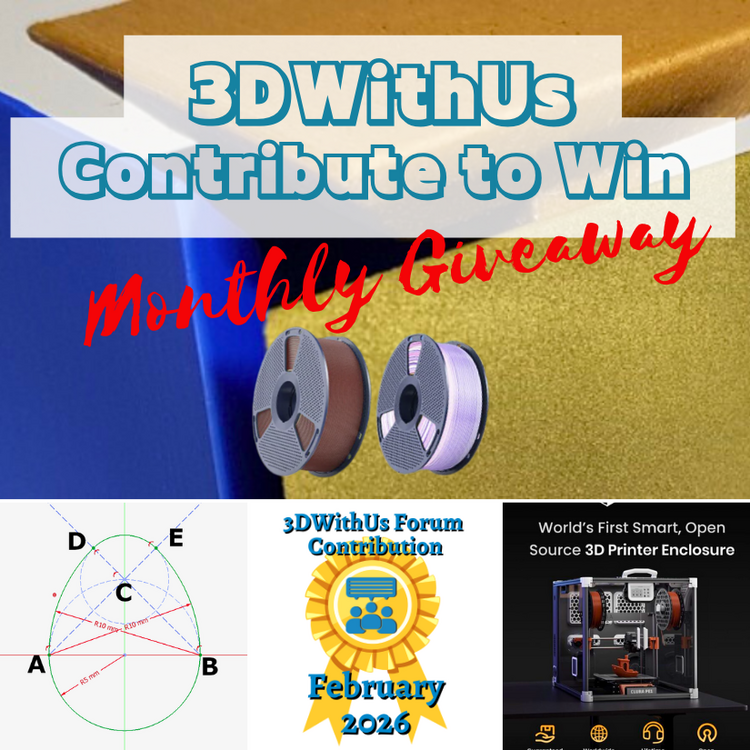
🎉 February Giveaway Completed — March Giveaway Is On The Way! Huge thanks to our forum supporters! We're excited to award our filament prize to forum contributors 🙌 🏆 Winning contributions: Smart Enclosure with Air Filtration & Filament Tracking: https://3dwithus.com/forum/topic/998-we-built-a-fully-open-source-smart-enclosure-with-air-filtration-filament-tracking-now-live-on-kickstarter/ How to sketch/draw an egg: https://3dwithus.com/forum/topic/999-how-to-sketchdraw-an-egg-tutorial Four SUNLU filament spools are now on their way 🎁 What's Next✅ The March giveaway is live ✅ 2 × SUNLU filament spools will be awarded (Best Post and/or Best Comment) ✅ All helpful & creative contributions count Share your projects, tips, questions, fails & wins. Every contribution helps grow the community and puts you in the running. If you were considering posting but haven’t jumped in yet, this is the perfect time to start. Sign Up Here https://3dwithus.com/forum/register/
-
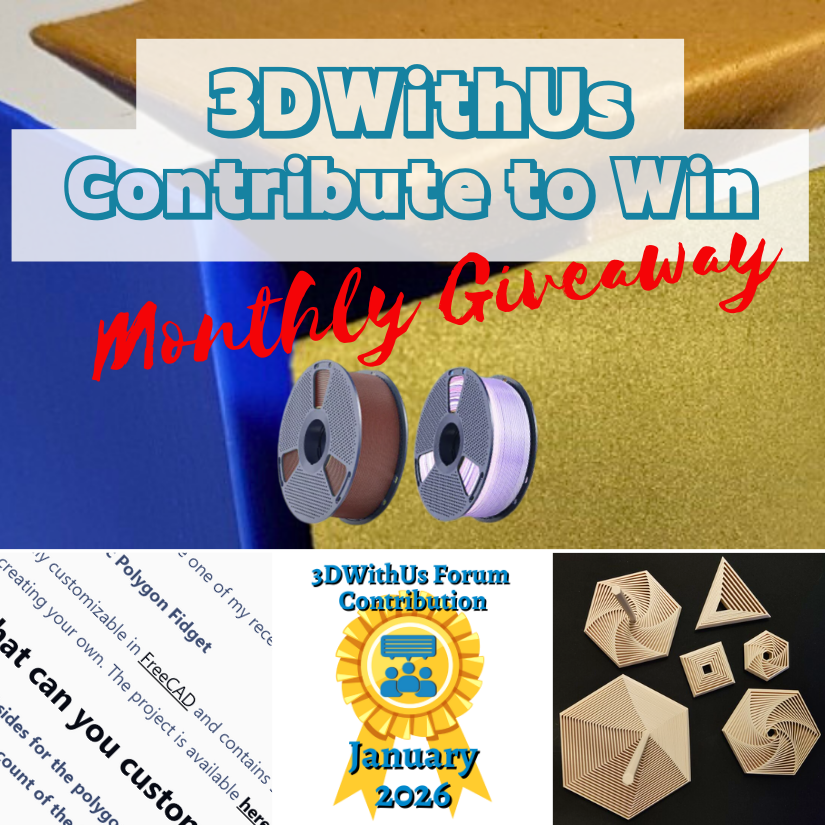
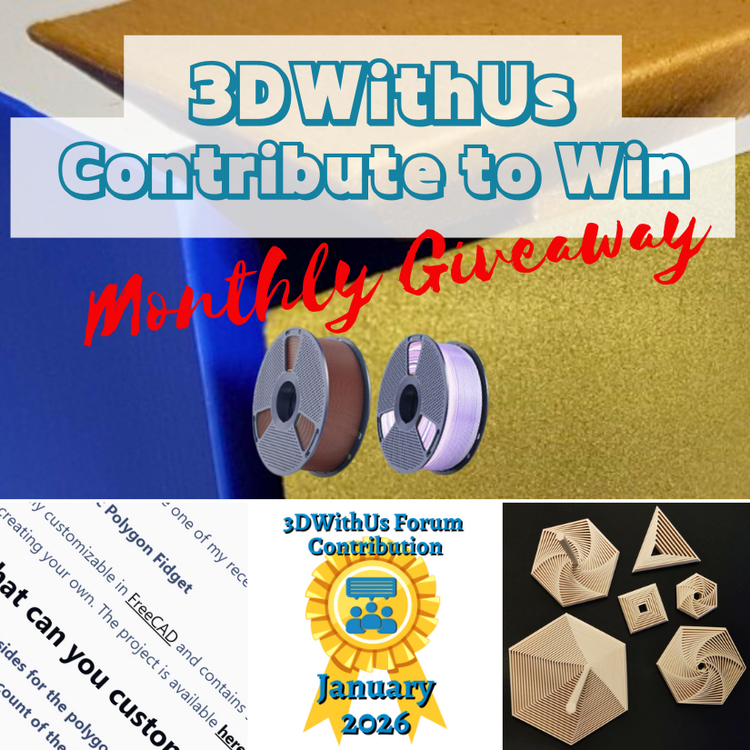
🎉 January Giveaway Completed — February Giveaway Is On The Way! Huge thanks to our early forum supporters! We're excited to award our filament prize to forum contributors 🙌 🏆 Winning contributions: A Parametric Polygon Fidget: https://3dwithus.com/forum/topic/991-parametric-polygon-fidget Four SUNLU filament spools are now on their way 🎁 What's Next✅ The February giveaway is live ✅ 2 × SUNLU filament spools will be awarded (Best Post or/and Best Comment) ✅ All helpful & creative contributions count Share your projects, tips, questions, fails & wins. Every contribution helps grow the community and puts you in the running. If you were considering posting but haven’t jumped in yet, this is the perfect time to start. Sign Up Here https://3dwithus.com/forum/register/
-
Congratulations! 🎉 This thread won 4 filament spools in the Contribute to Win - January 2026 giveaway. We will contact you shortly to arrange the delivery of two SUNLU filament spools. Giveaway Rules: https://3dwithus.com/forum/topic/973-contribute-to-win-monthly-giveaway

-
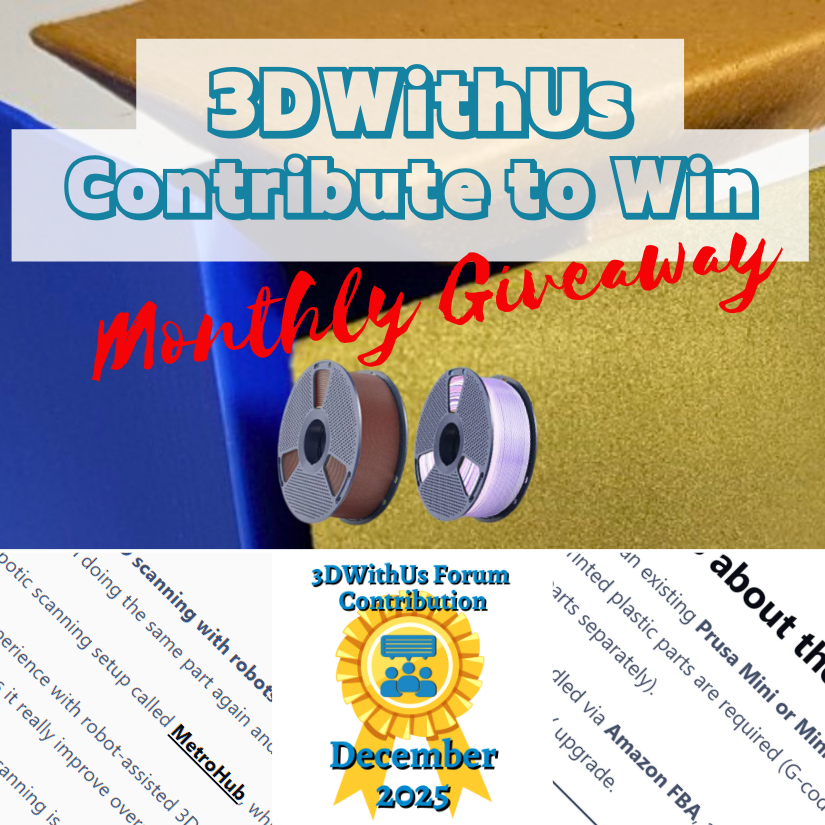
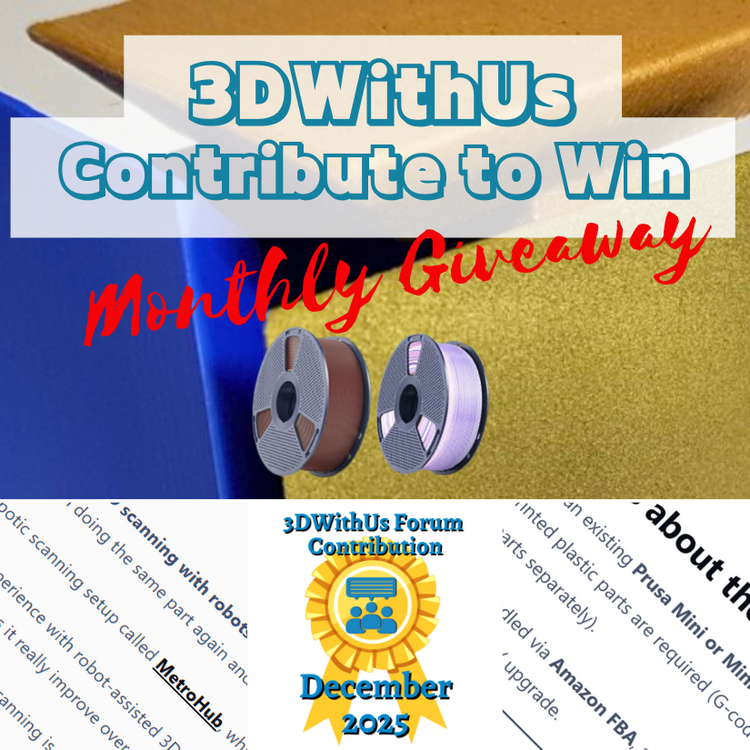
🎉 December Giveaway Completed — January Giveaway Is On The Way! Huge thanks to our early forum supporters! We're excited to award our filament prize to forum contributors 🙌 🏆 Winning contributions: Upgrade for Prusa Mini: https://3dwithus.com/forum/topic/985-installation-video-for-upgrade-kit-for-prusa-mini-and-promo-code Automated 3D Scanning: https://3dwithus.com/forum/topic/988-robotic-3d-scanning-for-automation-anyone-tried-this 2* Two SUNLU filament spools are now on their way 🎁 What's Next✅ The January giveaway is live ✅ 2 × SUNLU filament spools will be awarded (Best Post or/and Best Comment) ✅ All helpful & creative contributions count Share your projects, tips, questions, fails & wins. Every contribution helps grow the community and puts you in the running. If you were considering posting but haven’t jumped in yet, this is the perfect time to start. Sign Up Here https://3dwithus.com/forum/register/
-
Congratulations! 🎉 This post won two filament spools in the Contribute to Win - December 2025 giveaway. We will contact you shortly to arrange the delivery of two SUNLU filament spools. Giveaway Rules: https://3dwithus.com/forum/topic/973-contribute-to-win-monthly-giveaway
-
Congratulations! 🎉 This post won two filament spools in the Contribute to Win - December 2025 giveaway. We will contact you shortly to arrange the delivery of two SUNLU filament spools. Giveaway Rules: https://3dwithus.com/forum/topic/973-contribute-to-win-monthly-giveaway
-
🎉 November Giveaway Completed — December Giveaway Is On The Way! Huge thanks to our early forum supporters! We're excited to award our first filament prize to an early contributor 🙌 🏆 Winning contribution: https://3dwithus.com/forum/topic/981-kad3d-australias-most-recommended-3d-printing-and-manufacturing-service Two SUNLU filament spools are now on their way 🎁 What's Next✅ December giveaway is live ✅ 2 × SUNLU filament spools will be awarded (Best Post or/and Best Comment) ✅ All helpful & creative contributions count Share your projects, tips, questions, fails & wins. Every contribution helps grow the community and puts you in the running. If you were considering posting but haven’t jumped in yet, this is the perfect time to start. Sign Up Here https://3dwithus.com/forum/register/
-
Congratulations! 🎉 This post has been selected as the Best Post of November 2025. We will contact you shortly to arrange the delivery of two SUNLU filament spools. Giveaway Rules: https://3dwithus.com/forum/topic/973-contribute-to-win-monthly-giveaway
-
Congratulations! 🎉 This post has been selected as the Best Post of October 2025. We will contact you shortly to arrange the delivery of two SUNLU filament spools. Giveaway Rules: https://3dwithus.com/forum/topic/973-contribute-to-win-monthly-giveaway
-
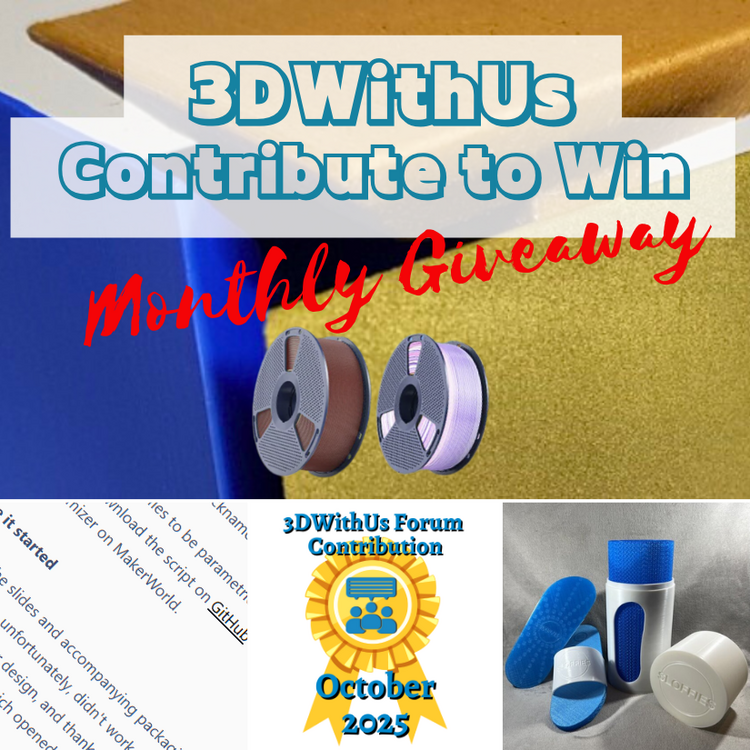
🎉 October Giveaway Completed — November Giveaway Is On The Way! Huge thanks to our early forum supporters! We're excited to award our first filament prize to an early contributor 🙌 🏆 Winning contribution: https://3dwithus.com/forum/topic/976-sloffies-parametric-slides/ Two SUNLU filament spools are now on their way 🎁 What's Next✅ November giveaway is live ✅ 2 × SUNLU filament spools will be awarded (Best Post or/and Best Comment) ✅ All helpful & creative contributions count Share your projects, tips, questions, fails & wins. Every contribution helps grow the community and puts you in the running. If you were considering posting but haven’t jumped in yet, this is the perfect time to start. Sign Up Here https://3dwithus.com/forum/register/
-
We’re excited to launch a new community initiative to reward contributors on the 3DWithUs forums! Each month, we’ll reward the best contributions in our forum: whether it’s a helpful answer, an inspiring project showcase, or a thoughtful discussion. Unlike automated giveaways, this one is judged by humans – our editorial team will pick the winners. The focus is on quality posts that bring value to the community, not just luck. 🎁 Prizes: Each month, we select 1–4 contributors whose posts or comments add the most value to the community and forum. Winners receive 1–2 spools of filament, depending on their contribution. Big thanks to SUNLU for contributing filament to reward the best posts & comments. 👉 How to enter? Simply participate in the forum: Share your project in the relevant category. Ask or answer questions with useful detail. Join discussions and help others. 📦 Shipping & Prize Delivery Worldwide participation is welcome. If shipping the prize directly becomes impractical (e.g., shipping costs, customs restrictions, or location-specific issues), we’ll provide a comparable alternative, such as an Amazon/equivalent local store voucher or a digital coupon of equal value. This is just the start – prizes and rules may evolve, but the goal is simple: reward the best posts that help the 3D printing community grow. Sign Up Here https://3dwithus.com/forum/register/ Members with generic, promotional, or bot-like usernames may be less likely to be selected for a giveaway prize. We encourage recognizable, personal, or 3D-related usernames to help build a genuine community.
-
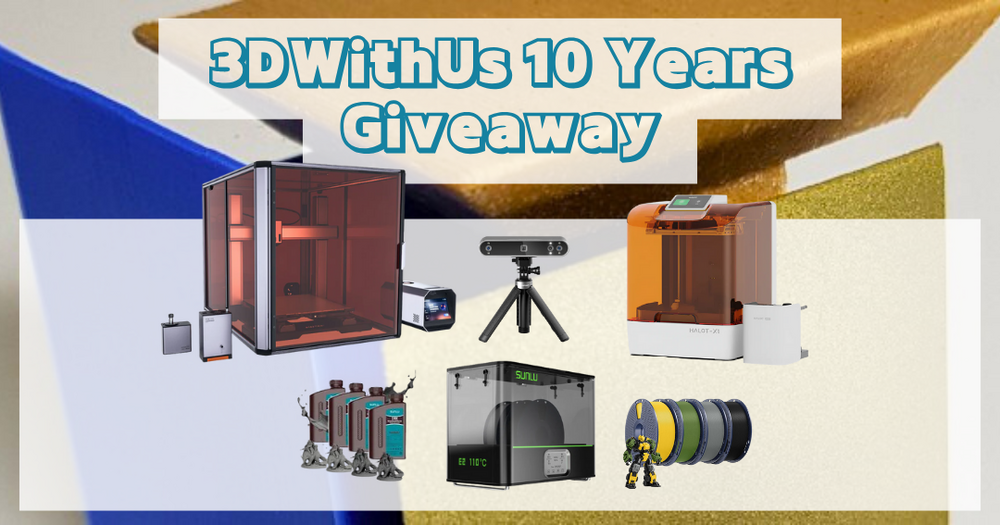
Our 10-Year Anniversary Giveaway has ended! We’re now in the process of contacting the winners by email.
-
🎉 Bonus Entry Code: You've found one of the bonus codes! Use it to get extra entries in the 10-Year Anniversary Giveaway. Code: COD33DWITHUSFORUMS P.S. You may find these forums useful — you can even publish your own content here. Join us! Love 3D Printing Giveaways? Find more on our website.
-
Welcome to the 3D Printing Services section on the 3DWithUs Forum! This space is dedicated to service providers, enthusiasts, and businesses looking to connect, showcase capabilities, or discover trusted manufacturing partners. Featured: Mini You – 3D Scanning and 3D Printing Service ✅ What You Can Post HereIntroduce your 3D printing, CNC, or fabrication service Share your portfolio, technologies used, and contact info Ask for recommendations or compare service platforms Discuss pricing models, marketplaces, or best practices 📌 GuidelinesBe transparent: Include location (if relevant), services offered, and website/contact details. Stay relevant: This forum is focused on production, prototyping, and fabrication services. No spam: One post per service/company. Replies should be helpful and respectful. No spammy names or affiliate links: Posts using keyword-stuffed titles, spam-looking usernames, or affiliate links will be removed. If you're unsure what to include, check out existing examples. 📣 Sticky Post or/and Article?If you'd like to get your service featured more prominently on our forum or website, consider the following options: 👉 3D Printing Services - Sponsored Articles 👉 Top 3D Printing Service - List 👉 Contact Us The package includes promotion across our social media channels, a sticky post on the forum, email newsletter mention, and optional banner advertising. Contact us to discuss pricing and available options.

-
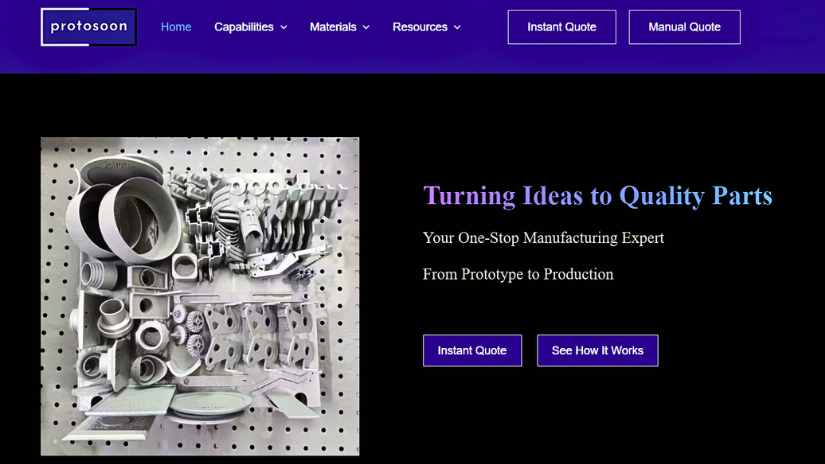
We recently featured ProtoSoon, a China-based manufacturing service provider offering a wide range of on-demand services including: – Industrial 3D printing (SLA, SLS, SLM, MJF) – CNC machining – Injection molding – Vacuum casting ProtoSoon also provides an online quoting and ordering system that supports instant pricing and post-processing options. 🔗 Read the full sponsored article: 👉 ProtoSoon: From Prototype to Production with Precision and Speed Feel free to ask questions here or share your experience if you’ve worked with ProtoSoon before.
-
Working on a 3D design, model, or digital project? Whether you're creating for 3D printing, CNC, laser engraving, or just exploring new software - this is your space! ✅ Show your work-in-progress or finished designs ✅ Ask design-related questions ✅ Share tips for CAD, sculpting, slicing, or modeling ✅ STL sharing allowed (please credit designers where needed) 💬 Popular tools include Fusion 360, Blender, TinkerCAD, LightBurn, FreeCAD, ZBrush, and more - but anything creative is welcome. 👀 Cross-technology projects (for printing, cutting, scanning, etc.) are encouraged too!
-
Do you have a live or upcoming campaign you'd like the community to be aware of? Whether it's on Kickstarter, Indiegogo, or another platform, if it's related to making, building, or digital fabrication, you're welcome to post. ✅ Hardware and software welcome ✅ Campaigns for designs (STLs, models, digital assets) are welcome ✅ Crowdfunding, pre-orders, and early access ❌ No Affiliate Links ❌ No spammy or unrelated promotions 📌 We recommend one thread per campaign for easier updates and questions.
-
We love seeing what our members are building! You’re welcome to share personal projects, blogs, or shops — but please keep it relevant and add context. ✅ Links to your own 3D prints, designs, or tutorials are encouraged when accompanied by insight, context, or helpful tips. ✅ Showcasing your tools, setups, or maker projects? Please do! 💡 If you’re sharing a video, provide a brief summary so others know what to expect. 🚫 Please avoid posting just a link without context — it’s more helpful when we know what it’s about and why it matters. 🚫 No spam, AI-generated posts, or “visit my forum/site” link drops. 🚫 Affiliate links are not allowed. 💡 Reminder: To post external links, users must have a valid, non-spammy profile. Profiles with suspicious usernames, generic bios, or suspicious email domains may be rejected or removed. We welcome genuine contributors! Sign Up Here https://3dwithus.com/forum/register/
-
Welcome to the 3DWithUs Forum — a space for makers, tinkerers, designers, and 3D printing enthusiasts to connect, share, and learn together. To keep the community helpful and enjoyable for everyone, please follow these guidelines: ✅ 1. Be RespectfulTreat all members with kindness and respect. Constructive feedback is encouraged, but personal attacks, hate speech, or harassment will not be tolerated. 💬 2. Stay On TopicPost in the appropriate category and keep discussions relevant. Use clear titles and provide enough context so others can understand and help. 🚫 3. No Spam or Self-Promo (Without Value)Promotions or personal site links are allowed only if they provide value to the community (e.g., a tutorial, resource, or detailed review). Otherwise, they may be removed. Affiliate links are not allowed. 🔄 4. Search Before PostingBefore starting a new topic, use the search bar to check if your question has already been answered. 🏷️ 5. Use Tags & DescriptionsHelp others find your posts! Use tags, images, and short descriptions, especially for projects, troubleshooting, or tutorials. 🧩 6. Respect CopyrightsOnly share files, models, images, or designs that you have the right to distribute. Give credit where it’s due. 🛡️ 7. No NSFW or Inappropriate ContentKeep all content family-friendly. Inappropriate or offensive content will be removed. 📢 8. Reporting & ModerationSee something off? Use the report button or contact a moderator. We reserve the right to edit or remove content that violates these rules. 🤝 9. Contribute to the CommunityAnswer questions, share your projects, give feedback, and celebrate other makers. The more you give, the more you’ll get from this space. This is your space to connect with fellow 3D printing enthusiasts, designers, DIY tinkerers, and tech explorers. Whether you're just starting out or you've got years of experience, there's a place for you in our community. Sign Up Here https://3dwithus.com/forum/register/