
Richard Hirst
Authors
-
Joined
-
Last visited
Everything posted by Richard Hirst
-
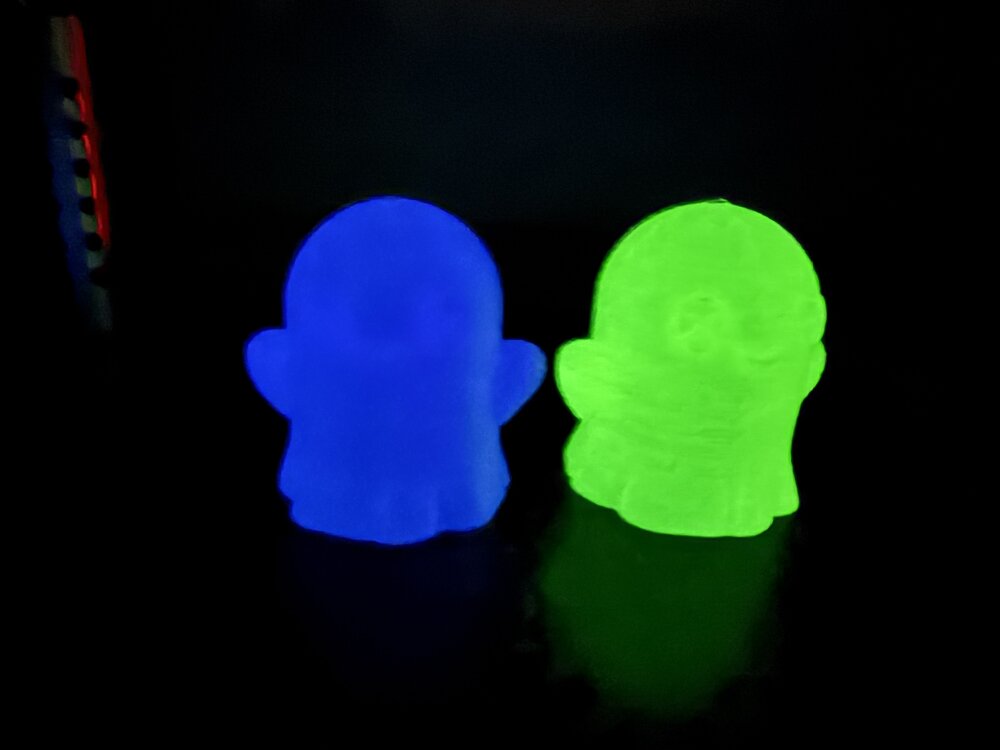
Yes it glows nice just tested 2 of the colors other 2 are printing now.
-
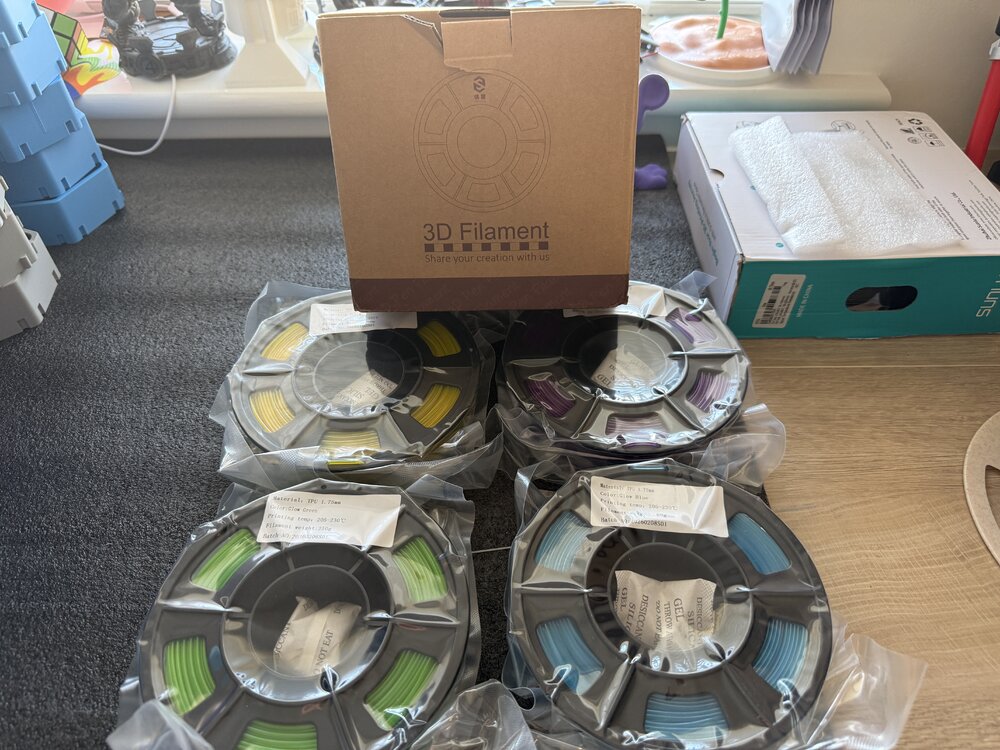
4 250 gram Yousu glow in the dark TPU been sent to try ( yellow purple green blue) will post prints after I’ve tried it. Should be interesting to try print with glow TPU.
-
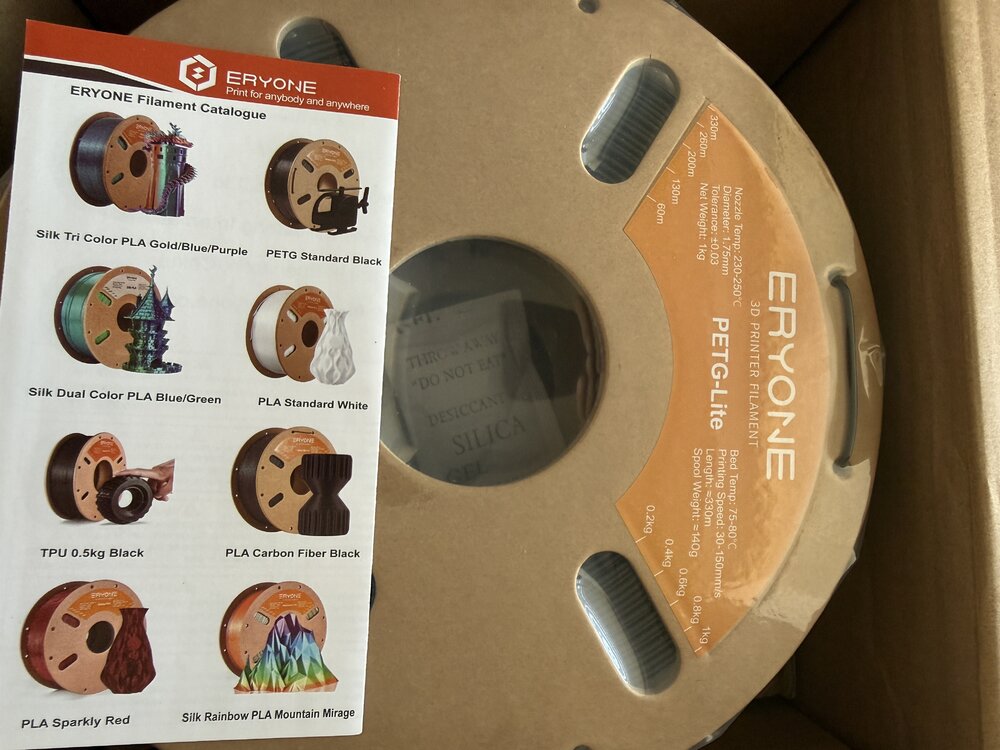
Just got a couple of kilos of Eryone PETG lite sent to try will post thoughts and results in another post when I’ve tried it. It’s supposed to print like PLA less stringy and easier to print.
-
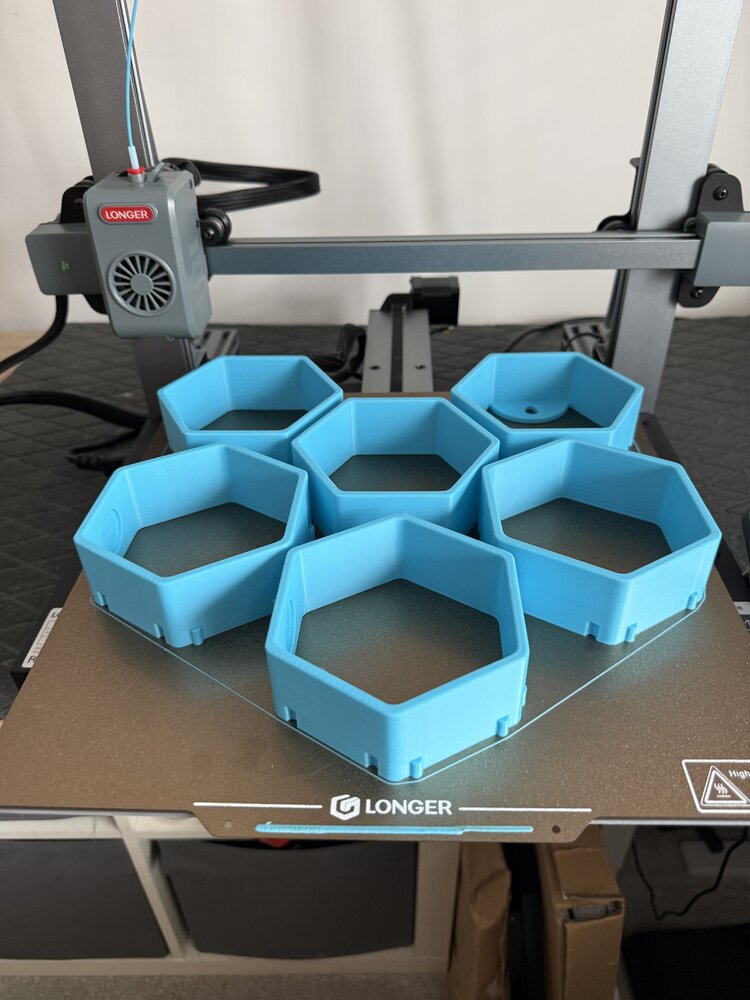
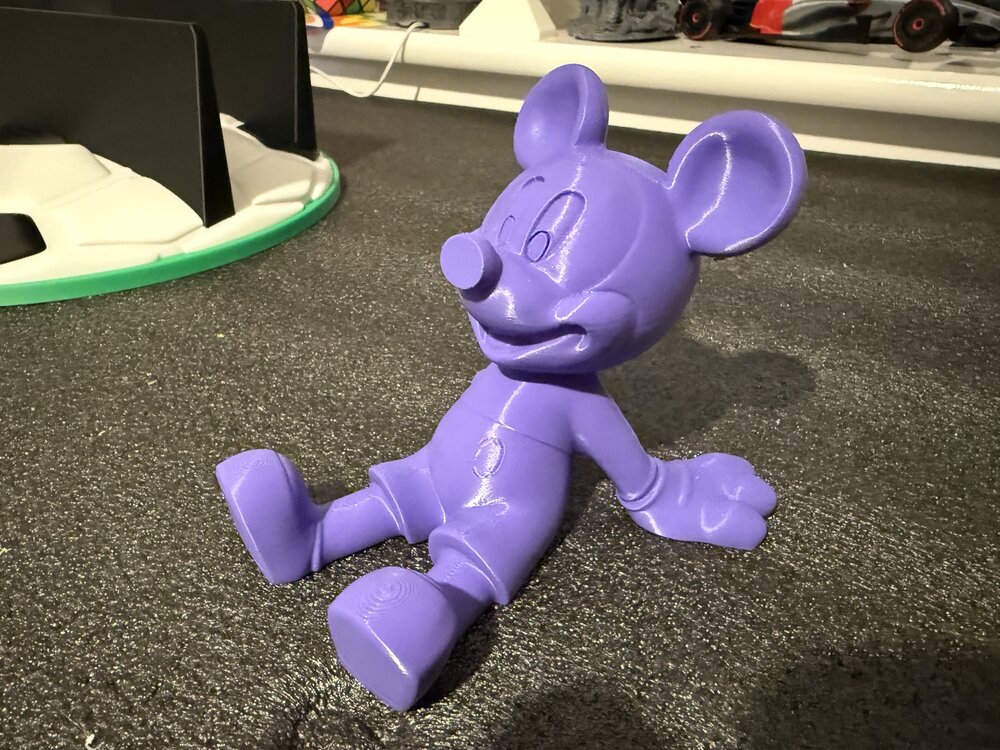
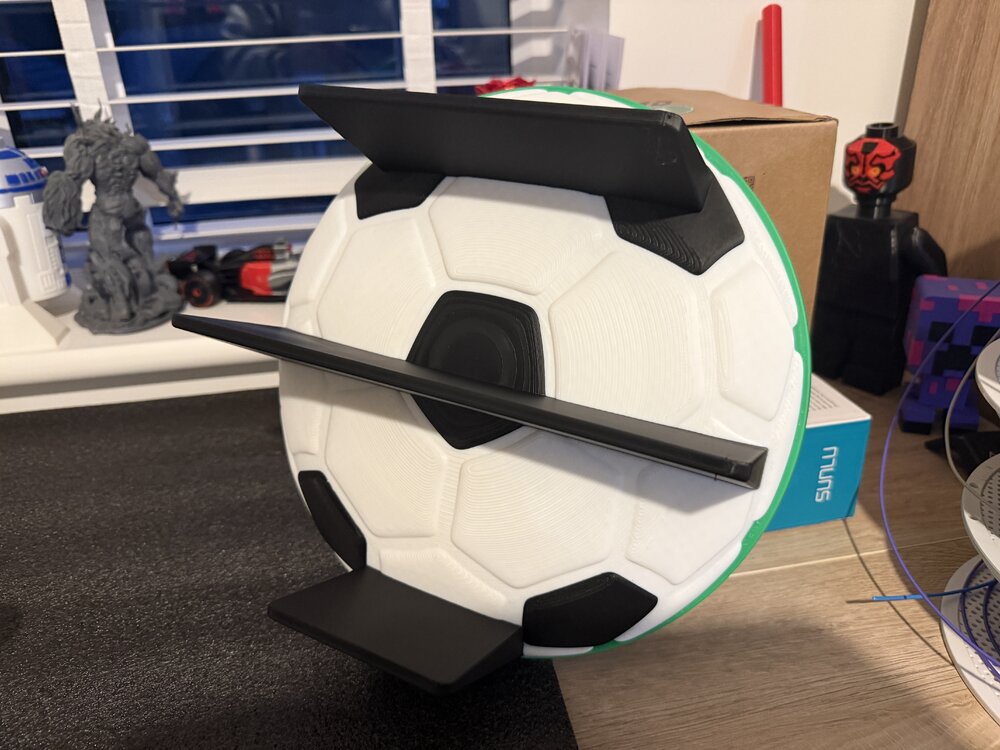
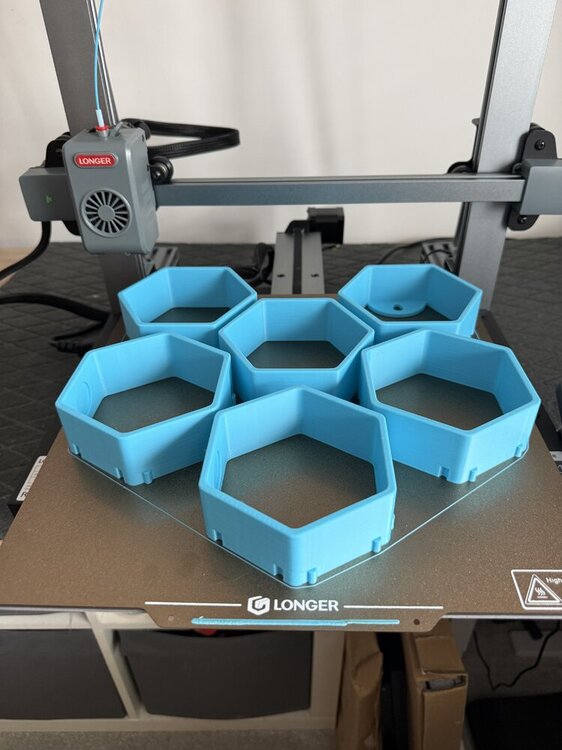
Few prints from this week trying out couple of new printers the Prusa core 1L and Longer LK10 plus. Plus my Bambu printers.
-
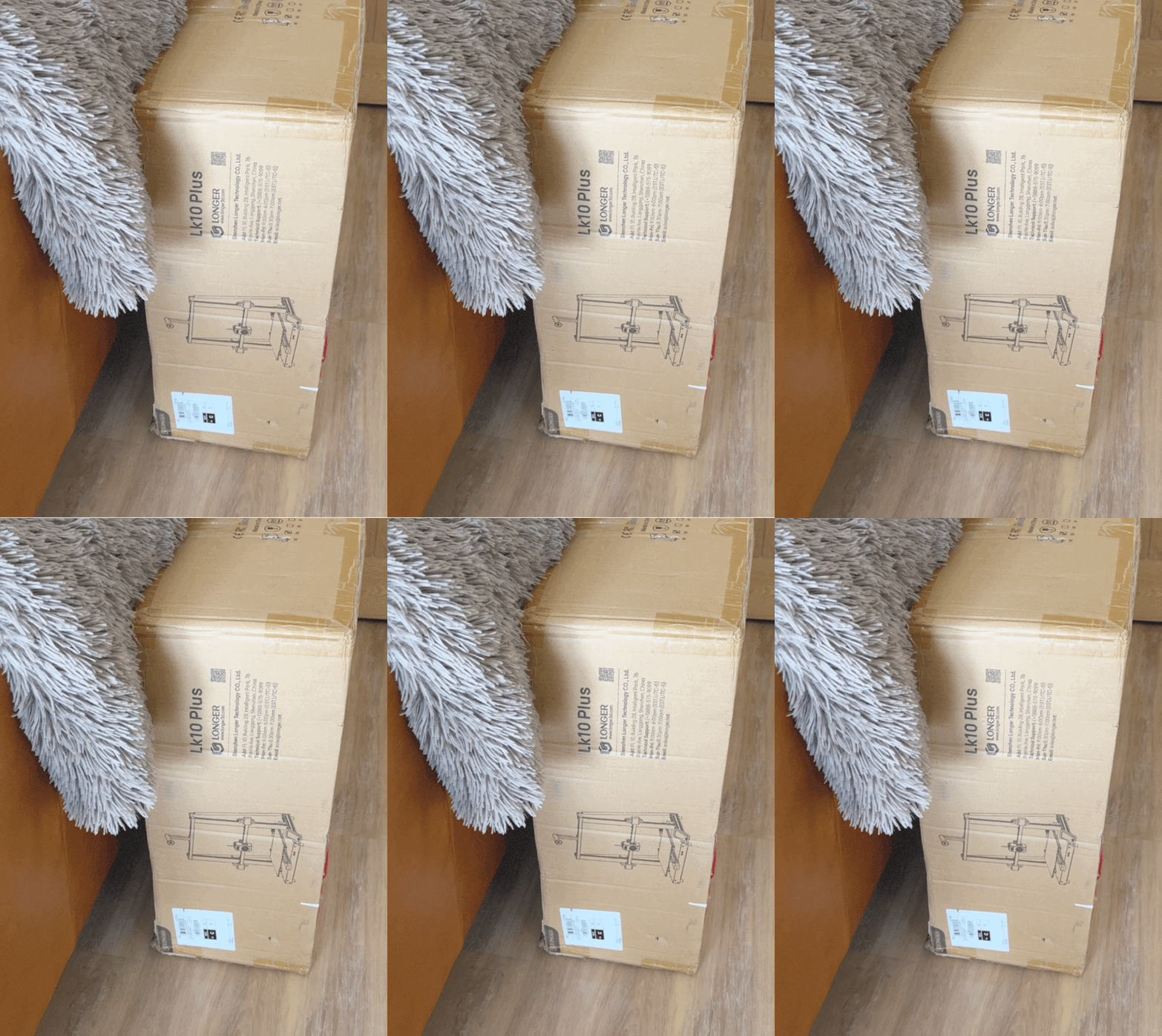
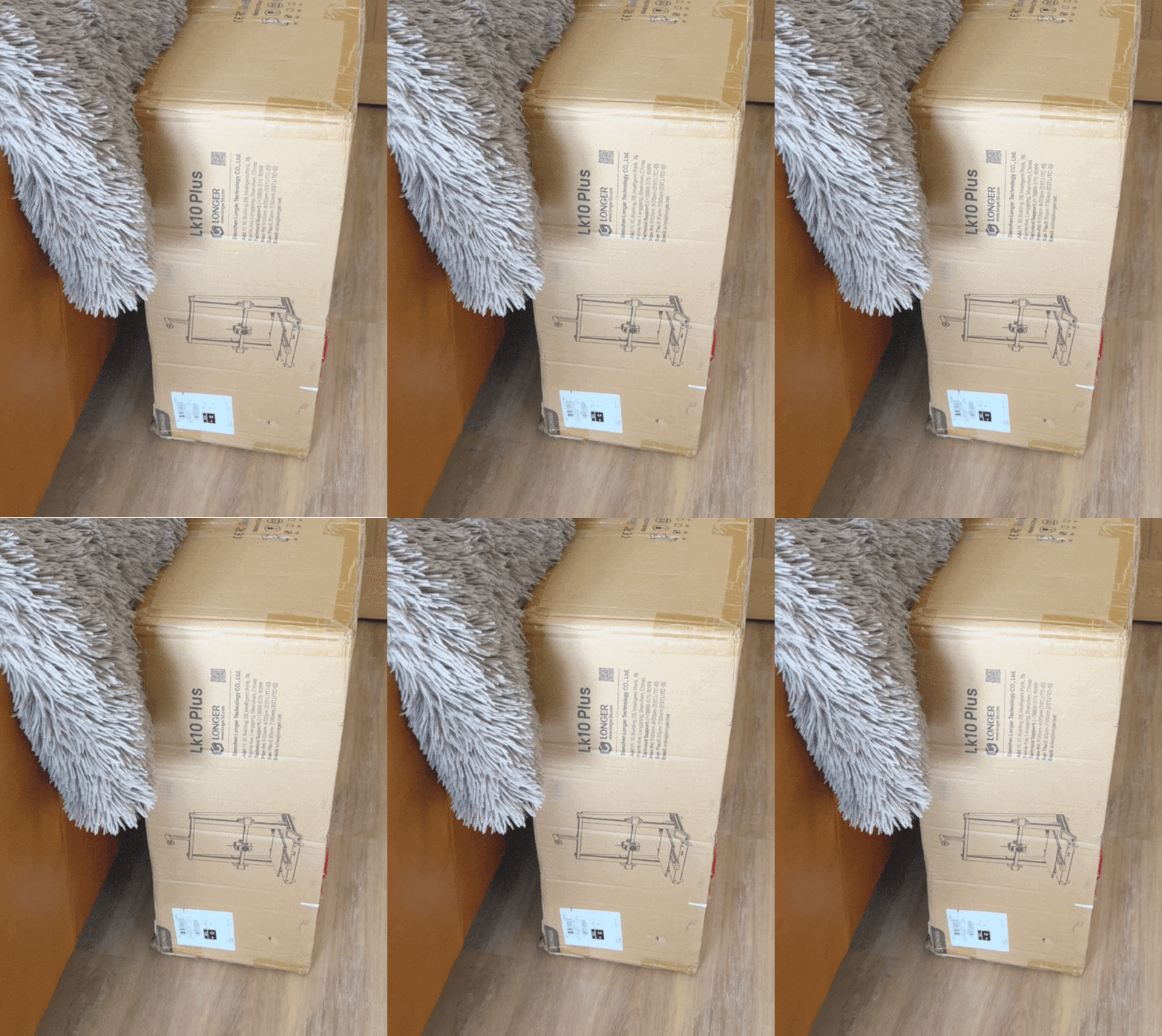
Longer LK 10 plus in for test and review the LK 5 series was a good printer when they first came out a couple of years. So let’s see if it has evolved to fit in with the new 3D printers that are available.
-
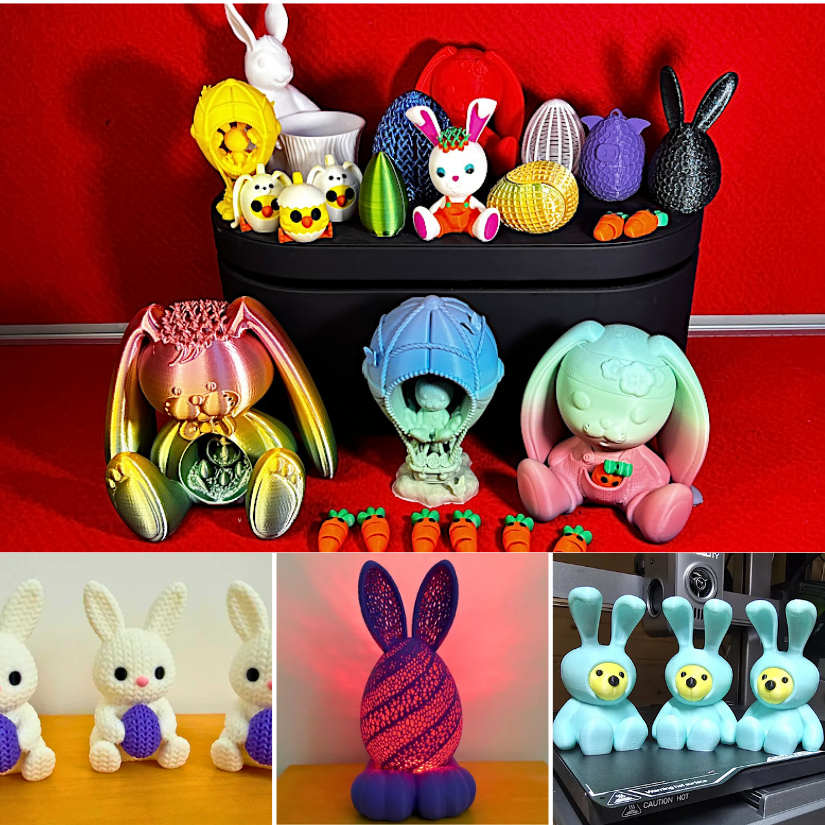
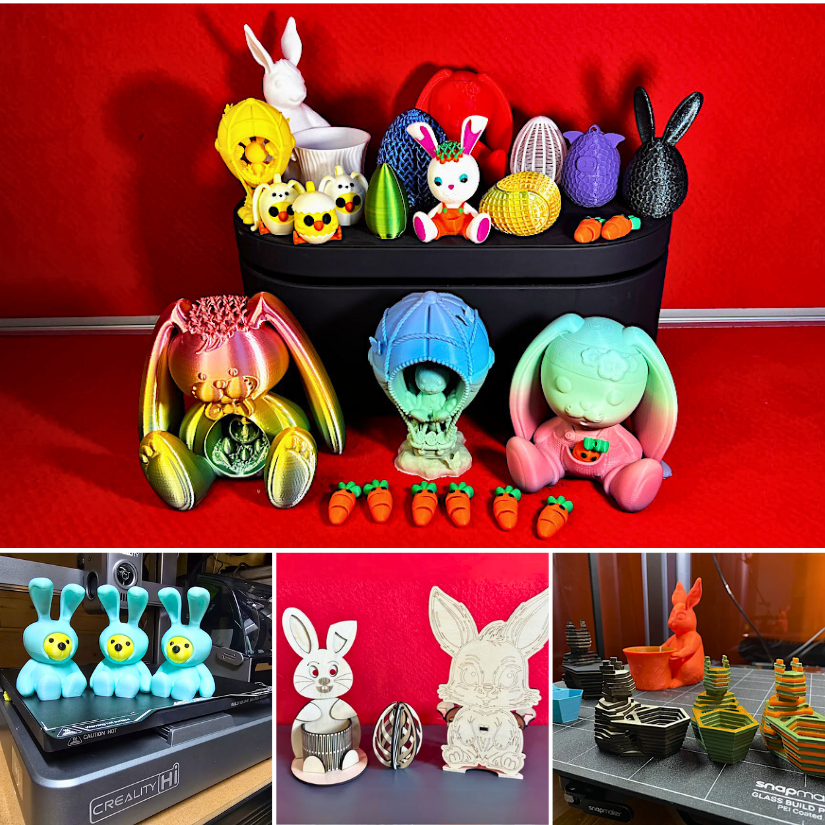
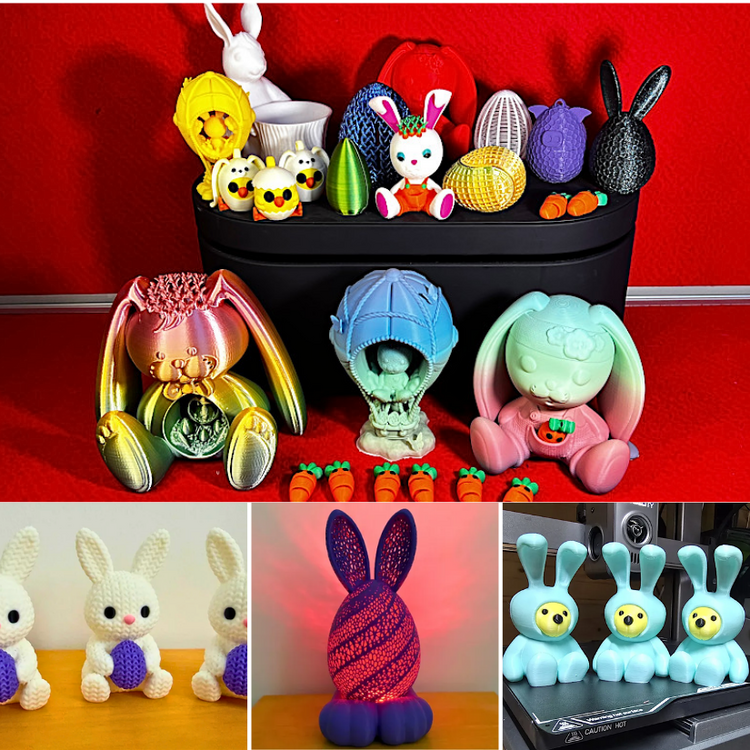
Updated Guide: Easter 3D Print Ideas https://3dwithus.com/easter-3d-print-ideas-and-gifts-decorative-and-functional Featured: Bugman_140, 3DPrintBunny, KOZADesign, davemakesstuff_, realNUKDDD and others.
-
Loved doing this guide for 3Dwithus.
-
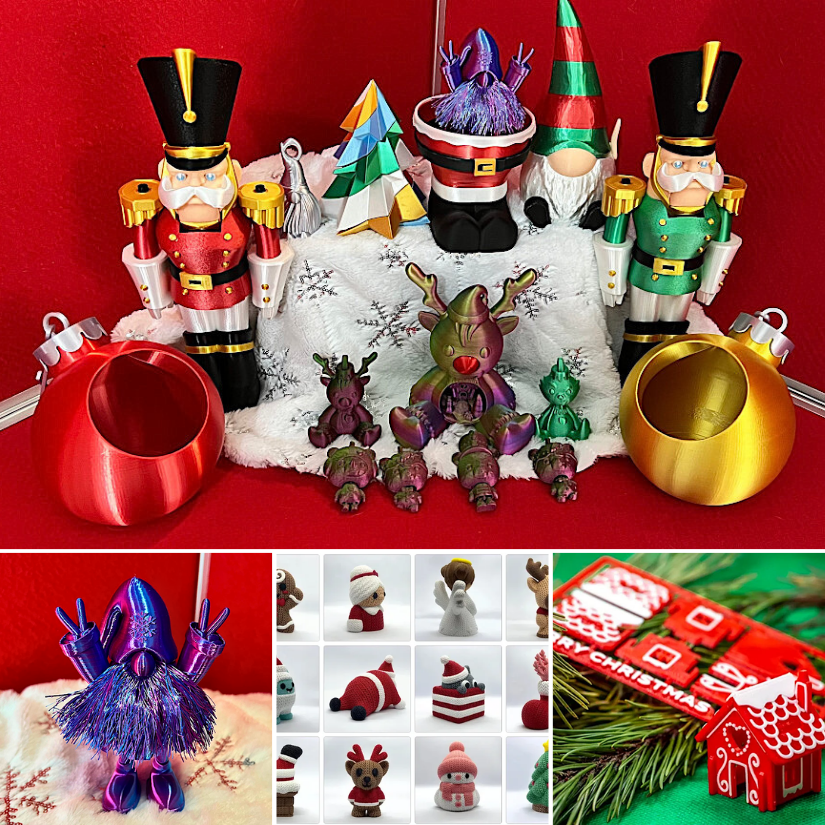
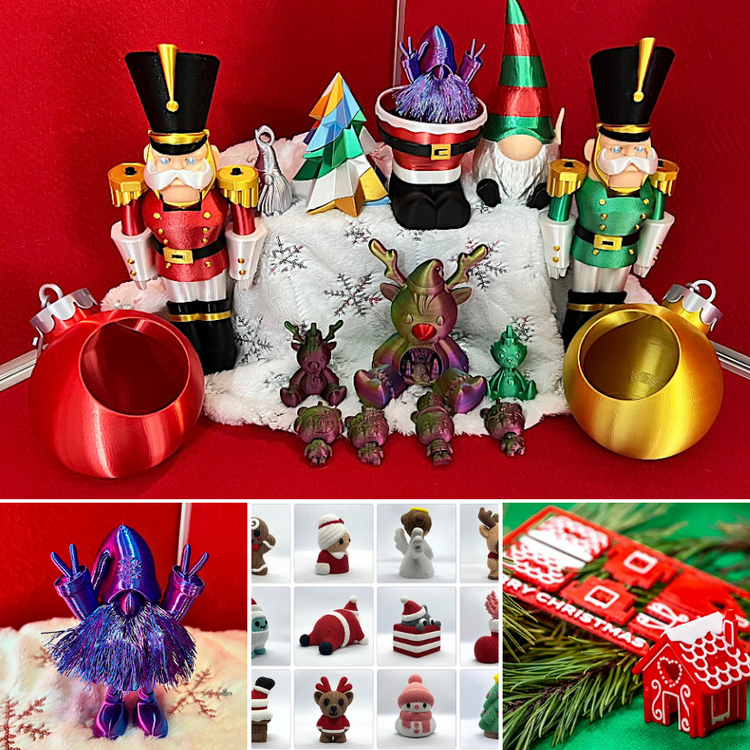
The festive season is here, and this thread is a place to share Christmas-themed 3D print ideas, projects, and finished prints. 👉 Christmas 3D Print Ideas Guide: https://3dwithus.com/christmas-3d-print-ideas The festive season is here — time to fire up your 3D printer 🎅 Please, share your ideas and prints! If you share a project, please start a new thread.
-
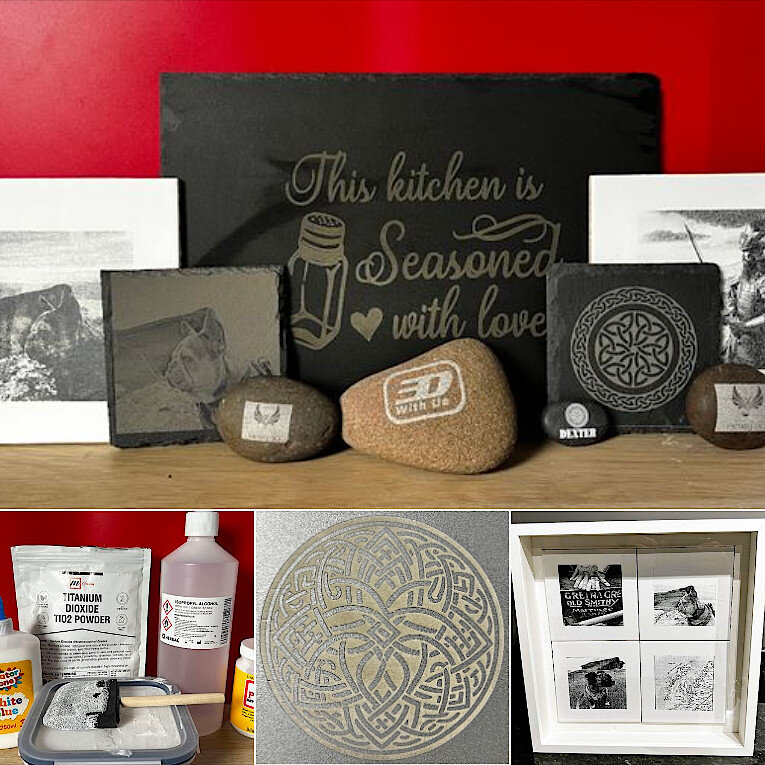
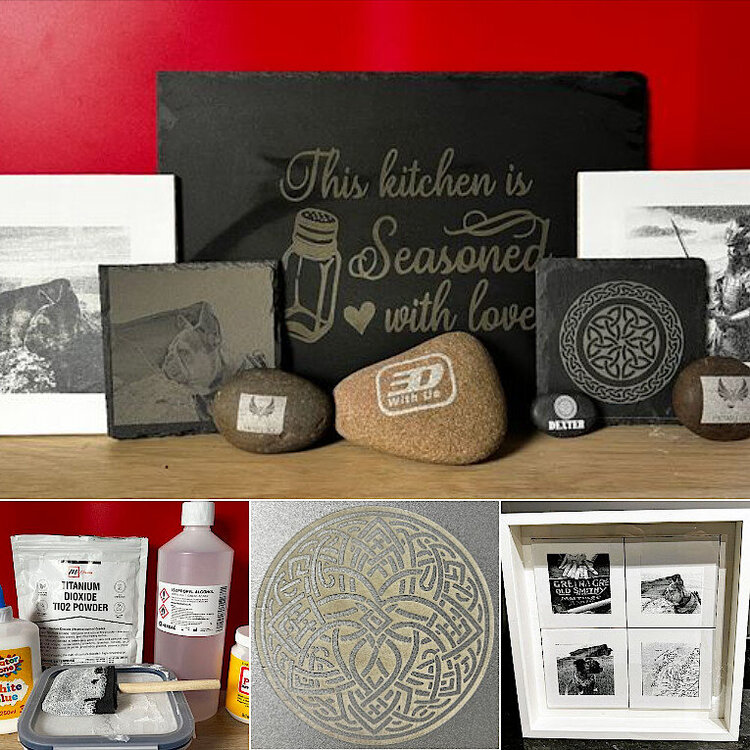
Engraving on stone-like materials, such as slate, ceramics, and tile, can produce stunning results for gifts, signs, or decorative items. We recently explored the process and materials in more detail here: 👉 How to Engrave on Stone, Ceramics, and Slate – 3DWithUs Guide Different laser types, power settings, and surface prep all make a difference. 💬 Tried it yourself? Show us your work! Post your results, materials, or questions below. 📸 Diode, CO₂, or fiber — all laser types welcome!
-
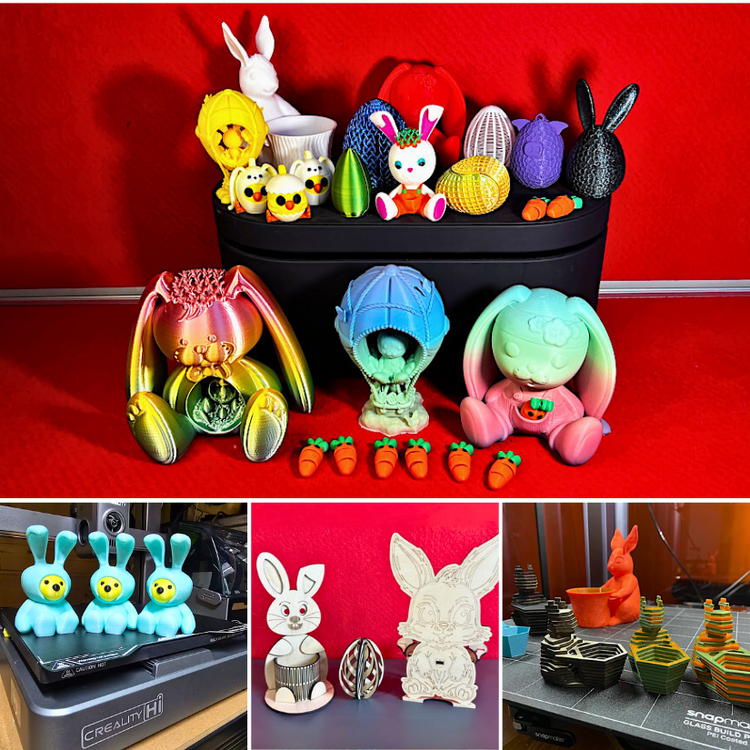
🐣 Got Easter-themed 3D prints? Share your decorations, gifts, or functional models — whether you designed it, printed it, or just have a cool remix! Featured: Bugman140, 3DPrintBunny, KOZA-Designs, 3DWithUs 📸 Post your photos, tell us what filament you used, and drop a link to the model (if it's public). ✅ STL sources (Printables, MyMiniFactory, Cults, etc.) welcome ✅ Designed by you or others — just credit the designer ✅ Cross-technology prints/projects are welcome ❌ No AI renders or unprinted designs 🐰 Let’s keep this growing — we’ll feature some of your entries in our Easter 3D Print Ideas post and social media roundups.
-
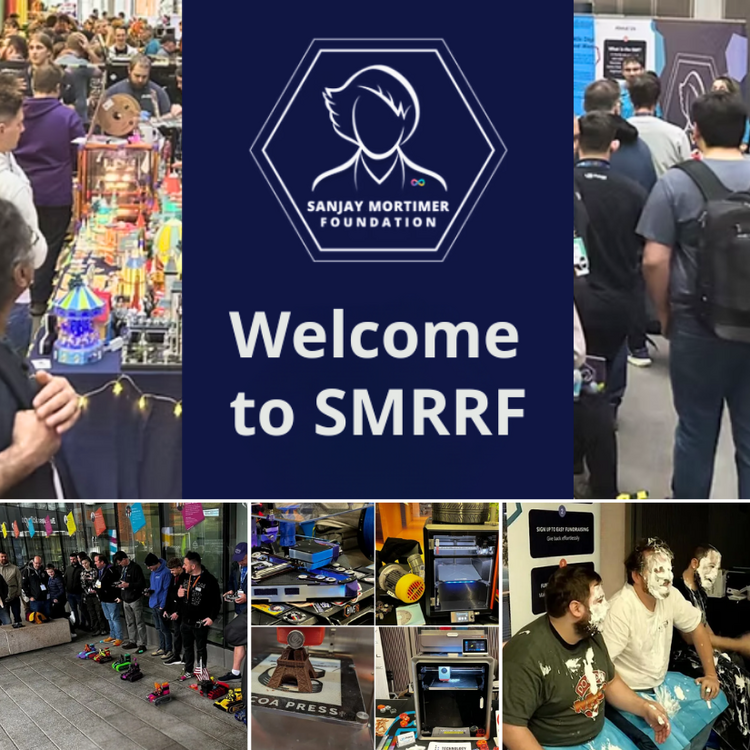
My first visit to SMRRF, a local event in Manchester, was a delightful experience. It was a melting pot of seasoned users and novices, offering a diverse range of booths to explore, unveiling some remarkable new products, and featuring influential figures who shared their knowledge through talks and fundraising activities. No matter your level of expertise, there was something for everyone at SMRRF. Read the full article with links, photos, and past coverage here: https://3dwithus.com/smrrf-sanjay-mortimer-reprap-festival-highlights#SMRRF%202024
-
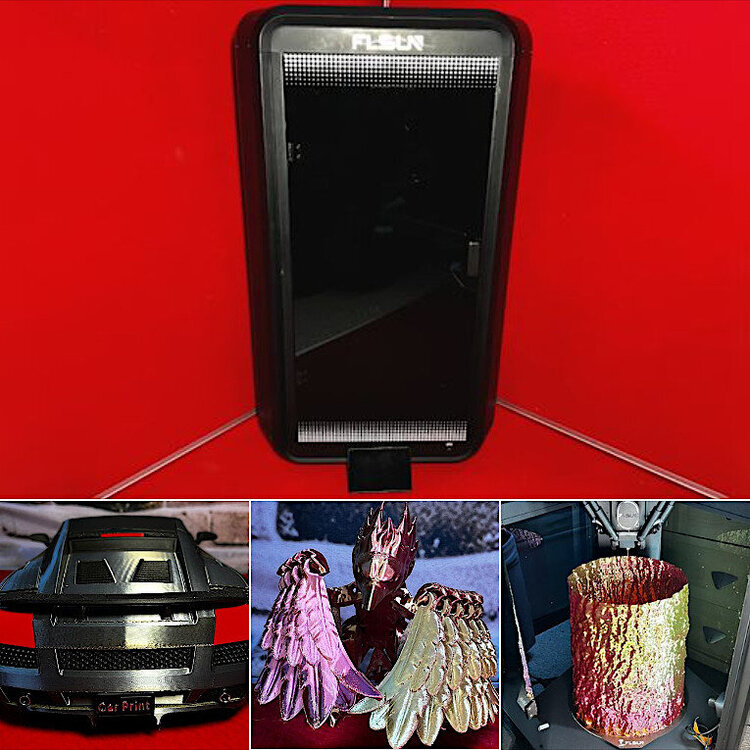
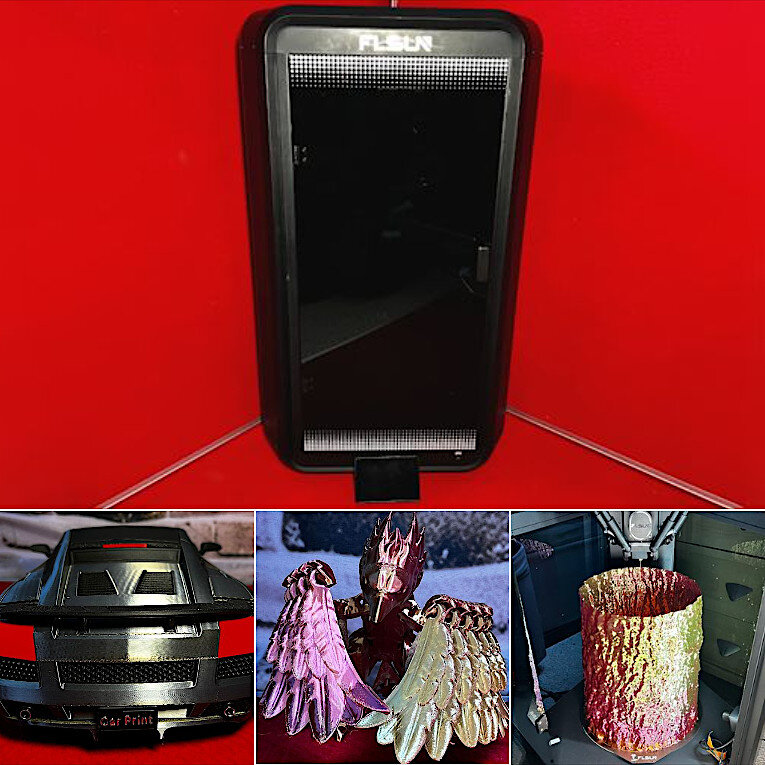
This thread is a continuation of the initial FLSUN T1 Review. Please share your T1 experience here or start a new thread under the FDM 3D Printers forum.