All Activity
Today
-
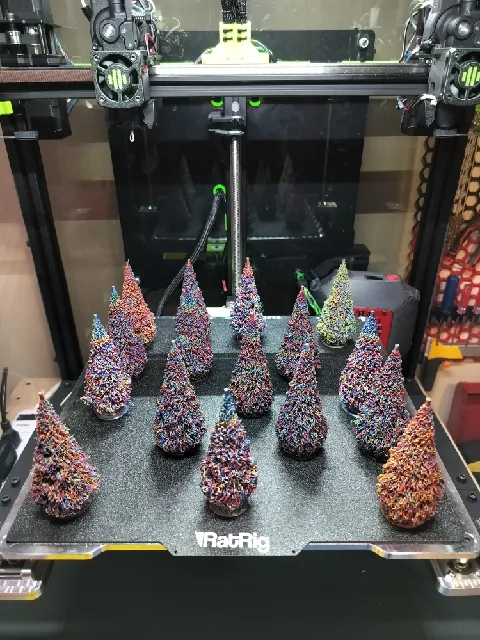
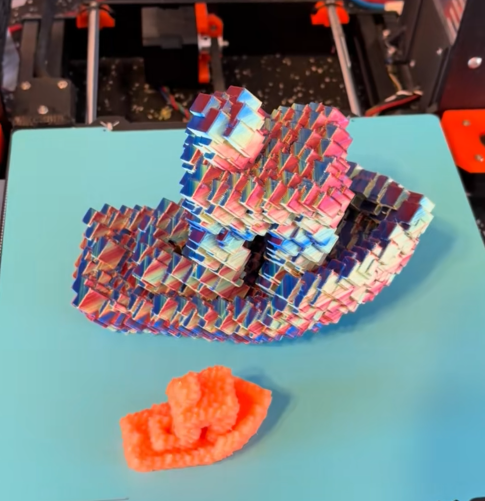
Great milestone! Congratz. Christmas trees are interesting techniques. I remember a similar hairy print craze ten years ago. I wrote an article about it: https://3dwithus.com/hairy-3d-prints. I need to update it at some point. I would definitely link it to your Christmas Tree! Nice glitch benchy print!
-
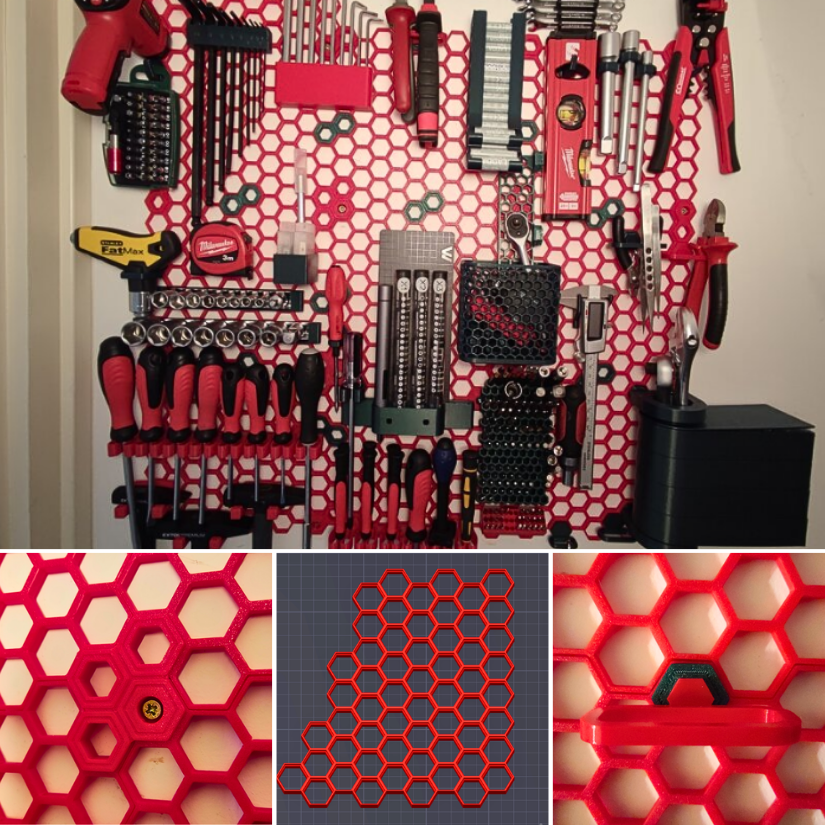
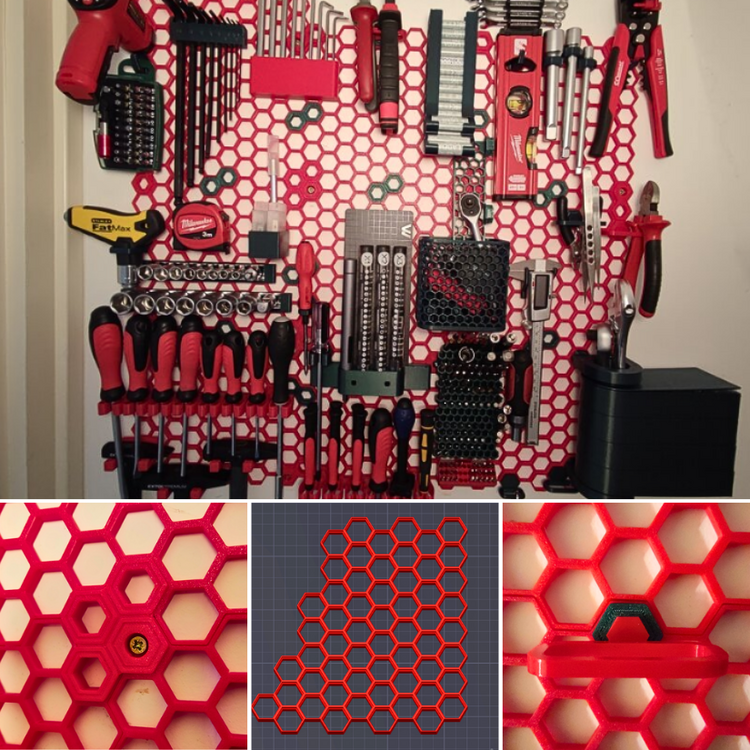
Here is the link to your first guide - Congratz! 🎉🥳 https://3dwithus.com/honeycomb-storage-wall-guide-3d-printed-tool-organization
-
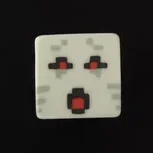
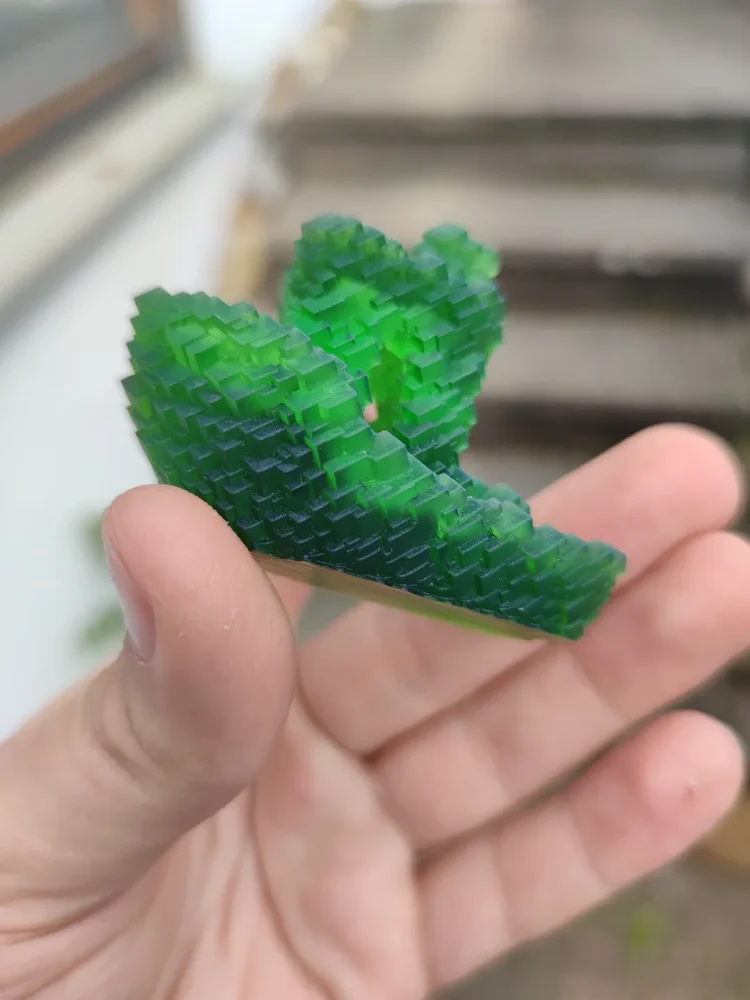
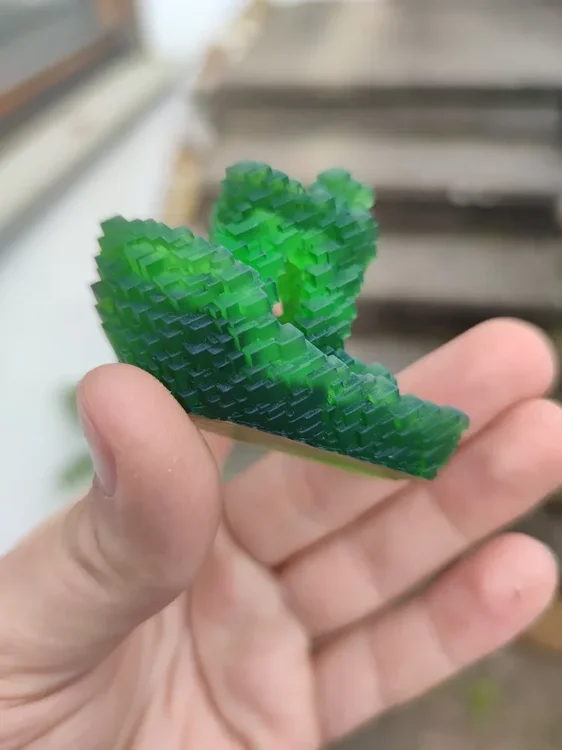
I reached 10,000 downloads on Printables and I wanted to say thank you to everyone who supported me and my models! Moreover, I wanted to share a few things about my journey and what comes next. I started making and uploading 3D models in October 2025. I made my first designs in TinkerCAD and Blender. Then I discovered FreeCAD, and I have been using it ever since. I have been designing all kinds of decorative, functional and miscellaneous things with them. I have also been taking part in contests and community challenges alike, while uploading some of my personal projects as well. In the future, I plan to keep extending my current collections with new or better designs, like: Glitch models Fidgets and toys Accessories for the Honeycomb Storage wall (I will also keep adding some of my personal projects to the mix and keep participating in contests as well!) So, here are some of my most favorite makes of my models: Glitch Benchy make by @LegoRJ35 I love the radioactive look, the green resin shows! Christmass Tree make by @Agit68_226454 They are just so colorful! I love them! Another Glitch Benchy make by @dominic_301362 That Silk Twist PLA just looks astonishing (and the size of it — wow)! Thank you again to everyone, who helped me with likes, downloads and makes on Printables! (This post was mainly focused on my Printables journey, but I am active on other platforms as well: linktr.ee/marcidy)
Yesterday
-
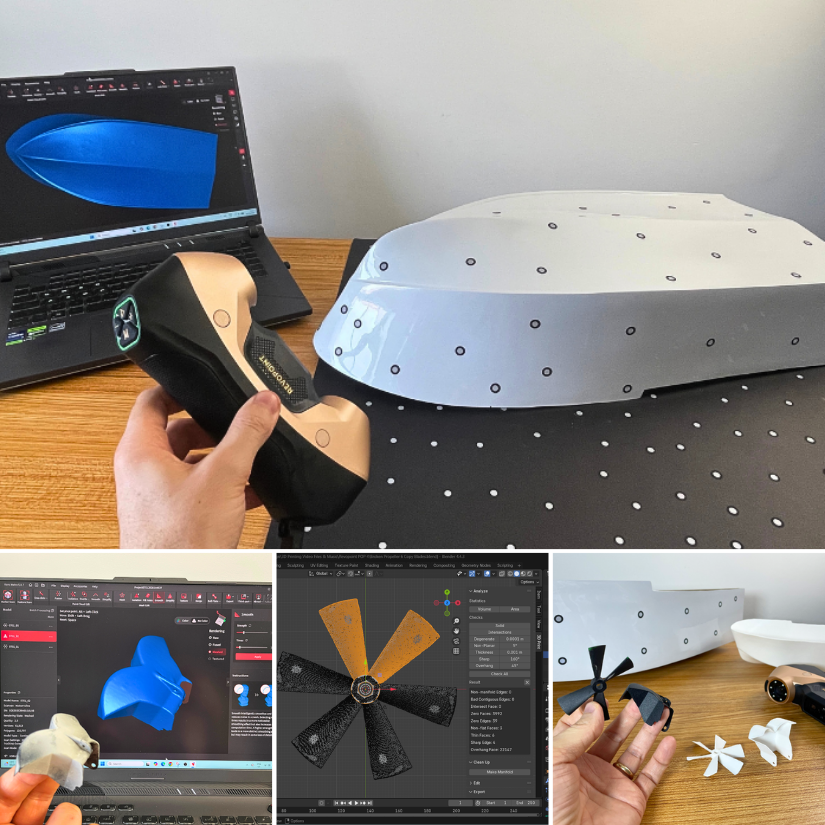
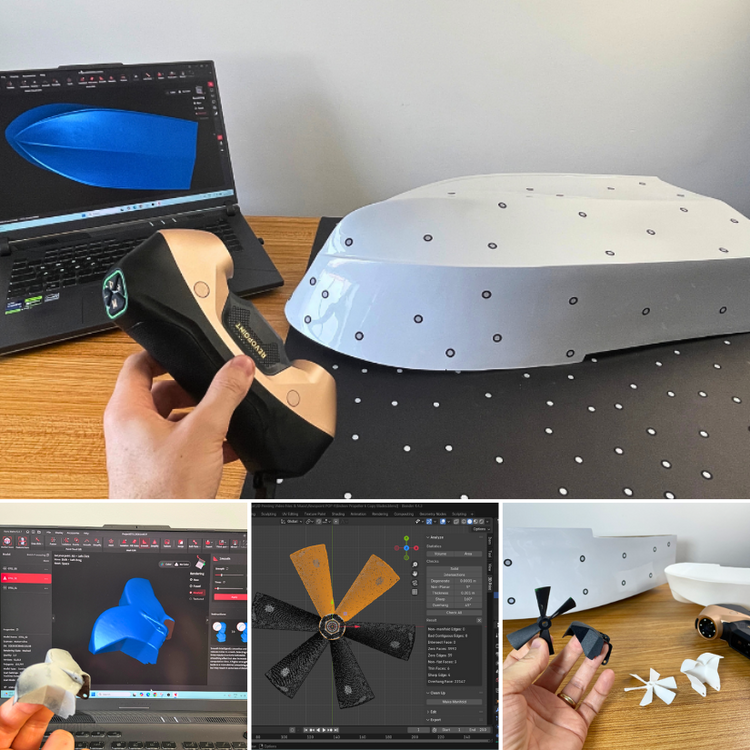
From broken RC boat parts to functional replacements. The biggest lesson from this project wasn't just the scanner. It was the workflow. 3D scanning → Blender → 3D printing, with a little AI help. Full article: https://3dwithus.com/revopoint-metroy-ultra-review-blue-laser-3d-scanner Have this scanner? Please share your results.
Earlier
-
gylehub joined the community
-
harryweprintboxes joined the community
-
bobness joined the community
-
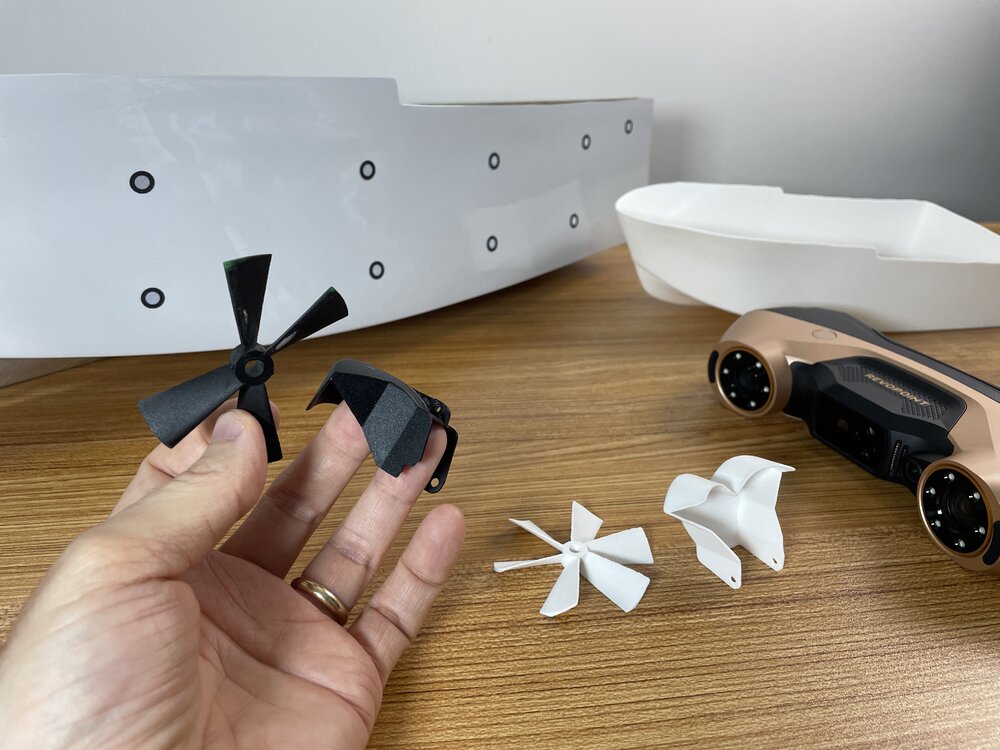
I had a blast 3D scanning and repairing RC boat parts with the @Revopoint3d MetroY Ultra. I think I’ve just unlocked Level 2 of 3D scanning… thanks to a few tricks. 😄 Full article next week.
-
That's a very helpful post, Marcidy. Thanks. I wish we could cover more about specific printer mods.
-
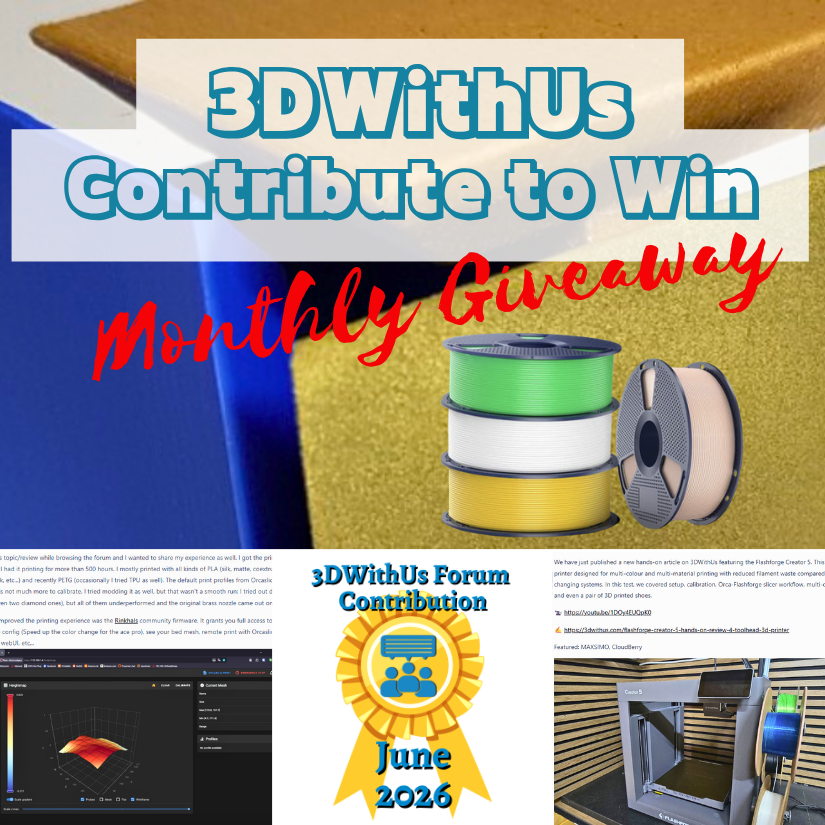
Congratulations! 🎉 This post won 1 filament spool in the Contribute to Win - June 2026 giveaway. We will contact you shortly to arrange the delivery of the SUNLU filament spool. Giveaway Rules: https://3dwithus.com/forum/topic/973-contribute-to-win-monthly-giveaway

-
Congratulations! 🎉 This post won 1 filament spool in the Contribute to Win - June 2026 giveaway. We will contact you shortly to arrange the delivery of the SUNLU filament spool. Giveaway Rules: https://3dwithus.com/forum/topic/973-contribute-to-win-monthly-giveaway

-
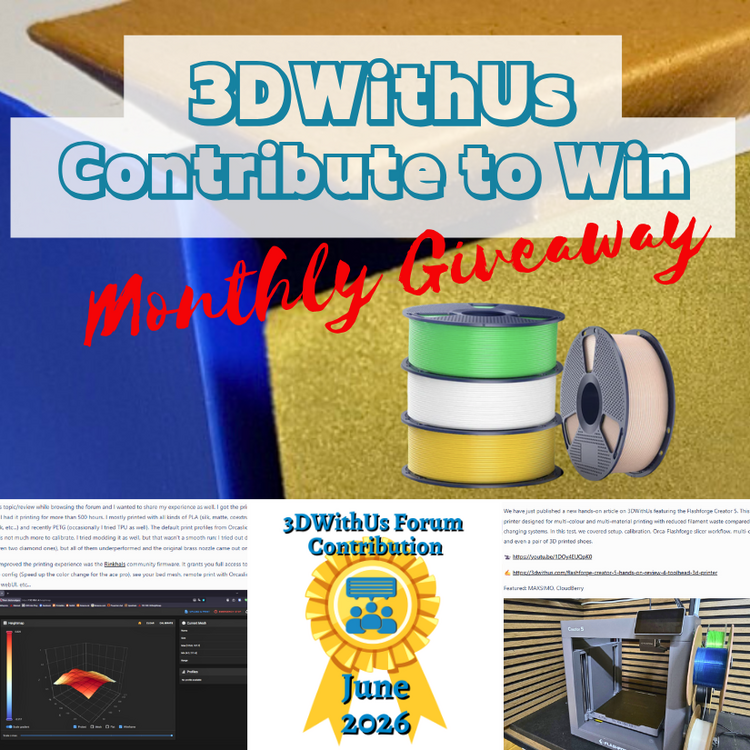
🎉 June Giveaway Completed — July Giveaway Is On The Way! Huge thanks to our forum supporters! We're excited to award our filament prize to forum contributors 🙌 🏆 Winning contributions: Ancubic Kobra S1 Experience and Builds: https://3dwithus.com/forum/topic/65-anycubic-kobra-s1-combo-first-prints-setup-showcase/#comment-1258 Flashforge Creator 5 Discussion: https://3dwithus.com/forum/topic/1025-flashforge-creator-5-discussion Two SUNLU filament spools are now on their way 🎁 What's Next✅ The July giveaway is live ✅ SUNLU filament spools will be awarded to 1–4 contributors whose posts or comments add the most value to the community and forum. ✅ All helpful & creative contributions count. Share your projects, tips, questions, fails & wins. Every contribution helps grow the community and puts you in the running. If you were considering posting but haven’t jumped in yet, this is the perfect time to start. Sign Up Here https://3dwithus.com/forum/register/
-
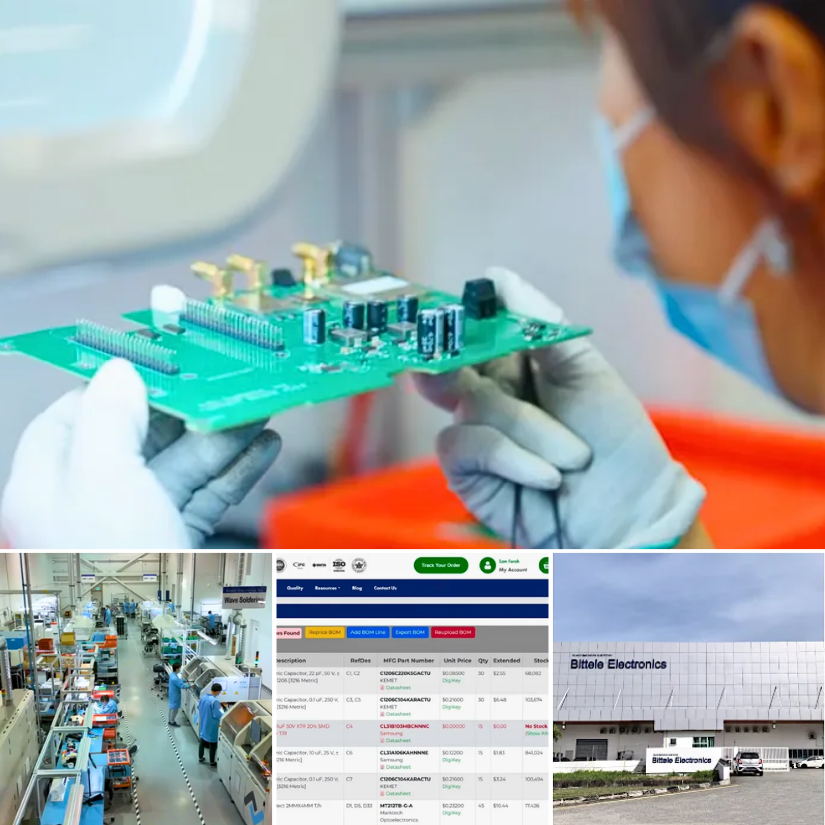
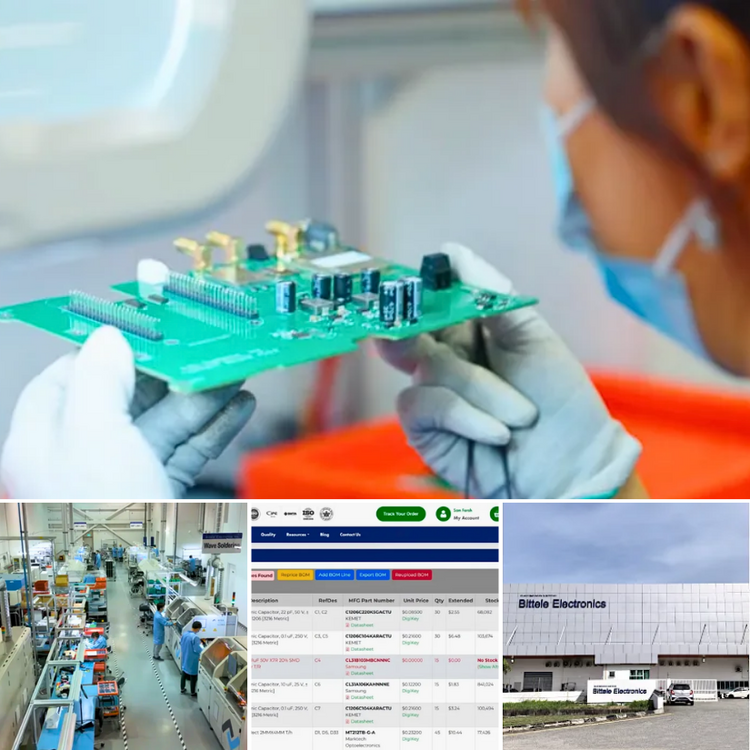
We’ve published an article about Bittele Electronics and turnkey PCB assembly services. The topic may be useful for anyone working on electronics projects, especially when moving from prototype boards to more organised production. Turnkey PCB assembly typically involves sending the design files and BOM (Bill of Materials), with the provider managing fabrication, component sourcing, assembly, inspection, and delivery. Full article: https://3dwithus.com/bittele-electronics-turnkey-pcb-assembly-manufacturing-services Have you ever ordered assembled PCBs, or do you prefer to source boards and components separately? Have you tried BITTELE Electronics services?
-
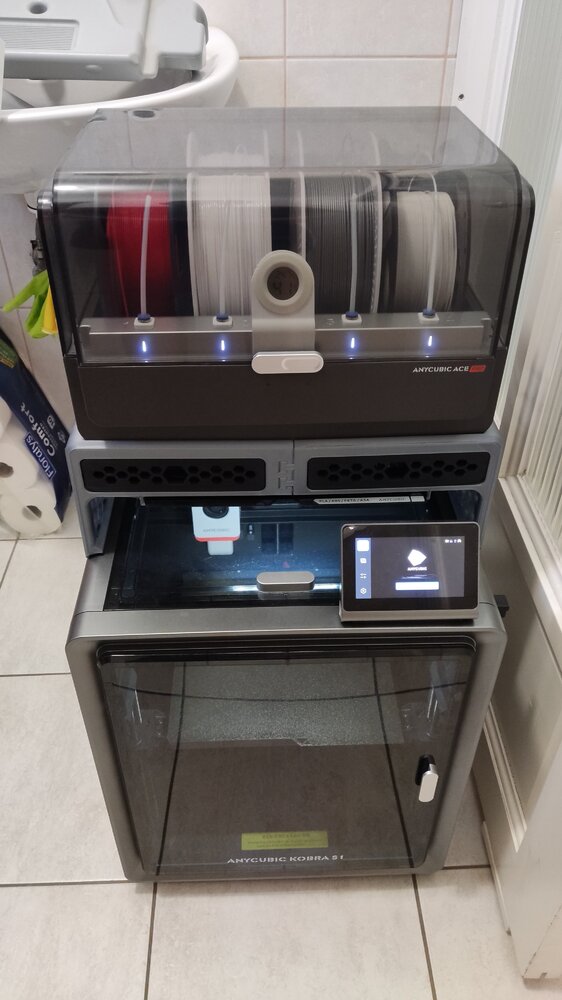
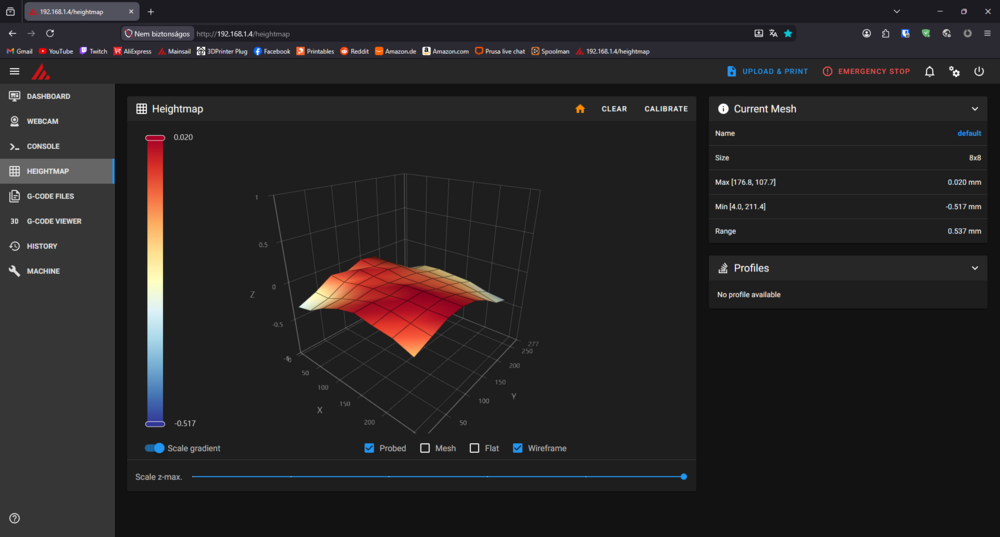
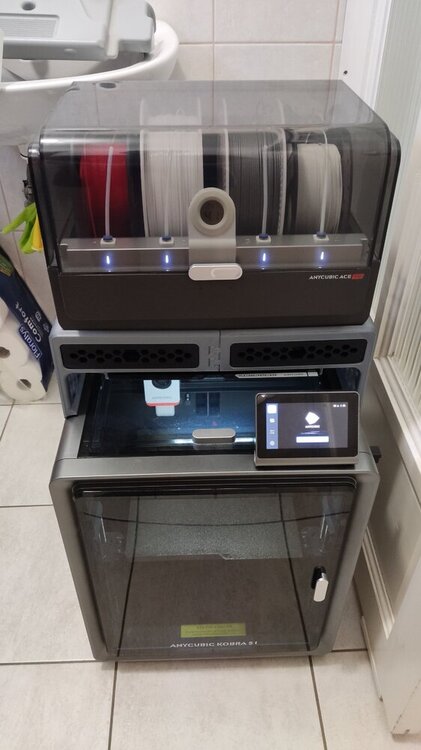
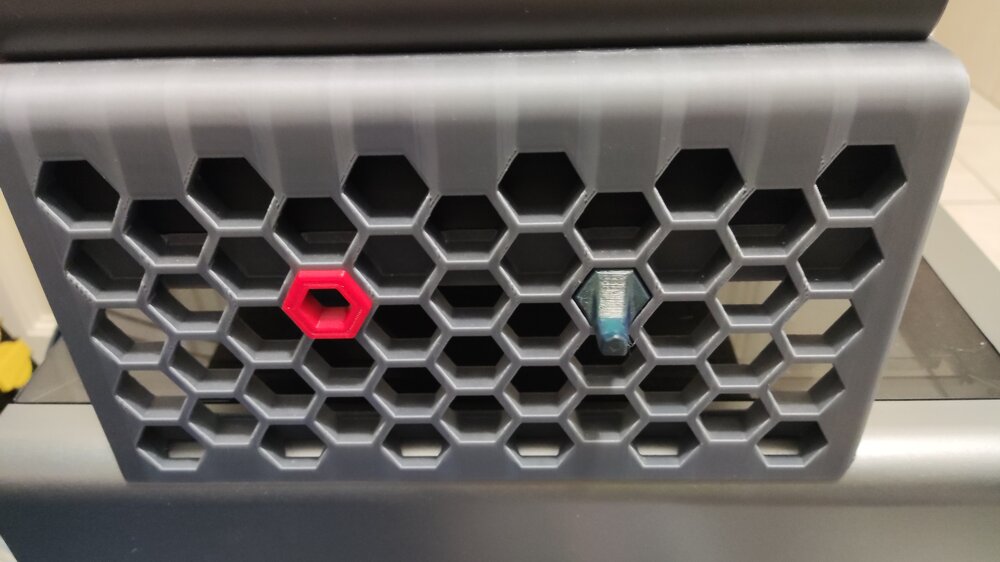
Hi! Just saw this topic/review while browsing the forum and I wanted to share my experience as well. I got the printer in 2025/June and I had it printing for more than 500 hours. I mostly printed with all kinds of PLA (silk, matte, coextrusion, gradient, glow in the dark, etc...) and recently PETG (occasionally I tried TPU as well). The default print profiles from Orcaslicer work really well and there is not much more to calibrate. I tried modding it as well, but that wasn't a smooth run: I tried out different hotends and nozzles (even two diamond ones), but all of them underperformed and the original brass nozzle came out on top. What actually improved the printing experience was the Rinkhals community firmware. It grants you full access to the printer: You can change the config (Speed up the color change for the ace pro), see your bed mesh, remote print with Orcaslicer, Mainsail/fluuid webUI, etc... Here is my bed mesh with custom leveling: 8x8 bicubic as opposed to the original 5x5 lagrange method. I also changed the leveling speed. Another really good mod is the Ace Pro riser: It gives you more space to work with. You can also remove the top cover with it. The side panels are even compatible with the Honeycomb storage wall project! (You can check out more about that here) At last but not least, You can check out my prints with the machine here. Most of those makes were printed on this printer (check the tags). Overall it is a great printer for an even greater price and that's why I chose this machine as my first 3d printer. The only downside i can think of is the warped bed (This is the most common problem for users): It has some really low points near the back corners. Edit: I posted about my setup on SUNLU's new community event if you are interested: https://www.sunlu.com/community/posts/323/a-humble-workspace-1-printer-but-60-kg-filament
-
Huaiyan joined the community
-
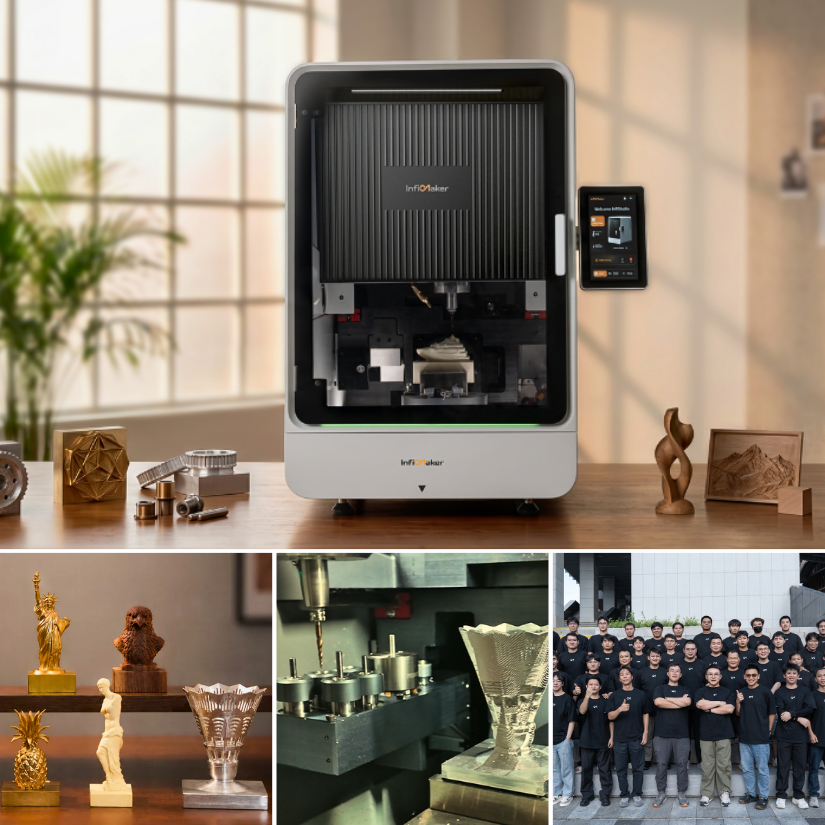
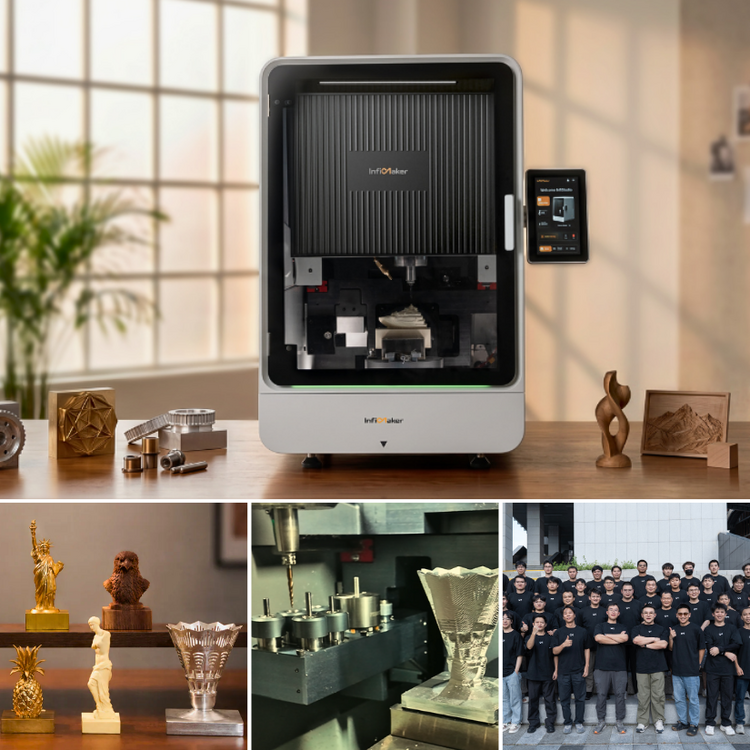
We recently covered the InfiMaker K1, a desktop 5-axis CNC machine aimed at makers, educators, designers, and small workshops. It is an interesting machine because it combines 5-axis machining, an AI-assisted workflow, a 6-slot automatic tool changer, and an enclosed desktop format. InfiMaker also shows a range of CNC job examples, including metal parts, wood carving, resin/wax-style models, and decorative objects. Here is the full article with more details and sample images: https://3dwithus.com/infimaker-k1-desktop-5-axis-cnc What do you think about desktop 5-axis CNC machines? Useful direction for makers, or still too niche/advanced for most workshops?
-
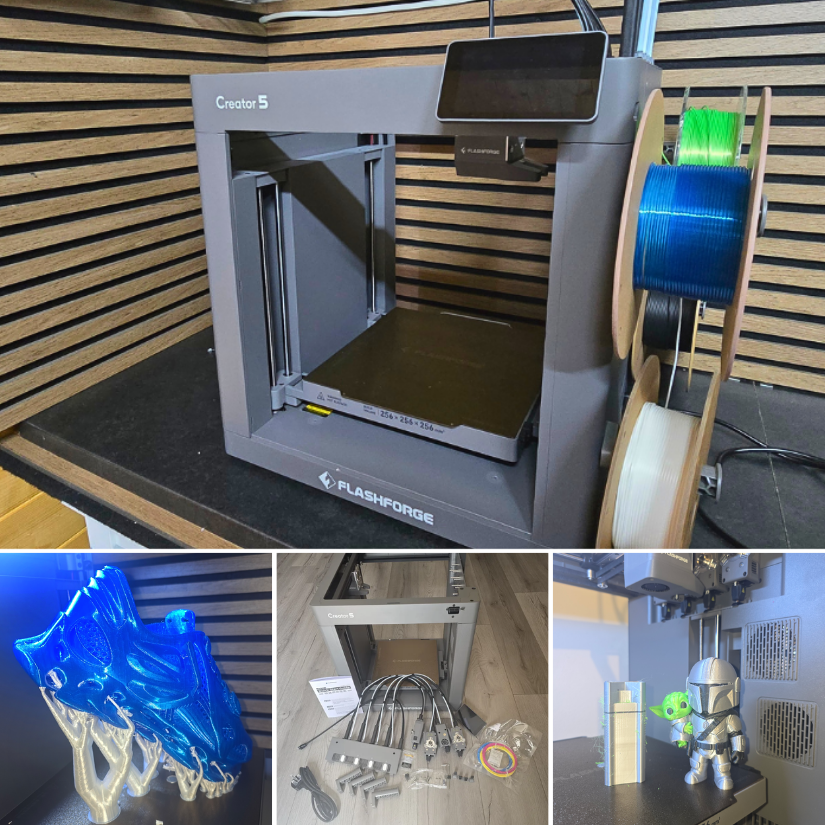
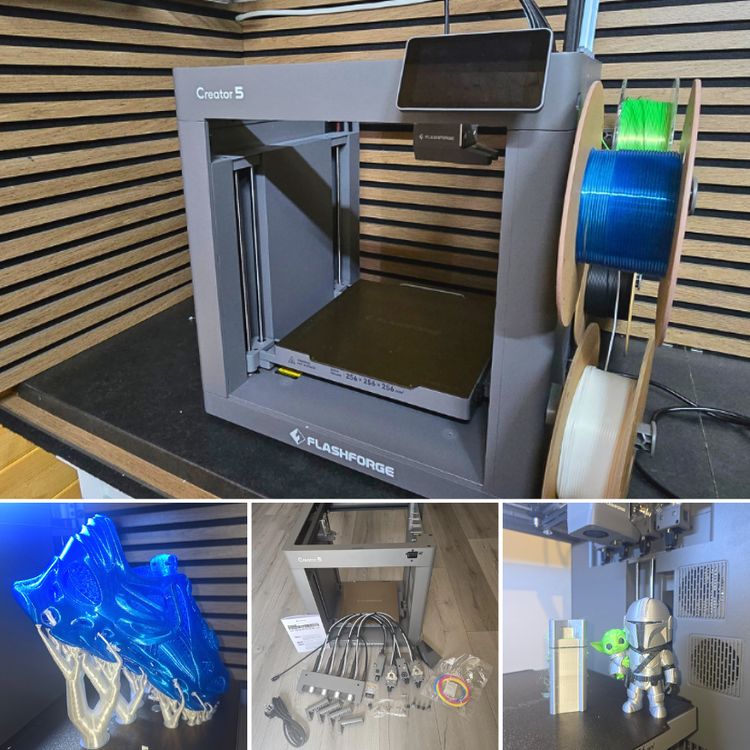
Flashforge Creator 5 Hands-On: 4-Toolhead 3D Printer, TPU Shoes, and Multi-Colour Test Prints We have just published a new hands-on article on 3DWithUs featuring the Flashforge Creator 5. This is a 4-toolhead FDM 3D printer designed for multi-colour and multi-material printing with reduced filament waste compared with many traditional colour-changing systems. In this test, we covered setup, calibration, Orca-Flashforge slicer workflow, multi-colour prints, TPU printing, and even a pair of 3D printed shoes. 📹 https://youtu.be/1DOy4EUQpK0 ✍ https://3dwithus.com/flashforge-creator-5-hands-on-review-4-toolhead-3d-printer Featured: MAXSIMO, CloudBerry Toolchangers and nozzle-changing systems are becoming a very interesting area in desktop FDM 3D printing. Machines like the Flashforge Creator 5 show how this technology is moving into a more affordable range, making multi-material workflows more accessible to makers. What do you think about this approach compared with AMS-style colour systems? Feel free to start a new thread or post your C5 makes or questions here.
-
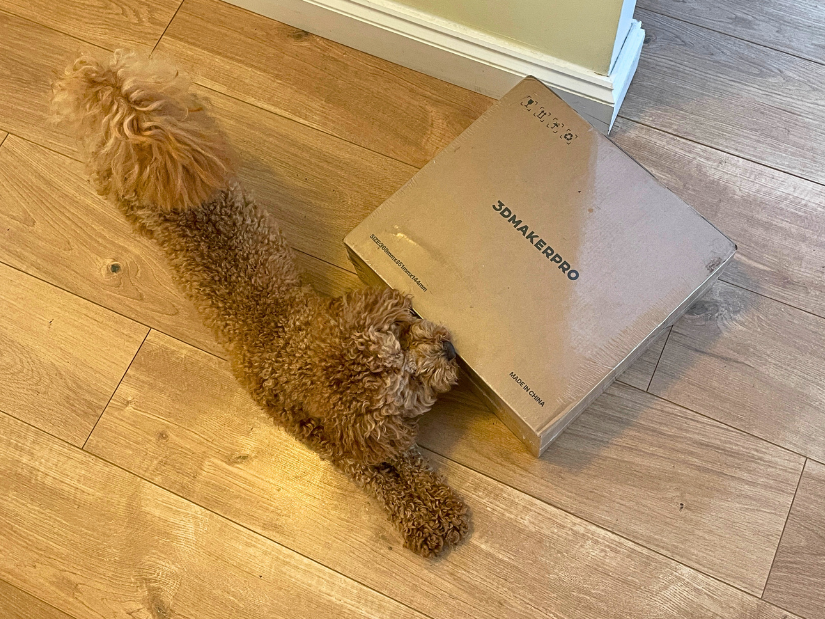
Sniffing and stretching before the real work starts 🐶 The 3DMakerPro Raven has arrived. Looking forward to putting this LiDAR spatial scanner through its paces. Please share your results and ideas here.
-
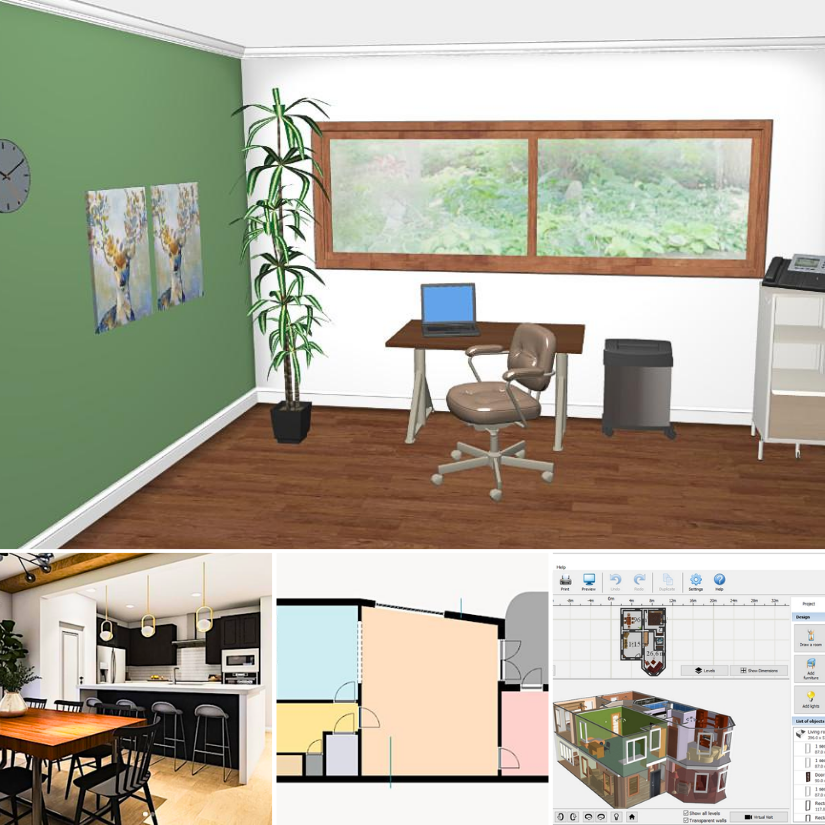
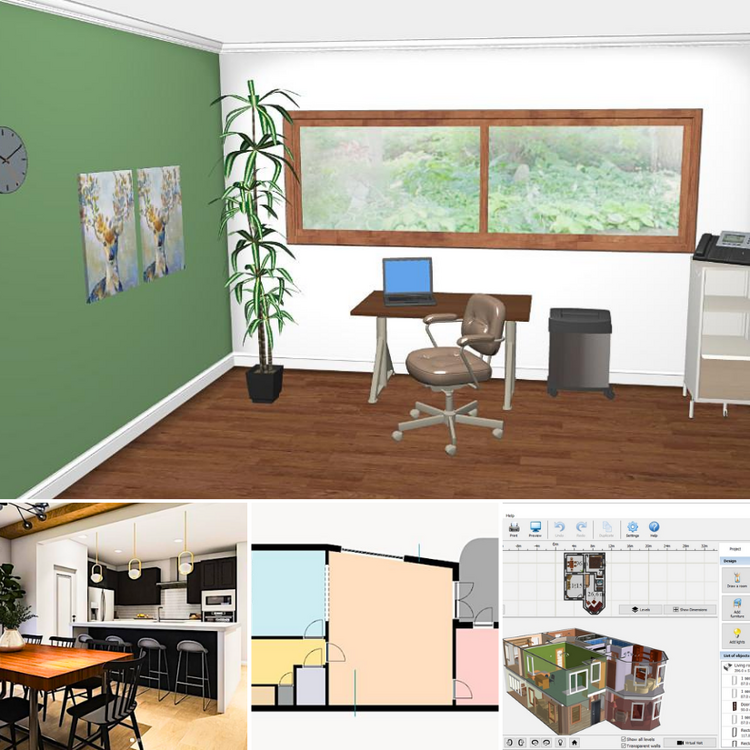
Planning a room makeover, home renovation, or interior design idea? This space is for sharing free and beginner-friendly tools for virtual home design, floor planning, room styling, and visualization. We recently updated our guide to free home design and renovation apps, covering tools for room layouts, 3D interiors, furniture placement, color ideas, and quick visual planning: https://3dwithus.com/the-best-free-virtual-home-design-and-renovation-apps Feel free to post your own projects, screenshots, room ideas, or questions here. Whether you are testing Planner 5D, HomeByMe, Roomstyler, Floorplanner, SketchUp Free, or AI-based visualization tools, it would be great to see what works well and what doesn’t.
-
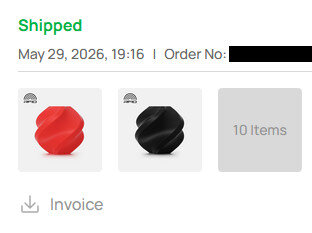
Hi! Thank you, thats very kind of you! I would absolutely love some PETG instead of PLA! I got way too many PLA at home now :D (30+ kg). Also after I finished the project I redeemed my points from bambulab for some PETG. Unluckily they just announced 1-2 days later, that they are renewing their PETG Basic with more colors and additives (They pulled the rug on their PETG-HF project). As for request i don't know if SUNLU has them on stock, but bambulab didn't have any orange/green available at the time. So maybe one of those colors? But it's perfectly fine if they send some random filament they have at the ready :) Thank you for the giveaway!
-
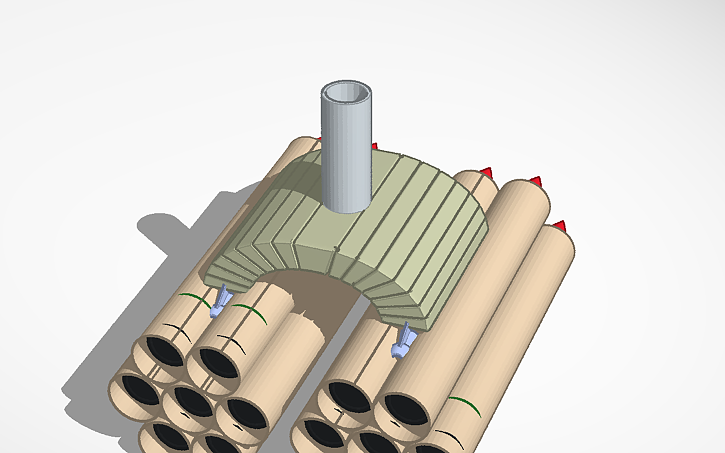
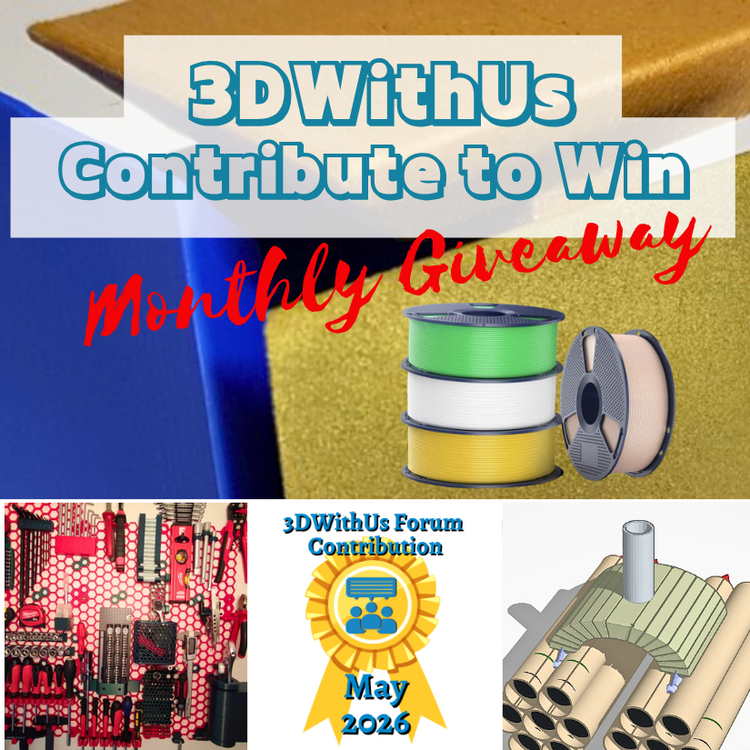
🎉 May Giveaway Completed — June Giveaway Is On The Way! Huge thanks to our forum supporters! We're excited to award our filament prize to forum contributors 🙌 🏆 Winning contributions: Honeycomb Storage Wall: https://3dwithus.com/forum/topic/1019-honeycomb-storage-wall-finally-finished Missile Launcher Design in Tinkercad: https://3dwithus.com/forum/topic/1020-elegoo-centari-carbon-discussion/#findComment-1240 Three SUNLU filament spools are now on their way 🎁 What's Next✅ The June giveaway is live ✅ SUNLU filament spools will be awarded to 1–4 contributors whose posts or comments add the most value to the community and forum. ✅ All helpful & creative contributions count Share your projects, tips, questions, fails & wins. Every contribution helps grow the community and puts you in the running. If you were considering posting but haven’t jumped in yet, this is the perfect time to start. Sign Up Here https://3dwithus.com/forum/register/
-
Congratulations! 🎉 This post won 1 filament spool in the Contribute to Win - May 2026 giveaway. We will contact you shortly to arrange the delivery of the SUNLU filament spool. Giveaway Rules: https://3dwithus.com/forum/topic/973-contribute-to-win-monthly-giveaway

-
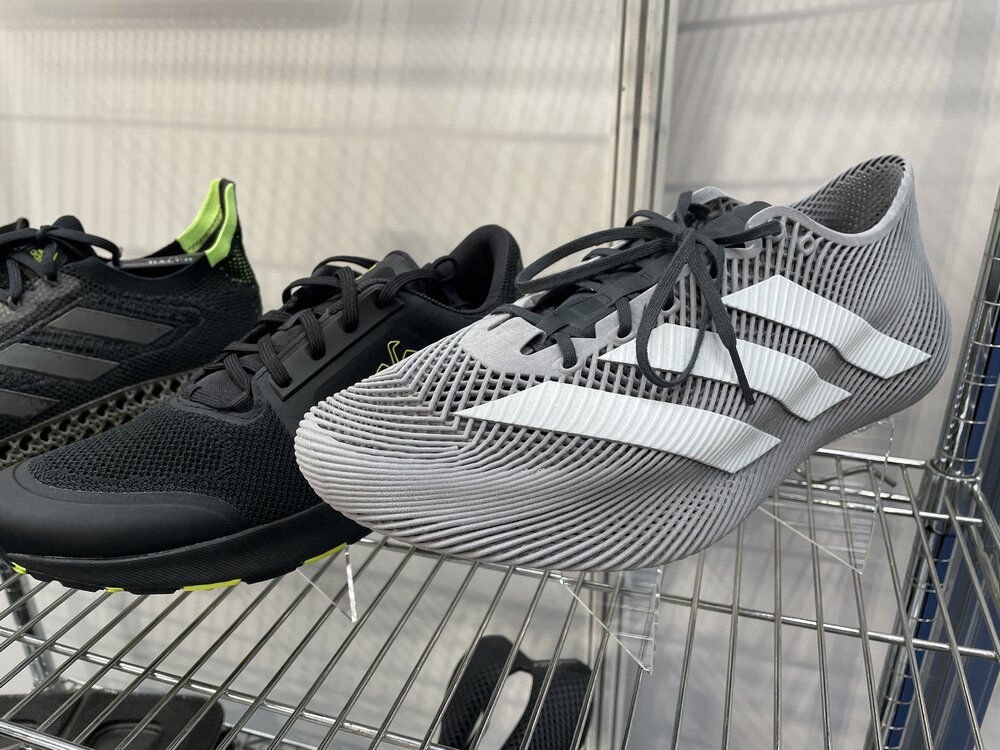
I recently visited TCT 3Sixty in Birmingham, UK, where I noticed new flexible materials becoming available from consumer filament brands. One example was PEBA by eSUN, shown here as a 3D printed bicycle handle grip. It had a very nice, soft feel. The Adidas 4D shoes displayed at the Carbon stand also had a pleasant, velvety texture. I know these shoes can be expensive. Even printing your own pair on an FDM 3D printer can quickly add up once you factor in quality TPU, failed prints, machine costs, and the time required to get good results. However, this area is moving rapidly, and the collection of free, high-quality shoe designs available for FDM 3D printing continues to grow. Another area of interest for me is scanning our own feet to make them more comfortable. If all goes well, I may try some scanners soon. This one is VivoBiom by VivoBareFoot.
-
Awesome guide. Very thorough project. This kind of stuff is worth publishing as an article on the main website. I could ask SUNLU to send you 2 spools of PETG this time instead of PLA. Do you have specific requests? (Sorry for waiting patiently until the end of the month.)
-
Congratulations! 🎉 This post won 1 filament spool in the Contribute to Win - May 2026 giveaway. We will contact you shortly to arrange the delivery of the SUNLU filament spool. Giveaway Rules: https://3dwithus.com/forum/topic/973-contribute-to-win-monthly-giveaway

-
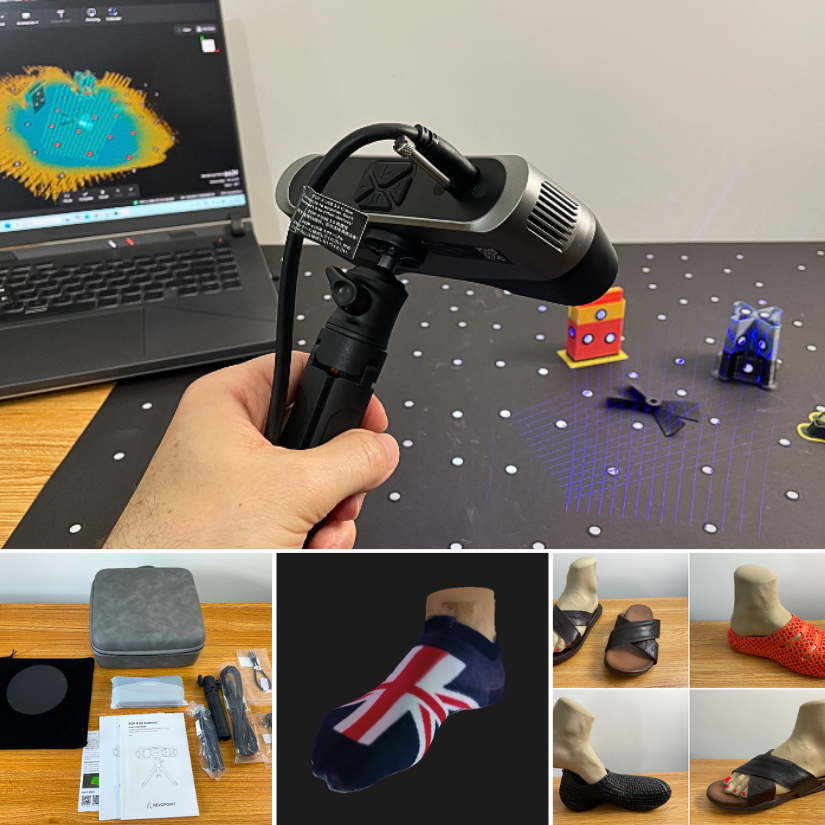
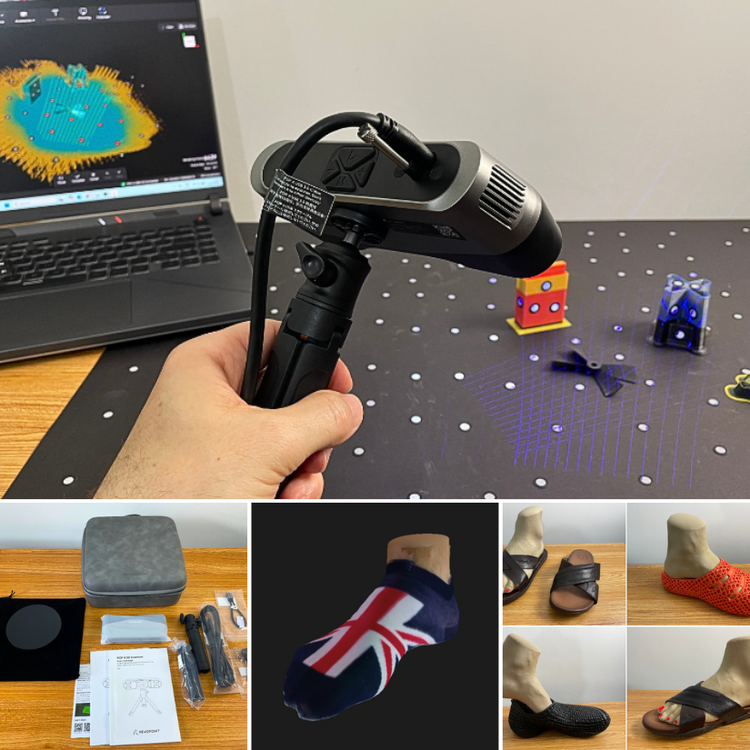
Revopoint POP 4 hands-on testing: I scanned feet for a scan-to-print shoe-stretcher experiment, tested color scanning, and even used purge towers from 3D printing as DIY marker blocks. This time, I also featured the Snapmaker U1 extensively. Purge towers proved surprisingly useful as marker blocks for 3D scanning. As for the printed foot… Halloween came early.
-
No spare printers here. Do you want one filament spool? We giveaway them this month.
-
Hi! 3DWithUs has a list of ongoing giveaways related to 3D printing: https://3dwithus.com/3d-printer-giveaways You could try your luck in one of them.
-
To the 3d designers, makers, and innovators if you are listening. I think the most meaningful gifts are the ones that spark creativity. Fuel my passion for design and invention. Give a small inventor a 3d printer. I will invent solutions for a lifetime and I promise to print you something amazing in return!https://www.tinkercad.com/things/0OrmEl0sxv0-missile-launcher-design