Leaderboard
-
Max Funkner
Authors1Points114Posts -
lilyclark
Members1Points8Posts -
Marcidy
Authors1Points31Posts


Popular Content
Showing content with the highest reputation on 08/12/26 in all areas
-
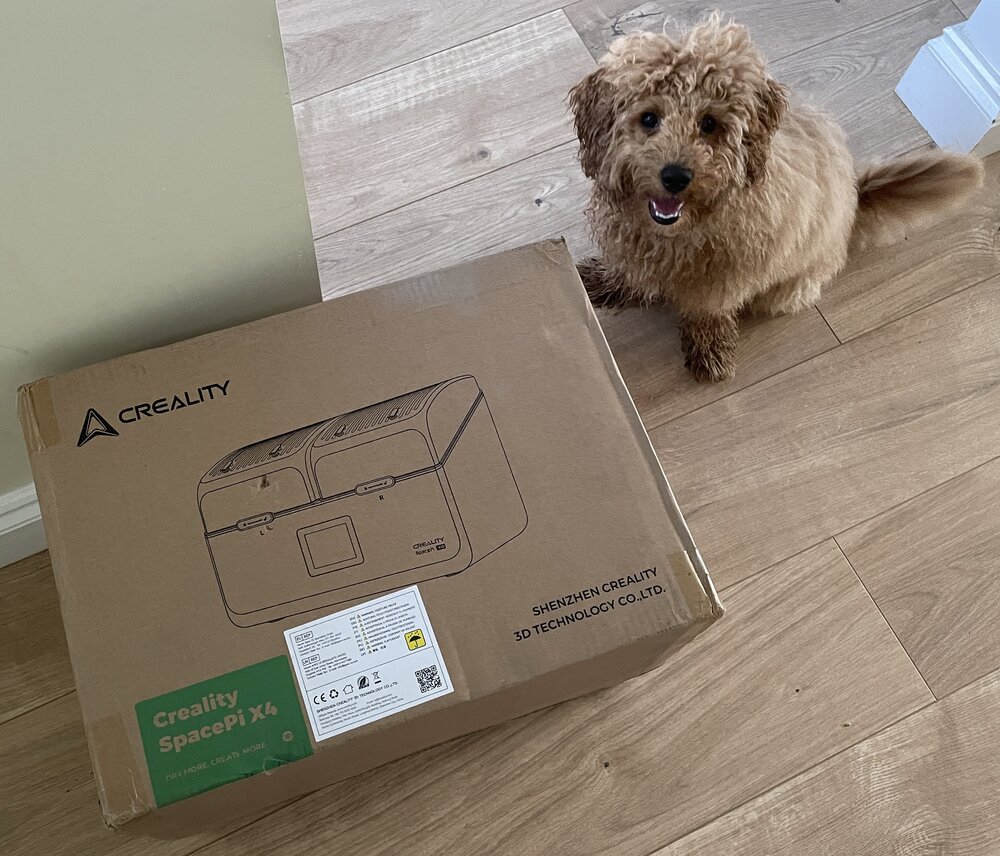
1 pointJust received the SpacePi X4 filament dryer from Creality and about to try it out. 📦 Bonus: My fluffy assistant was the first to check out the box! 🐶 If you’ve used it already, feel free to share your thoughts, setup tips, or anything worth knowing
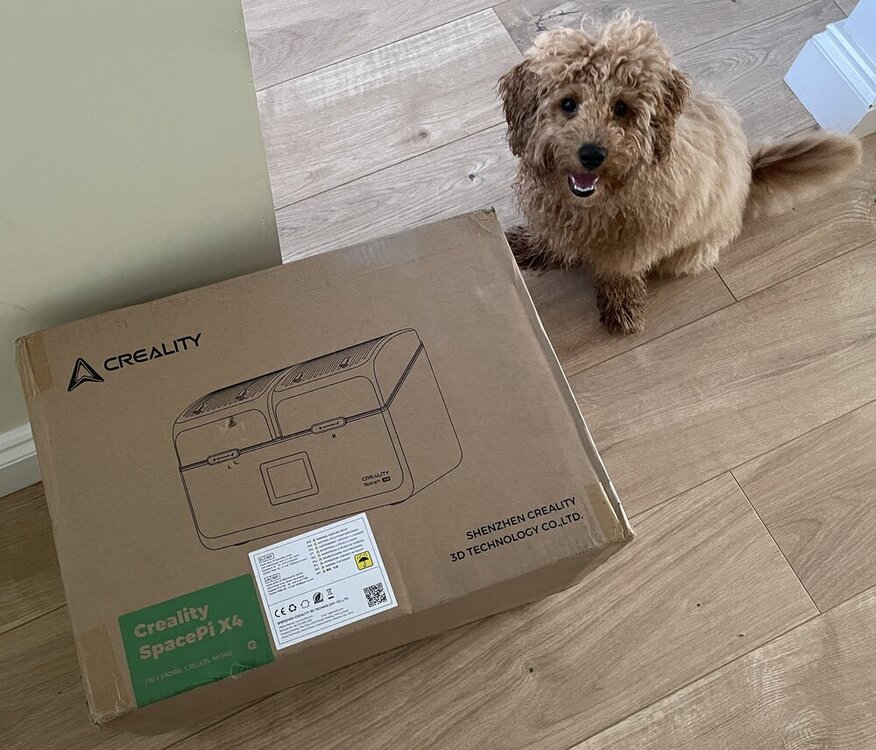 1 point
 -
1 pointJust received a Space Pi Plus by redeeming my points on Creality cloud. I haven't had the chance to use it yet (most of my spools are already dry enough), but looks great. Now I can finally dry filament properly :D.
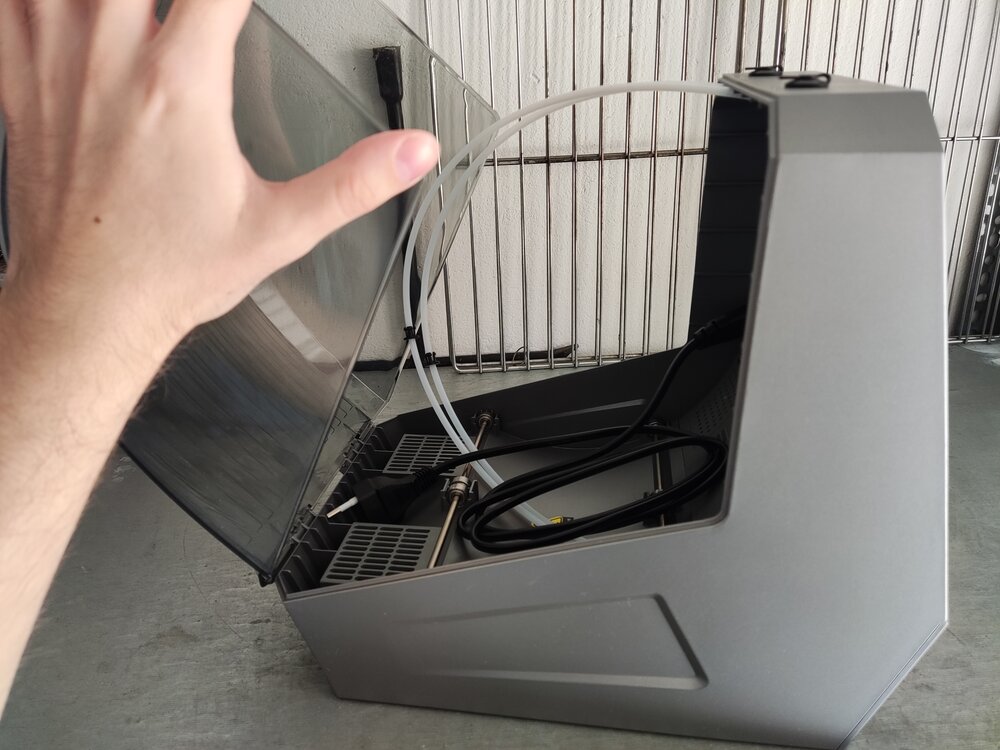 1 point
 -
1 pointHahahaha, the puppy loves it—he really seems to like that big guy! I also recently noticed that the filament at home has become damp; the printed parts are coming out darker in color. I'm currently thinking about whether to buy a filament dryer. Looking forward to your feedback!1 point