
Max Funkner
Authors
-
Joined
-
Last visited
Everything posted by Max Funkner
-
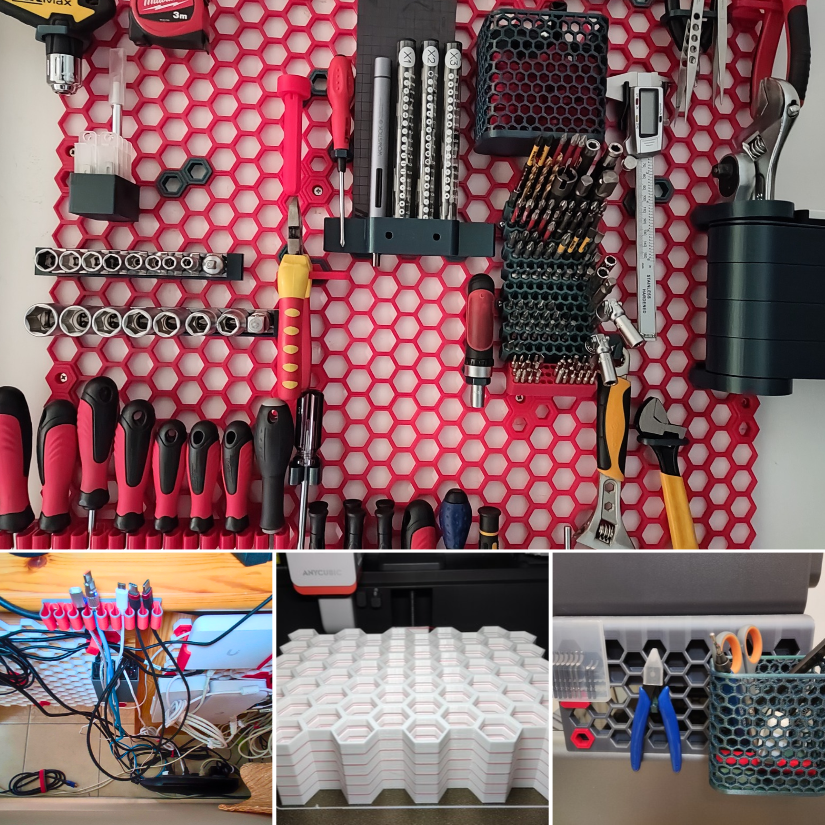
Dimand, you definitely influenced me to finally build my own HSW. Thanks! I used several of your hooks in the setup and featured them in the short video, too. I’ve also added the HSW project and designs to our dedicated eSUN filament guide: https://3dwithus.com/esun-filament-hands-on-testing-guide
-
I’ve just published our new eSUN Filament Guide, bringing together PLA, PETG, TPU and ABS hands-on testing, older 3DWithUs projects, and tradeshow coverage. https://3dwithus.com/esun-filament-hands-on-testing-guide
-
Interesting. Haven't heard of this yet. Does it work like glow-in-the-dark filaments? Looking forward to your prints.
-
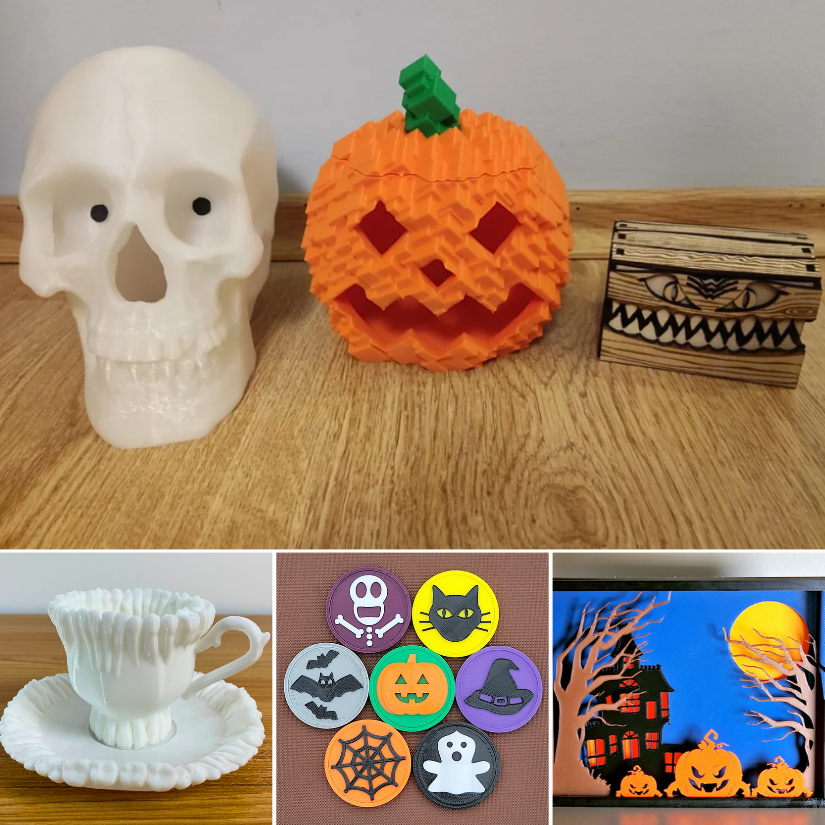
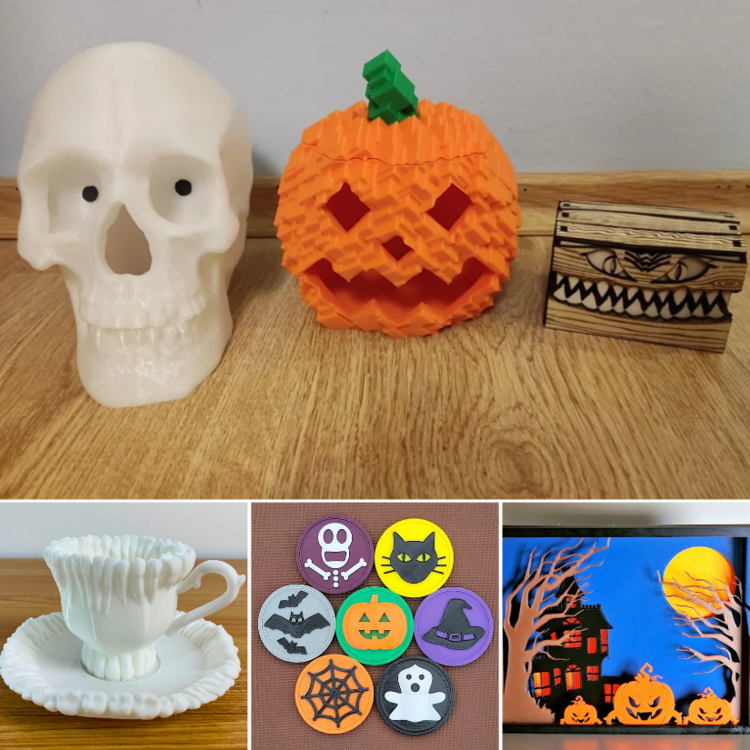
We updated our guide and added links to your models. https://3dwithus.com/halloween-3d-printing-ideas I wish you had an Instagram account 😉
-
Interesting approach. I’d test a sample with holes, thin walls, text, and fine surface detail, and maybe print it in different areas of the build platform to check consistency. Looking forward to seeing the results.
-
Contact [email protected] and let them know your new preferred name/nickname.
-
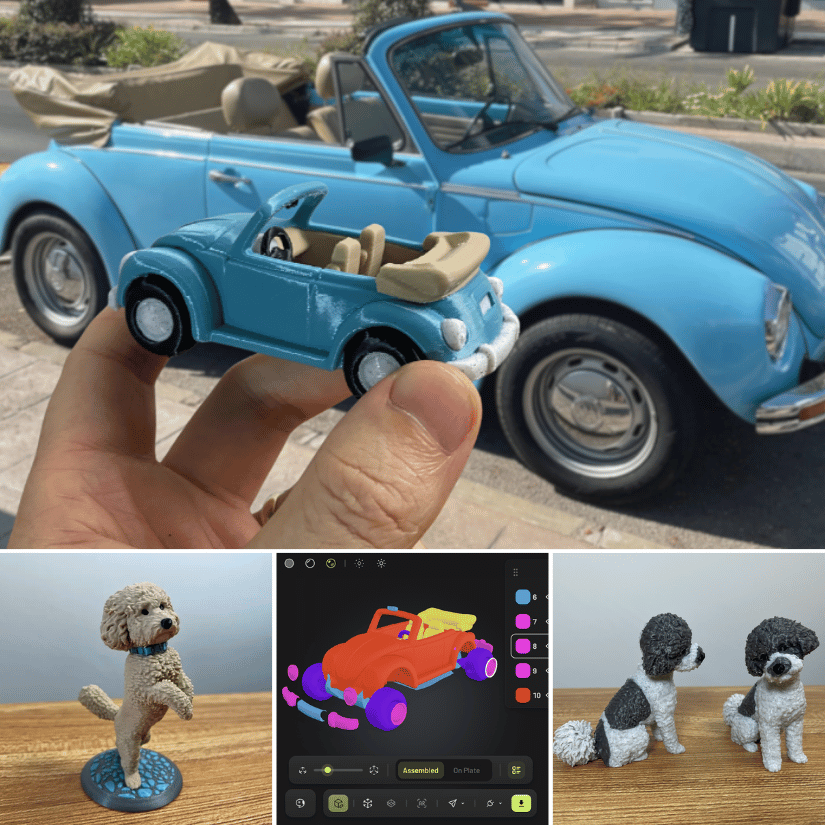
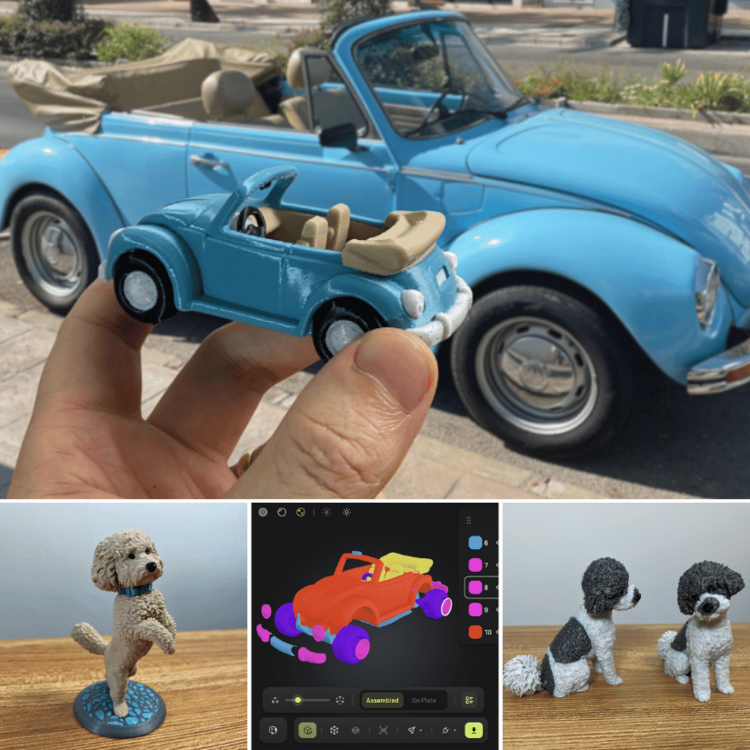
I’ve just finished a new hands-on test of Meshy AI, focusing specifically on how useful AI-generated models can be for actual 3D printing. For this round, I tested several very different workflows. Full hands-on review: https://3dwithus.com/meshy-ai-hands-on-review-photo-to-3d-printing I’m also interested to hear if anyone here has already experimented with AI-generated models for 3D printing. What worked well for you, and what still needed manual cleanup?
-
Great project! These “useless boxes” are always fun, especially when you start adding more movements and random behavior. I’ve seen a few versions online before where, instead of just an arm coming out, a little creature actually crawls out of the box, gets annoyed and switches the switch OFF. 😂 There is definitely plenty of room to make your own version unique. One small recommendation: if you’re planning to participate in our monthly filament giveaway, I’d suggest changing your username from Award0586 to something a little more personal or recognizable. Generic-looking usernames can sometimes be mistaken for automated or promotional accounts. 🙂
-
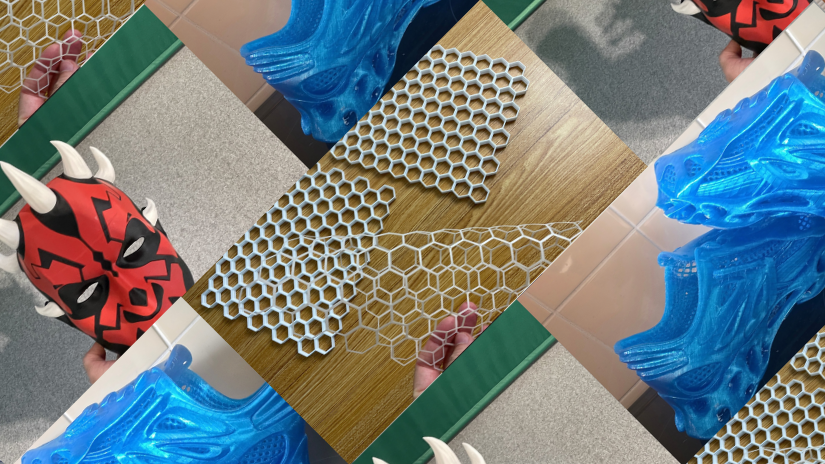
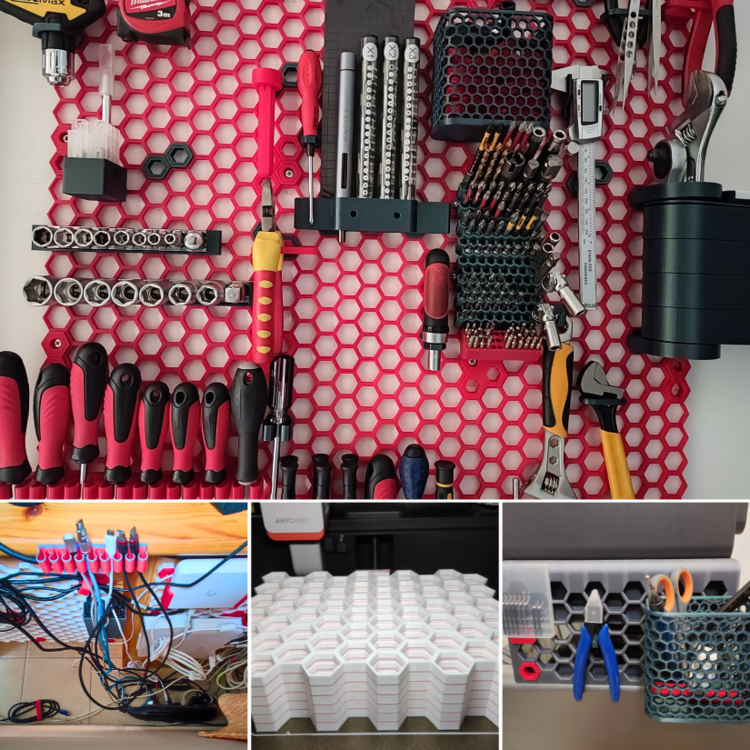
Updated: We added new hands-on examples, including batch-printed HSW tiles, cable management, and an HSW-compatible setup on the Anycubic Kobra S1. https://3dwithus.com/honeycomb-storage-wall-guide-3d-printed-tool-organization
-
Great makes and designs - good job! I will add these to the existing guide for extra publicity!
-
Interesting project, thanks for sharing. The facial integration into the trophy is a nice example of where custom models 3D printing shine.
-
Thanks for sharing this, Antony. I imagine many small 3D printing businesses aren't sure where they stand on UKCA/CE requirements, so it’s useful to have the process explained by someone actually working through it. Interesting idea with the app as well. Hopefully this thread can become a useful reference as you continue developing it.
-
The chances of winning are very good. Check how winning posts did that in the past.
-
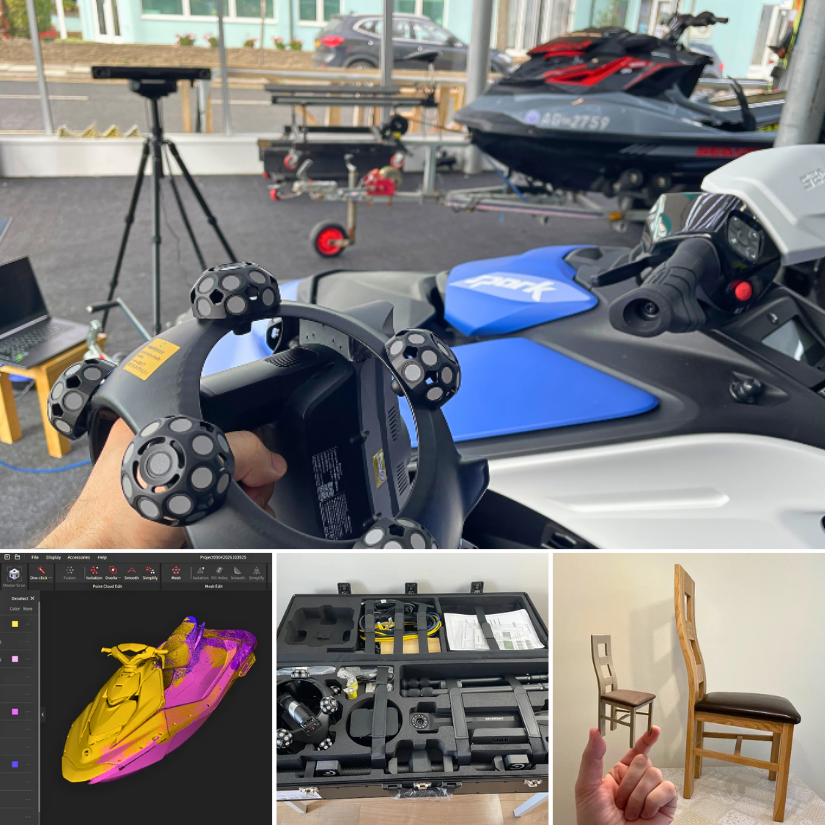
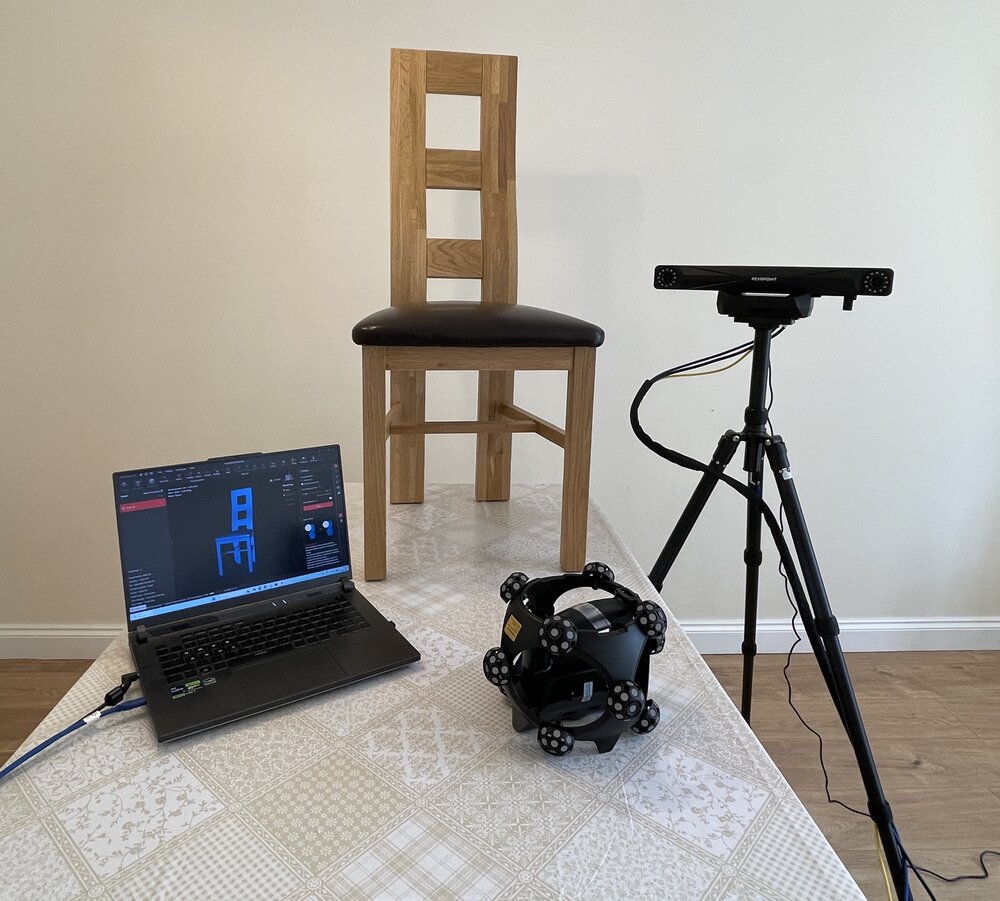
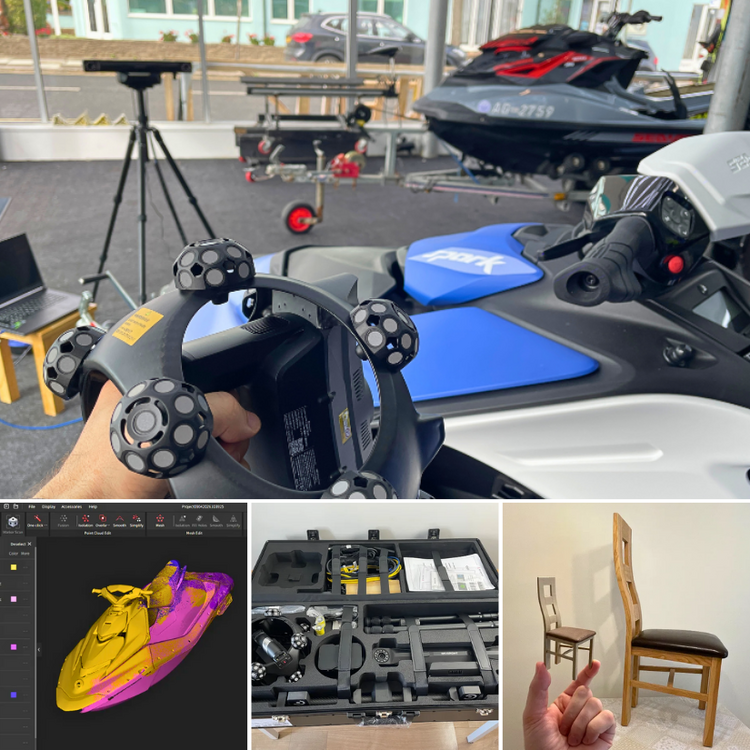
I’ve just finished testing the Revopoint Trackit SR across a mix of projects, including furniture, a Sea-Doo jet ski, Wi-Fi scanning, alignment, meshing, and even turning a scanned chair into a 3D printable miniature. The full hands-on article is now live, with plenty of scan examples and notes on what worked well and where I ran into challenges. https://3dwithus.com/revopoint-trackit-sr-review-large-object-3d-scanning A few highlights from my Trackit SR testing: large-object scanning, Revo Track alignment, the complete kit in one case, and a scanned chair turned into a miniature.
-
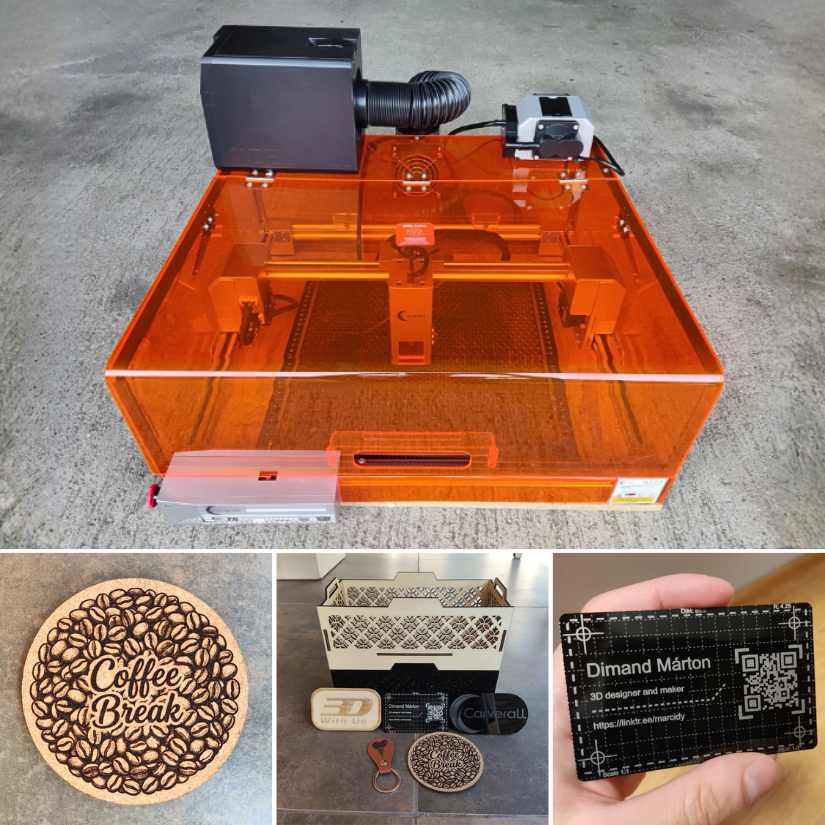
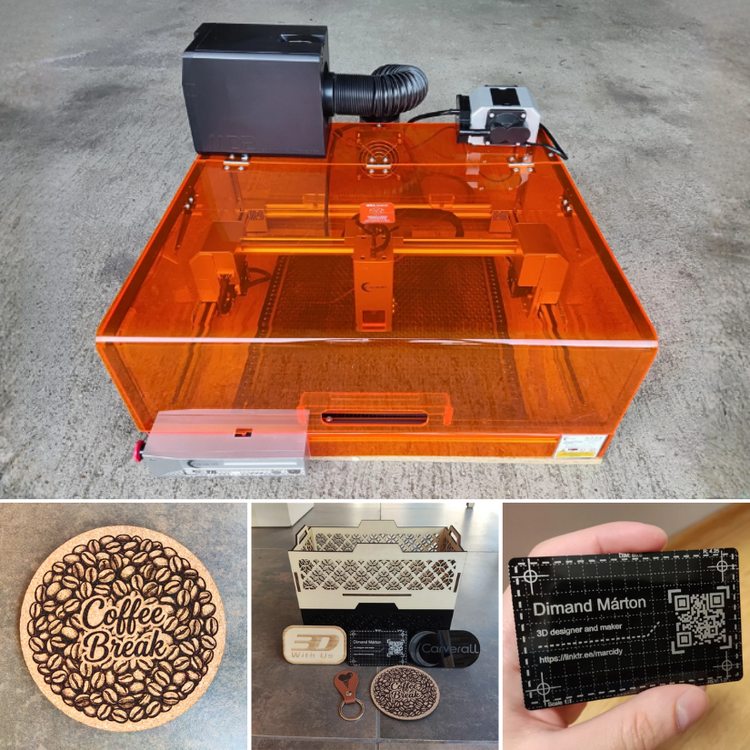
Woohoo, the Carverall X1Pro hands-on testing article is live: https://3dwithus.com/carverall-x1pro-review-testing
-
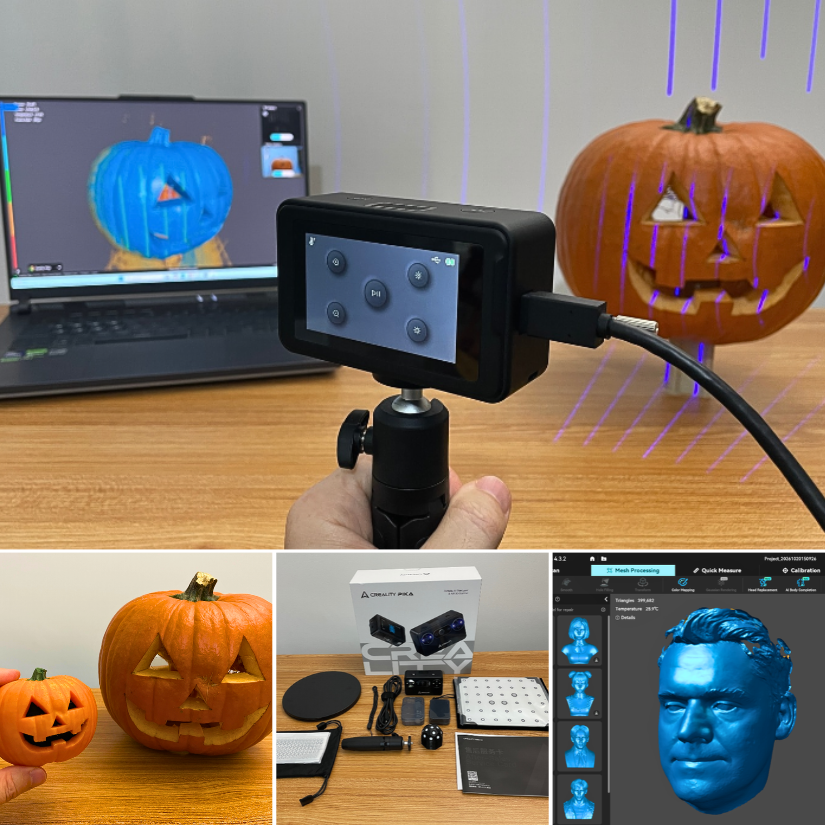
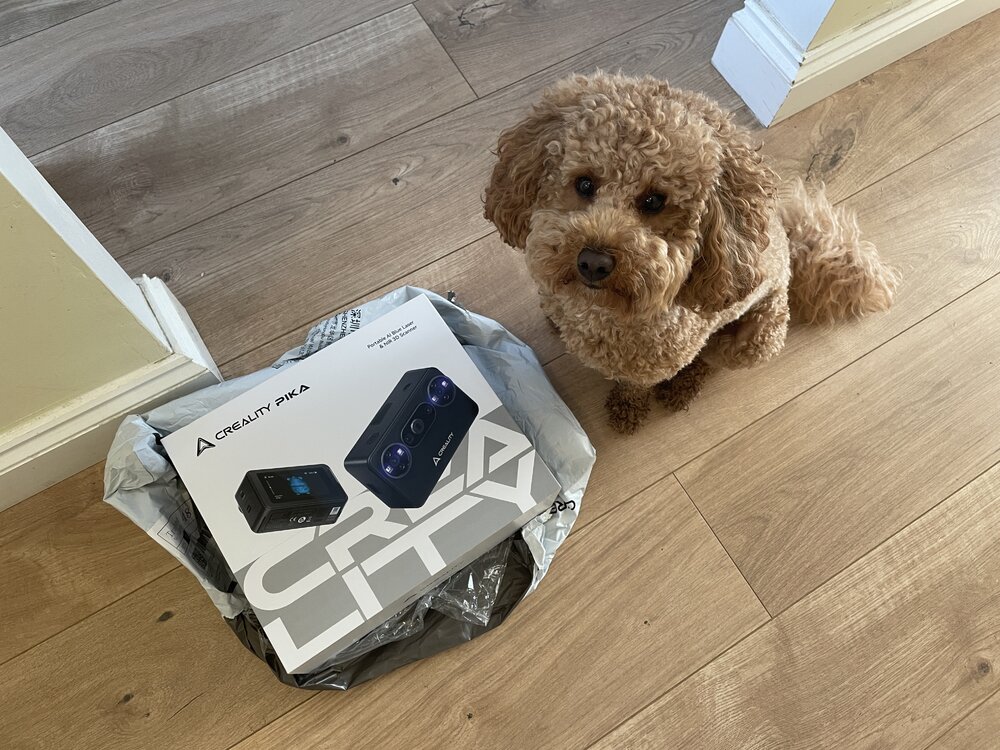
Update. Full hands-on testing: https://3dwithus.com/creality-pika-3d-scanner-review
-
To learn the Ender 3, I’d start on YouTube and search for “original Ender 3 setup” or “Ender 3 beginner guide.” CHEP and Teaching Tech both have many older Ender 3 videos that are still useful. For an electrician, getting to grips with 3D printing should be pretty straightforward. Good luck with the machine!
-
Hi Roger, welcome to the forum! On the original Ender 3, those two metal ends of the belt normally don’t connect to each other. Each end hooks into the carriage, with the belt running around the motor pulley and idler. If you’re completely new to 3D printing, though, I wouldn’t recommend trying to repair a machine that may also have an electrical fault. It may be safer and less frustrating to return it if possible, or sell it as faulty/for parts on eBay and buy a working printer to learn on.
-
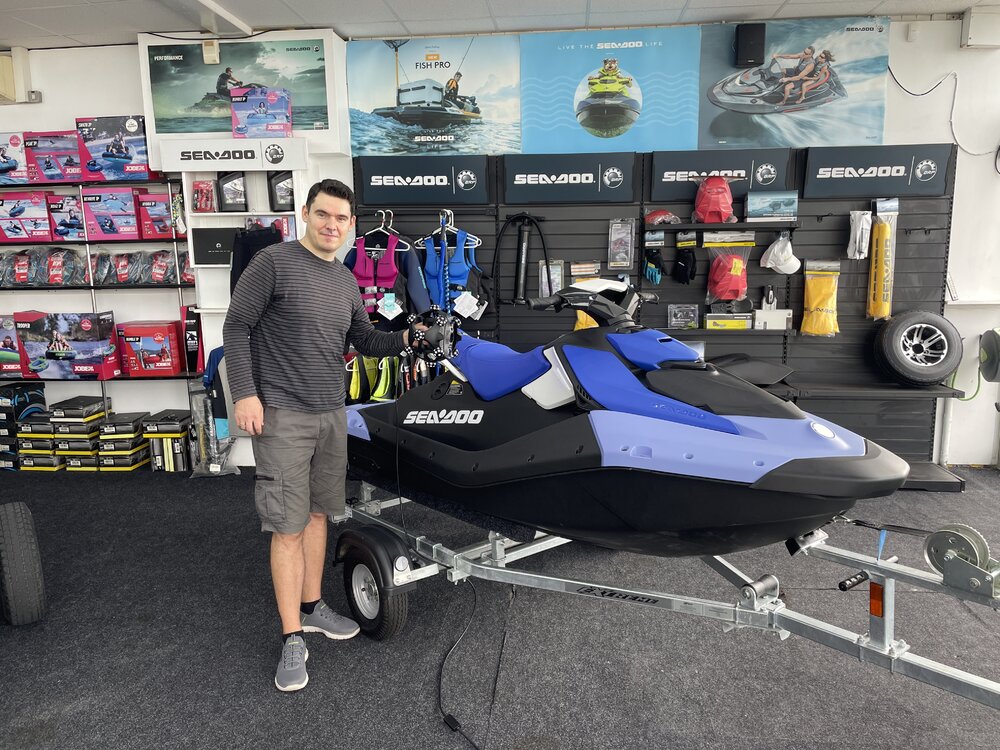
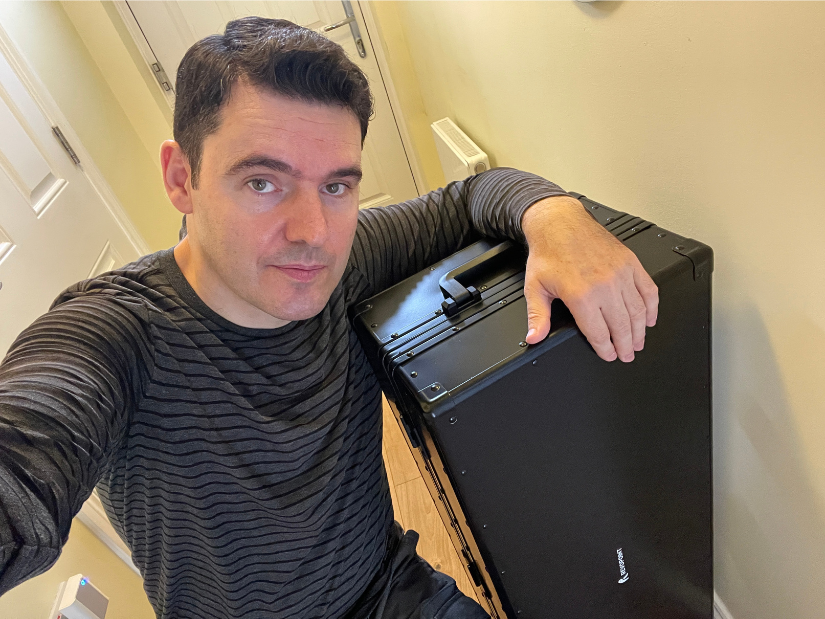
Today I took the @Revopoint3d Trackit SR on a field trip. 😎 Big kudos to our local Thorpe Bay Marine jet ski store for letting me scan one of their Sea-Doos. Had to explain to the 🚕 driver that what’s inside this very cool case is perfectly legal. 😅#3dscanning https://www.thorpe-bay-marine.co.uk/
-
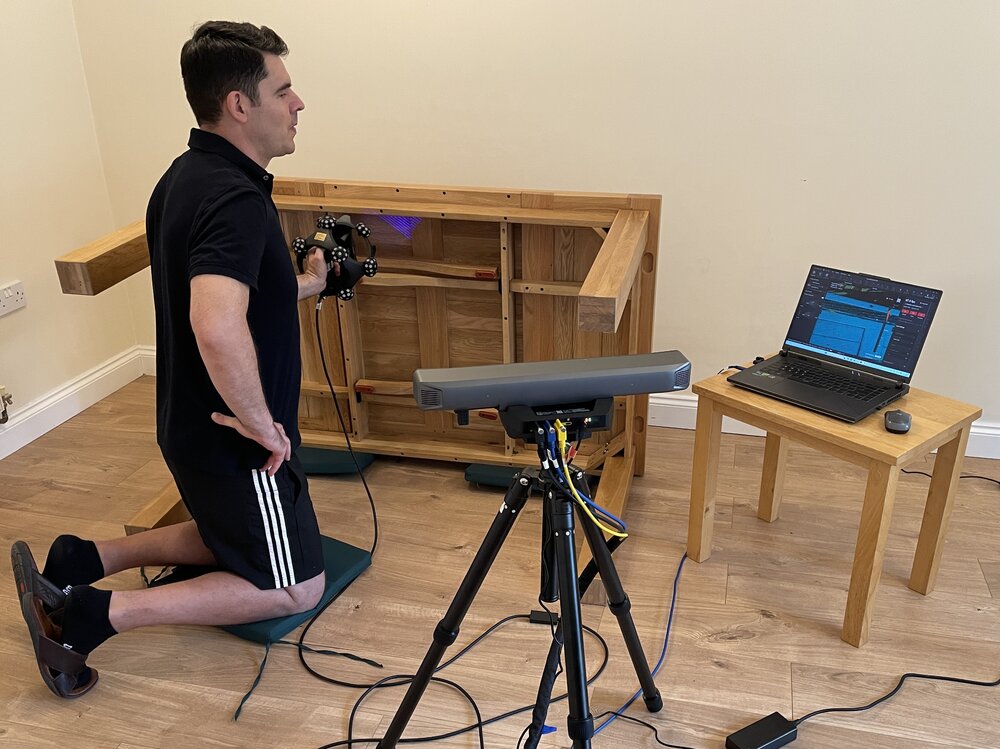
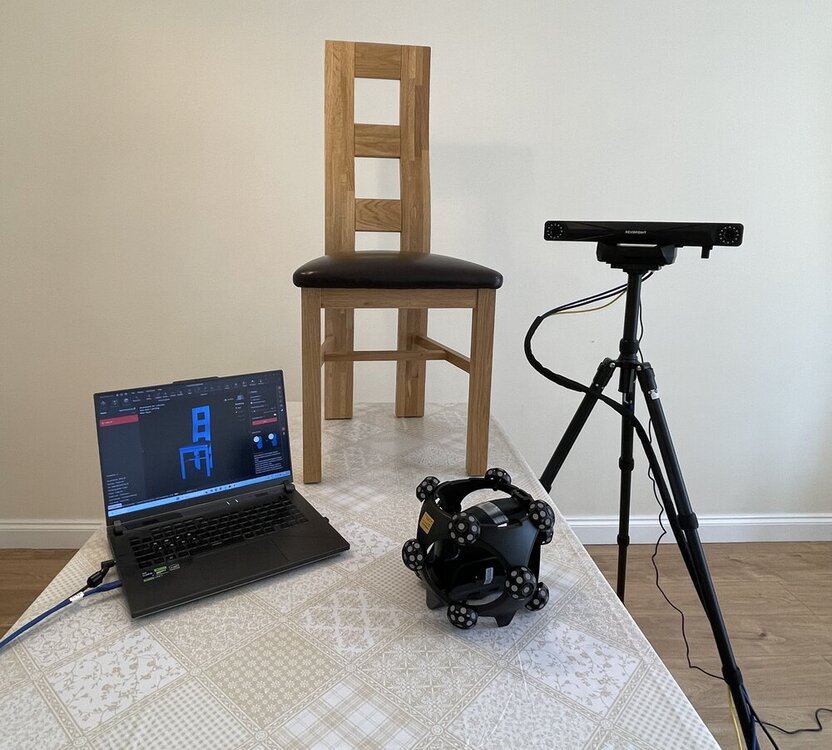
Here are the latest Trackit SR testing developments. I briefly turned my living room into a 3D Scanning studio. Scanning all day is a physical job- everything hurts, like if I were in the gym. Testing the Trackit SR on something bigger this time. Apparently 3D scanning furniture is a thing. I can see why.
-
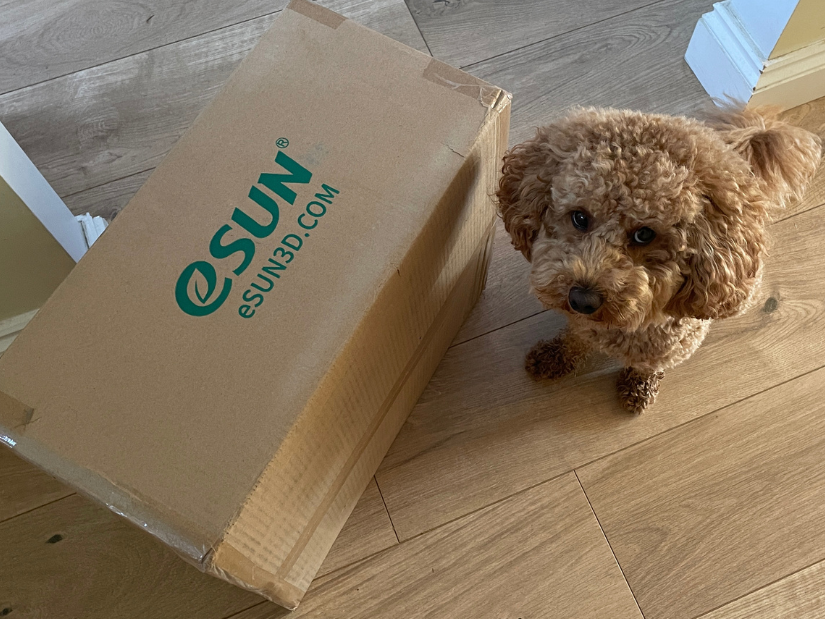
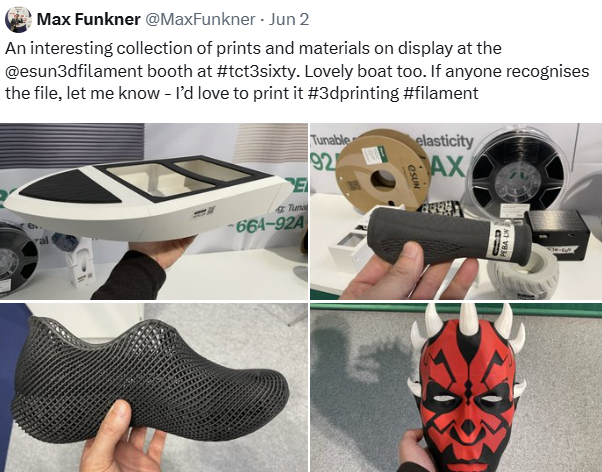
Power of tradeshows. Every little kick towards collaboration helps. The first part of our eSUN collaboration has arrived: a box full of filament. Teddy is definitely not amused that I forced him to work again 🐾 Earlier this year I visited the eSUN booth at TCT3Sixty. They had an impressive range of materials available. My original post on X: https://x.com/MaxFunkner/status/2092605001990332899
-
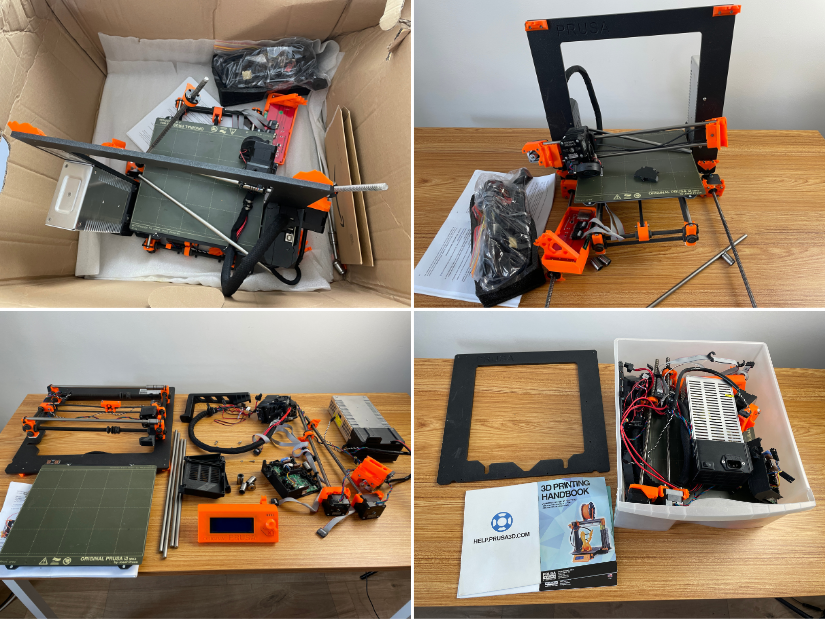
After an unlucky transportation attempt, all I could do was perform a final autopsy on the iconic machine that made me believe in #3Dprinting. Bye-bye, my friend. It was a great journey! 🫡 My original Prusa i3 MK2.5S retired, but definitely not forgotten. https://3dwithus.com/original-prusa-i3-mk2-mk25s-upgrade
-
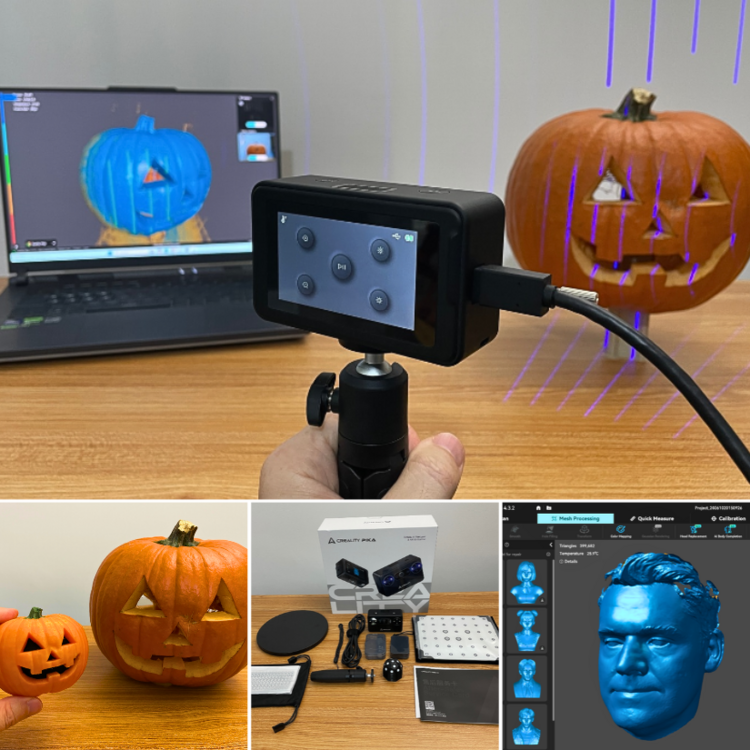
Creality’s 3D scanner lineup is interesting. From the tiny new Pika to the standalone Sermoon P1 and more. Still waiting for Pika to arrive. Here is the first look: Update. Full hands-on testing: https://3dwithus.com/creality-pika-3d-scanner-review
-
Interesting development. SLS PEBA for footwear is definitely one of the more practical AM applications, especially for midsoles and performance testing. The durability numbers are worth watching, as long-term compression and fatigue are still key questions for 3D printed footwear.
-
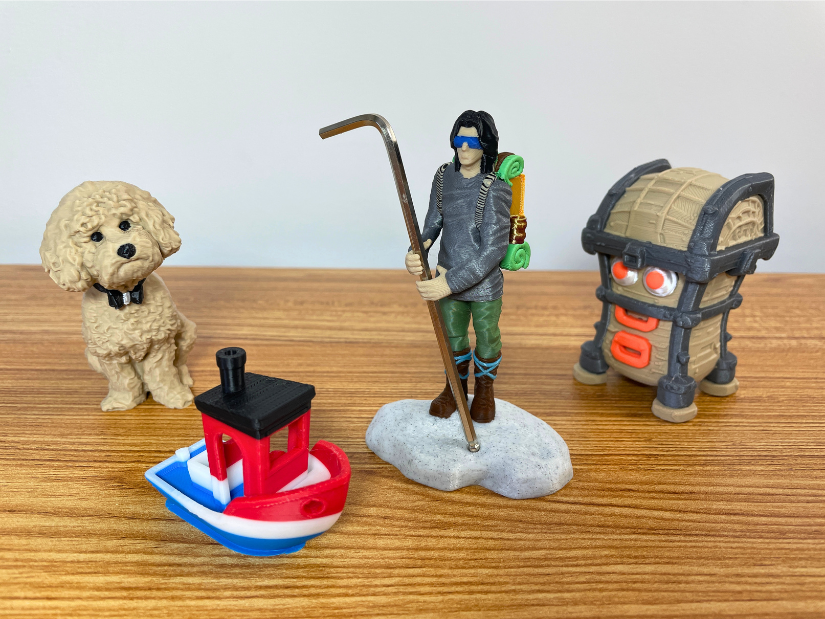
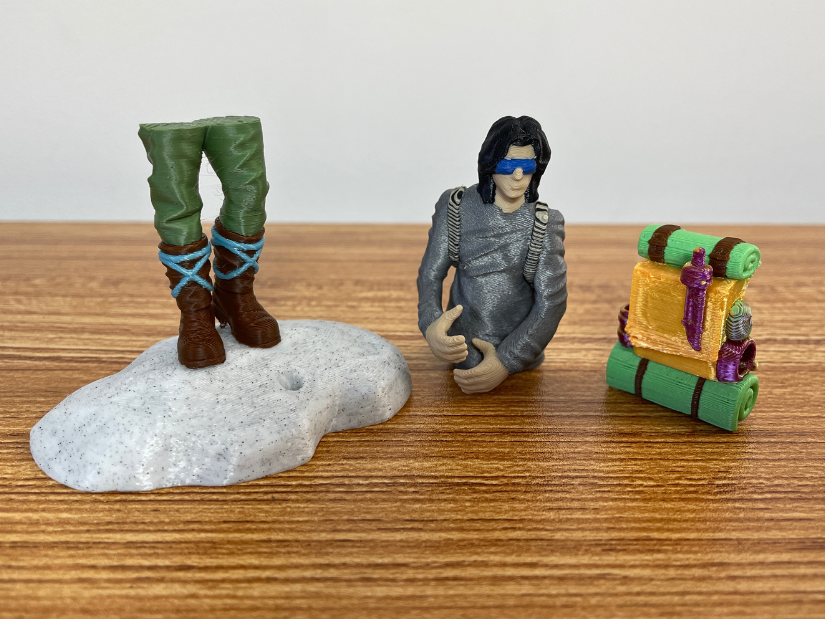
Printed the Guardian figurine/tool holder using 12 colors + 2 mixed shades on the Snapmaker U1. Color mixing would work better if I scaled the model up. Very happy with this segmentation experiment.