Marcidy
Members
-
Joined
Everything posted by Marcidy
-
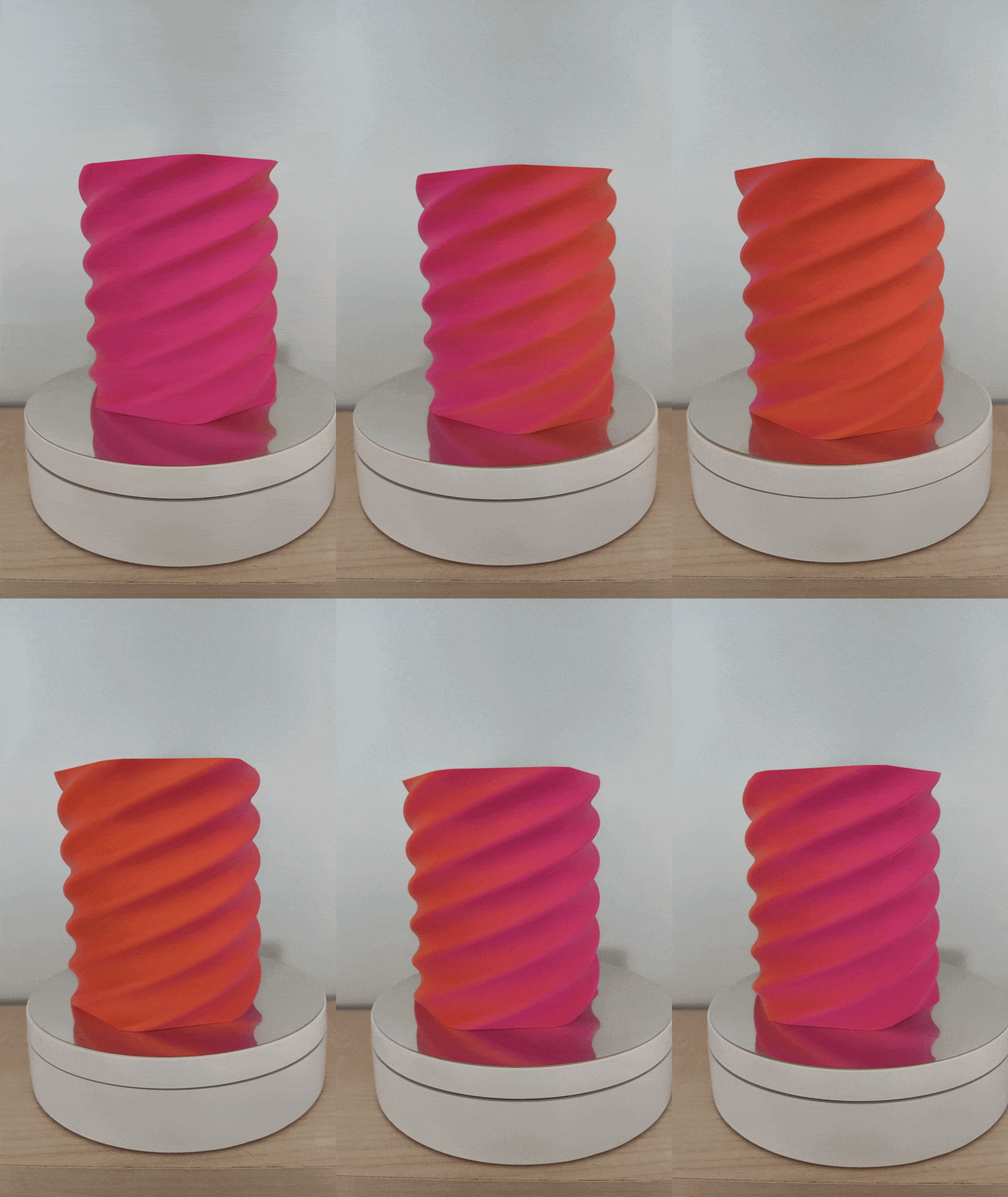
 Yes, it is a native, Kobra S1 time-lapse video. The inbuilt camera is not the best in terms of quality, but speeding up the timelapse (30s -> 5s) makes it look a little bit better (Also cut it to match the 9:16 aspect ratio of my phone). I didn't share it on socials, so feel free to do so if you like :)
 -
Made another vase as well. I wanted to use this video for a giveaway submission, but later realised it needs easter themed designs. So i edited it a little and I am uploading it here. 0315.mp4 Sources: 3D Model: Scaled to 250mm tall (Only Z-Axis Scale) Filament: SUNLU dual-color Orange+Red Matte Video Editor Background Music Thank you again SUNLU and 3DWithUs!
-
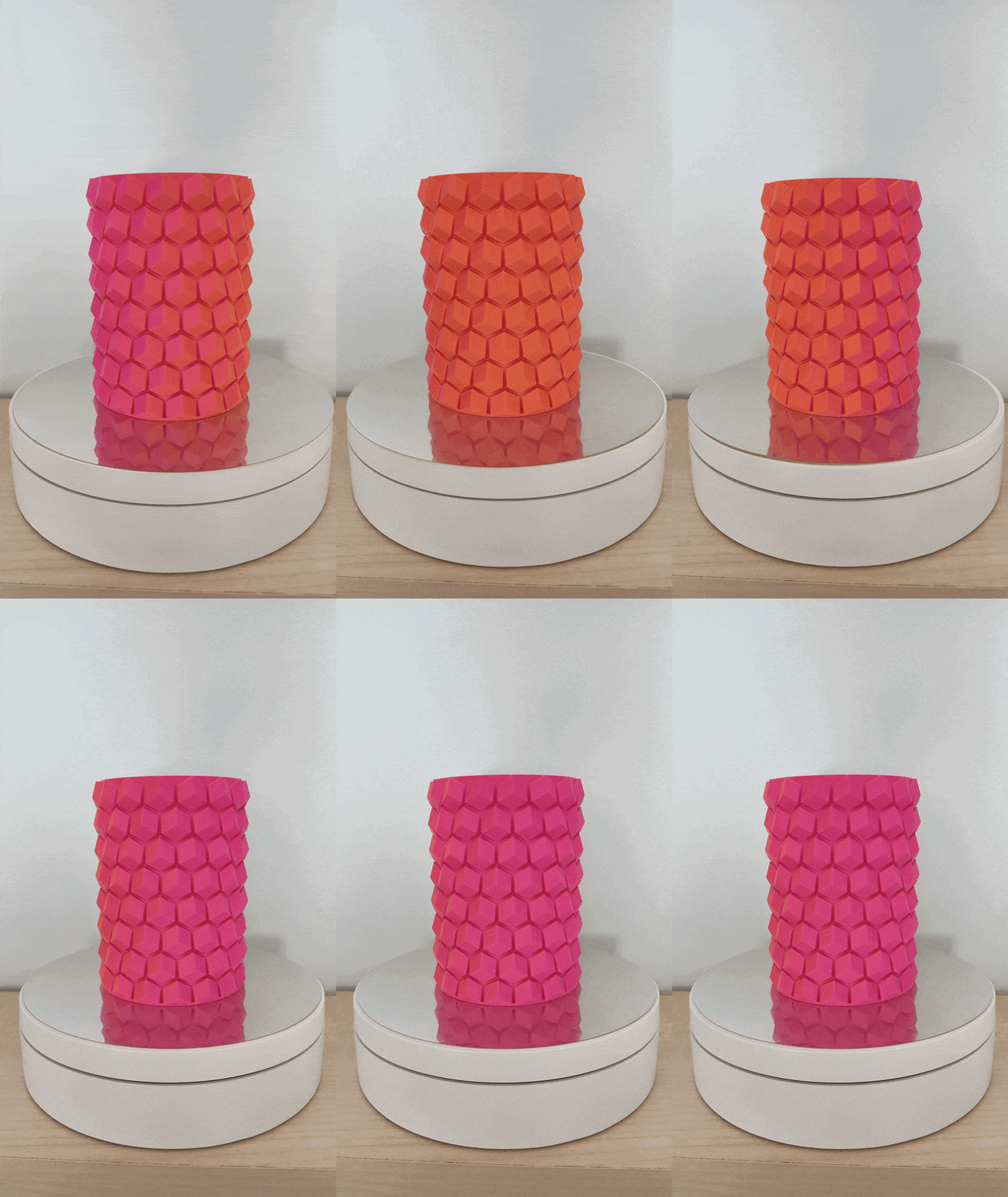
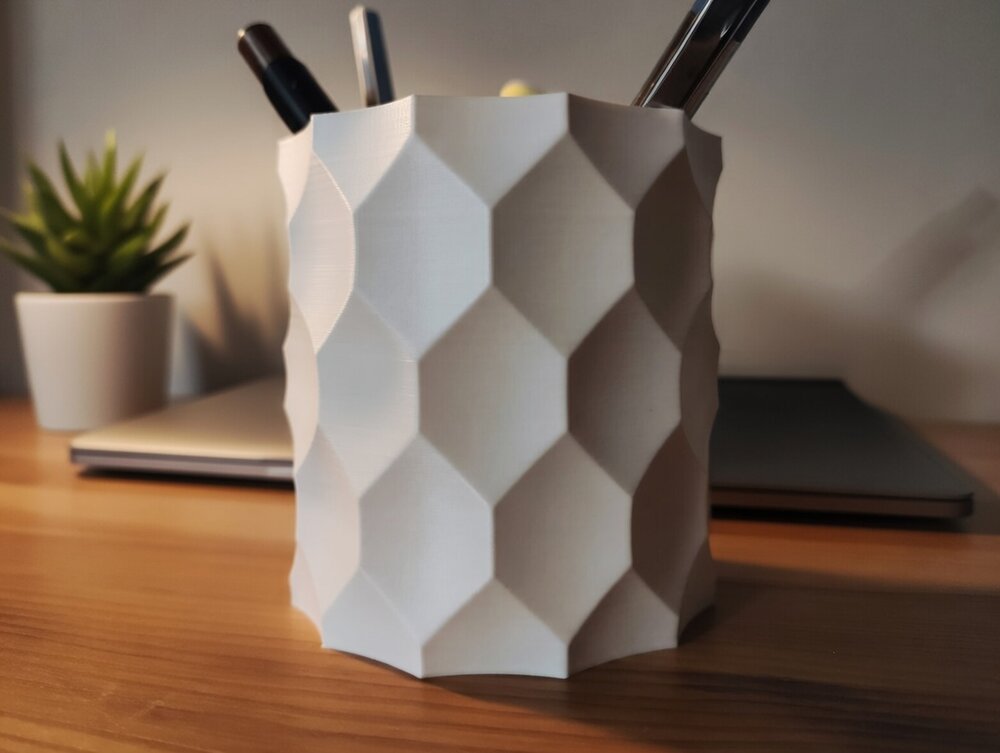
The dual color indeed looks cool! Printed some pen holders with it. The models are not mine: https://www.printables.com/model/108872-pen-holder https://www.printables.com/model/198641-hex-vase-cup
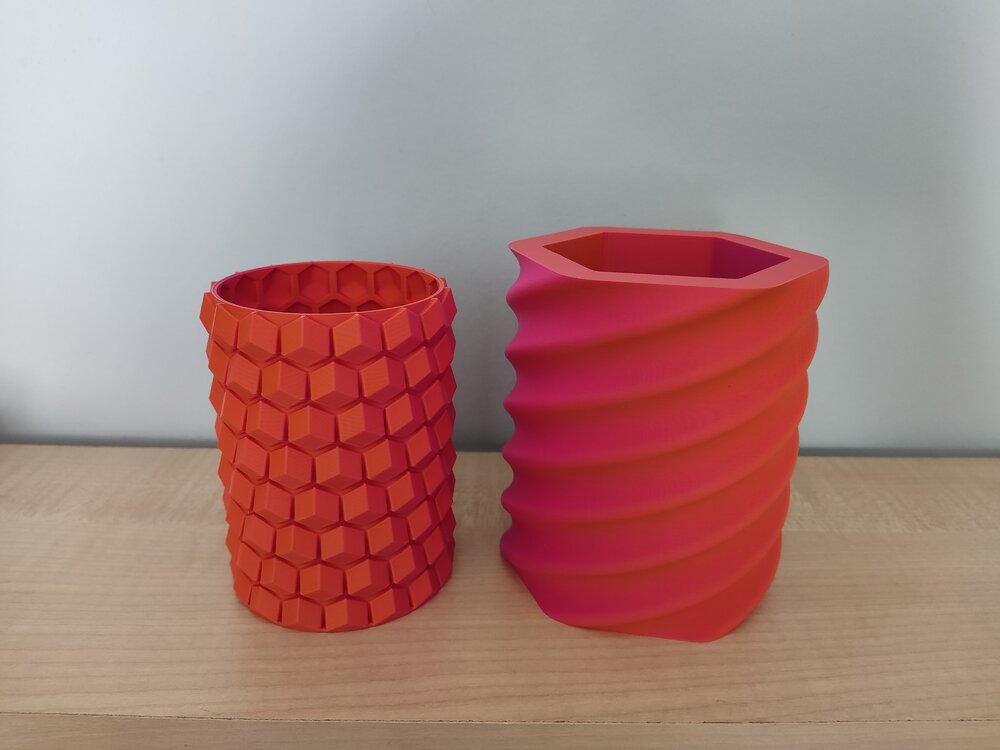
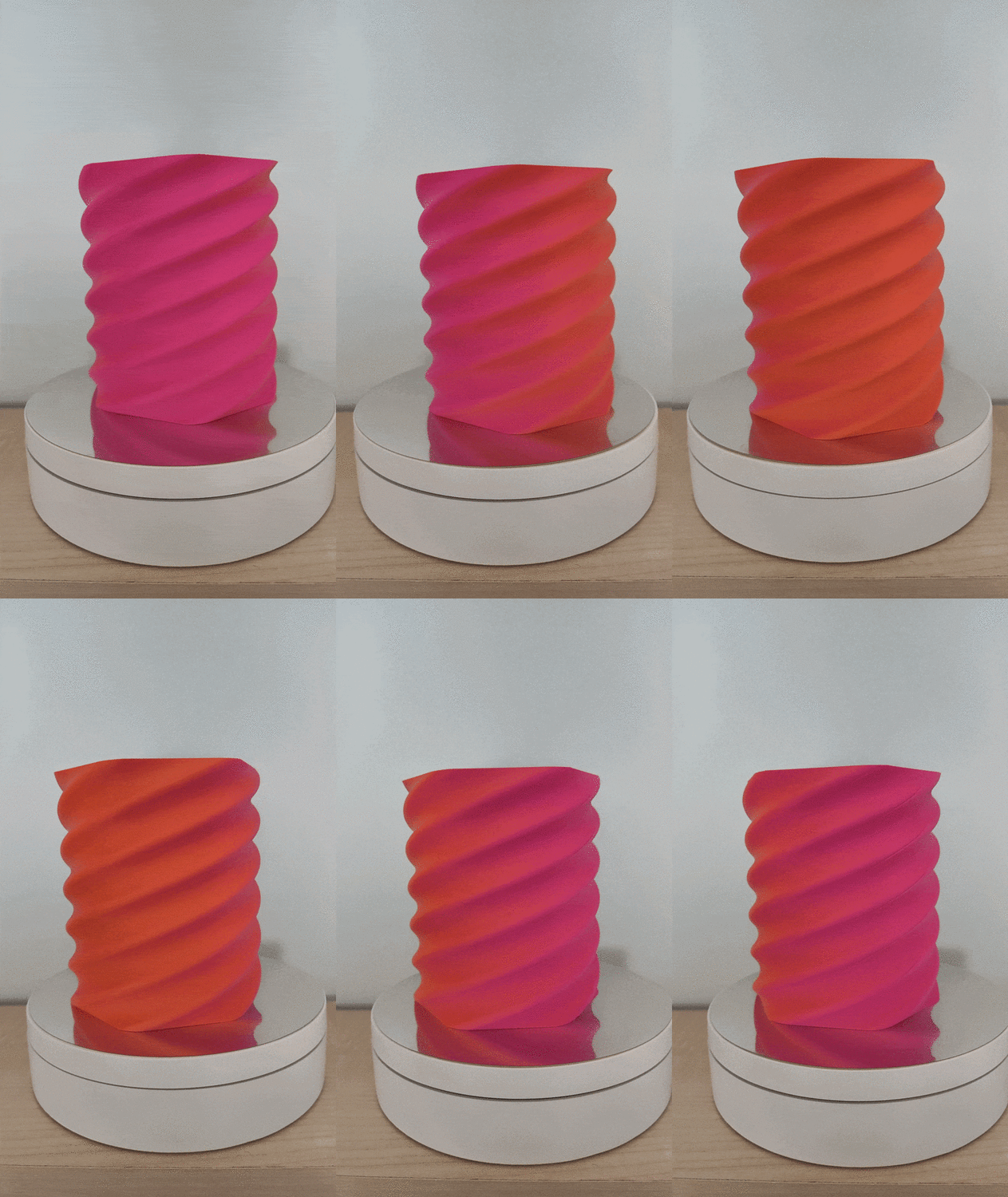
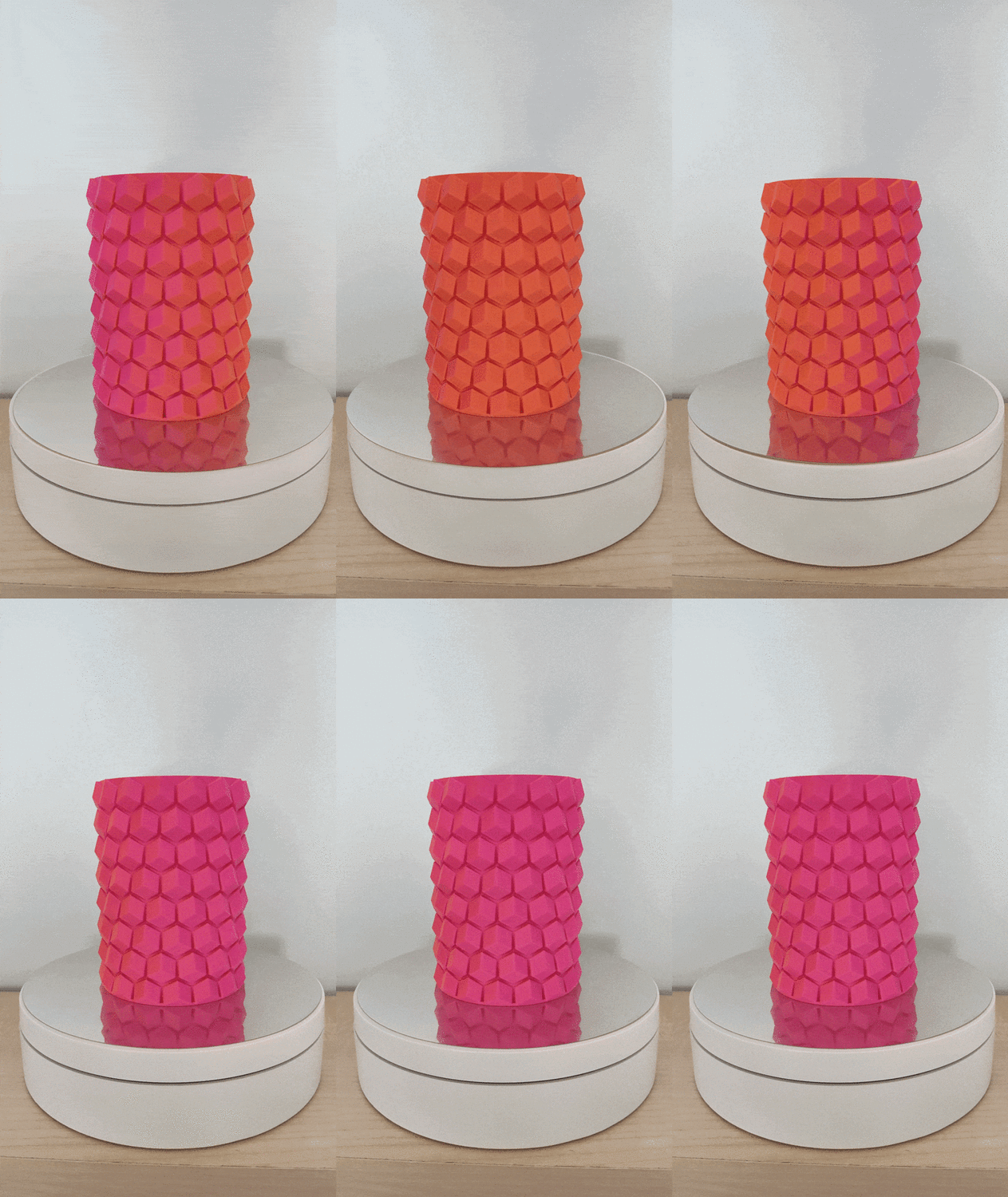
-
Will do! I just already have too many filaments opened up and waiting to be used. I am still waiting for some reusuable vacuum bags to arrive, so i can store them efficiently after printing.
-
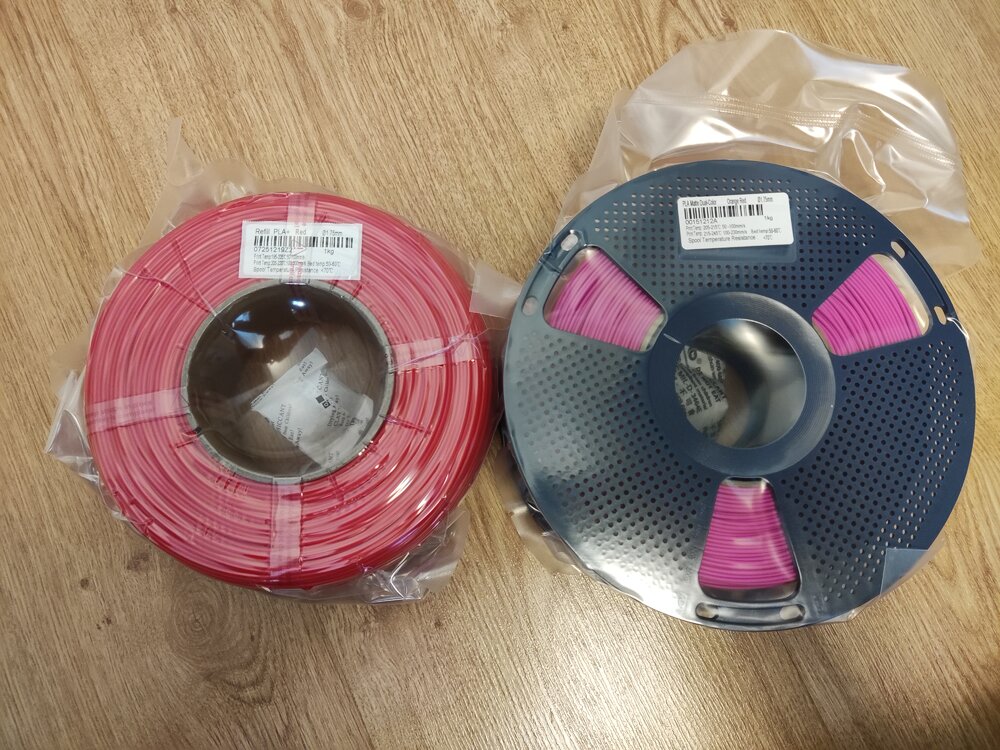
Giveaway filament arrived!I got: Refill PLA+ Red Matte Dual-Color Orange-Red Thanks you SUNLU and 3DWithUs! (I am starting to run out of storage space :D)
-
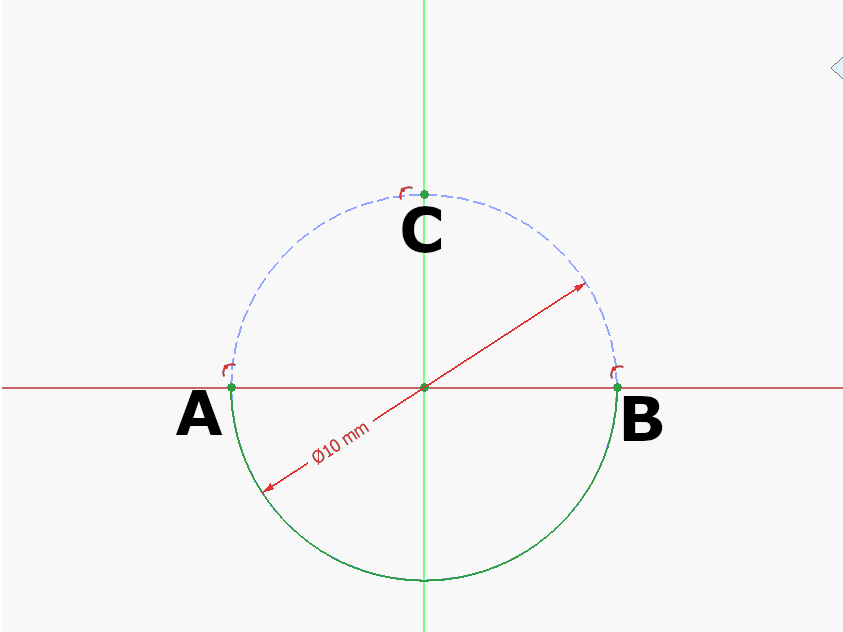
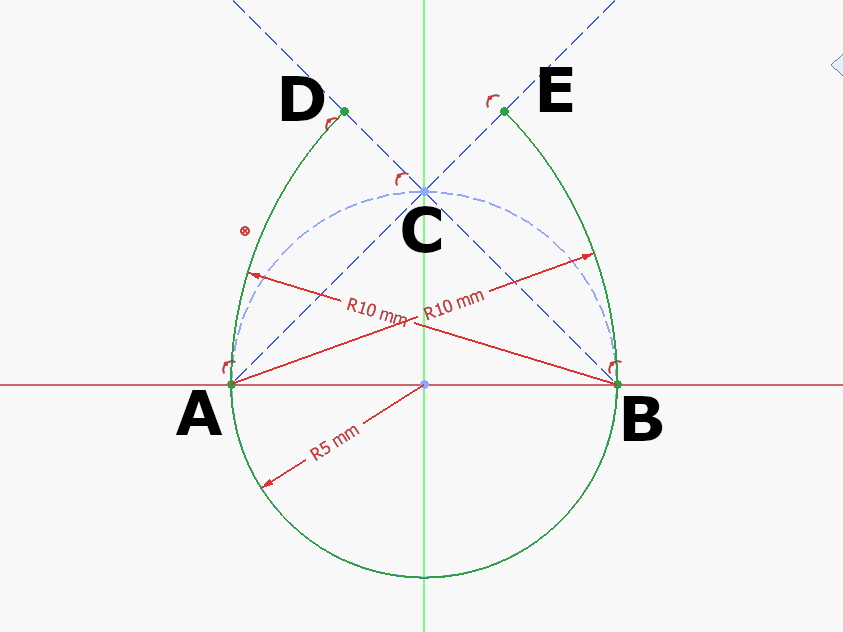
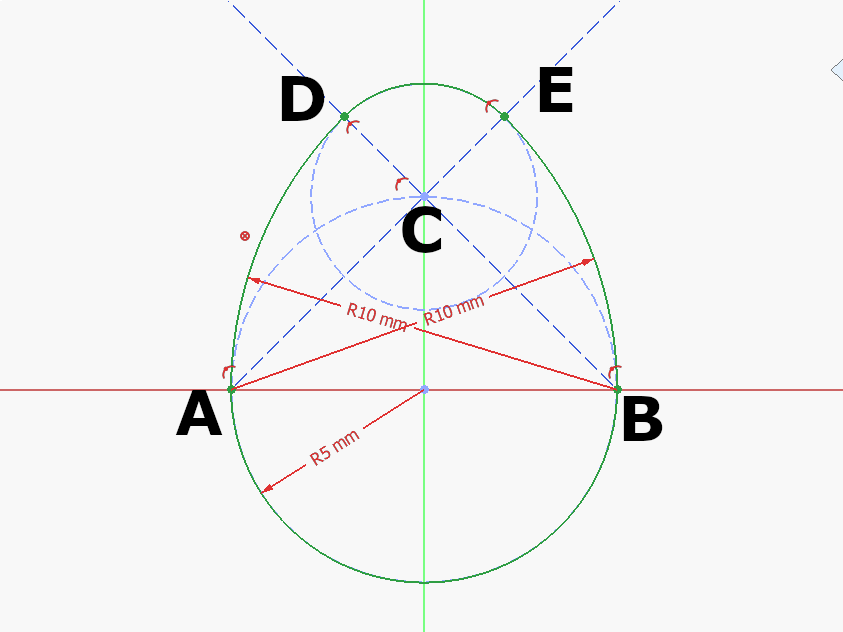
Step 1: Draw a construction circle at the Origin. Mark A, B, C where the circle meets the Y and Z Axis as seen above. Draw the half circle at the origin between A and B. Step 2: Draw a construction circle at the Origin. Mark A, B, C where the circle meets the Y and Z Axis as seen above. Draw the half circle at the origin between A and B. Step 3: Draw an arc centered at C between D-E: 🥚 Good job!The full tutorial project is available at Printables with the finished 3d model and FreeCAD file: https://www.printables.com/model/1615557-egg-tutorial-model
-
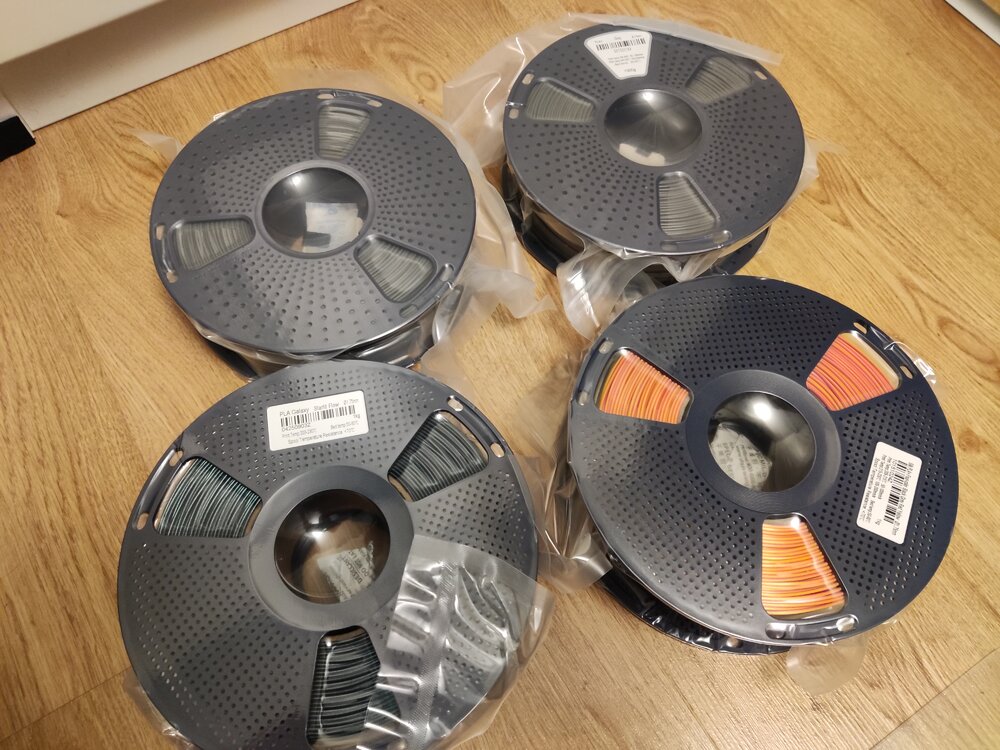
Just received my giveaway spools from SUNLU and 3DWithUs! Thank you for this amazing gift! I got: 2 kg PLA+ | Grey 1 kg PLA galaxy | Starlit Flow 1 kg Silk PLA+ | Four-color | Black-Grey-Red-Yellow I haven't printed with them yet, but i can't wait to try them out :) Thank you SUNLU and 3DWithUs!
-
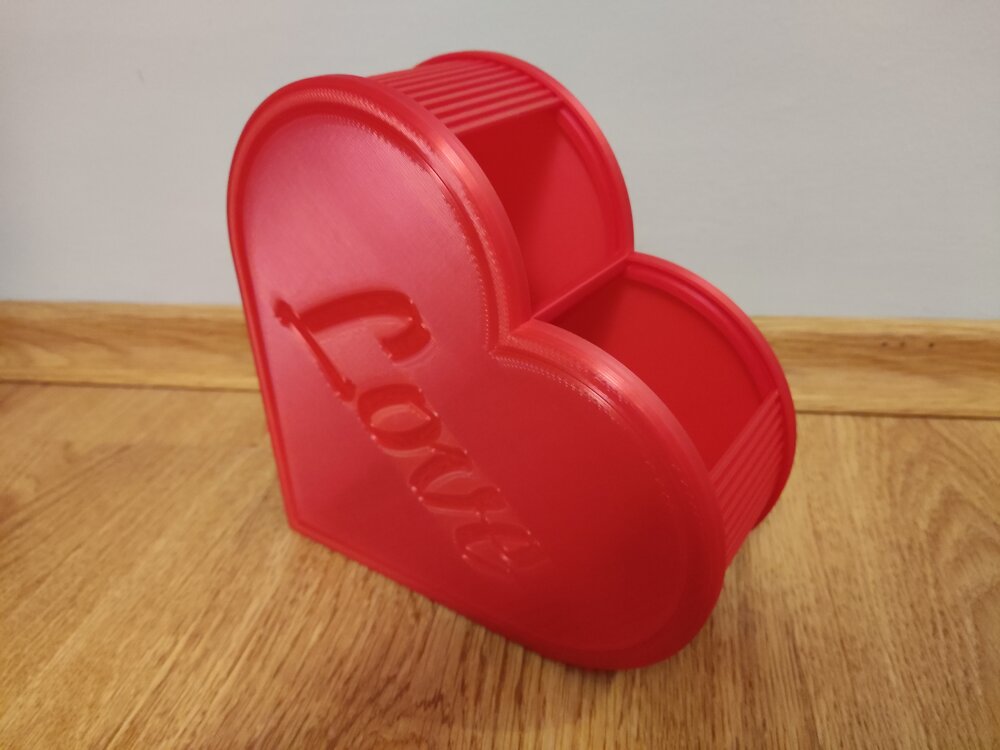
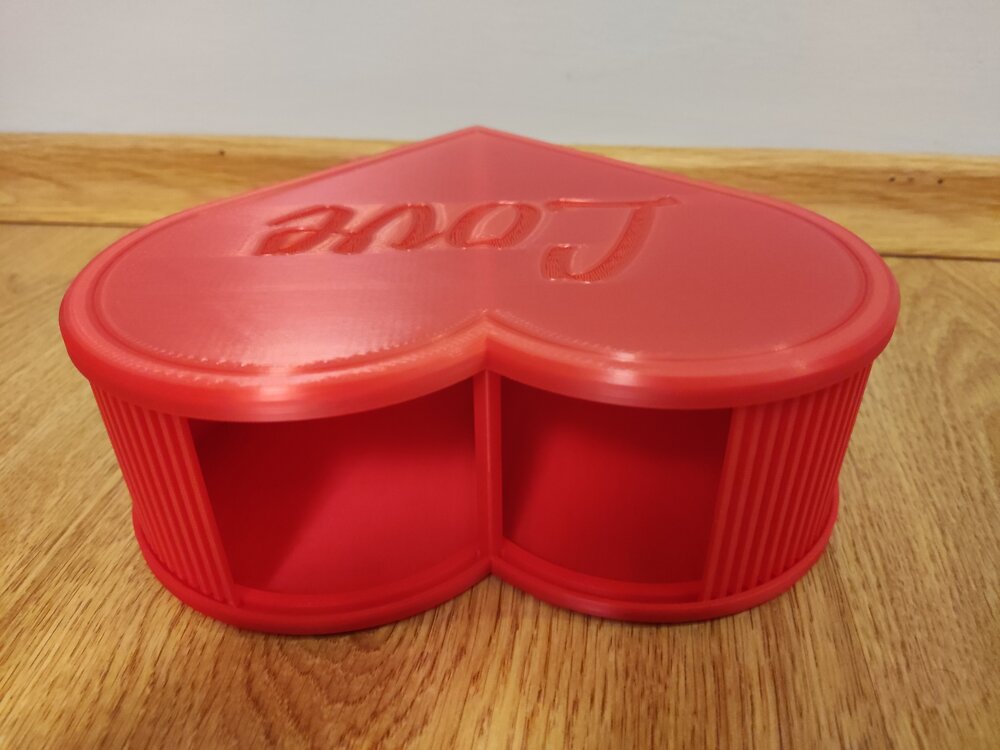
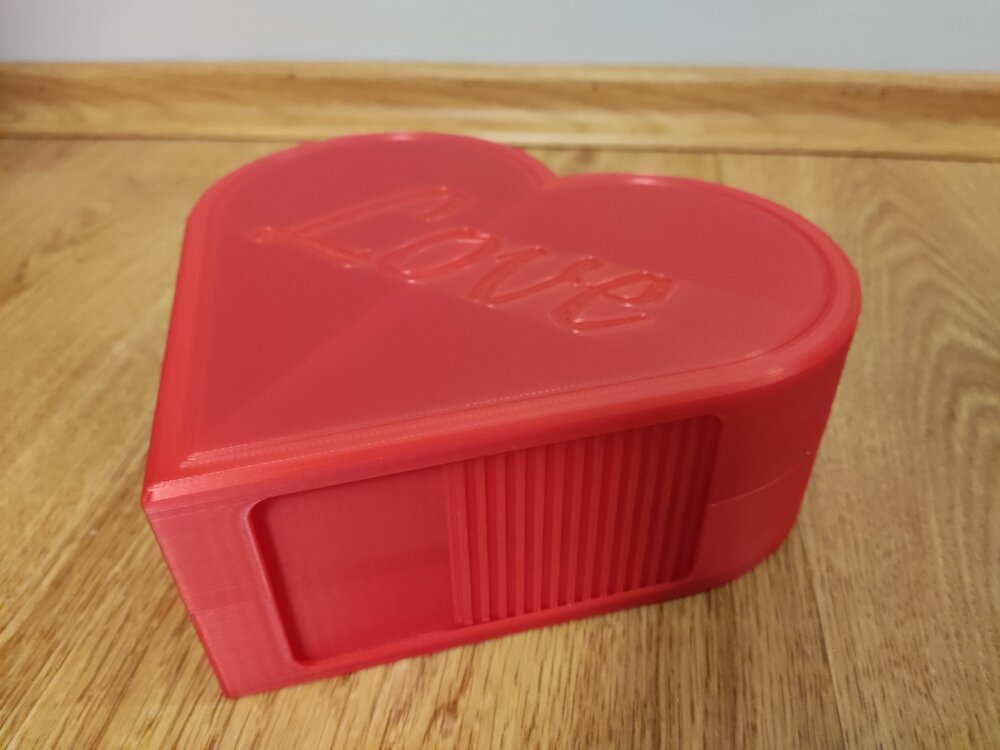
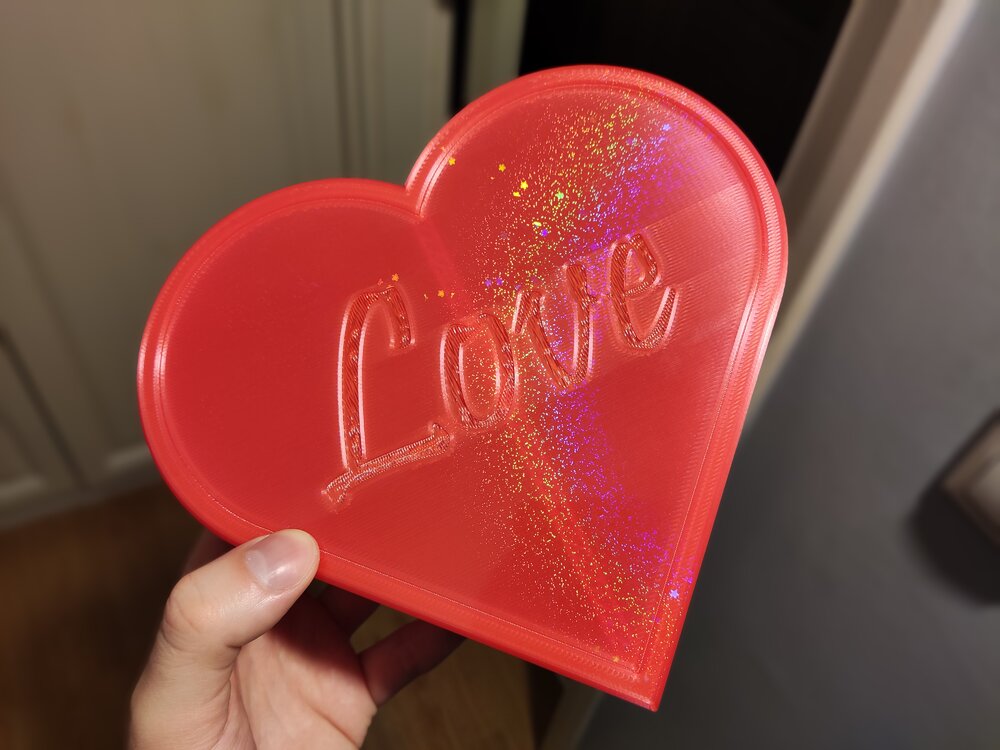
I made 3D Printy's Shutter Box parametric in FreeCAD! It features 2 storage compartments and it is an ideal container for Valentine gifts! You can now freely scale it to your preferred size, the tolerances and wall widths will stay the same! I recommend printing it on holographic plates (Check the last picture for an example), it makes the look unqiue! The full project is available for free (FreeCAD project file included): https://www.printables.com/model/1586458-parametric-shutter-box-heart-shaped I found the original design small, so i loaded up FreeCAD and made it again from zero. The Pictures show the large version i created (XY Scale: 1,5 and Z Scale: 2,0). I hope you like it! Happy Valentine's day!
-
Looks really interesting. Did you try any other 3d scanning applications before this? I would be curious how competitive can be a 3d scanner app for a phone that makes 3d models from 2d photos (using AI or not). I heard good reviews about both 3d scanners and apps as well. But i would give the apps a try before scanners, because the price is too steep (1500$) compared against a free web tool or AI that may make a similar quality 3d model using 2d photos of it. Nonetheless great review!
-
Hi! The FreeCAD Macro for generating these pots is done and published: https://www.printables.com/model/1565610-parametric-anti-sphere-plant-pot-pen-holder-plante Happy customizing :)
-
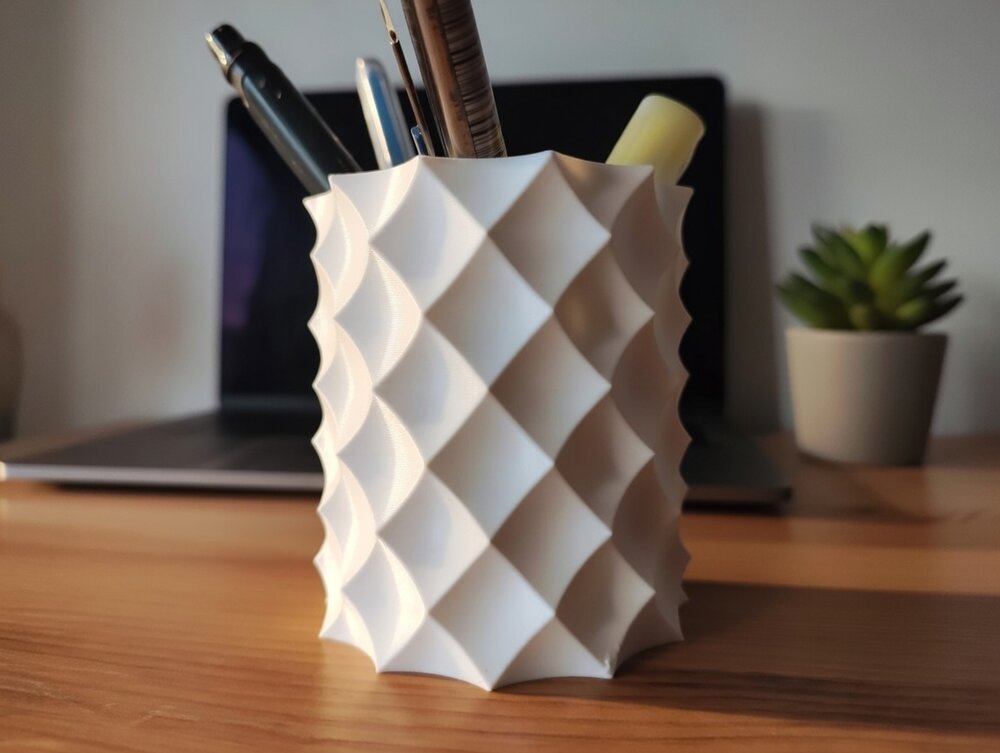
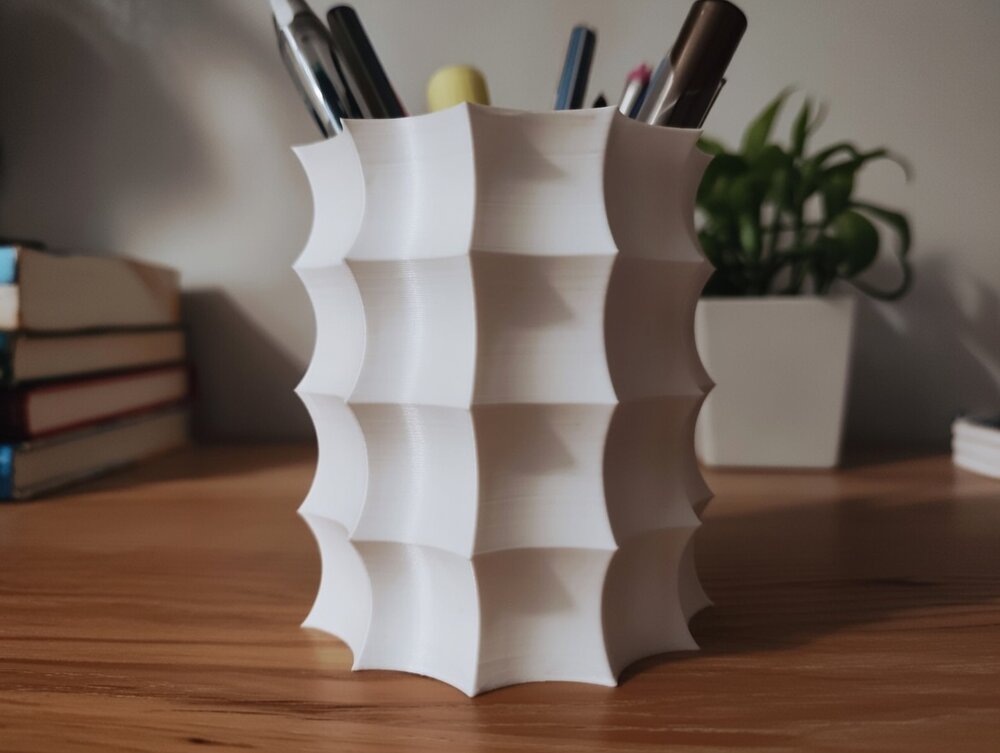
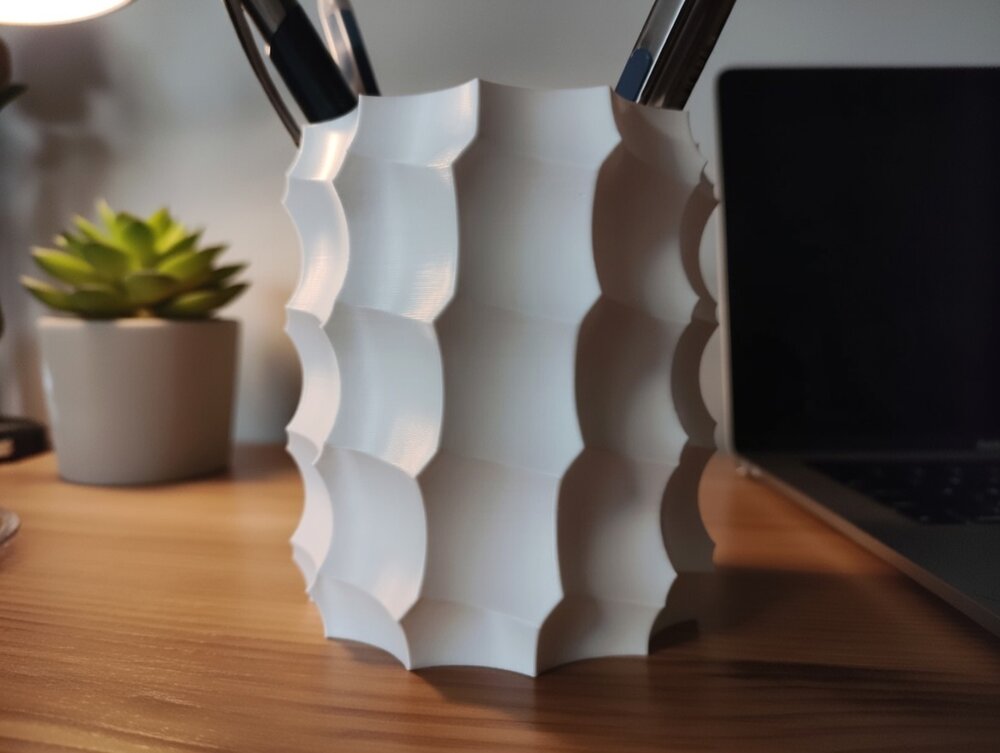
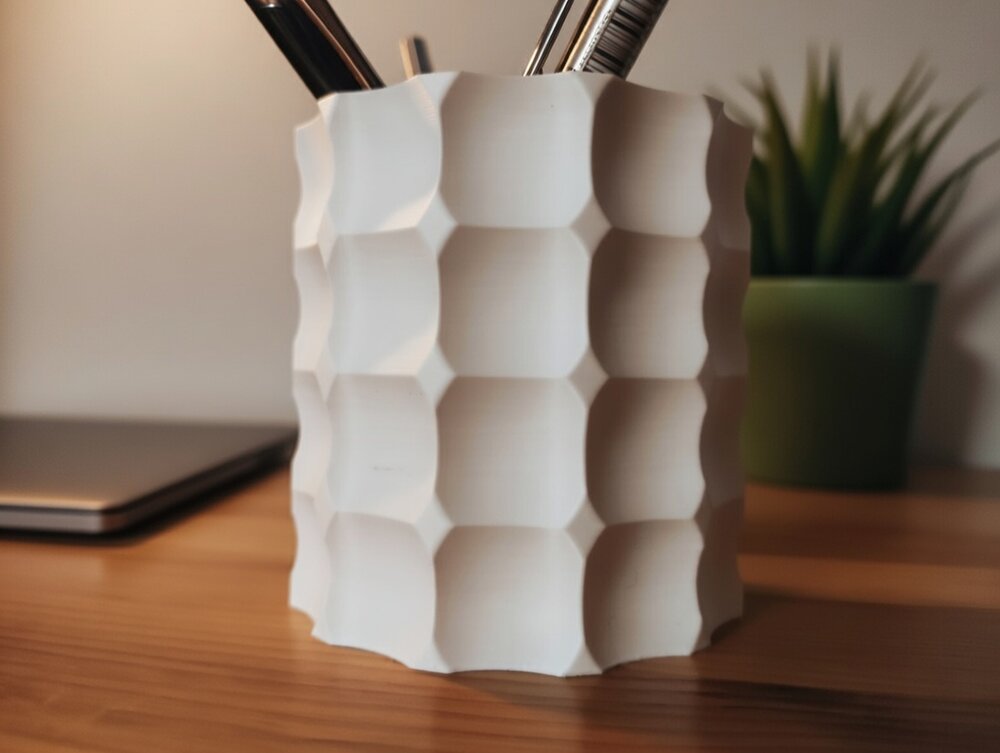
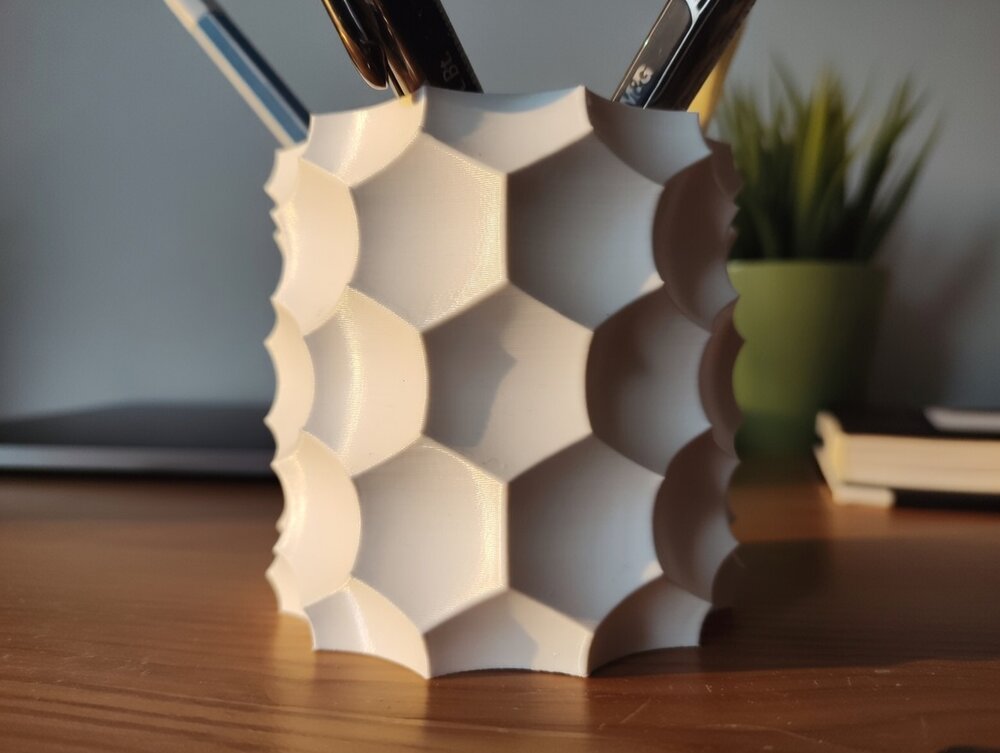
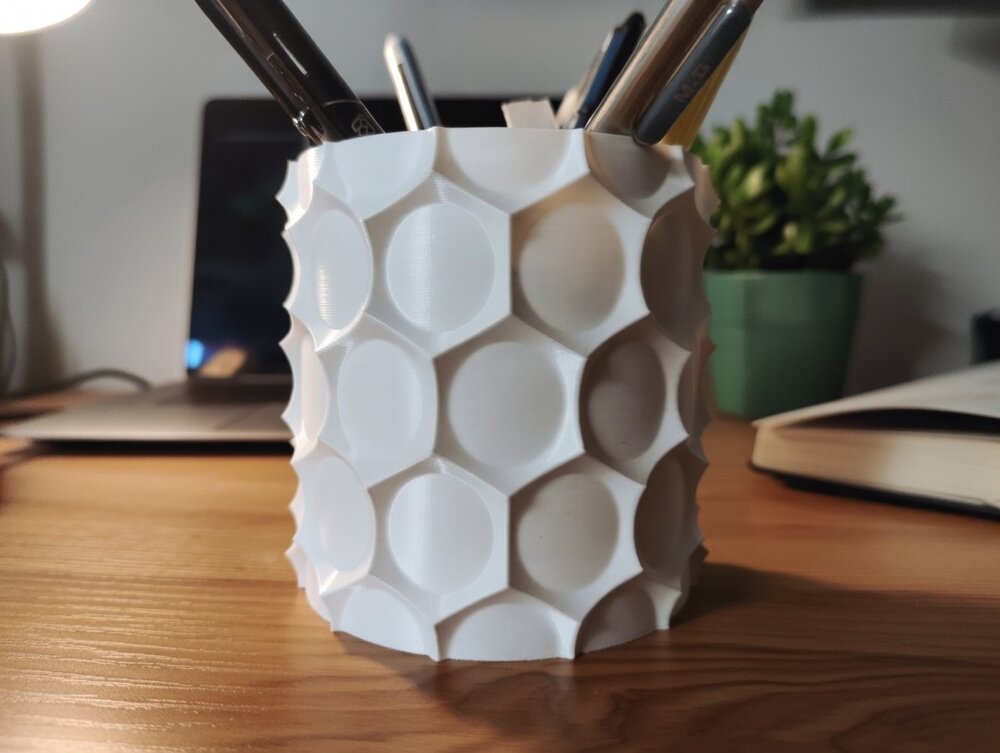
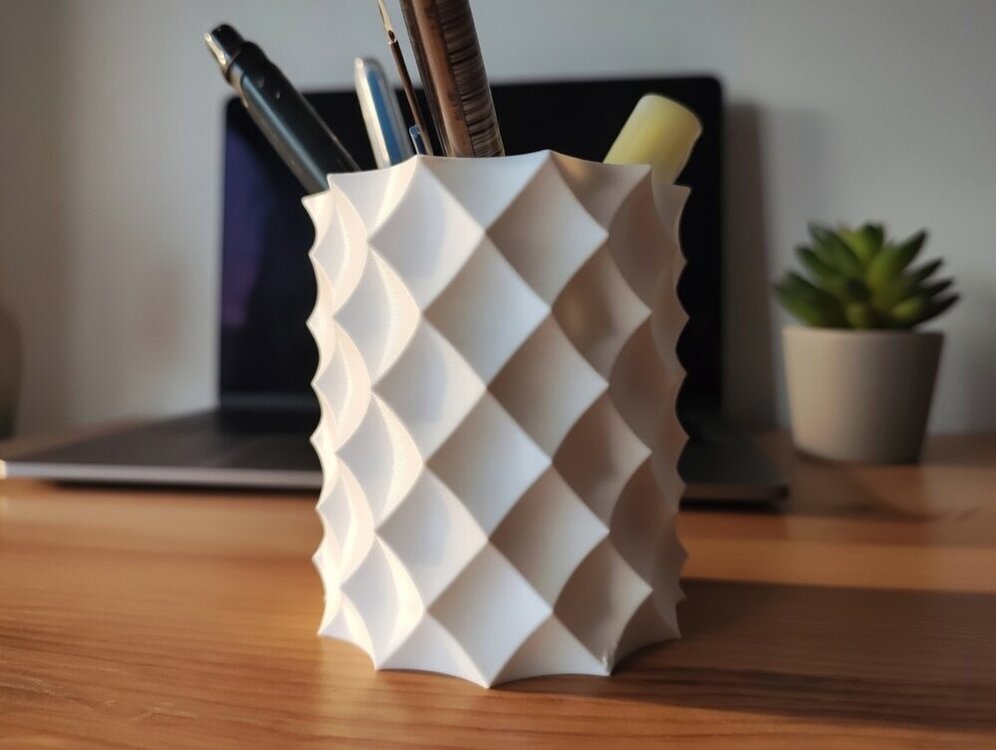
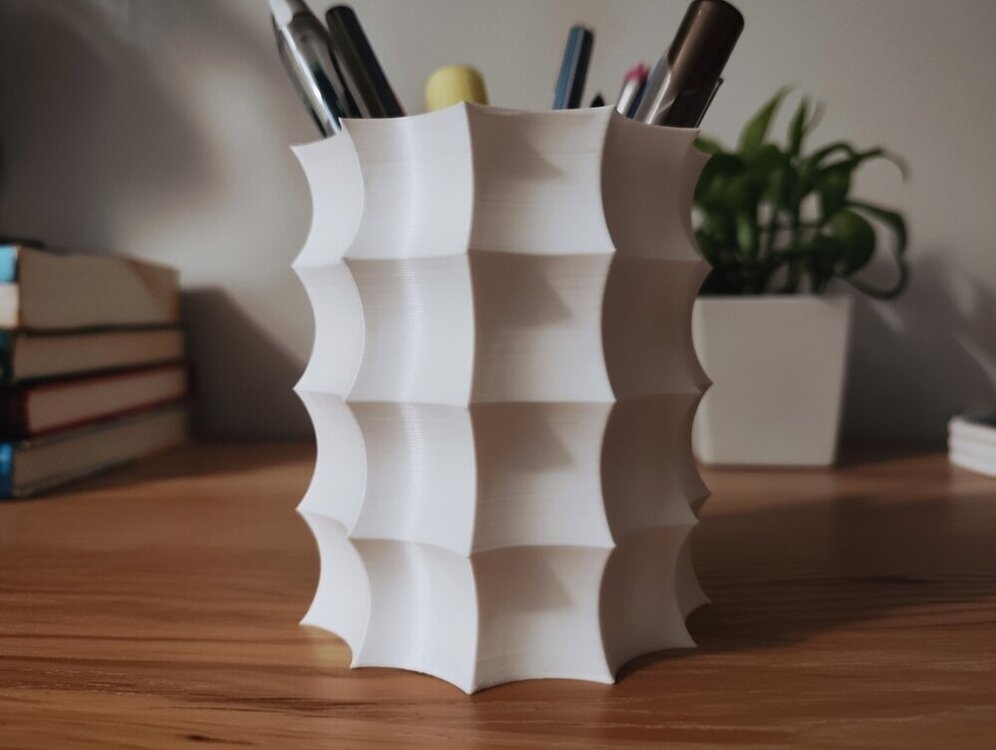
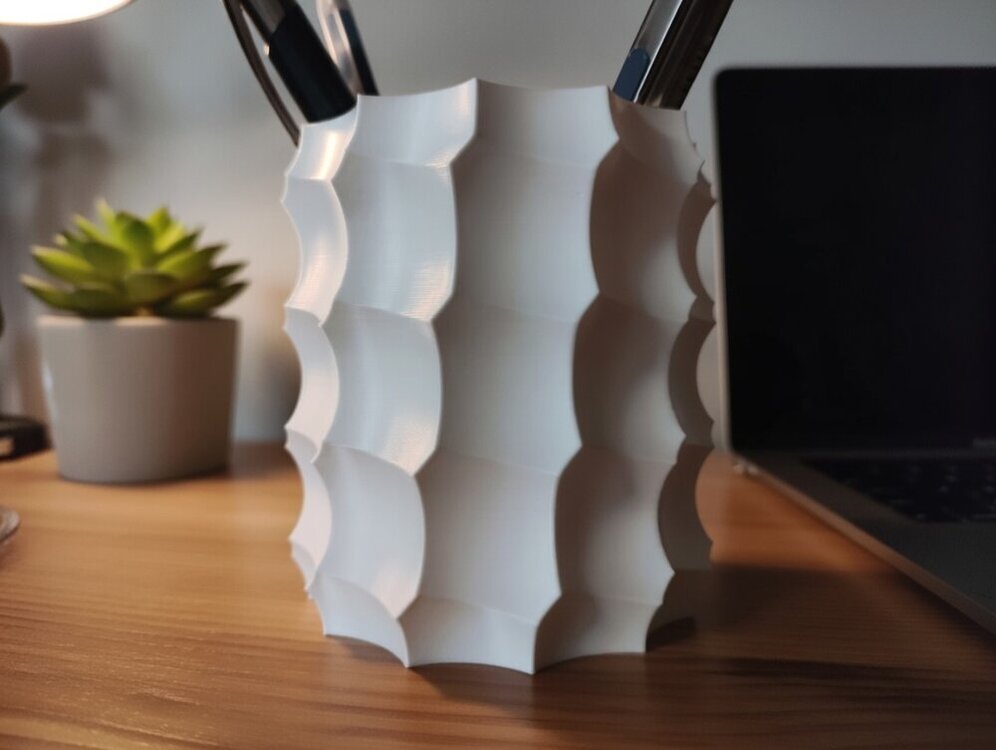
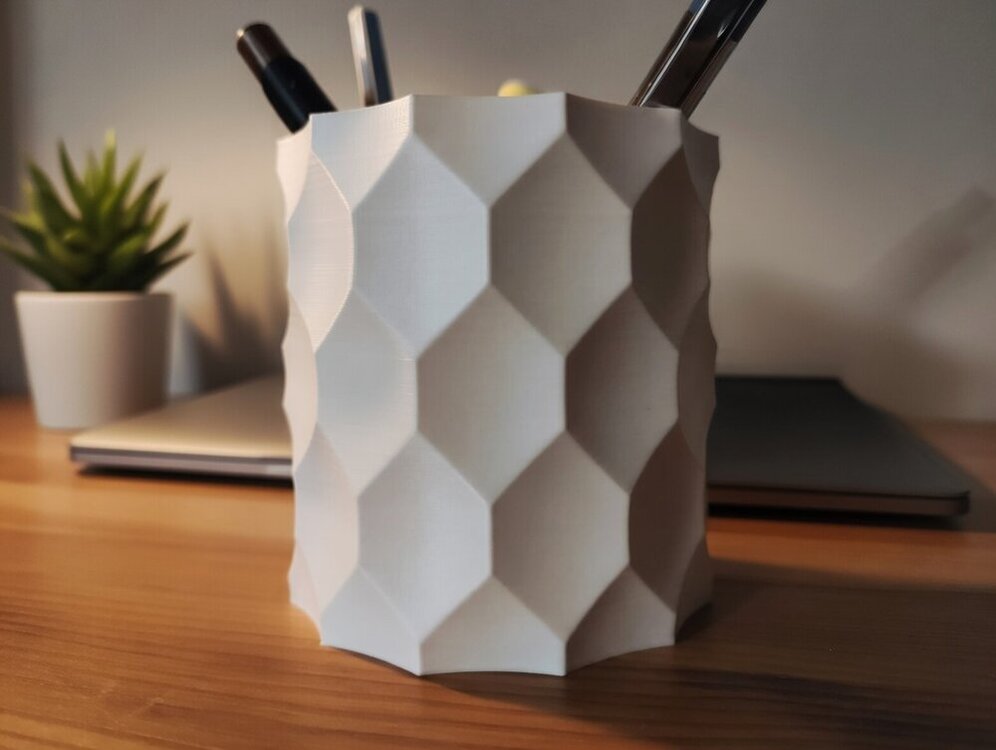
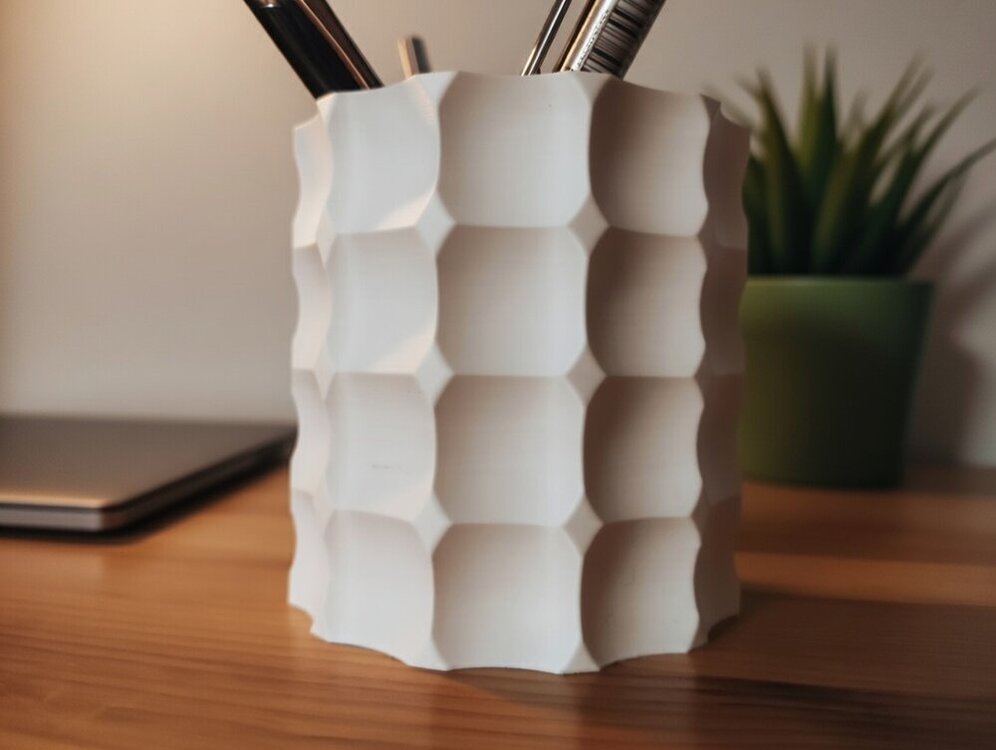
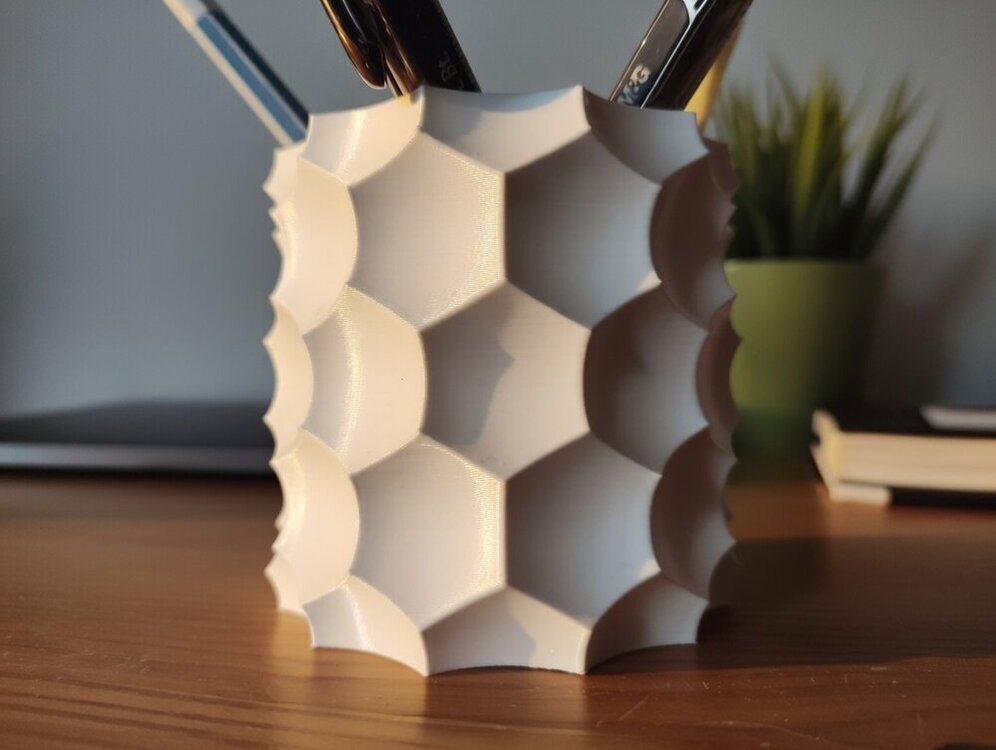
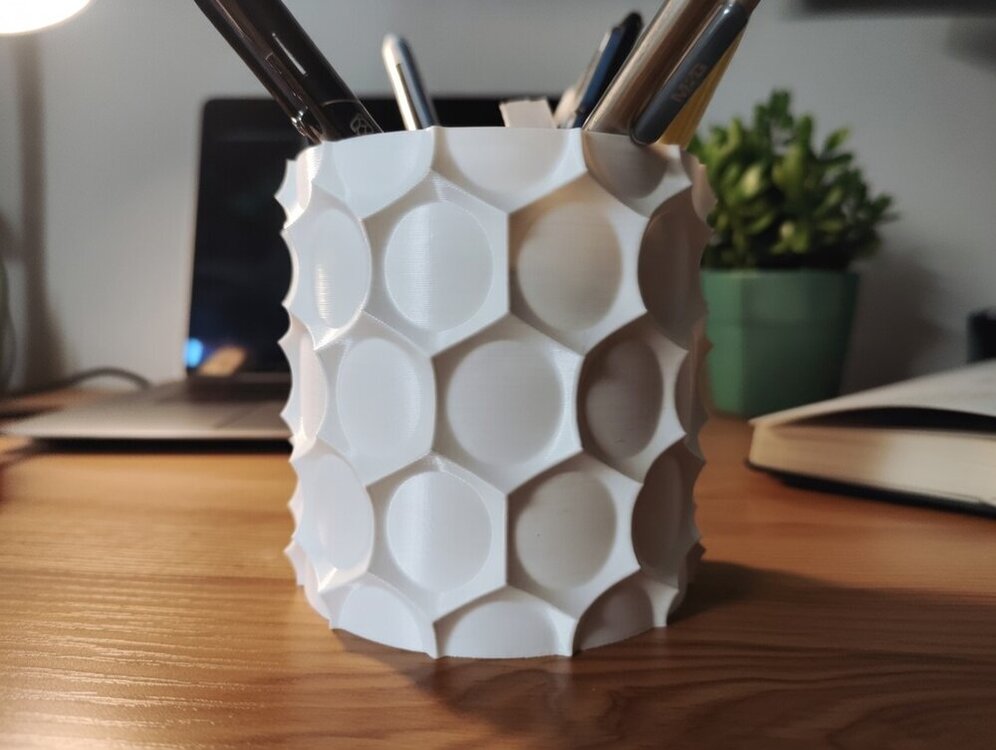
Hi Everyone! I would like to showcase the result of my latest project: A parametric Anti Sphere Pot They are made by carving out a cylinder using spheres placed in circular and linear patterns. These patterns can also be twisted around the Z-axis, resulting in some truly unique designs! Here are some of the pots i created with it: You can check out and download the demo models on Printables for free. The FreeCAD project file is not yet available (needs some polishing). Since i am not a good photographer, i edited these pictures with the help of AI. You can still view the original photos on the demo's page. I hope you like it :)
-
Thanks! The die wasn't meant to be printed in multicolor :D, I printed it out in 1 color and then colored the shapes in with a sharpie. But yours came out great!
-
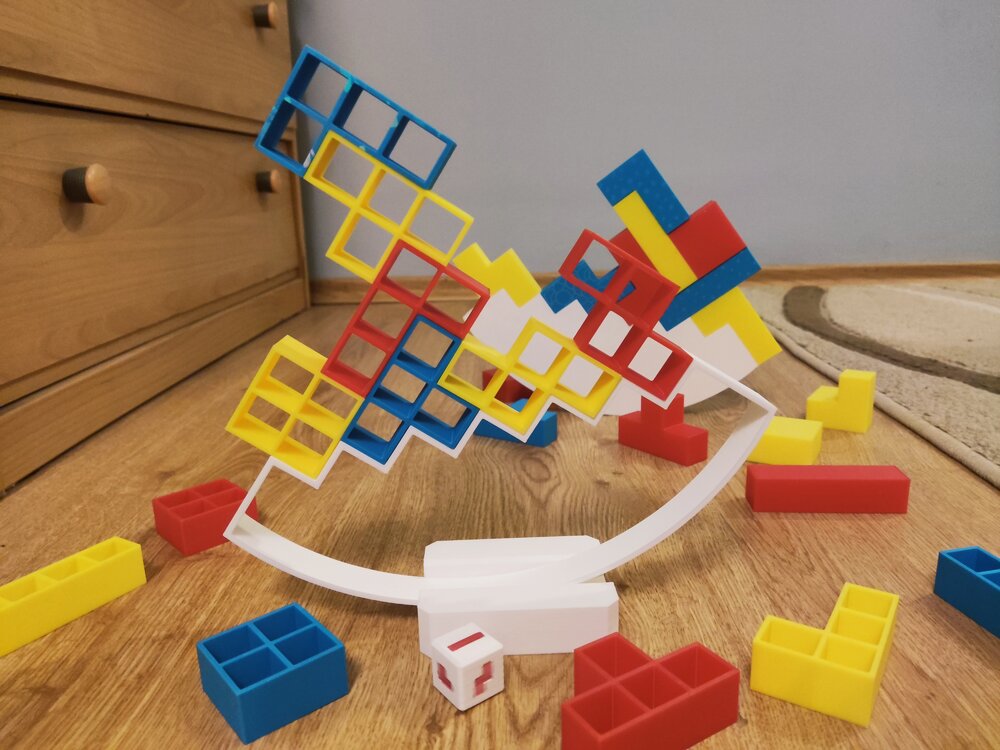
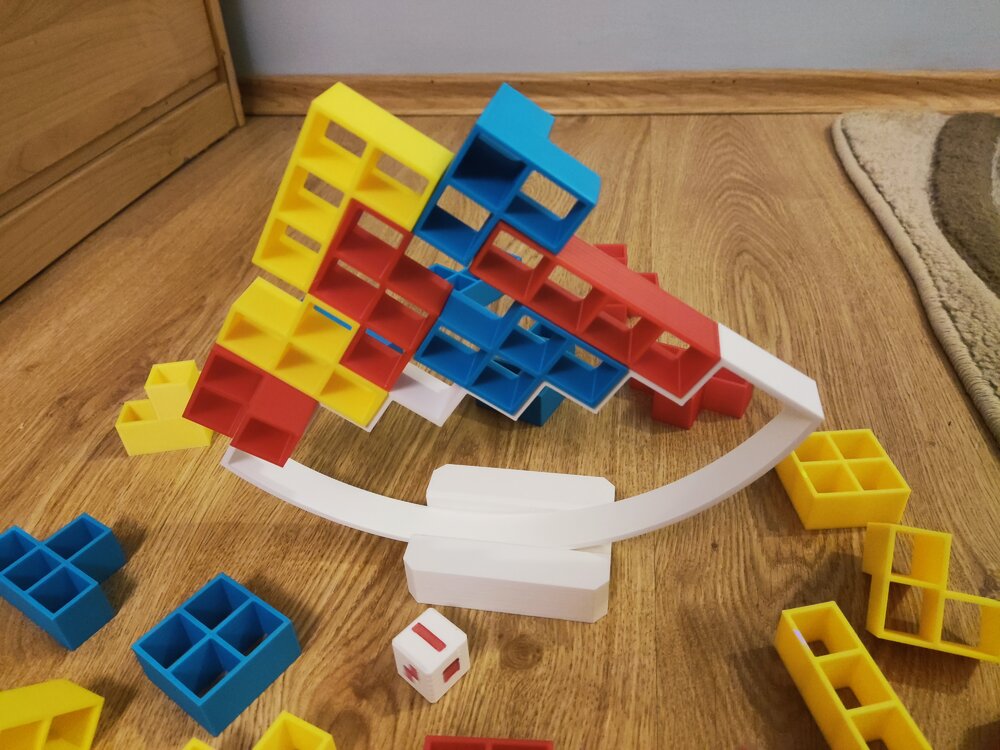
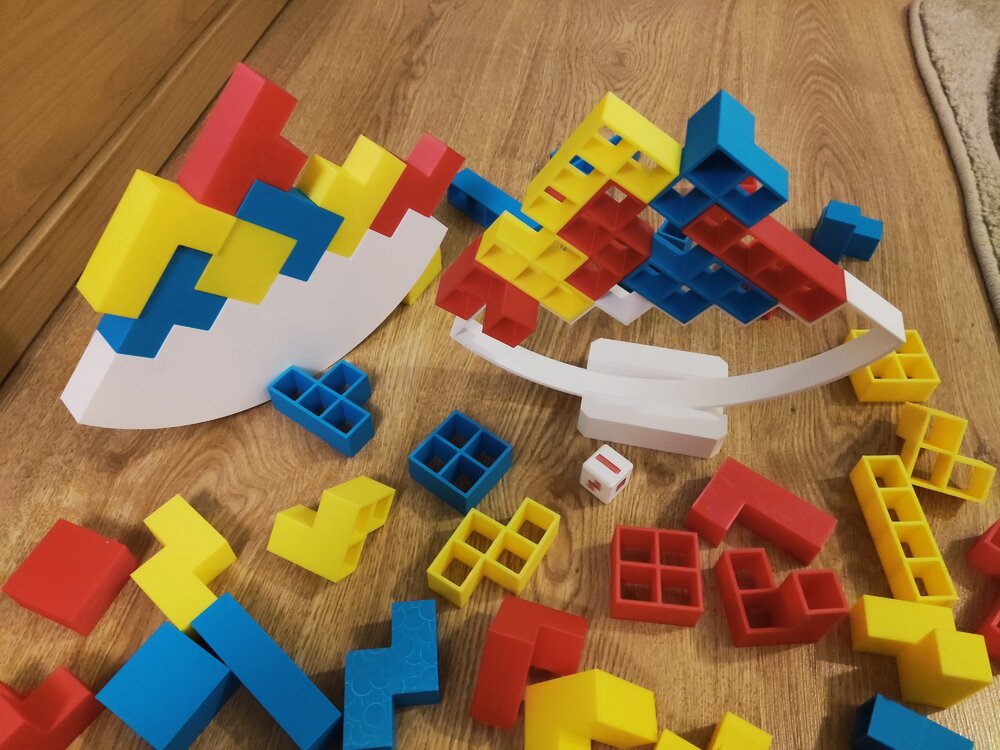
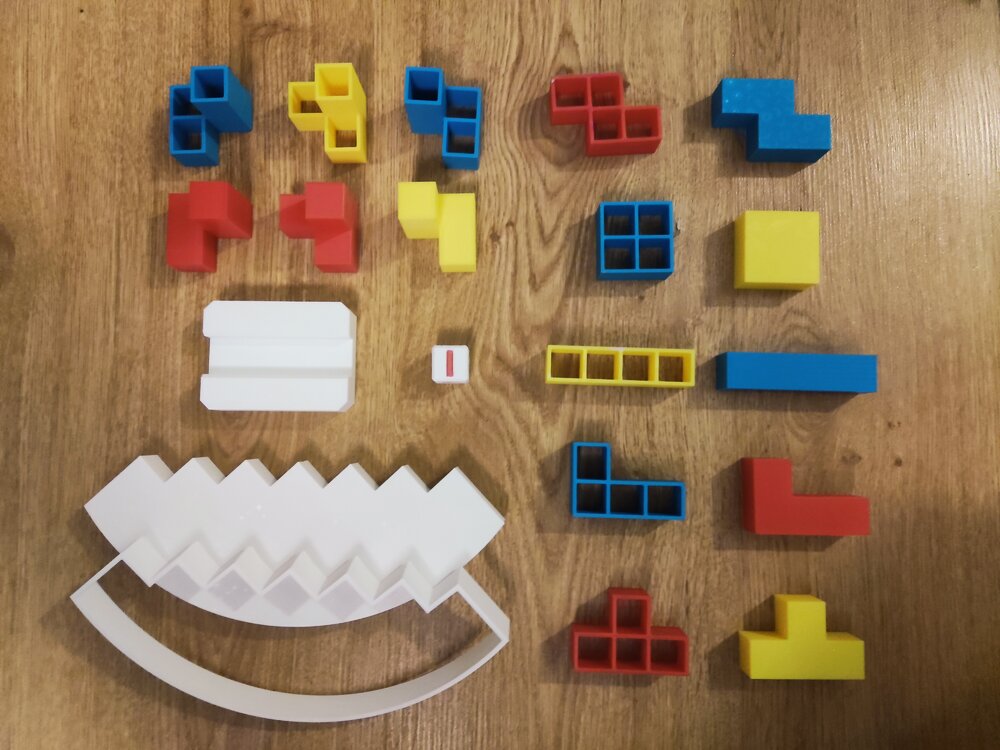
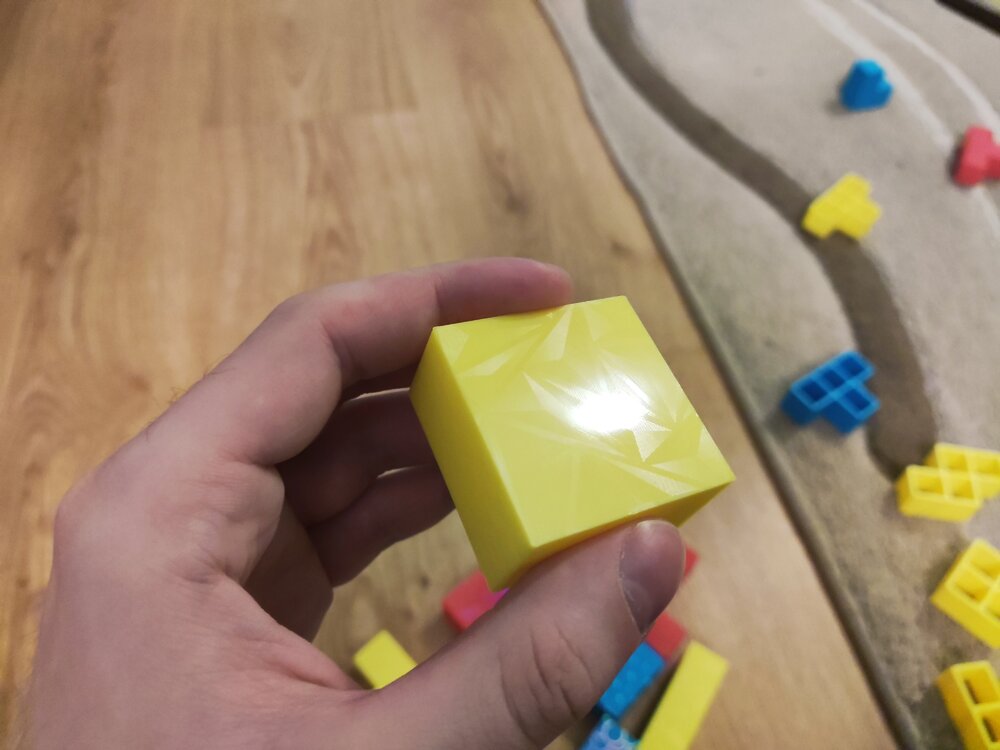
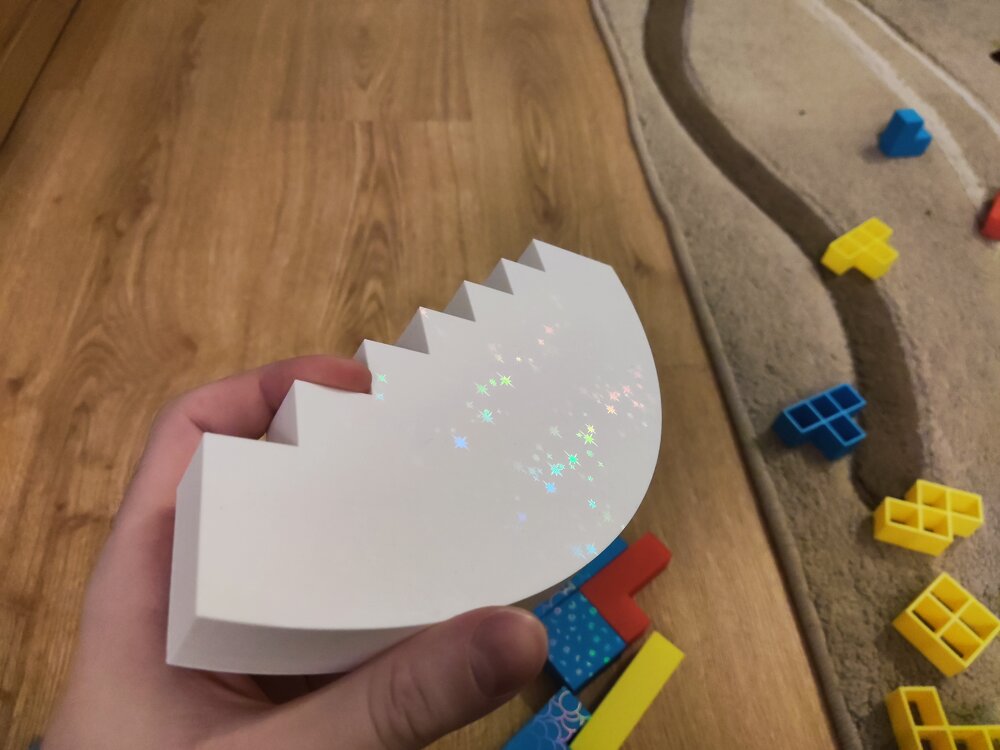
Hi! I would like to showcase another project of mine: A Balance Tetris Game! How to play?Take turns by placing blocks on the base by either rolling the die for it or choosing a preferred block. If the tower collapses on your turn, you lose! Printing tips:Different wall count and infill % have great impact on the game. I used 2 walls and 15% for every piece. You can print the base with 0 infill, 0 top/bottom layers. Scale it to your preferred size! 50% works just fine as well! I also recommend scaling the tetris die up to 133% (20mm). I recommend printing the solid blocks and the base on a holographic plate. It gives them a great look (Check out the last few pictures)! How to customize your own:To use the project files (.FCStd) you will need FreeCAD, a free to use/download CAD software. After opening the project you will see on the left side all the folders with the models and parameters. When you are done just export the models one by one: Select one of the models, then press Ctrl + e or Top menu > File > Export... The parameters:BaseArcOffset: Offsets the (circle's) arc on the base piece. BaseTeethCount: The number of teeth (slots) on the base piece. EdgeLength: The size of the blocks. GridWallWidth: The wall width of the Grid Blocks. (Solid blocks are not affected) DiceEmbossDepth: The depth of the emboss on the dice PedestalLength: The horizontal length of the pedestal. (The width is always 3 * EdgeLength) PedestalSlotDepth: The depth of the slot the base goes into. PedestalHeight: The height of the pedestal. The project is not foolproof, setting negative/incorrect parameter values might mess up the geometry completely! Happy printing and customizing!I hope you like it! The project is available here: https://www.printables.com/model/1549635-balance-tetris-customizable Other pictures:
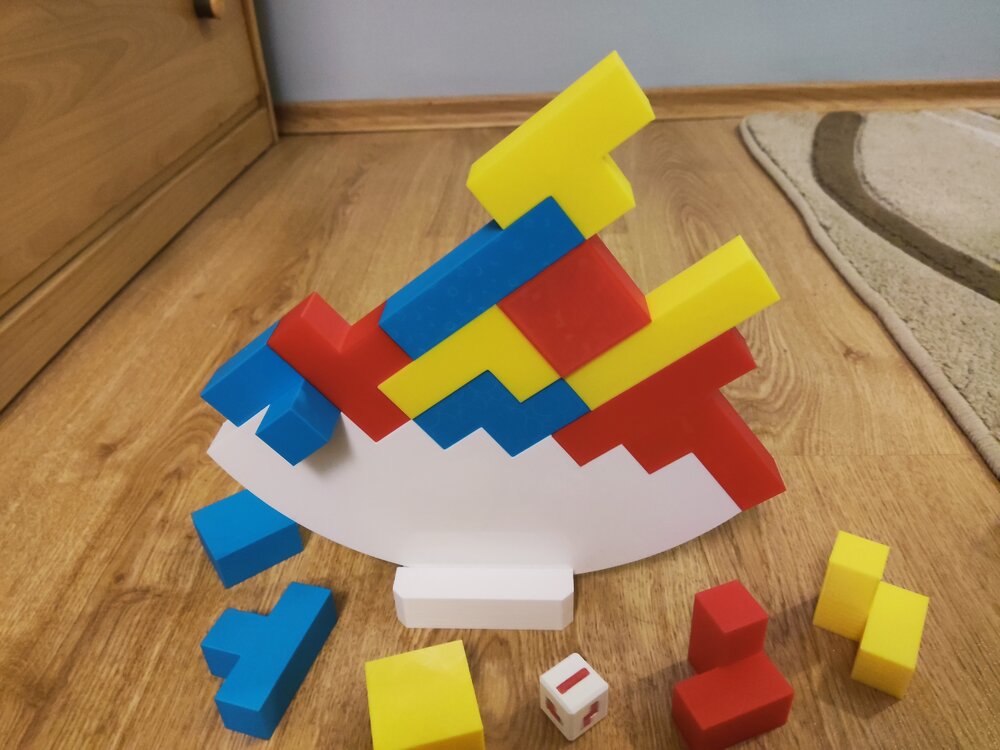
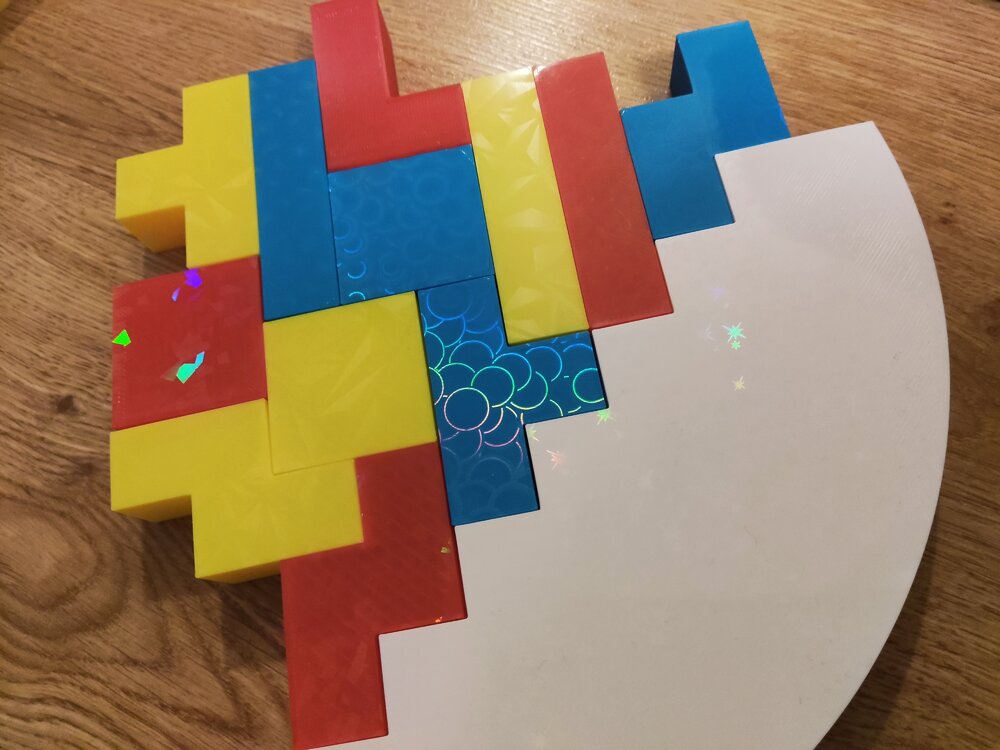
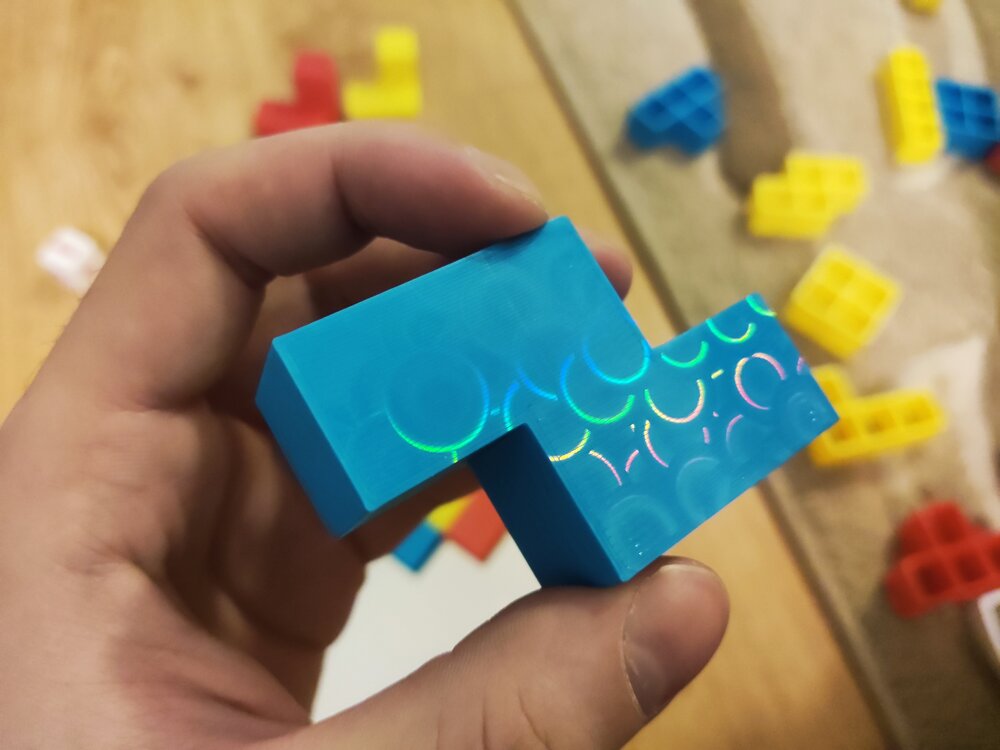
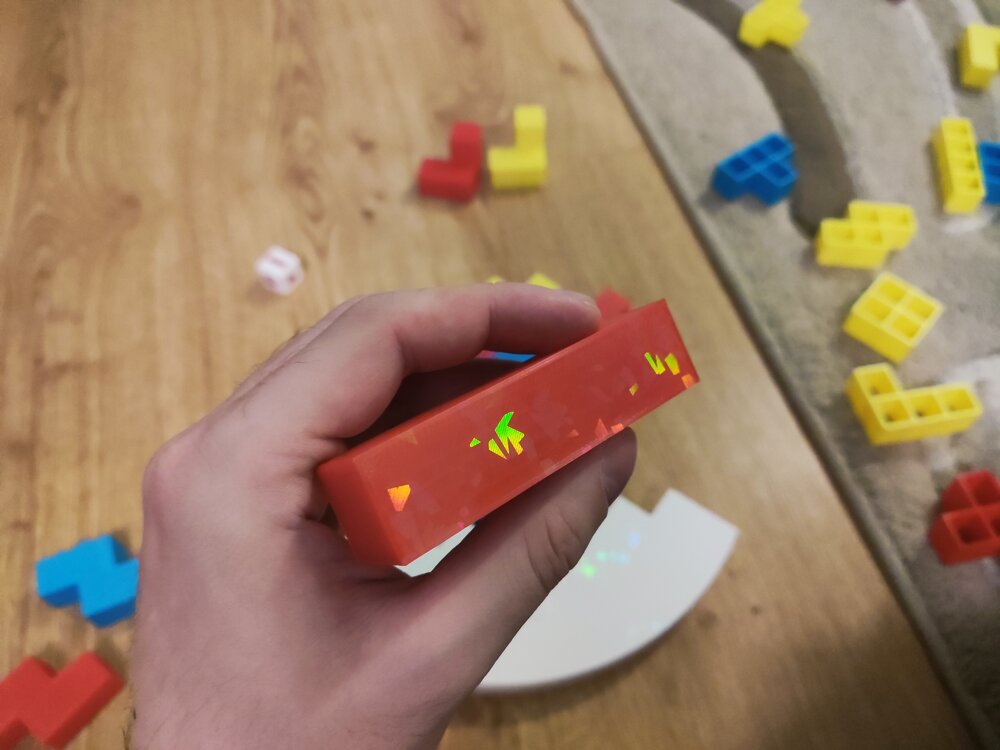
-
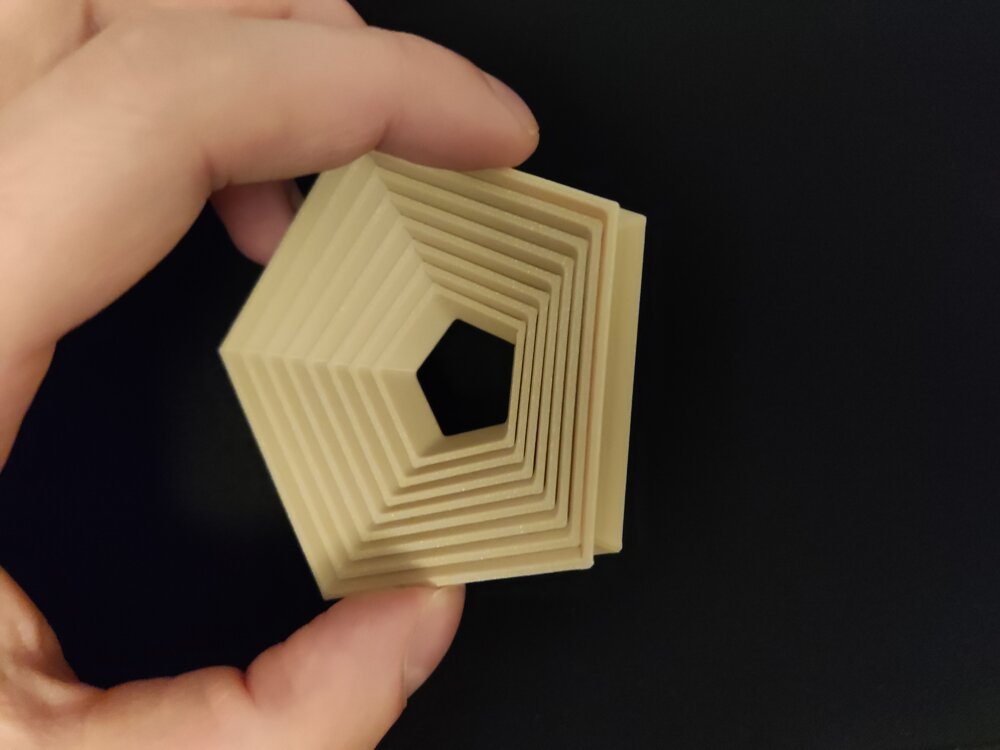
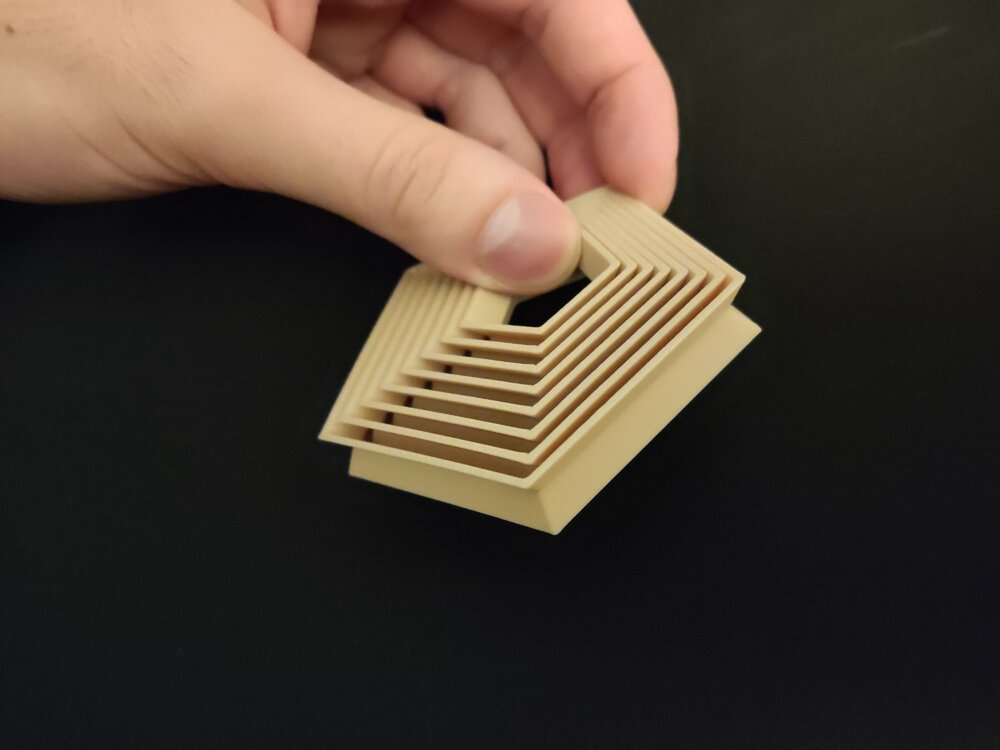
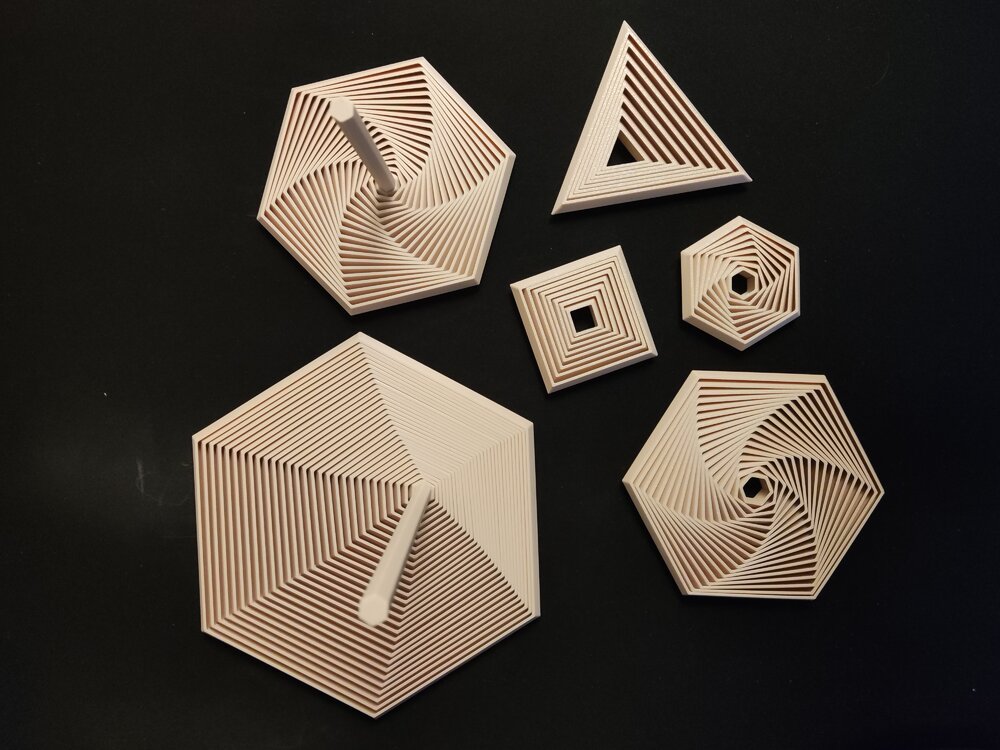
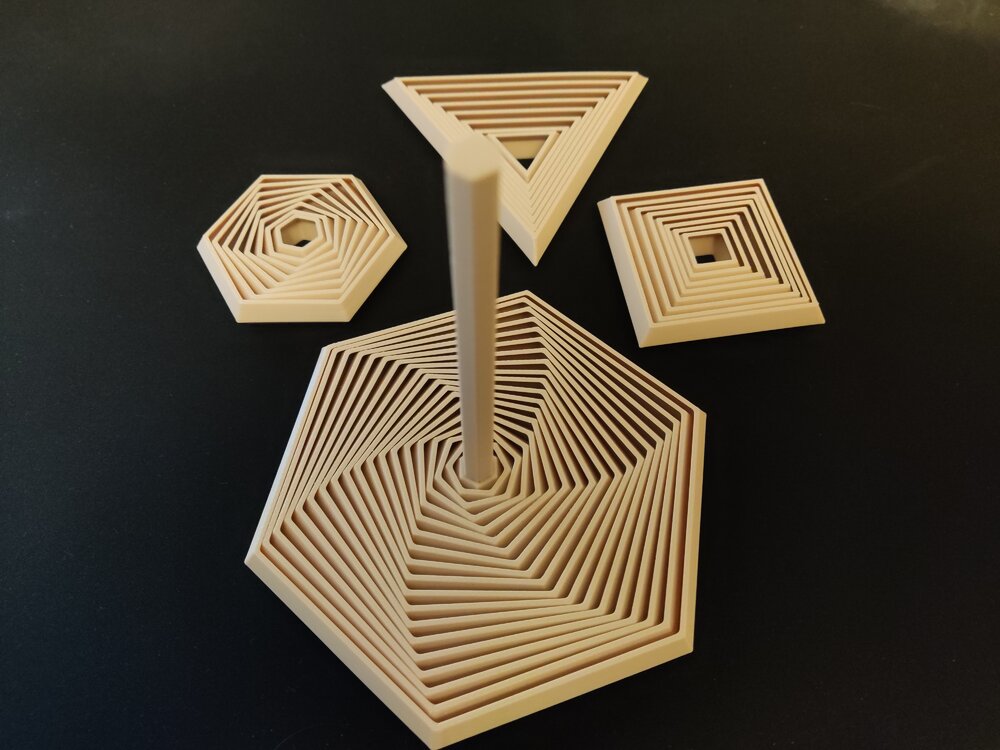
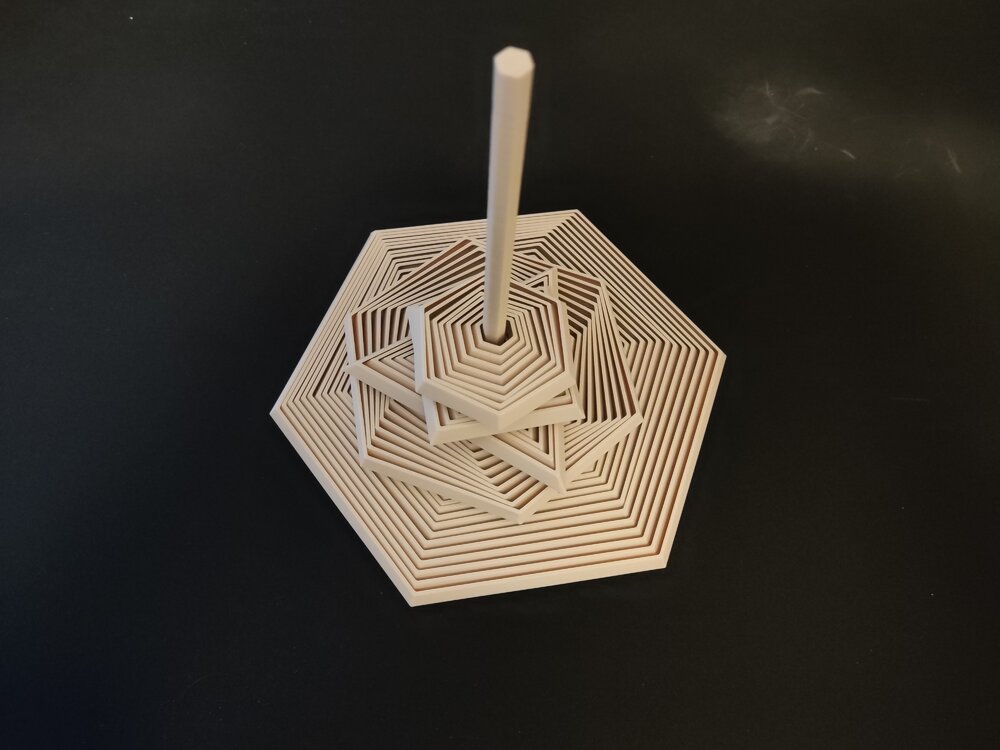
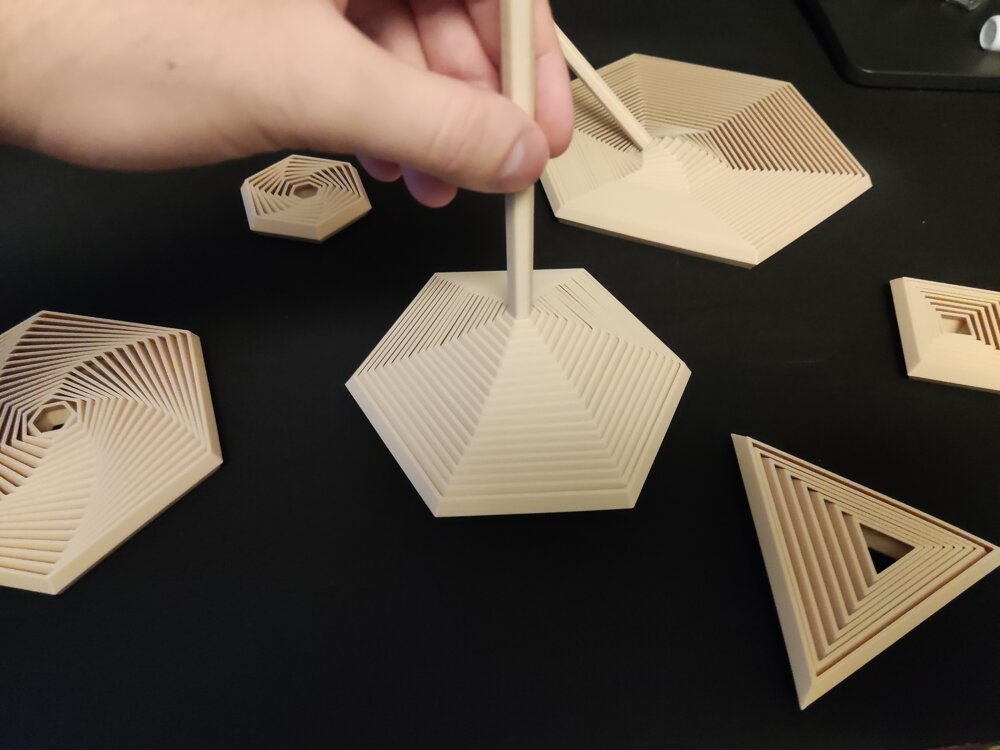
Hi everyone! I would like to share one of my recent projects with you: A Parametric Polygon Fidget It is fully customizable in FreeCAD and contains some premade ones as well if you don't feel like creating your own. The project is available here. So what can you customize?Number of sides for the polygon Segment/layer count of the fidget Wall width Wall angle Spacing Overall size: Height, Width Handle size (The handle is optional) (You can make insideout fidgets as well with it! See last 2 attached pictures!) Happy printing and customizing!The project is available on Printables: https://www.printables.com/model/1537410-polygon-fidgets-fully-customizable-trianglesquarep Showcase pictures: