Leaderboard
-
Max Funkner
Authors1Points122Posts -
Marcidy
Authors1Points33Posts


Popular Content
Showing content with the highest reputation on 01/14/26 in all areas
-
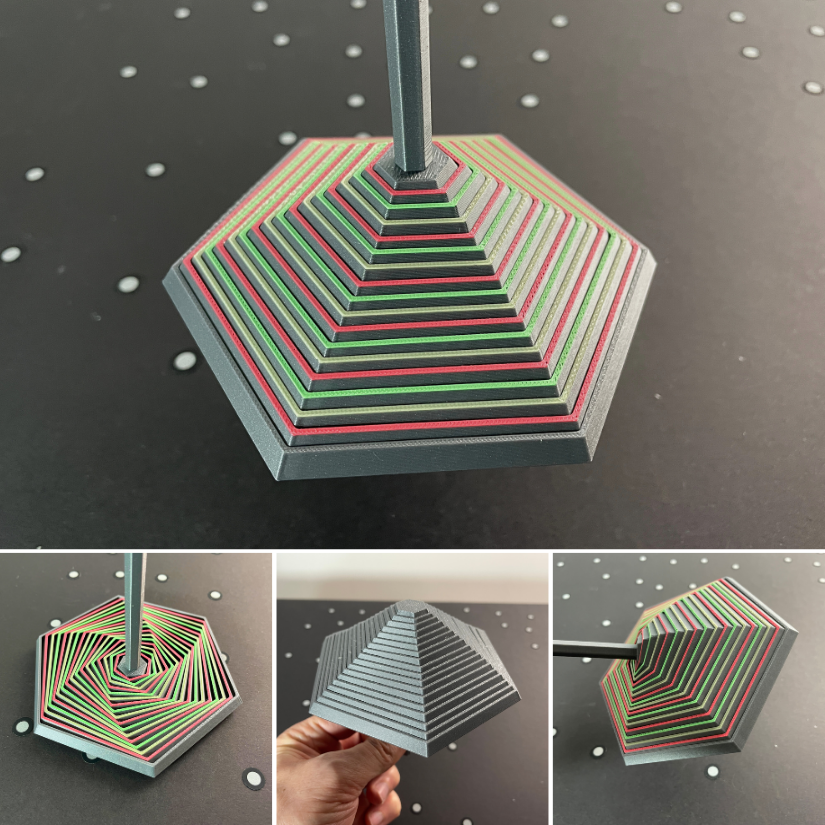
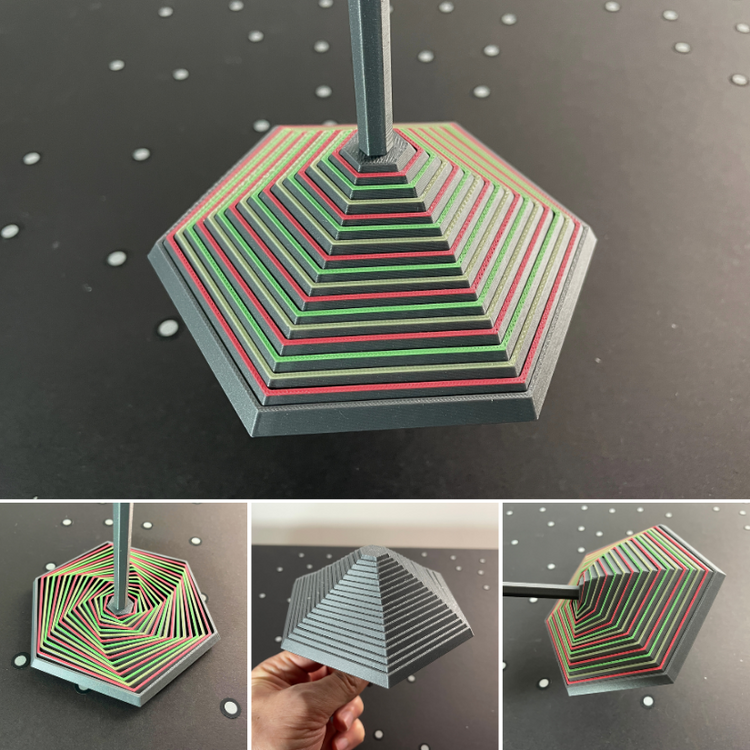
1 pointLove it! Here is printed MediumHexagon_WithHandle I added color to it (four colors total). To my delight, it took me only a little over two hours to print on my Creality K2 Pro, with just a few color changes. I forgot to paint the base; it would have been a rainbow umbrella then. I was surprised at how many positions I could take with it. It was enlightening.
 1 point
 -
Thanks! The die wasn't meant to be printed in multicolor :D, I printed it out in 1 color and then colored the shapes in with a sharpie. But yours came out great!1 point