Leaderboard
-
Max Funkner
Authors2Points122Posts -

Phil Macey
Authors1Points24Posts -
Marcidy
Authors1Points33Posts



Popular Content
Showing content with the highest reputation on 04/29/26 in Posts
-
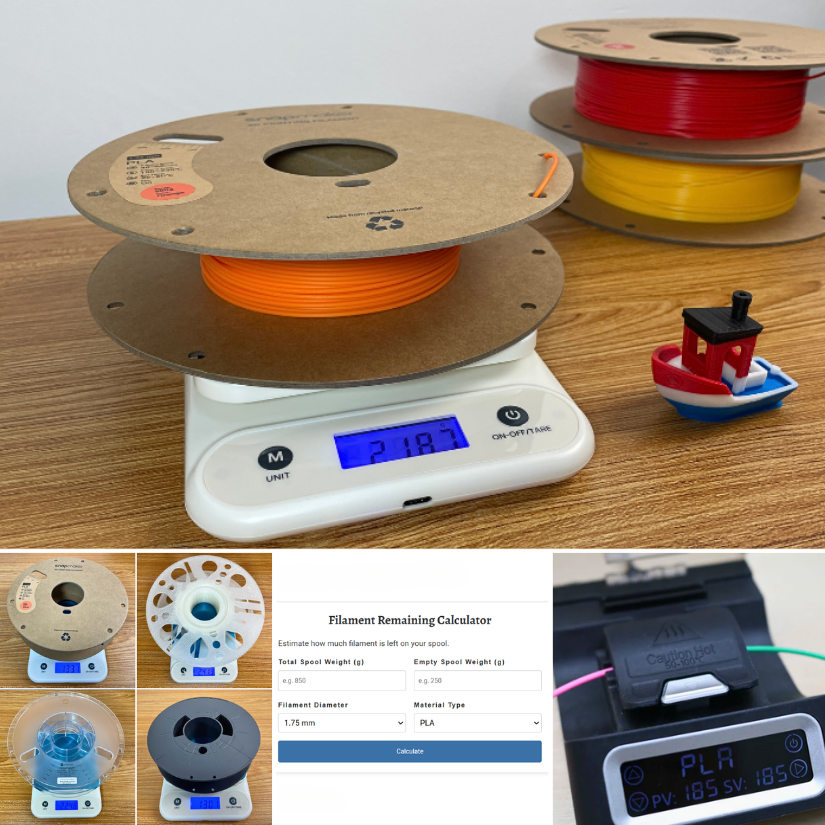
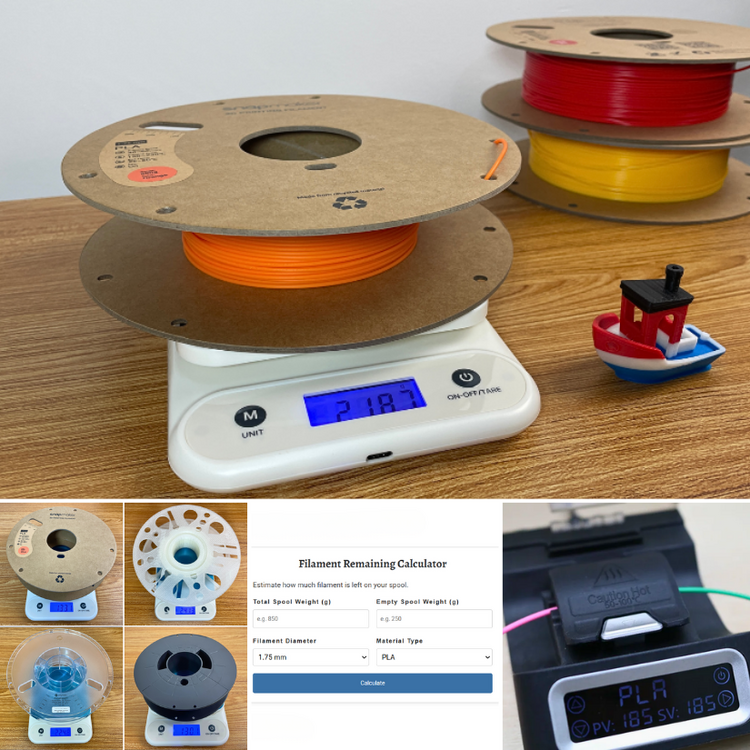
Added another calculator and guide. 🧮 This one helps estimate how much filament is left on partially used spools before printing. https://3dwithus.com/filament-remaining-calculator Want to share spool weights or calculator suggestions? Welcome to join!
 1 point
 -
As of 08/26/25, we have over 200 spools listed 🤯 That's a very nice list, thanks! I will add the link to the guide as well!1 point
-
Cool! If anyone needs empty spool weight info: https://www.printables.com/model/464663-empty-spool-weight-catalog Edit: Credit for the spool catalog goes to @Scuk_2530121 point
-
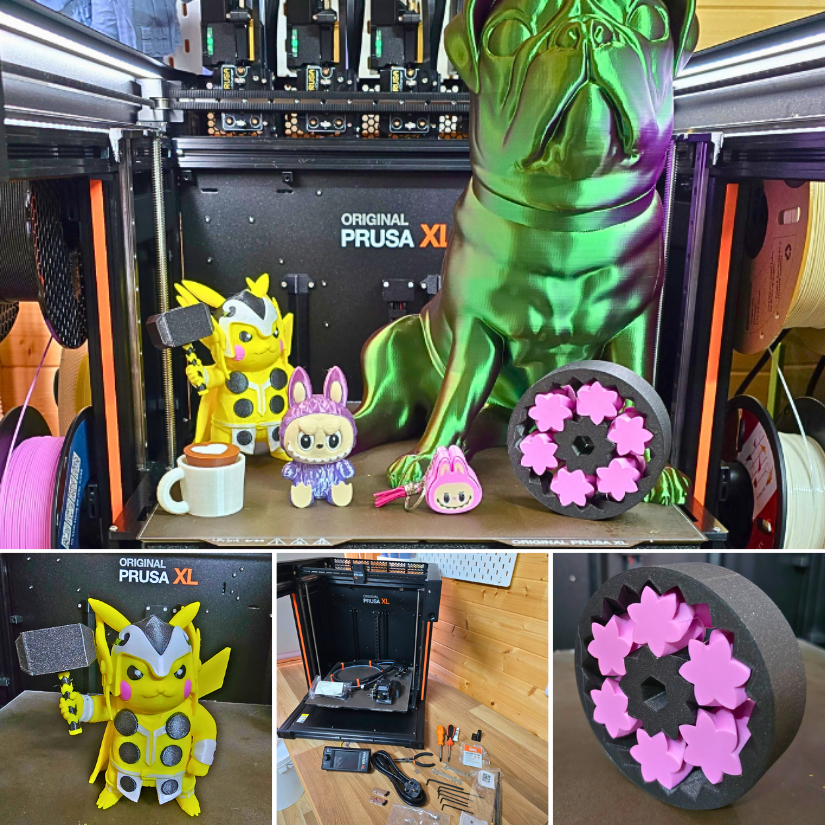
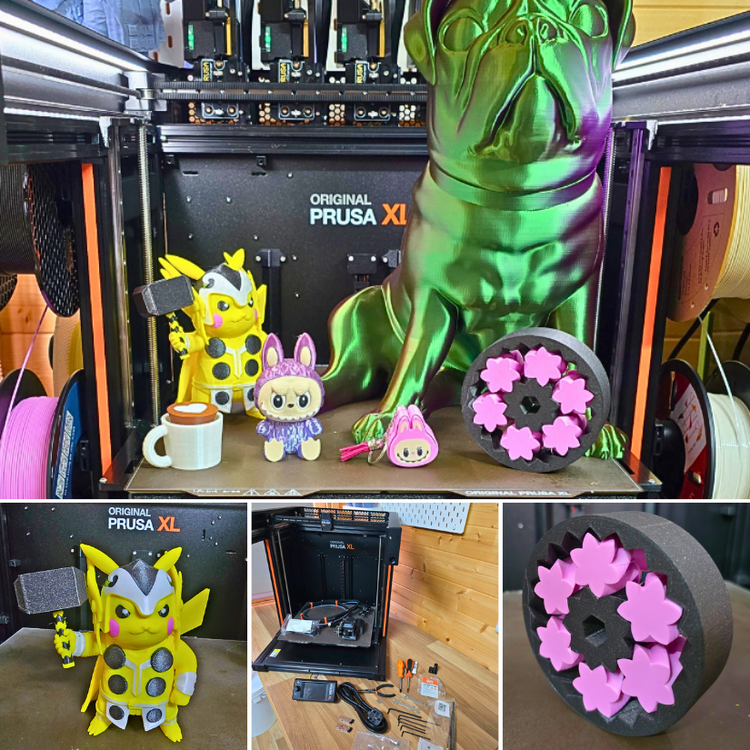
Just dropping in with an update — I’ve now completed the full hands-on coverage of the Prusa XL (5-toolhead version)! 🧡 From unboxing and assembly to multicolor test prints and calibration steps — everything’s documented. 📝 Full article: 👉 https://3dwithus.com/prusa-xl-5-toolheads-review-assembly-prints-examples 📹 And here’s the video walkthrough: 👉 https://youtu.be/6UGT63Bulik Spoiler: the toolchanger setup was smoother than expected, and the results — especially on large builds — were seriously impressive. If you're curious about what it's like to live with this machine day to day, check it out. As usual, if you have any questions or want to showcase your own Prusa XL prints, feel free to post here or start a new thread — we’d love to see what you’re working on!
 1 point