Leaderboard
-
Max Funkner
Authors3Points106Posts -
Marcidy
Authors2Points28Posts

Popular Content
Showing content with the highest reputation on 07/28/26 in all areas
-
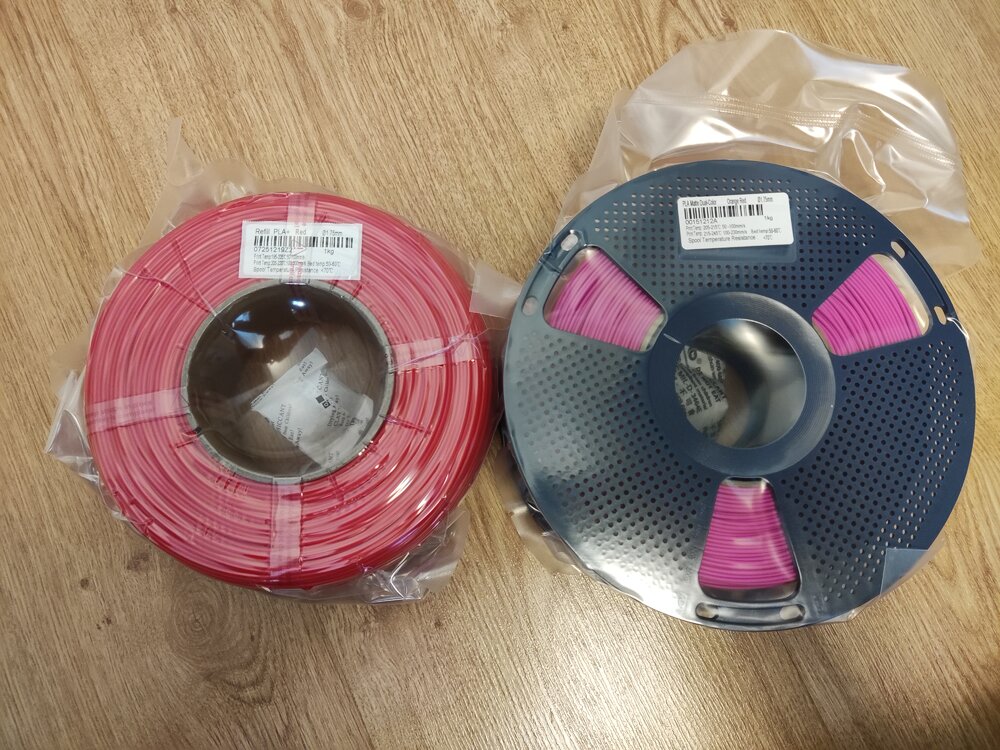
Giveaway filament arrived!I got: Refill PLA+ Red Matte Dual-Color Orange-Red Thanks you SUNLU and 3DWithUs! (I am starting to run out of storage space :D)
 1 point
 -
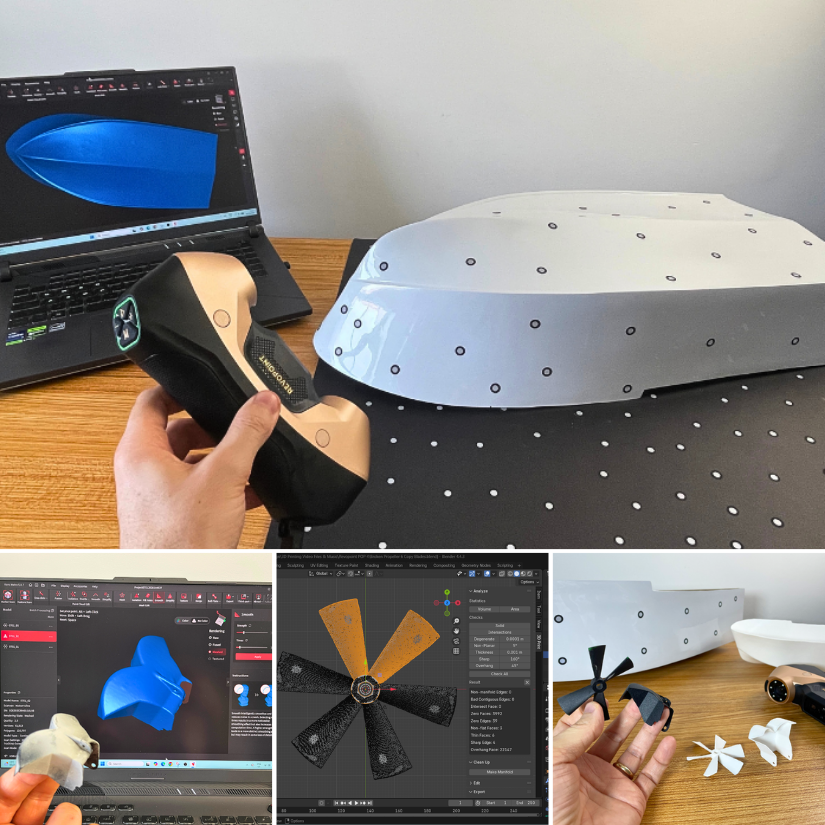
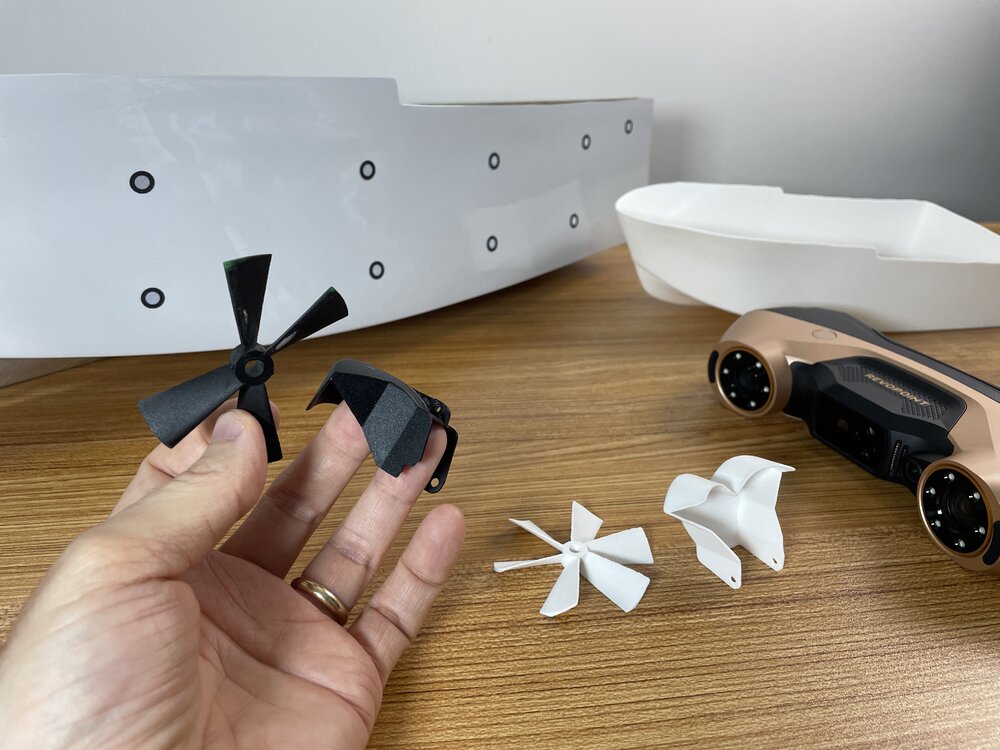
I had a blast 3D scanning and repairing RC boat parts with the @Revopoint3d MetroY Ultra. I think I’ve just unlocked Level 2 of 3D scanning… thanks to a few tricks. 😄 Full article next week.
 1 point
 -
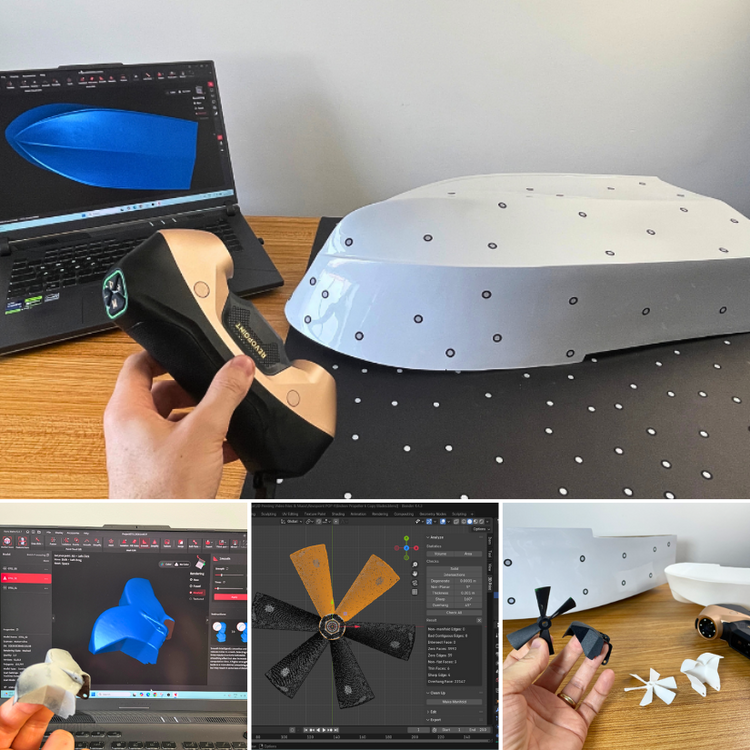
From broken RC boat parts to functional replacements. The biggest lesson from this project wasn't just the scanner. It was the workflow. 3D scanning → Blender → 3D printing, with a little AI help. Full article: https://3dwithus.com/revopoint-metroy-ultra-review-blue-laser-3d-scanner Have this scanner? Please share your results.
 1 point
 -
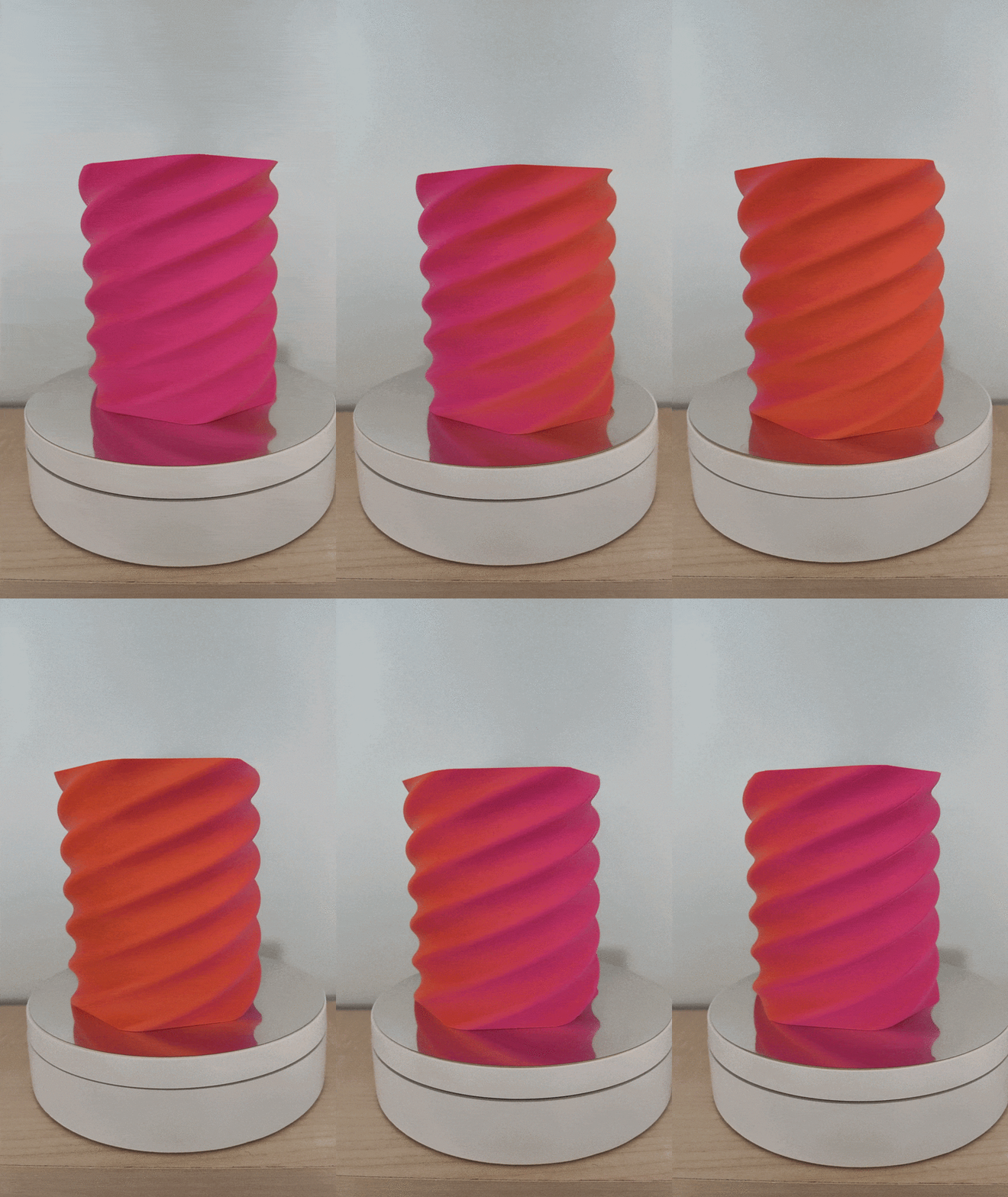
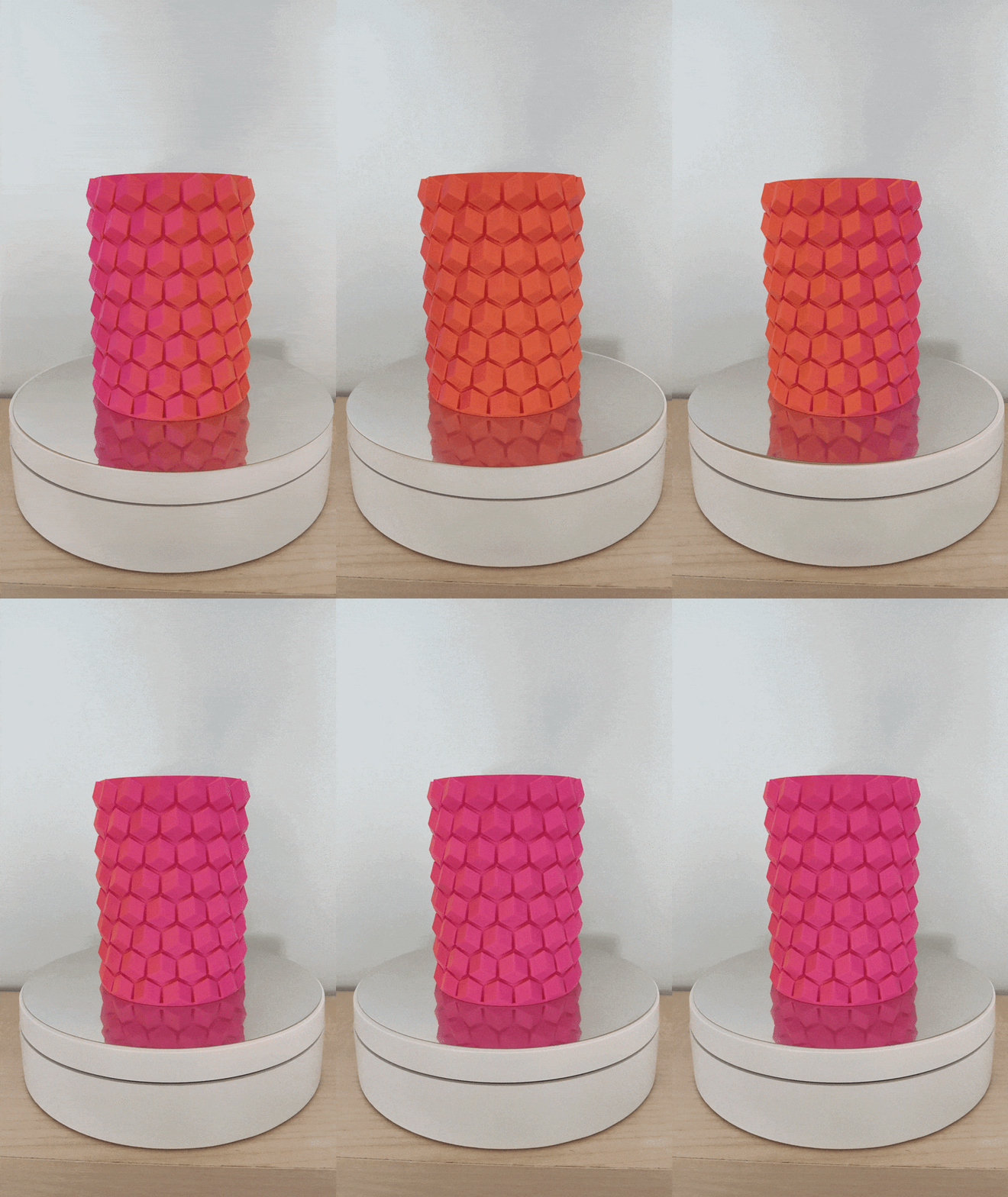
The dual color indeed looks cool! Printed some pen holders with it. The models are not mine: https://www.printables.com/model/108872-pen-holder https://www.printables.com/model/198641-hex-vase-cup
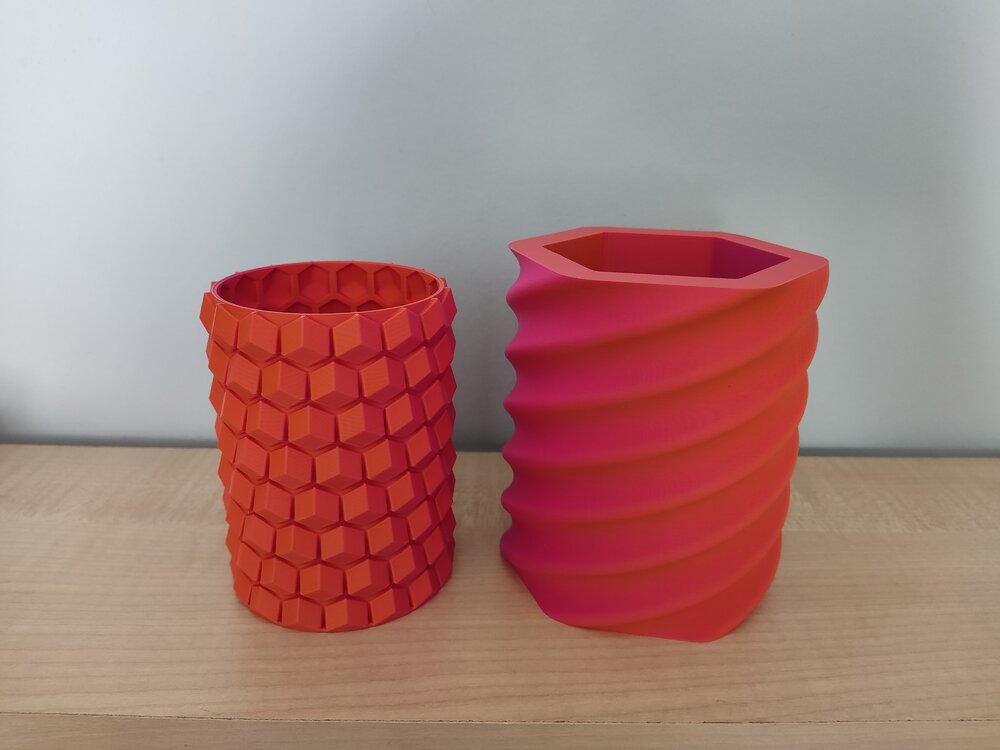
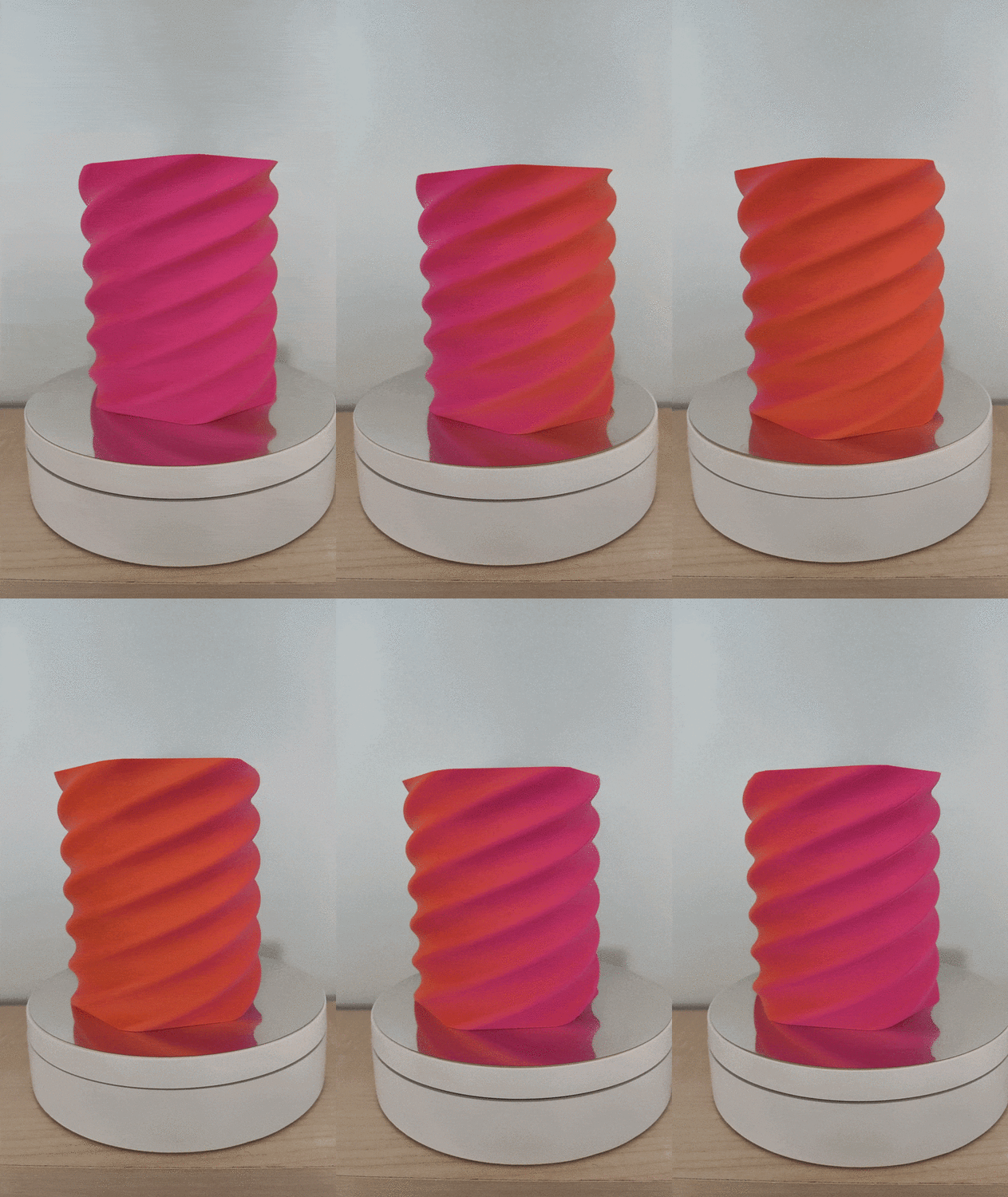
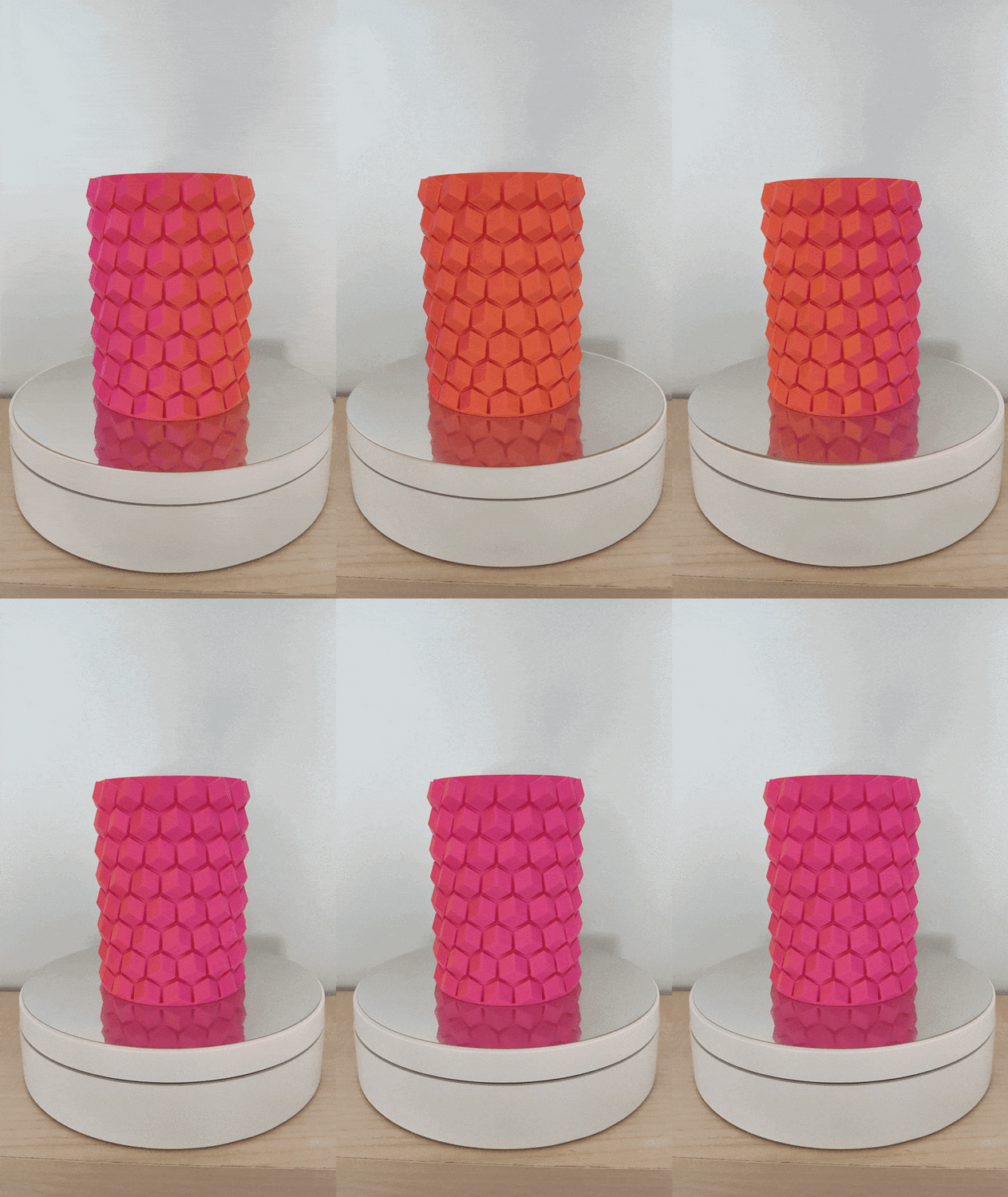 1 point
 -
Love dual color filaments ♥️ You'd better print something. Not sure how SUNLU feels about it 😅1 point