
Max Funkner
Members
-
Joined
-
Last visited
Everything posted by Max Funkner
-
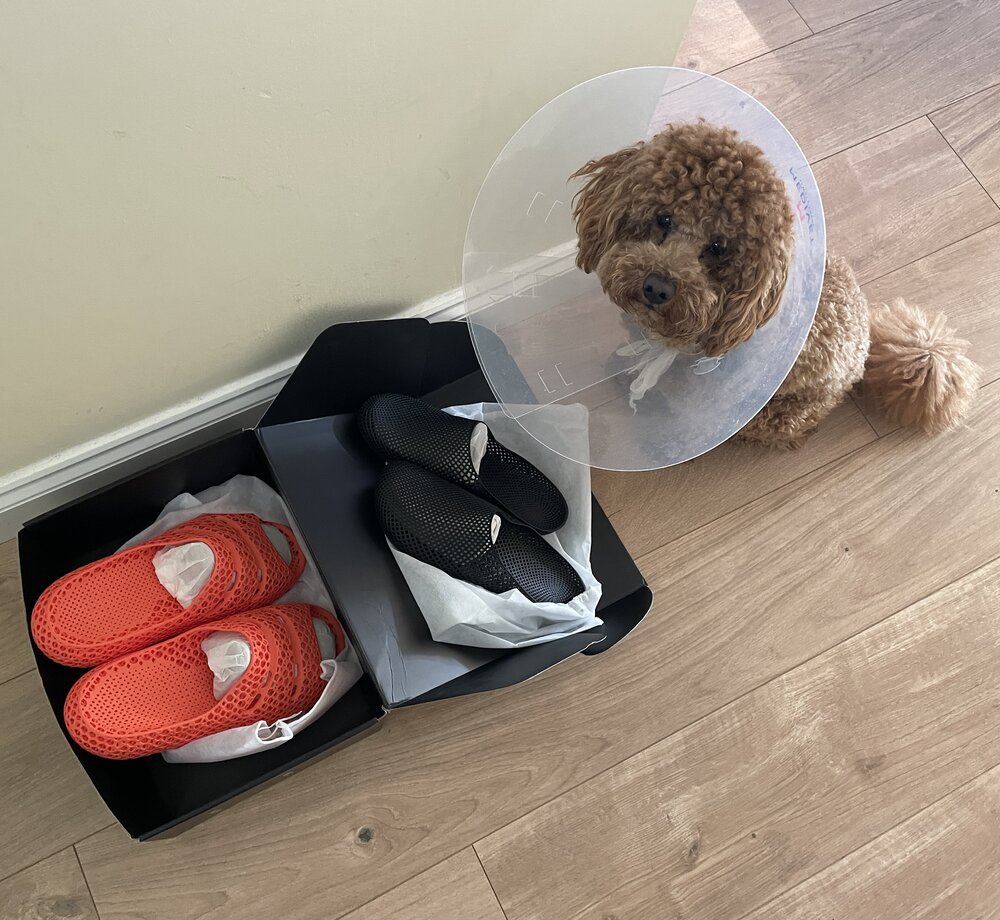
 New PollyFab 3D printed shoes just arrived. Unfortunately, our Chief Inspector Teddy is currently on light duty after surgery… but still insisted on supervising the unboxing 🐶 These are Airpuff One Pro (Orange) and Airpuff One.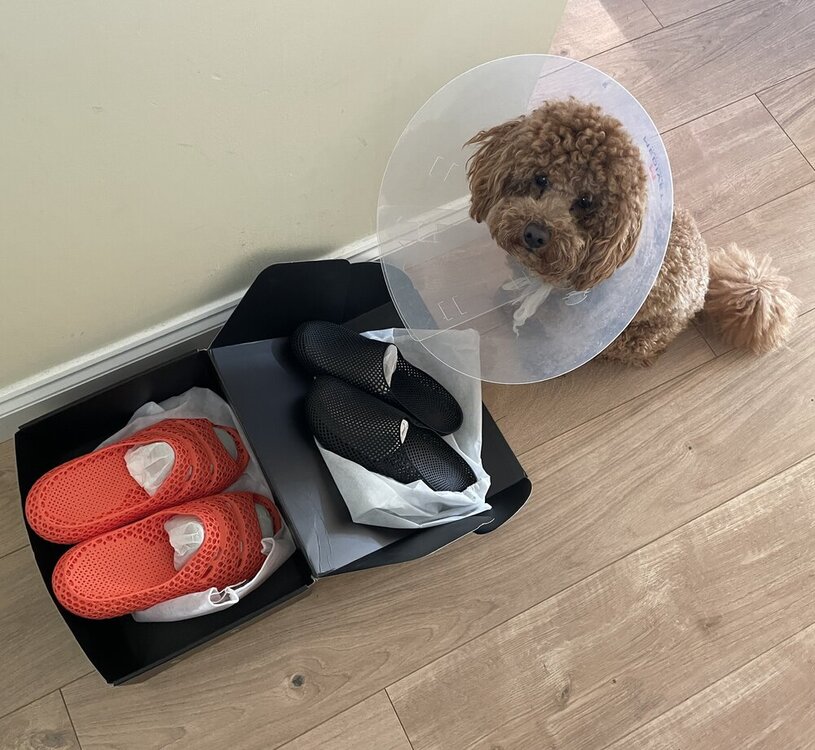
-
Thanks! Great work, the way you aligned the music is spot on. I wish you were on socials, I would tag you there too 🙂 Really appreciate you sharing this, I am sure SUNLU (and Anycubic) will love it. You can now find your video across the 3DWithUs socials. Here is the YouTube Short as an example:
-
Nice video. Time-lapse is very clean. Is it an Anycubic Kobra S1 native time-lapse video? Did you share this video on socials? Can I share it on 3DWithUs (https://linktr.ee/3DWithUs) social media channels?
-
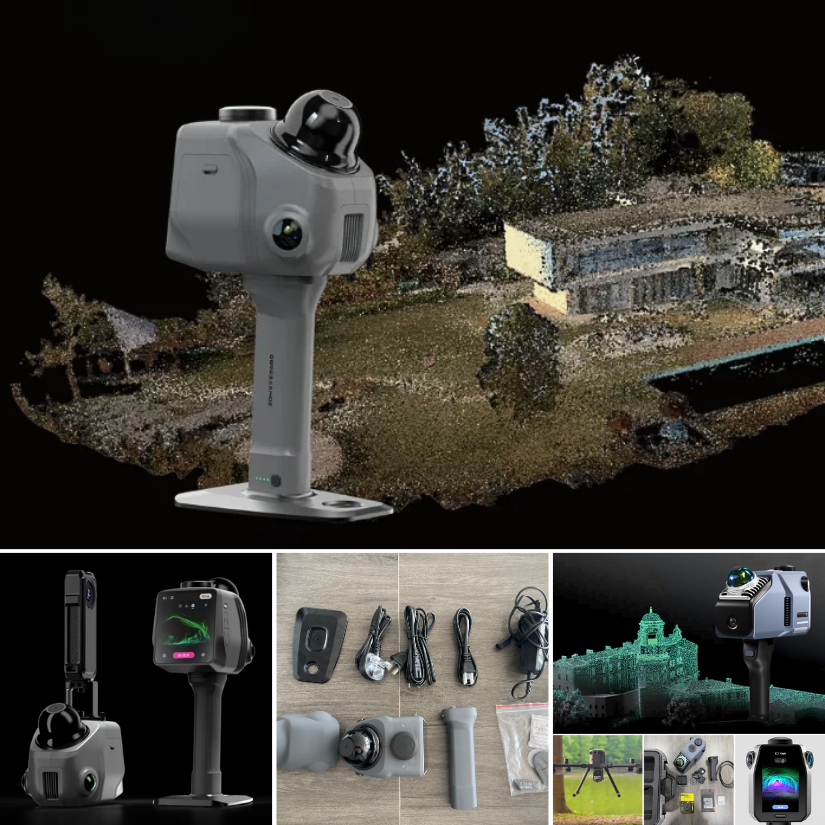
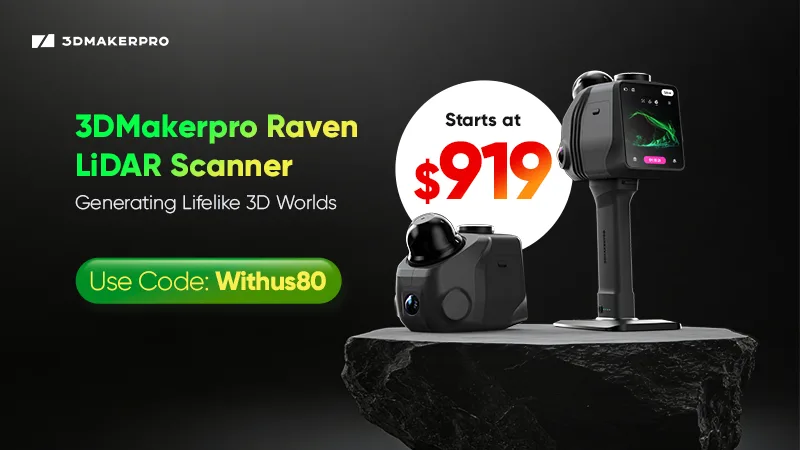
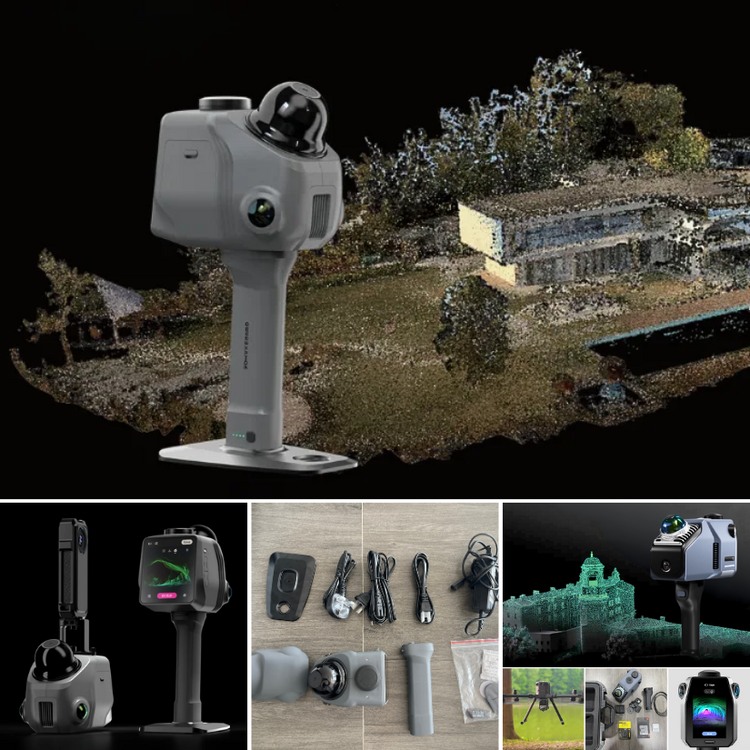
3DMakerpro just launched the Raven LiDAR spatial 3D scanner. Budget version of Eagle or something more? https://3dwithus.com/3dmakerpro-new-3d-scanners Interesting to see LiDAR spatial scanning technology becoming more accessible.
-
Interesting question. Let me check with my Elegoo contact about the silicone nozzle wipers for the Centauri Carbon 2 Combo, and I’ll get back to you shortly. In the meantime, please let us know here if you happen to find a compatible source or solution.
-
Love dual color filaments ♥️ You'd better print something. Not sure how SUNLU feels about it 😅
-
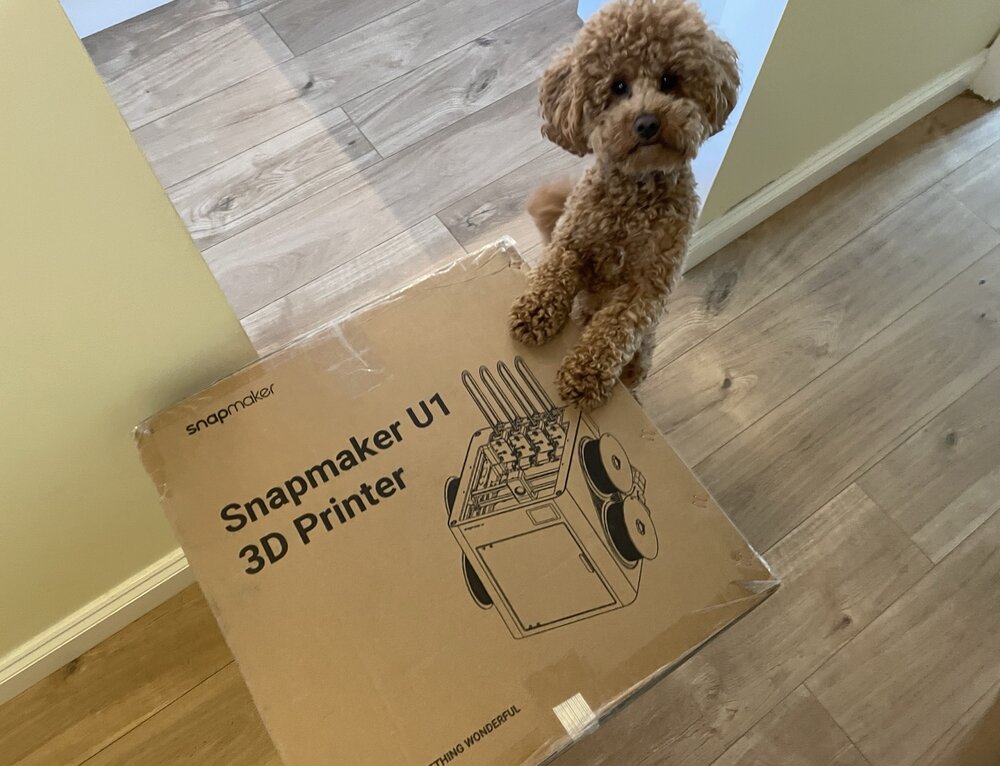
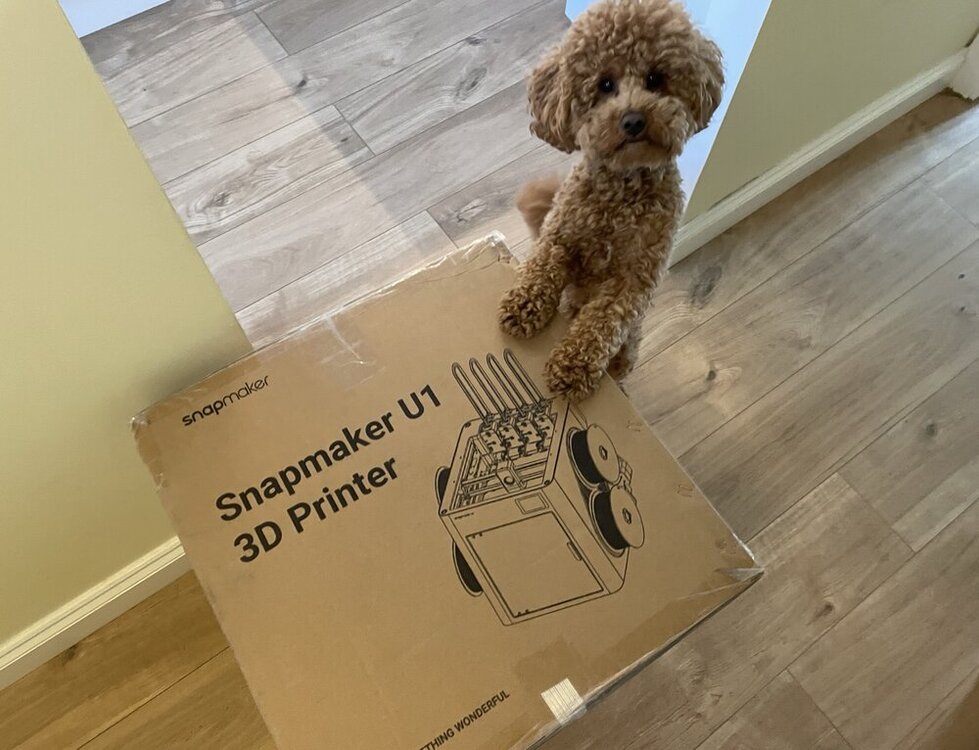
It’s here. Snapmaker U1 has officially landed. Chief Inspector Teddy 🐾 has already approved the delivery. Setup and testing coming soon.
-
Update: It is probably an anti-record, as I have been building this since April 2025, but there has been some progress. Electronics left 😅 Update: First test of the freshly built DeathRacer. Finally running in the wild. The gears need a little fine-tuning, but I’m very pleased with the result. Getting ready for @SamPrentice’s DeathRacers show at @The_SMF_ #SMRRF #3DPrinting DeathRacer 3DWithUs 720.mp4 Update: Just in case my DeathRacer gets destroyed 😬 at #SMRRF, I decided to preserve it in 3D. Maybe even as a keychain. Einstar Rockit did a great job.
-
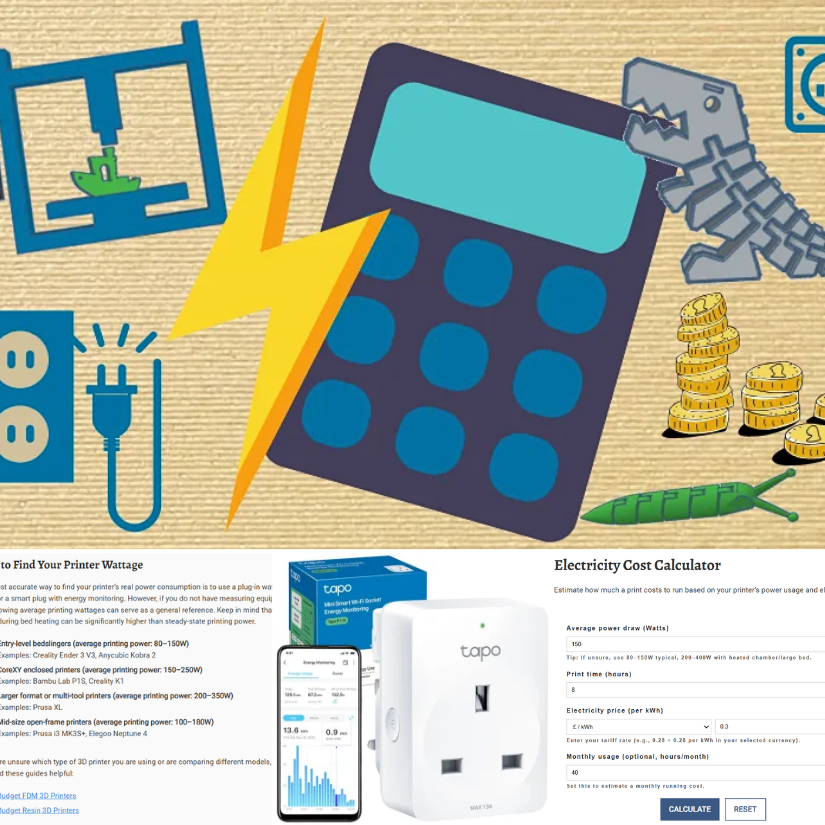
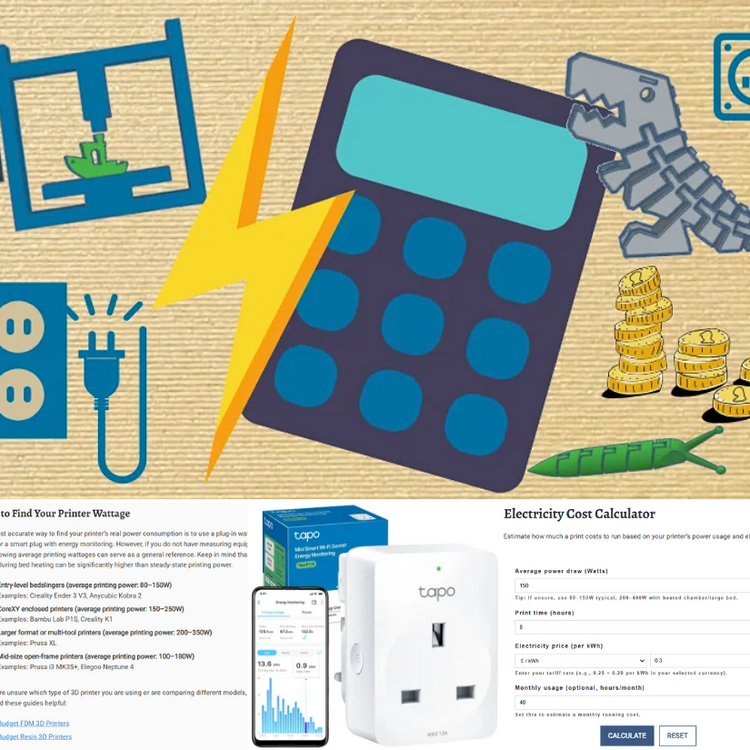
This online calculator will help you estimate the costs involved in creating a 3D-printed object, taking various factors into account. 💰 https://3dwithus.com/3d-print-cost-calculator If you need to justify your 3D printing hobby at home, here’s a handy electricity cost calculator 😉 Spoiler: it doesn’t use as much power as you might think. For UK folks, it’s even more reasonable. ⚡https://3dwithus.com/3d-printer-electricity-cost-calculator We will be getting more handy tools to fill our Interactive Tools & Calculators category. Any requests? Do you have interesting examples of 3D printing costs? Share them here.
-
The 2nd 3DPI Executive Survey 2026: What does 3D printing look like in 2036? In addition to the 2026 forecast, I also shared my 5–10 year outlook on where personal 3D printing may be heading by 2036: As we have already witnessed, investor confidence and substantial funding are flowing into Chinese personal 3D printing companies, and the next five to ten years will likely reveal the full impact of these investments. This may translate into faster innovation cycles. The scale of current investment suggests that long-term structural shifts in the personal 3D printing market are inevitable. As a similar shift has already happened in the 3D scanning industry, where industrial-grade scanners have gradually become affordable for prosumers, and we are now seeing comparable trends in 3D printing, with industrial technologies such as SLS moving toward more compact, desktop-scale systems. AI is also expected to play a much more practical role in everyday 3D printing workflows. In particular, slicer software will become significantly easier to use, with AI-driven systems actively preventing common user errors. For the personal market, automated error avoidance, smarter material handling, and predictive adjustments are likely to become the norm rather than premium features, lowering the barrier to reliable printing. Full article with other industry voices: https://3dprintingindustry.com/news/the-future-of-3d-printing-the-end-of-additive-manufacturing-249099/
-
I was invited to contribute to the 3D Printing Industry 2026 Executive Survey. Based on what I see daily in the personal and prosumer market, here is my perspective on where 3D printing is heading: AI generators made a noticeable leap last year, and in 2026, this trend will continue with further optimization and wider adoption. What is especially interesting is how quickly chat-based AI tools are starting to generate simple, printable 3D models. While still basic, these tools are already lowering the barrier to entry, and in 2026 we will see more users actively relying on AI not just for ideas, but for producing usable starting points for 3D printing. Another trend that will clearly carry over into 2026 is the success of tool-changer systems in the personal and prosumer 3D printing segment. What proved itself in 2025 will not be ignored by the wider market. More brands are expected to introduce their own versions, as the benefits are difficult to overlook: significant material waste reduction, faster multi-material workflows. Finally, toward the end of 2025, we saw increasing investor confidence and substantial funding flowing into Chinese personal 3D printing companies. While 2026 may still be too early to judge the full impact, it is reasonable to expect the first results of this investment. It can be seen as faster product iteration, tighter hardware-software integration, or more aggressive market expansion. Full article with other industry voices: https://3dprintingindustry.com/news/the-future-of-3d-printing-additive-manufacturing-expert-forecasts-for-2026-249050/ Thank you, Michael Petch, Oscar Milani Gallieni, and Nick Stent, for organizing this again.
-
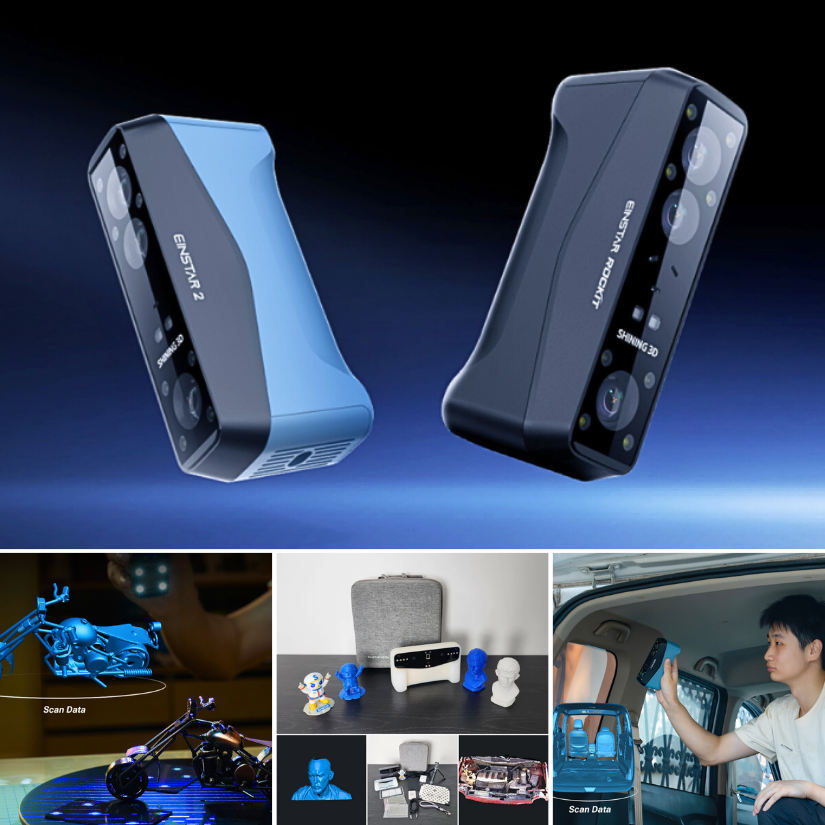
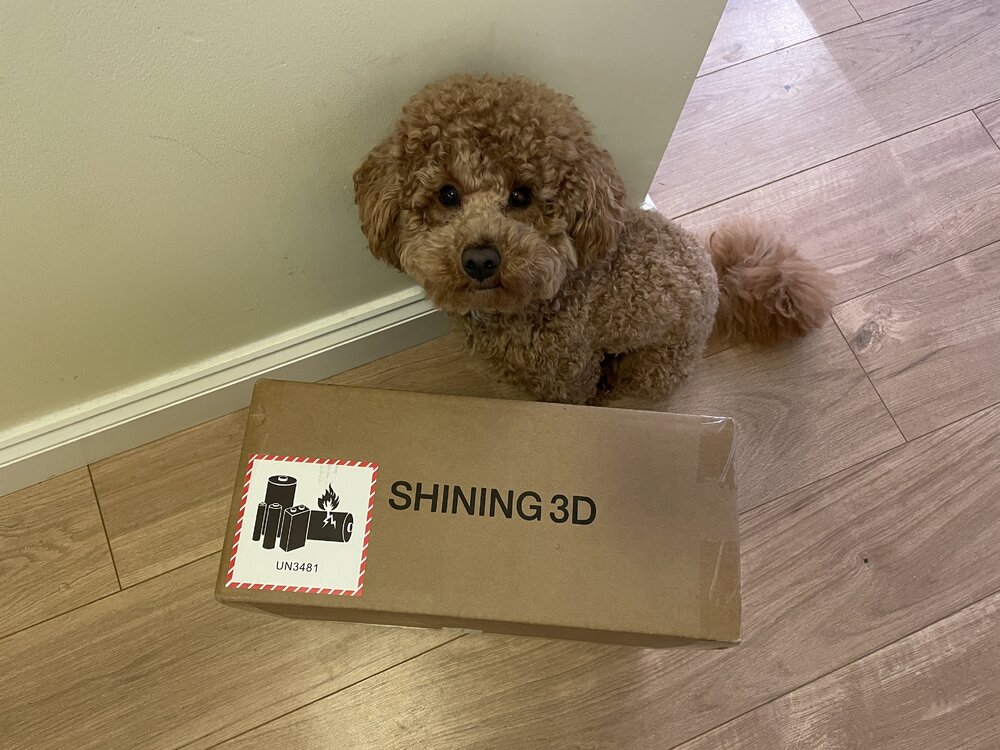
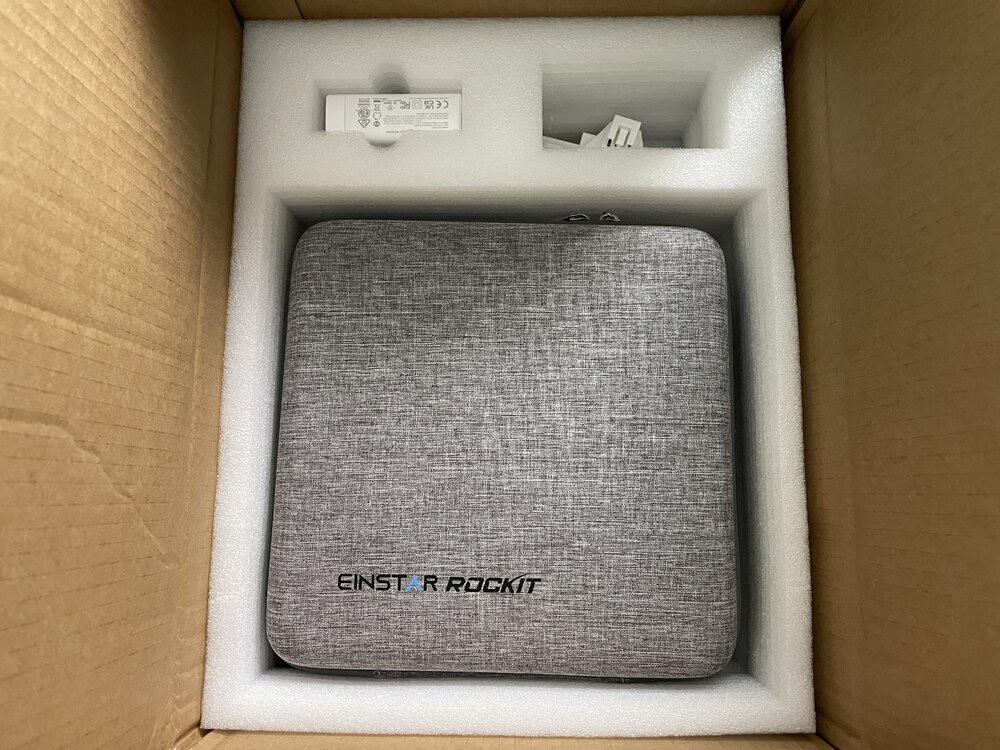
I will be doing hands-on testing of EINSTAR Rockit soon. Here are the first images: If you have any questions or want me to scan anything specific, please let me know.
-
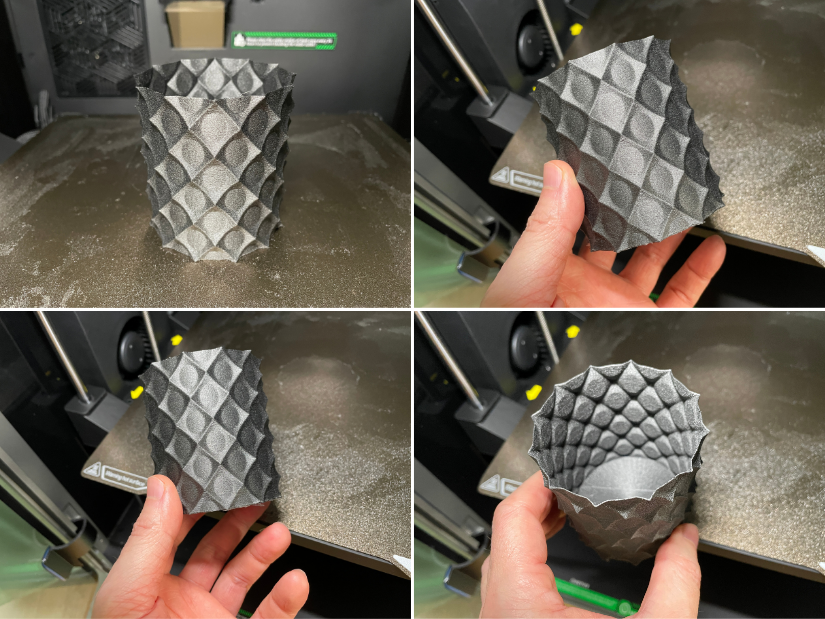
Here is one of the models, 3D printed on Creality K2 Pro in engineering-grade material PA12-CF. Looks nice, and the finish resembles popular galaxy composite filaments. This Anti Sphere - looks great. This is the default size. For functionality, I would print it bigger and with a larger nozzle.
-
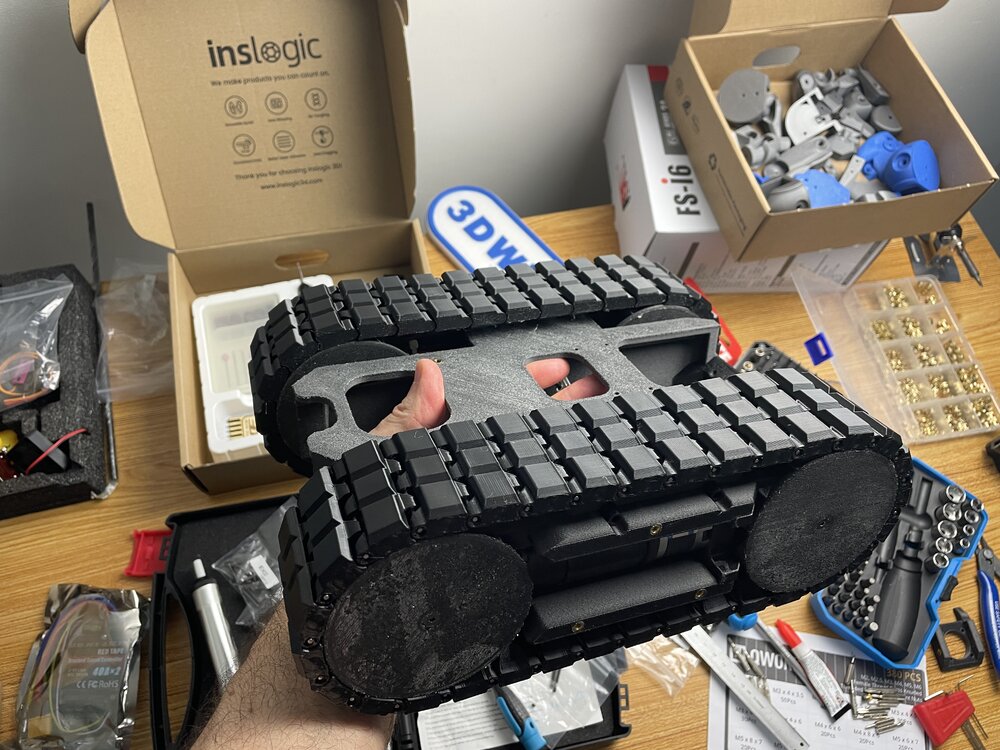
Less than one month to go until SMRRF 2026 in Manchester. I hope the most challenging part is done. Wish me luck! Apart from downloading files and a guide from Printables I used a few good videos to help me with my process: https://www.printables.com/model/1134616-piranha-death-racer The DeathRacers Builders Group on Facebook was immediately helpful, answering my questions: https://www.facebook.com/share/g/1Zekw3spkx/?mibextid=wwXIfr
-
Thanks! Yes, I tried a few mobile scanning applications in the past and wrote detailed guides featuring them. Here is the main thing to consider. Mobile LiDAR scanning (on phones/tablets) may not be that precise. Photogrammetry/Object Capture can be OK, but the workflow includes uploading files to the cloud, which may be a limitation for privacy, turnaround time, or frequent re-scans and refinements. 3D scanners offer a range of workflow solutions and greater precision. Stone Pillar 3D Scan Taken by Polycam: LiDAR Texture and Mesh vs Photo Mode Texture and Mesh Here is Andrew Sink's "The Best 3D Scanning Apps" would be a good guide to explore. LiDAR and Photogrammetry, Object Capture features offered by such apps can be enough for casual scanning for a 3D printing workflow.
-
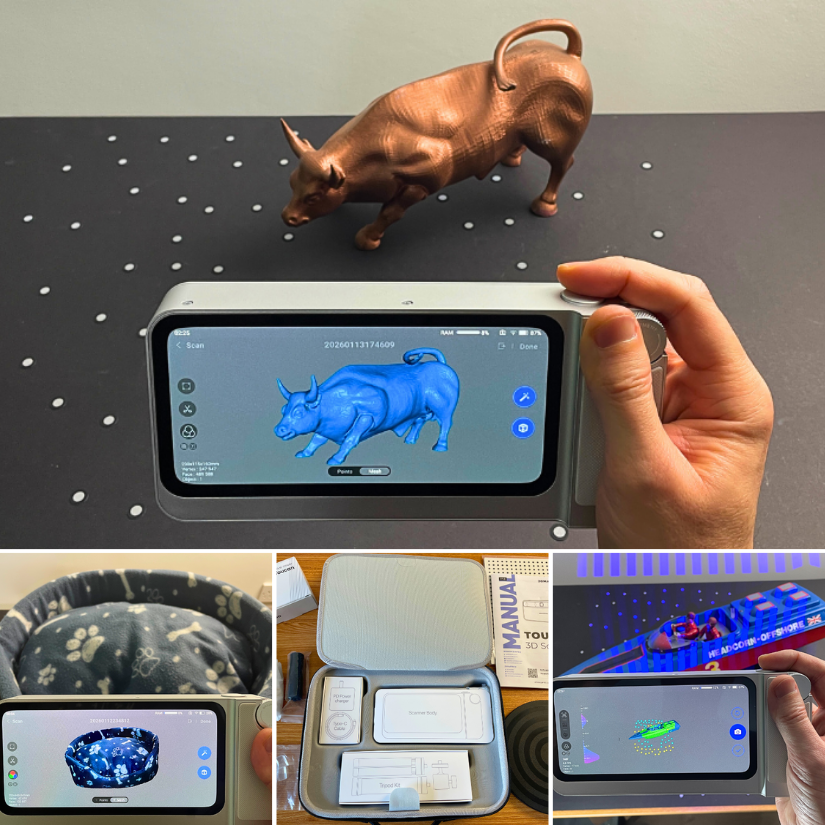
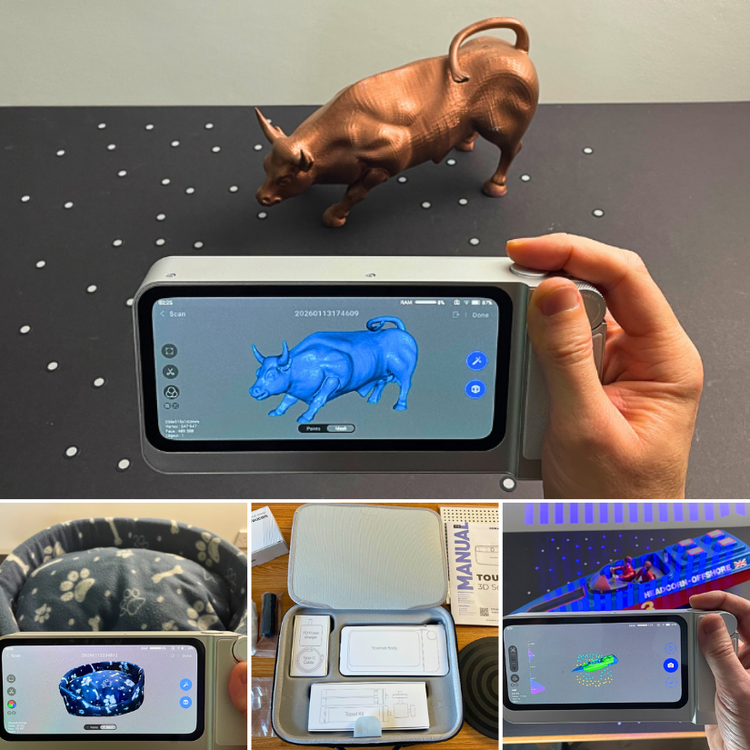
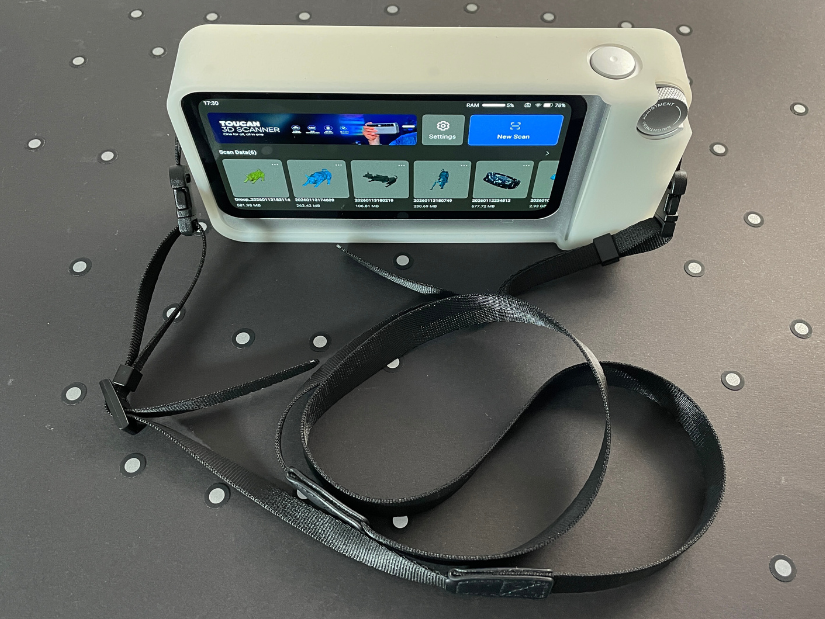
I spent three weeks testing the 3DMakerpro Toucan. As usual, scanning for 3D printing was on my mind, but not limited to it. Here are a few pointers 👇 Takeaways: • Single Shot (similar to photogrammetry) mode is useful • Not needing a PC for scanning changes how and where you use it • Editing/alignment in JMStudio gives more control Full hands-on write-up (4+ examples) here: https://3dwithus.com/3dmakerpro-toucan-review-standalone-3d-scanning-example
-
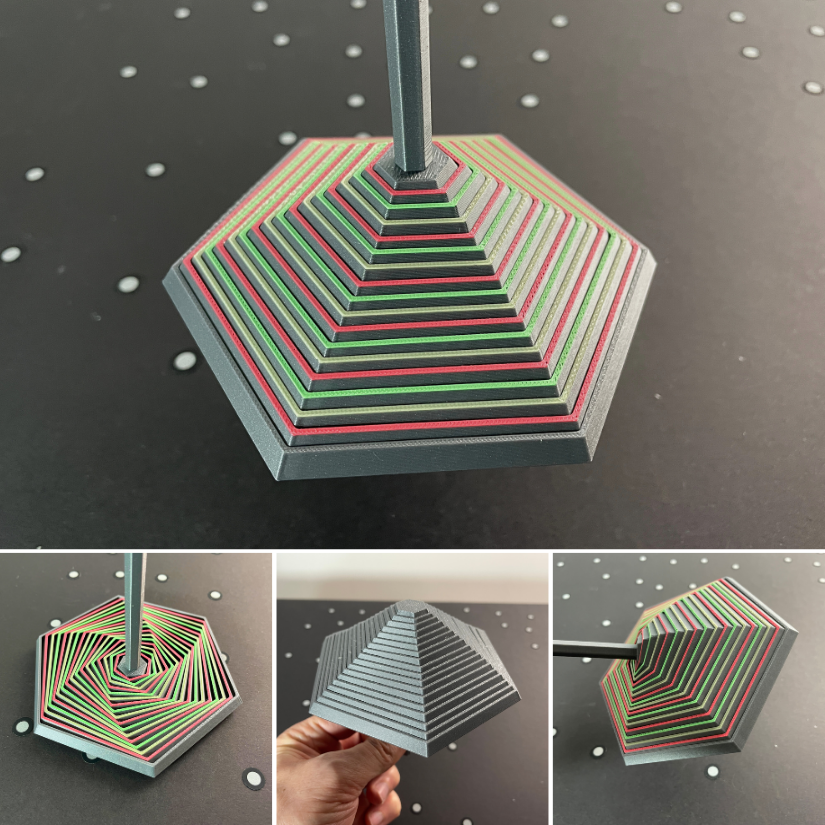
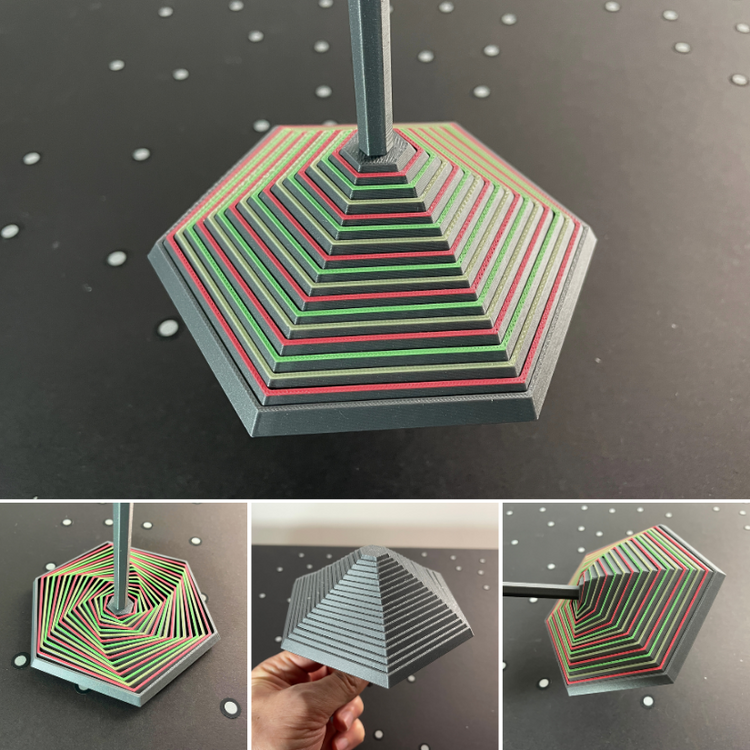
Love it! Here is printed MediumHexagon_WithHandle I added color to it (four colors total). To my delight, it took me only a little over two hours to print on my Creality K2 Pro, with just a few color changes. I forgot to paint the base; it would have been a rainbow umbrella then. I was surprised at how many positions I could take with it. It was enlightening.
-
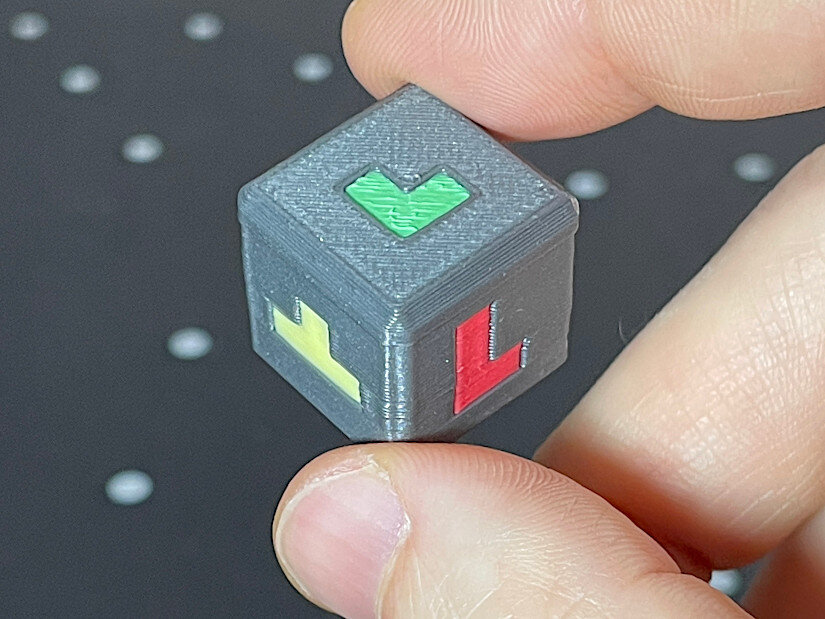
Great project! Good luck in the Balancing Games contest. I printed the dice so far. It came out nicely. It’s a shame it takes so many color changes for the multicolor version (four colors). It took me 120 color changes and over seven hours to print, with a lot of purging. Hopefully, the next generation of tool- or nozzle-changing printers will make printing multicolored dice more feasible. I can imagine that in this game, if you print many more objects, there could be two dice — one for the shape and another for the color code.
-
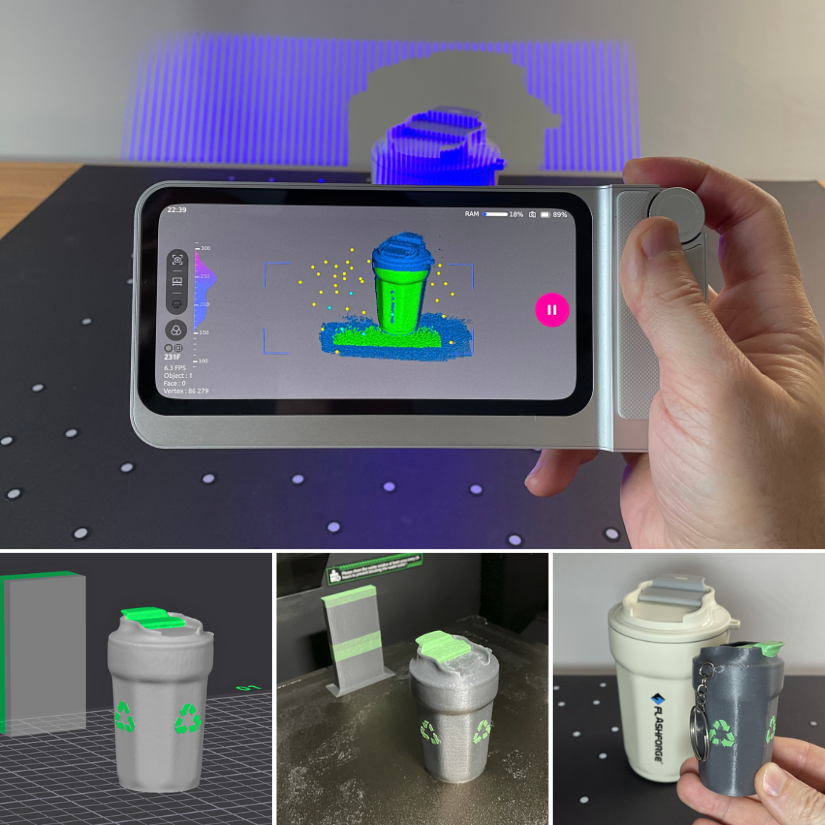
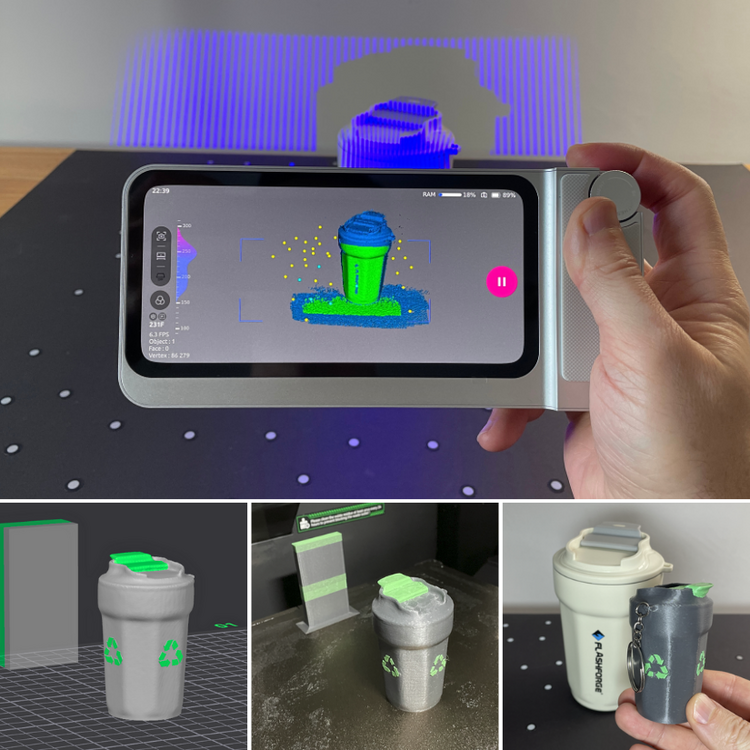
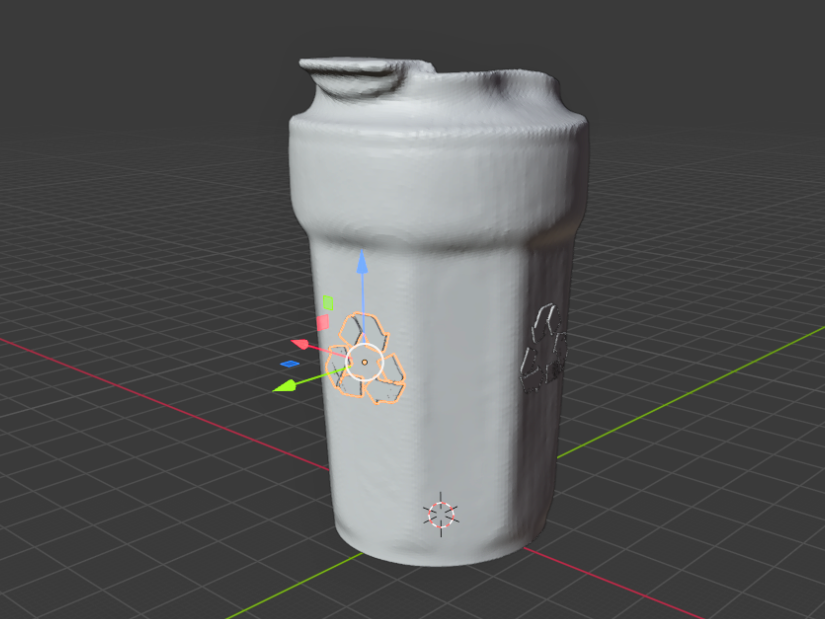
My first object scanned with the 3DMakerpro Toucan was a clear success. I started with a travel mug featuring the Flashforge logo, which turned out to be a very scan-friendly object. The geometry and surface details were captured well, and within a short time, I was able to turn the scan into multiple variants, including a keychain, a miniature, and even a small Christmas ornament. For cleanup, I initially used JMStudio. JMStudio handled the scan processing and mesh cleanup smoothly, and it gave me a solid file that was already suitable for 3D printing with minimal extra work. To take it a step further, I moved into Blender. I wanted to add an extra design element to the model. While I could have recreated the Flashforge logo from the image, I was short on time, so I asked ChatGPT to generate a simple 2 mm-thick 'Recycle' feature from an image instead, which I could then embed directly into the model. This was an interesting discovery. ChatGPT provided me with the element I needed very quickly. Sliced and effortlessly color-printed on Creality K2 Pro.
-
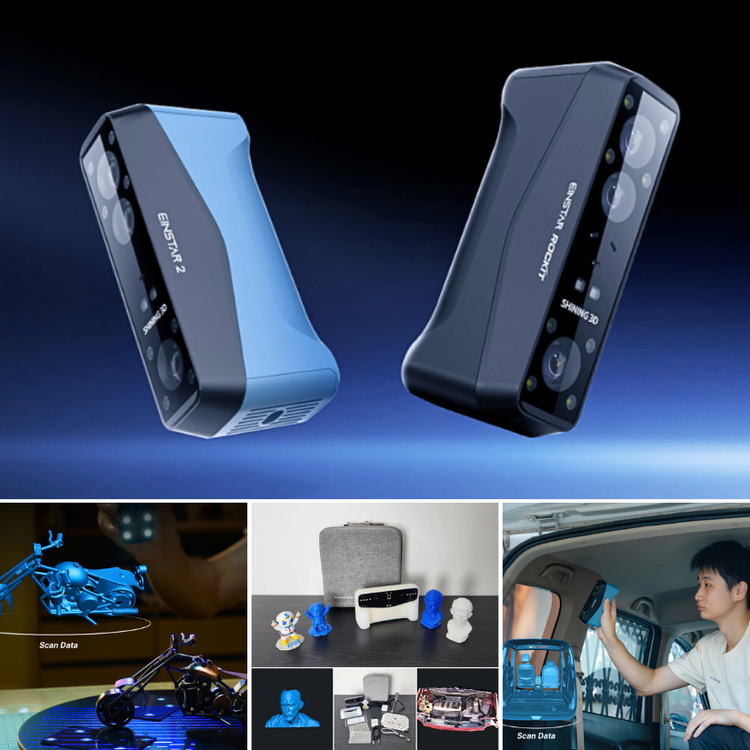
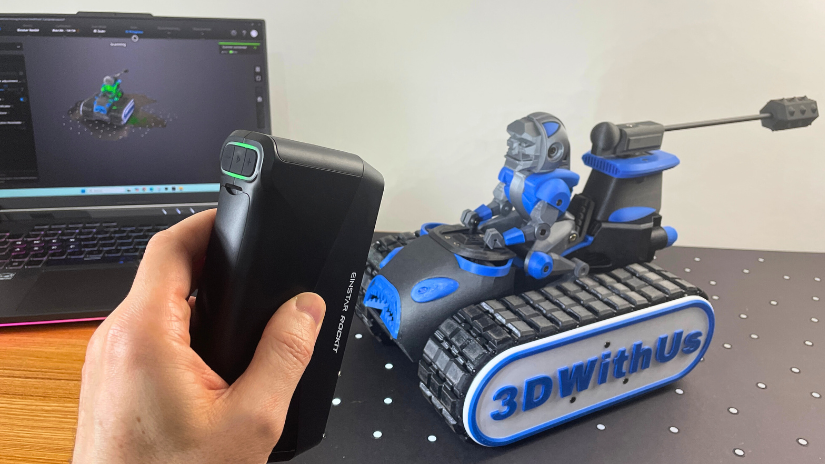
Update: Hands-on Review: https://3dwithus.com/einstar-rockit-3d-scanner-review We’ve just published a new guide on 3DWithUs covering EINSTAR Rockit and EINSTAR 2, SHINING 3D’s latest additions to the EINSTAR lineup. Both scanners focus on wireless workflows and accessible 3D scanning, with slightly different positioning and pricing. https://3dwithus.com/shining3d-einstar-new-3d-scanners We’re opening this thread to hear real-world experiences from the community. If you’re using Rockit or EINSTAR 2, feel free to share what you’re scanning, how it performs for you, or any tips worth passing on. If you’re still deciding, questions are welcome too. Looking forward to your input and discussions.
-
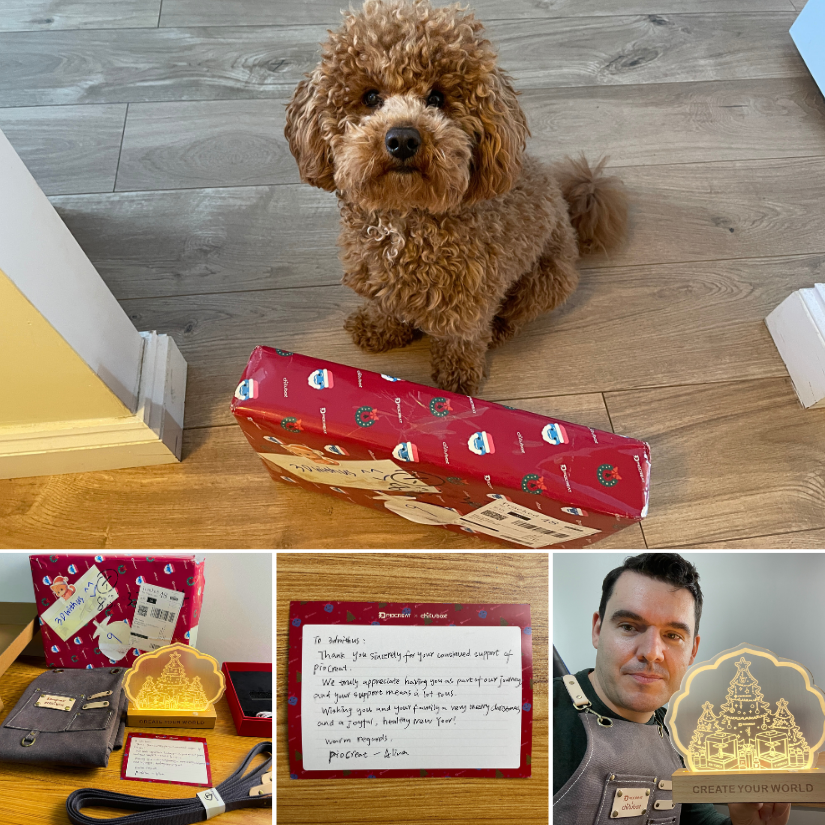
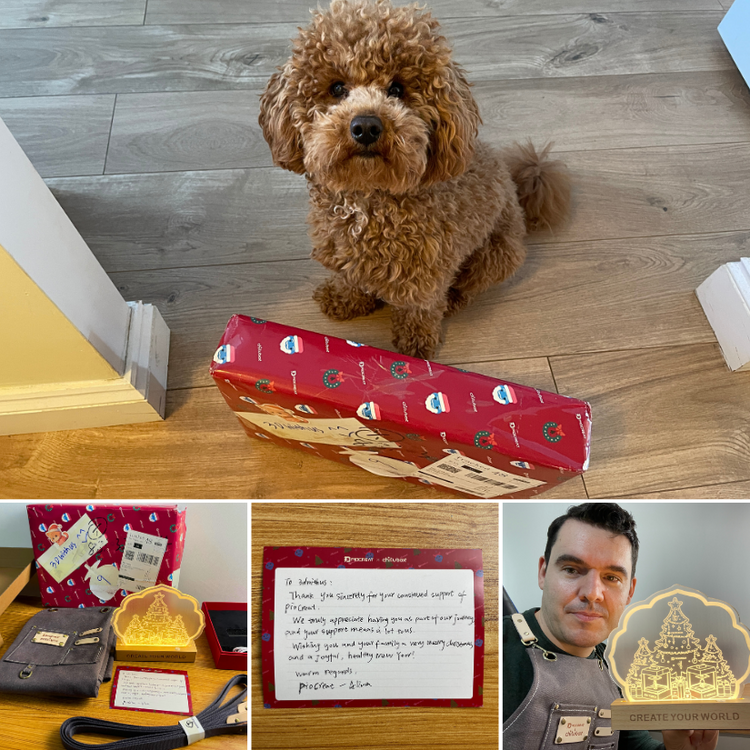
Just sharing a nice behind-the-scenes moment from the resin 3D printing world. Small surprises like this are quite common in the 3D printing community. A thoughtful gift and a note from Piocreate and CHITUBOX arrived recently! Teddy inspected the delivery and gave it his full approval 🐶 At this point, I should probably start asking for gifts for Teddy — he goes through everything like a tank. 🐶😅 Got a similar surprise? Feel free to share it here on the forum — always nice to see these small moments.
-
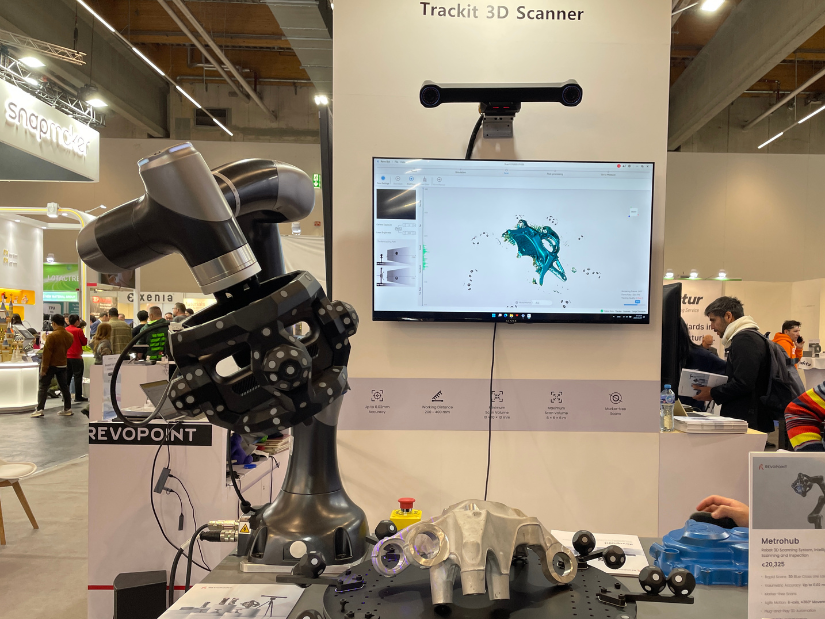
Hi Emily, great topic. From my experience of testing various 3D scanners, I can say that scanning can become very time-consuming. Manual scanning works, but testing the same part across different scanning modes takes even longer. Then again, more angles and rescanning may be required - so yes, automation of this process could be very welcome. A robotic arm can be genuinely helpful in those cases. I saw a robotic arm 3D scanning setup from Revopoint at Formnext, and it was impressive in terms of automation. I don’t see it as essential for everyone, but for repeat scans, inspection, or small-batch workflows, it can be a real efficiency boost. Revopoint Robotic Arm 3D Scanning at Formnext
-
Hi Farquit, if the fan does not spin at any setting or during use, that’s unfortunately not normal behaviour for a brand-new unit. In this case, I’d strongly recommend contacting 3DMakerpro support directly and explaining that the fan was noisy from the first power-on and now doesn’t spin at all, even after the update. That’s usually treated as a hardware issue rather than something the user can fix. Their contact details shown on the 3DMakerpro site footer are [email protected] (support) and [email protected], and the website is 3dmakerpro.com. On my side, I tested Toucan for more than 3 weeks and got plenty of results. I increased/decreased the fan flow via Settings> Fan, and it appeared my device didn't have difference in the noice.
-
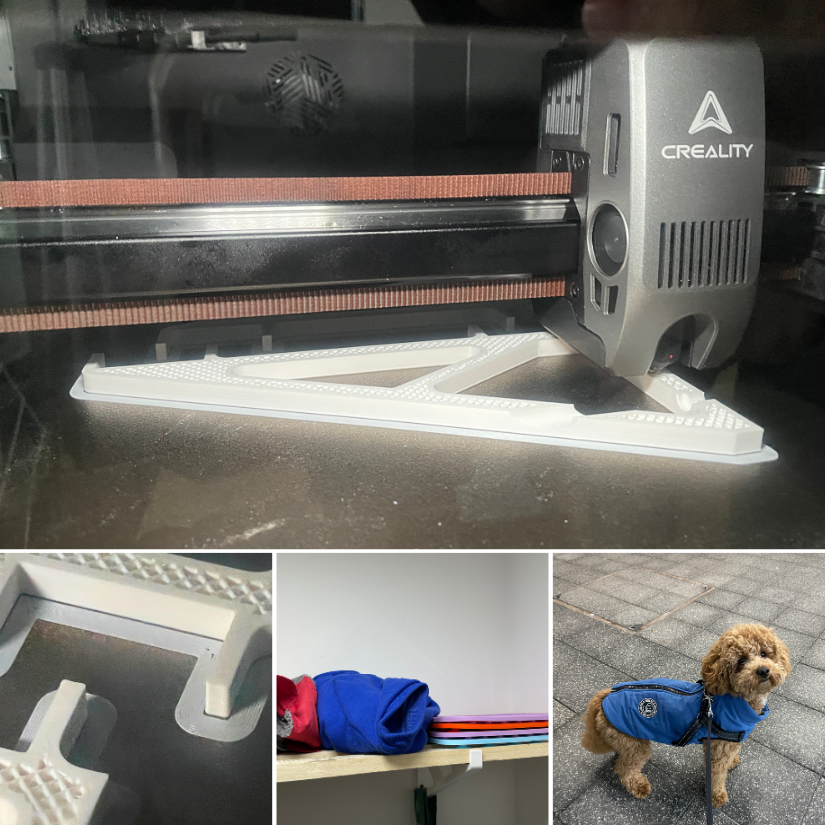
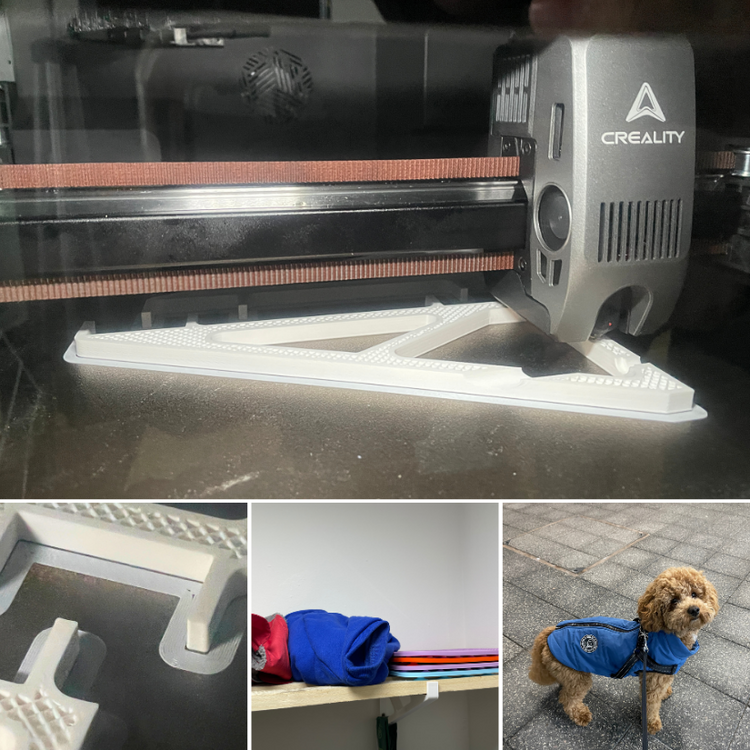
Just showing off. I had a great experience printing engineering-grade materials on my Creality K2 Plus and now on the K2 Pro. PC-ABS can be stubborn to stay on the bed, and warping is a real issue. A heated print bed, heated chamber, and high-temperature extruder make it possible. In the image, the K2 Pro is printing modified Joel Telling shelf brackets. Now we have a nice shelf for Teddy’s 🐶 clothes and licking mat collection. Here are more test print results. Did you have experience with this machine, or do you have any questions? Post here.
-
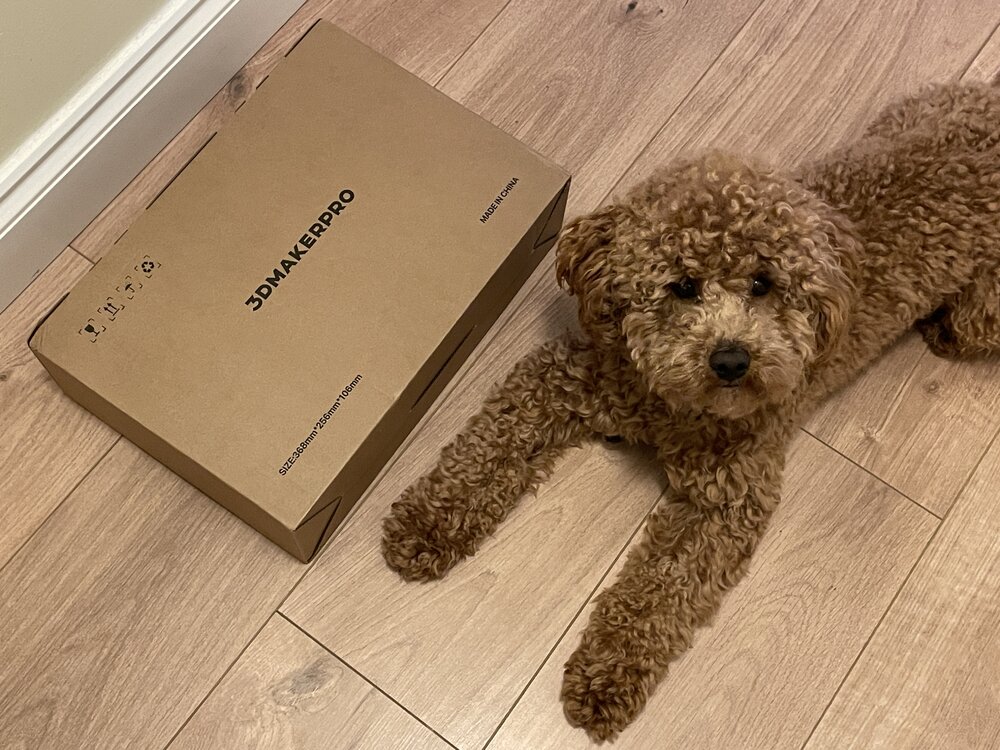
The 3DMakerPro Toucan has arrived. The box was received and inspected by our very strict quality control officer, Teddy 🐶 Unboxing, and the first scans will be coming soon. Have you tried this scanner? Share your experience with us.