
Everything posted by Max Funkner
-
A Small Moment 🎁 Behind the Scenes
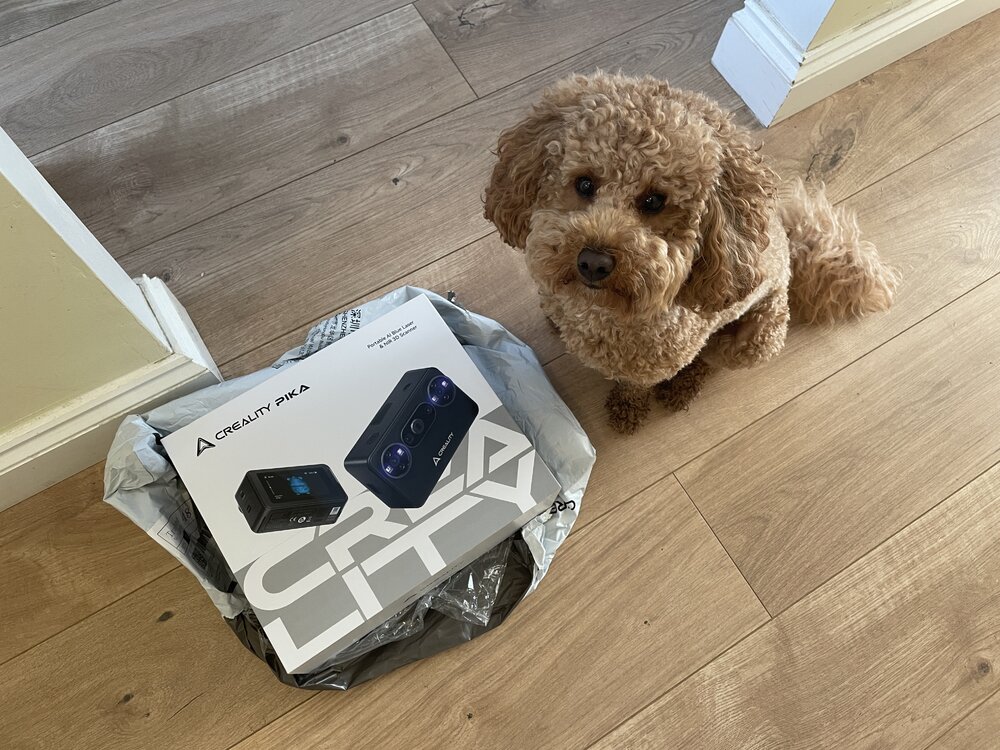
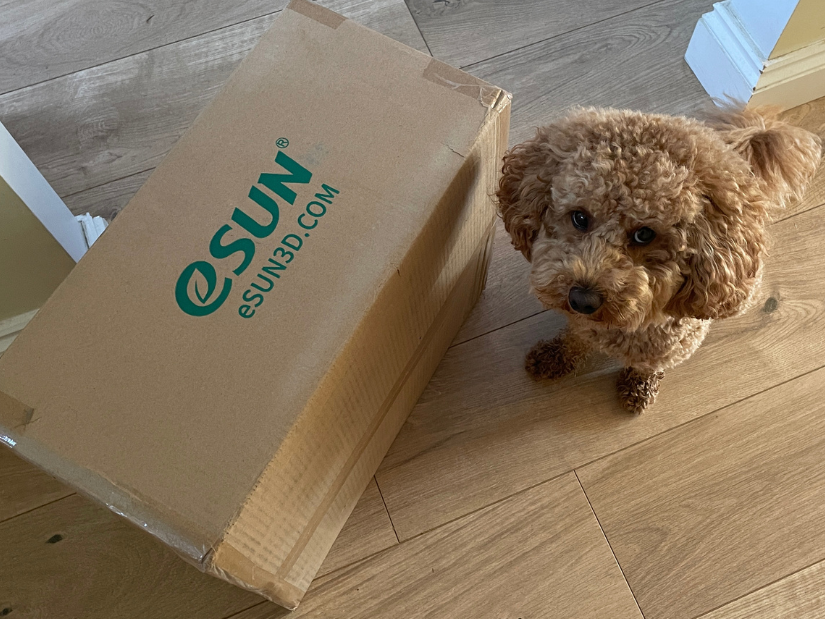
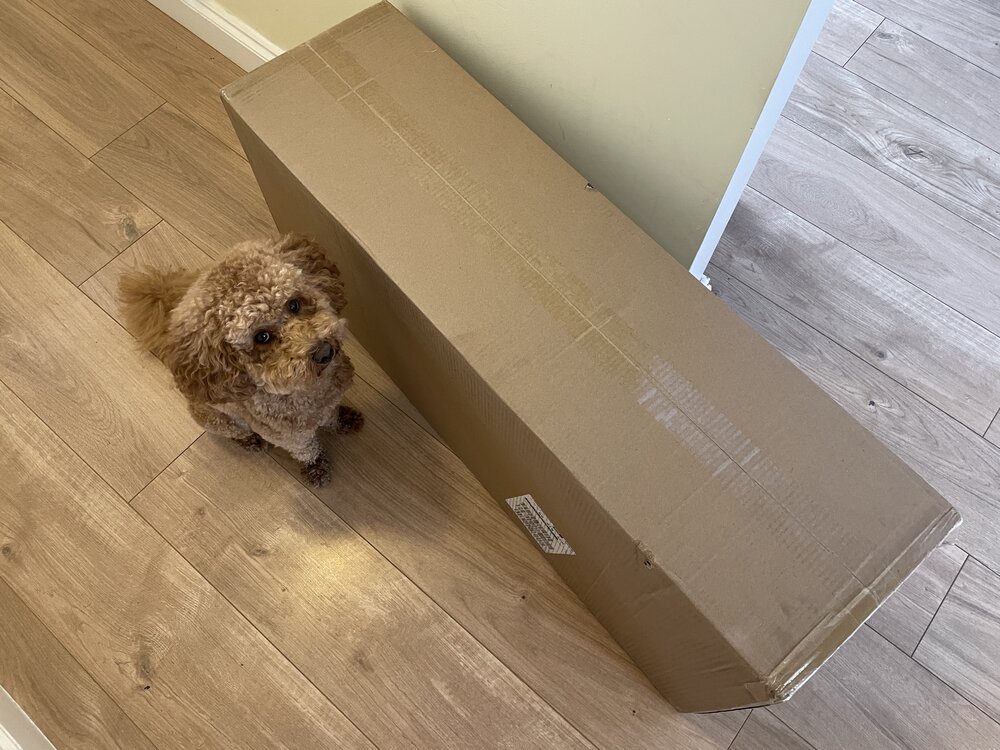
Just sharing a nice behind-the-scenes moment from the resin 3D printing world. Small surprises like this are quite common in the 3D printing community. A thoughtful gift and a note from Piocreate and CHITUBOX arrived recently! Teddy inspected the delivery and gave it his full approval 🐶 At this point, I should probably start asking for gifts for Teddy — he goes through everything like a tank. 🐶😅 Got a similar surprise? Feel free to share it here on the forum — always nice to see these small moments.
-
Robotic 3D scanning for automation – anyone tried this?
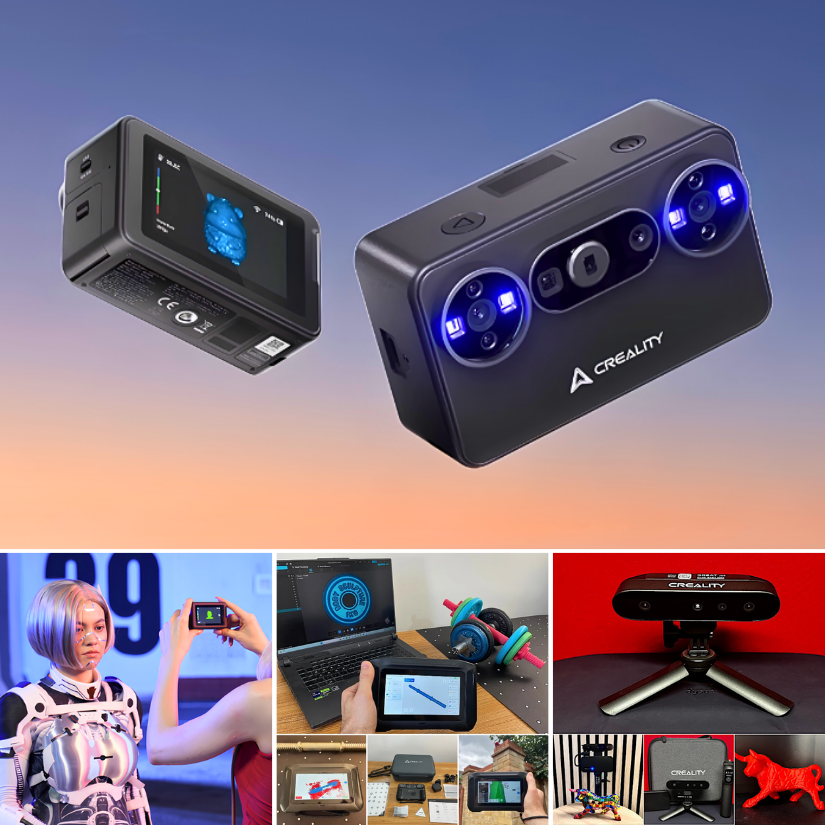
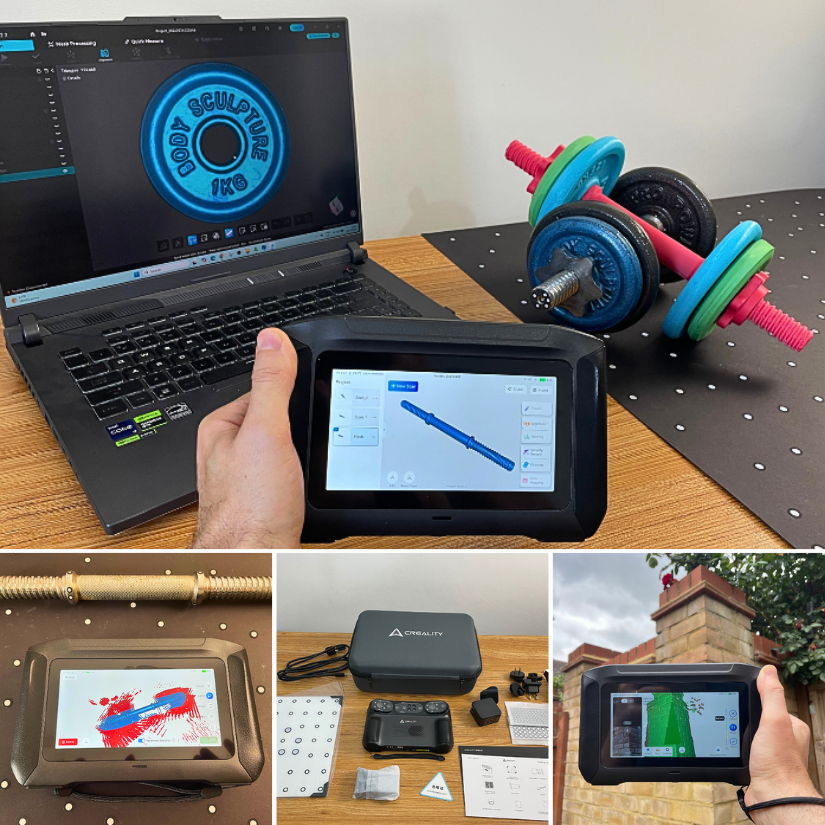
Hi Emily, great topic. From my experience of testing various 3D scanners, I can say that scanning can become very time-consuming. Manual scanning works, but testing the same part across different scanning modes takes even longer. Then again, more angles and rescanning may be required - so yes, automation of this process could be very welcome. A robotic arm can be genuinely helpful in those cases. I saw a robotic arm 3D scanning setup from Revopoint at Formnext, and it was impressive in terms of automation. I don’t see it as essential for everyone, but for repeat scans, inspection, or small-batch workflows, it can be a real efficiency boost. Revopoint Robotic Arm 3D Scanning at Formnext
-
Fan stopped working on brand new Toucan scanner
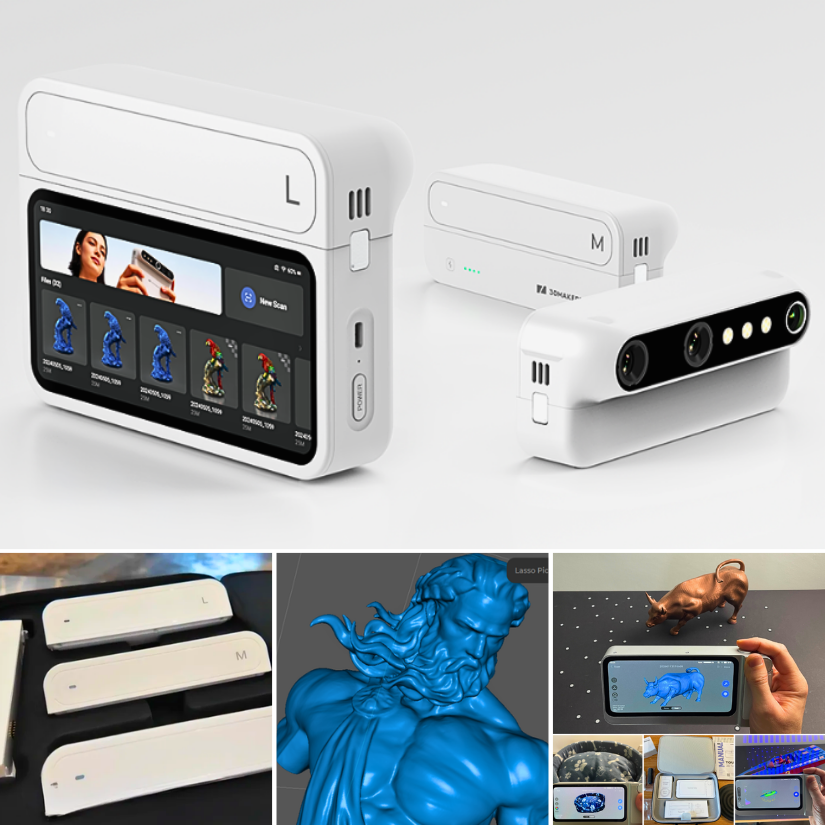
Hi Farquit, if the fan does not spin at any setting or during use, that’s unfortunately not normal behaviour for a brand-new unit. In this case, I’d strongly recommend contacting 3DMakerpro support directly and explaining that the fan was noisy from the first power-on and now doesn’t spin at all, even after the update. That’s usually treated as a hardware issue rather than something the user can fix. Their contact details shown on the 3DMakerpro site footer are [email protected] (support) and [email protected], and the website is 3dmakerpro.com. On my side, I’ll be testing a Toucan unit that was sent to me next week, and I’ll update this thread with how it performs during real-world use, including noise and cooling behaviour.
-
Creality K2 Pro Combo is Here
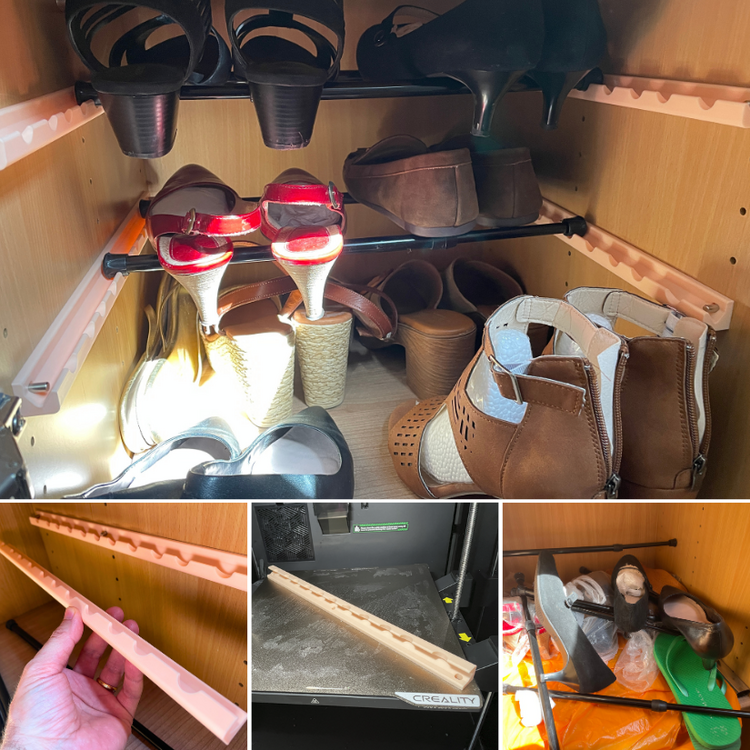
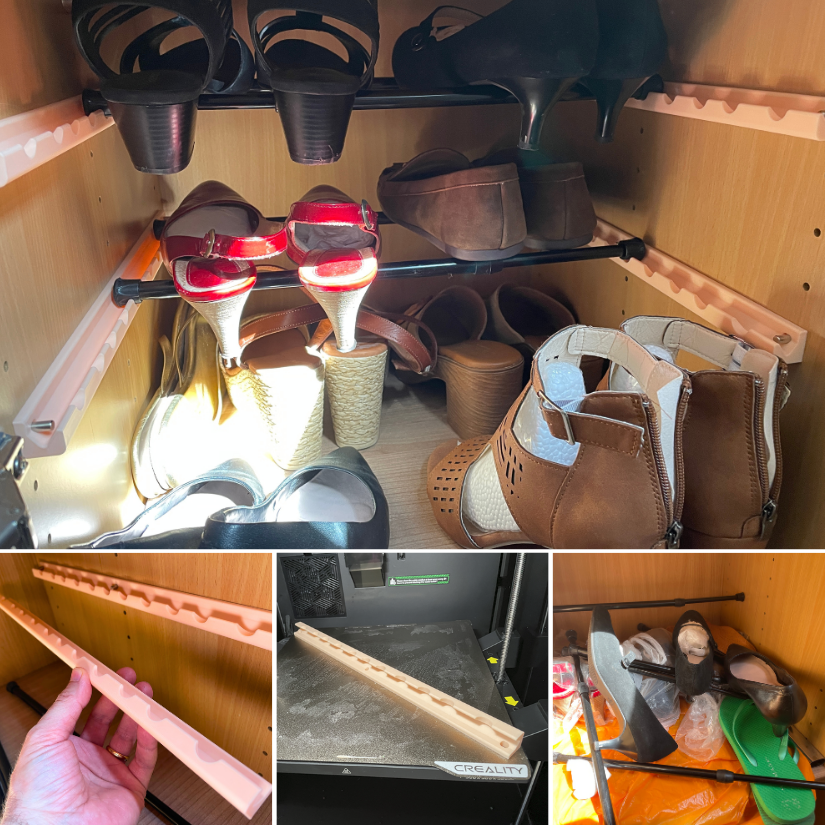
Just showing off. I had a great experience printing engineering-grade materials on my Creality K2 Plus and now on the K2 Pro. PC-ABS can be stubborn to stay on the bed, and warping is a real issue. A heated print bed, heated chamber, and high-temperature extruder make it possible. In the image, the K2 Pro is printing modified Joel Telling shelf brackets. Now we have a nice shelf for Teddy’s 🐶 clothes and licking mat collection. Here are more test print results. Did you have experience with this machine, or do you have any questions? Post here.
-
3DMakerpro Toucan Discussion
The 3DMakerPro Toucan has arrived. The box was received and inspected by our very strict quality control officer, Teddy 🐶 Unboxing, and the first scans will be coming soon. Have you tried this scanner? Share your experience with us.
-
3DPI Awards Discussion
We’ve just published a guide to the 3D Printing Industry Awards and how they work, including the people and processes behind them. https://3dwithus.com/inside-the-3dpi-awards Do you follow the 3DPI Awards each year? Do you think they reflect what’s happening in the industry? Who or what do you see as most influential right now? Feel free to share your thoughts and experiences.
-
PollyFab 3D Printed Lattice Shoes Discussion
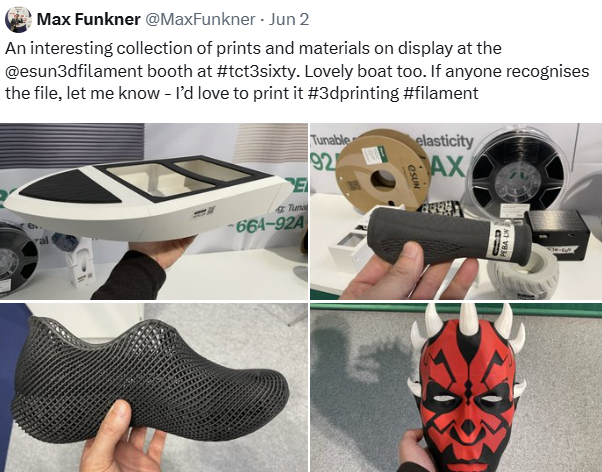
Quick Update: The full hands-on article is now live! I tested the PollyFab Flux and Aero shoes over several weeks, including a full stress test at Formnext, cross-trainer sessions, outdoor walking, and various sock/barefoot combinations. Plenty of photos, impressions, and practical notes inside. 👉 Read the full review: https://3dwithus.com/pollyfab-3d-printed-shoes-comfort-design-and-durability-test A little bit of visuals: Feel free to share your own experience if you’ve tried any fully 3D printed lattice shoes, or ask anything I didn’t cover in the article. Happy to test more scenarios!
-
Revopoint INPIRE 2 is Here
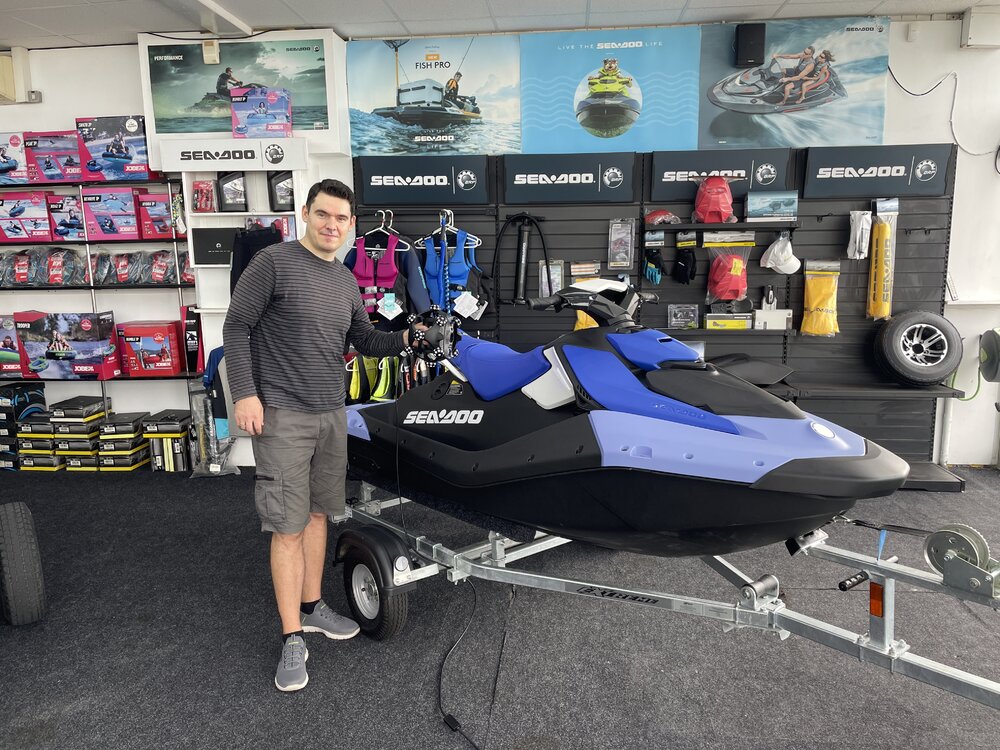
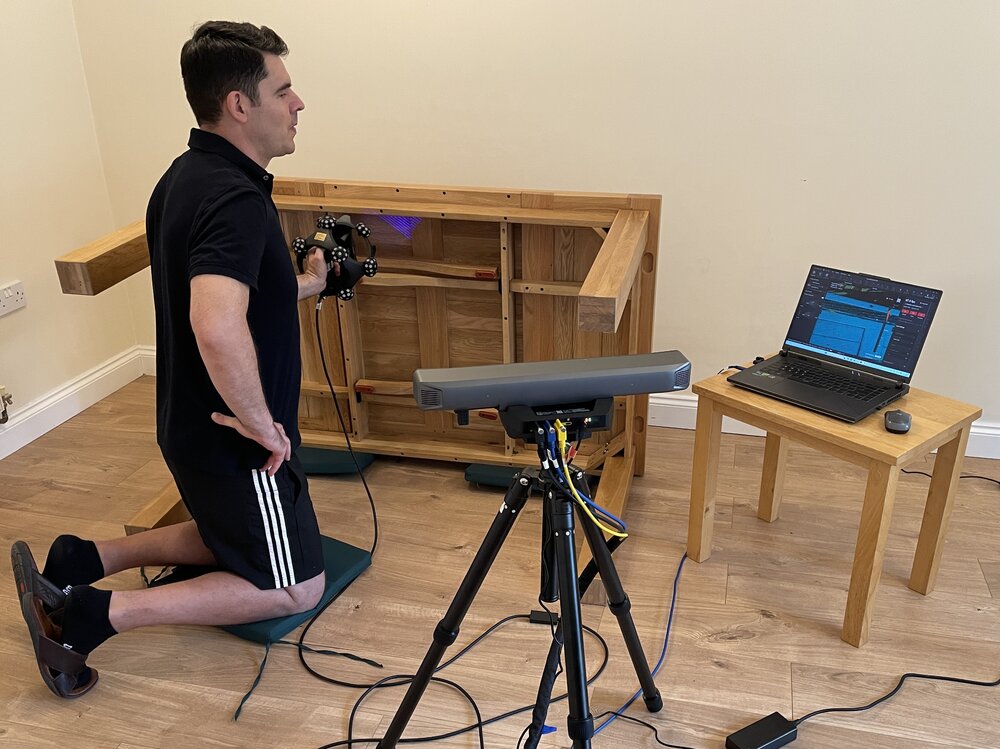
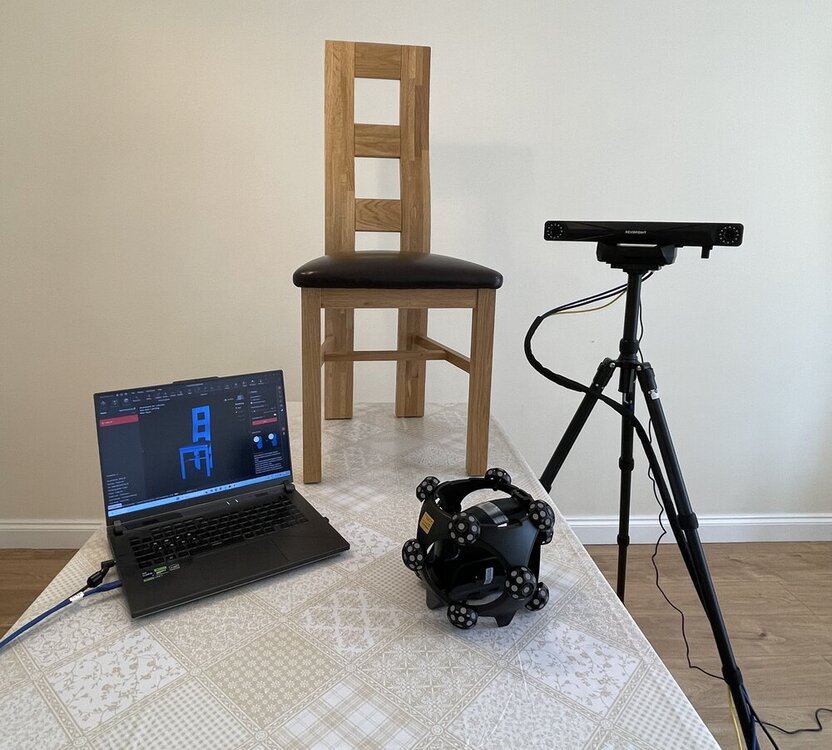
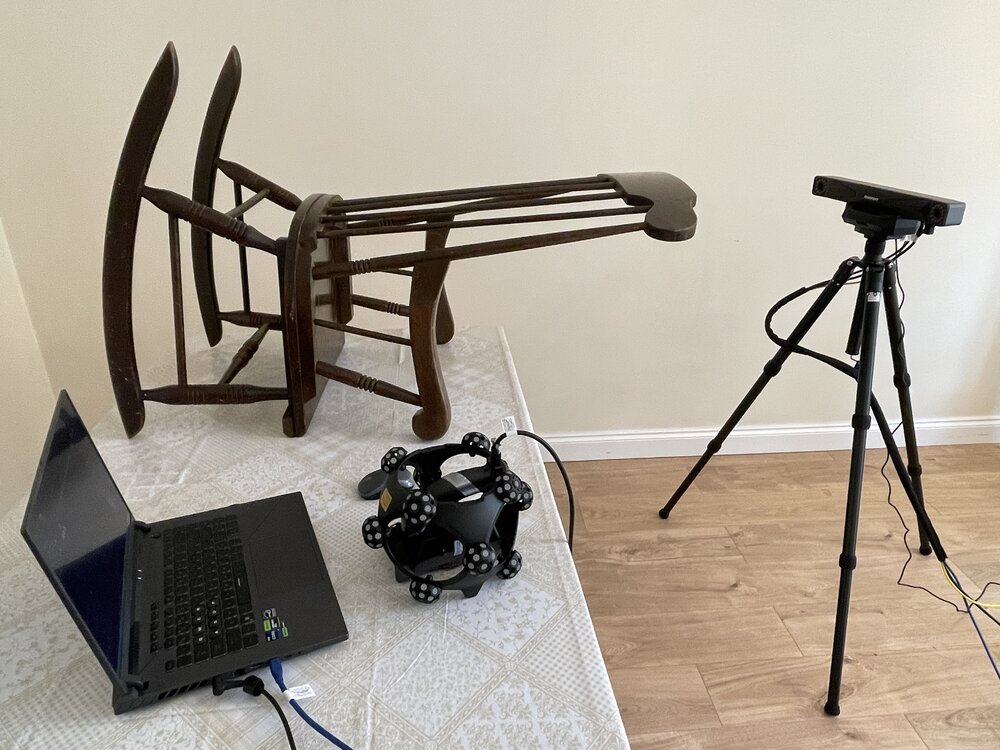
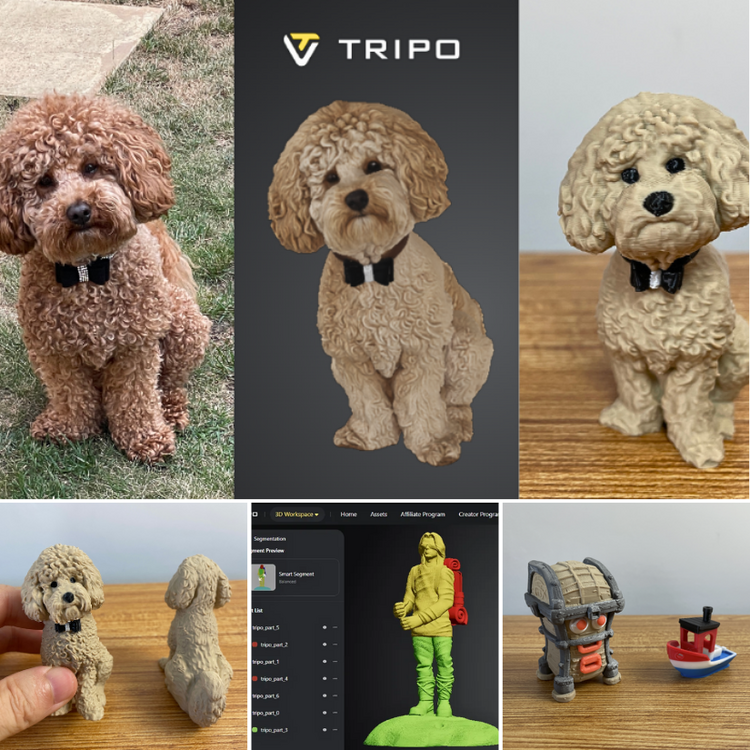
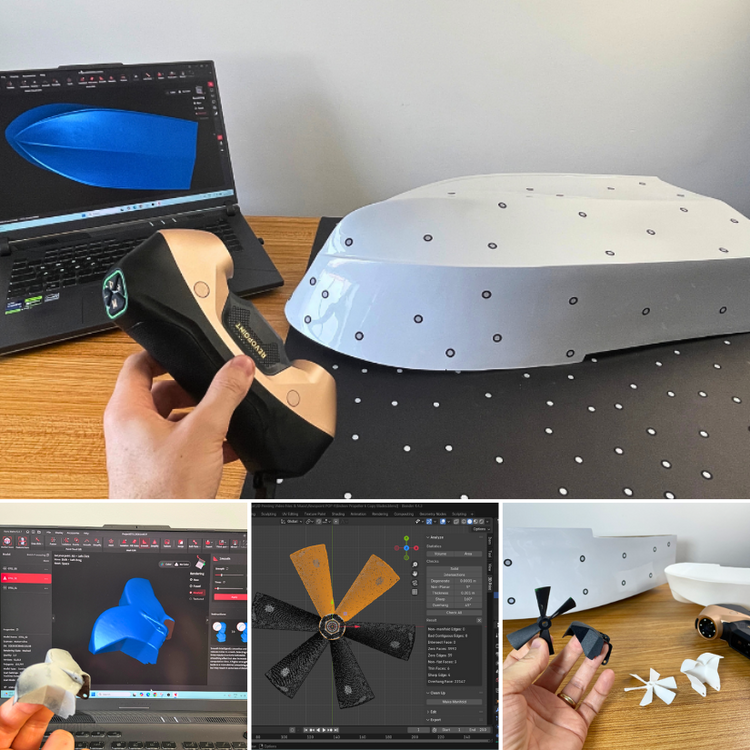
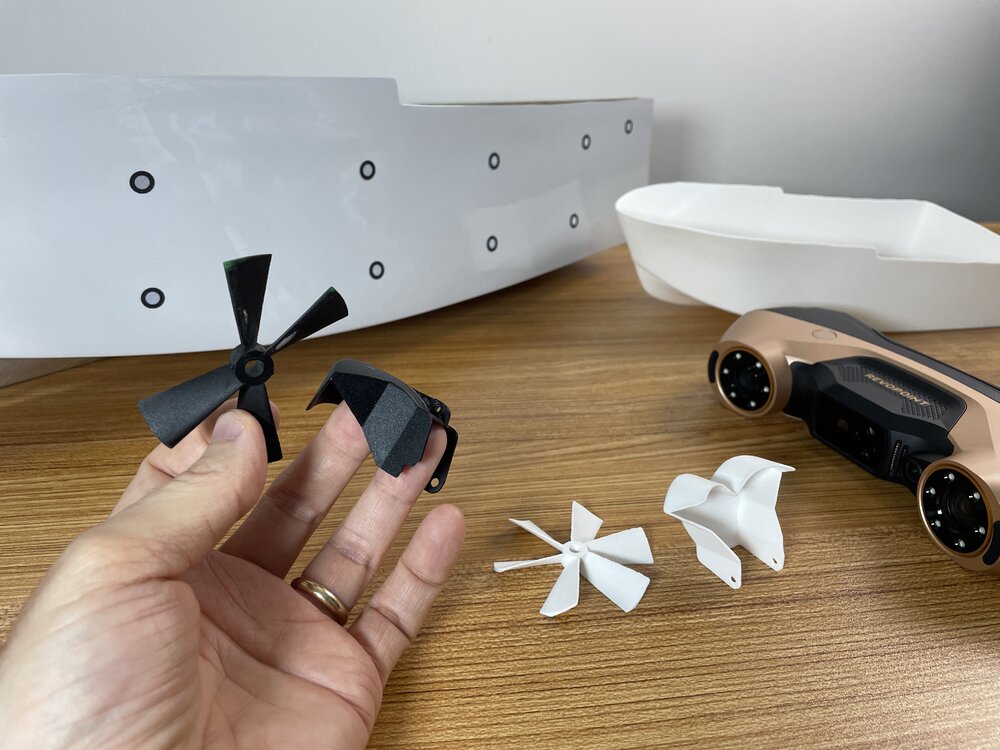
Update: Revopoint INSPIRE 2 Hands-On I’ve just published my hands-on article with the Revopoint INSPIRE 2, covering setup, mobile mode, marker scanning, merging, color tests, and even a 3D print based on the scan. 📄 Full write-up: https://3dwithus.com/revopoint-inspire-2-hands-on-lightweight-3d-scanner My Christmas Tree 🎄 will have a special decoration this year. It will also work as a reminder and a new year's resolution to continue certain projects 🚤😇 Feel free to ask if you want any specific test, comparison, or scan example.
-
Formnext Yearly Highlights
A quick look at what caught my eye this year (2025): the toolchanger showdown in Hall 12.1, stress-testing 3D printed shoes, the CubeMe generator, new compact lasers and scanners, and plenty of innovation on the consumer and small-business side of 3D printing. https://3dwithus.com/formnext-3d-printing-industry-event-highlights-preview#Formnext%202025
-
PollyFab 3D Printed Lattice Shoes Discussion
Two pairs of 3D printed shoes from PollyFab just arrived — one white pair, Aero EU 39 (252) for my wife, and one black pair Flux 43 EU (276.04) for myself. Initial impressions are positive: a flexible lattice design and lightweight. (Also approved by our furry quality-control inspector 🐶🙂) I'll wear them for a bit and report back on comfort, breathability, and everyday performance. If anyone else has tried these, feel free to share your experience! I know that Phil Macey https://www.youtube.com/watch?v=IBGGHZj7kNY and Julia Boch https://www.facebook.com/reel/1854332722184608 have tried them.
-
Comic Con & 3D Printing Discussion
Have you exhibited or visited a Comic Con with 3D printing in mind? Feel free to share your own photos, cosplay builds, booth setups, or collectibles below. 🧭 Here’s the deep dive into Comic Con and 3D printing: 👉 https://3dwithus.com/comic-con-3d-printing-props-merch-cosplays Share your experience with props and cosplay here or start a new thread. Whether it’s something you printed, wore, or spotted.
-
Budget CNC Machines – Discussion
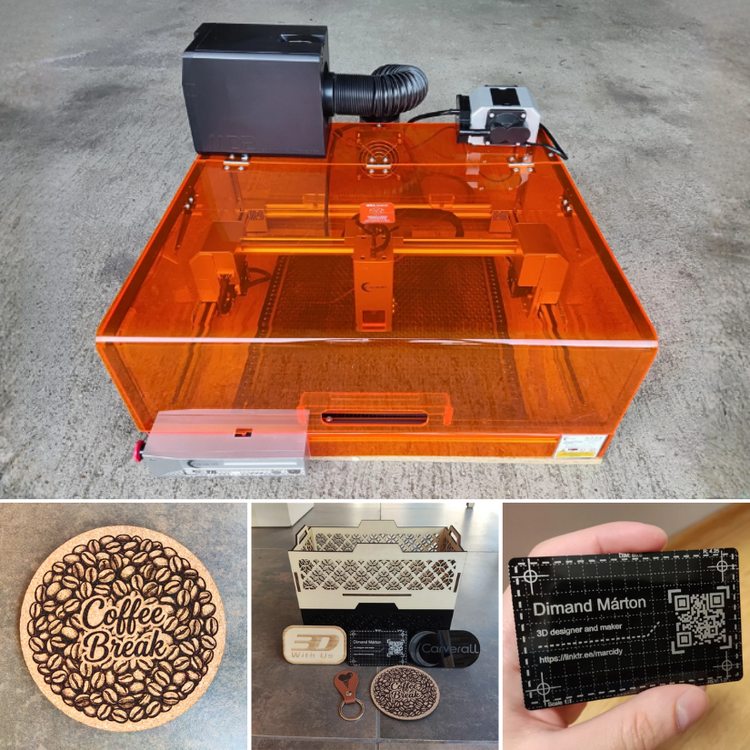
We’ve just published our new guide: Best Budget CNC Machines. In the article, we cover popular entry-level CNC routers, including the Lunyee 3018 Pro Ultra, TwoTrees TTC450 Pro, and Snapmaker with the 4-axis module. We also touch on important points like noise, dust extraction, materials, and the learning curve with software. This thread is for the community side of things. Have you tried any of these machines, or do you use a different budget or even DIY CNC in your workshop? Share your projects, tips, or even the challenges you’ve faced.
-
Revopoint INPIRE 2 is Here
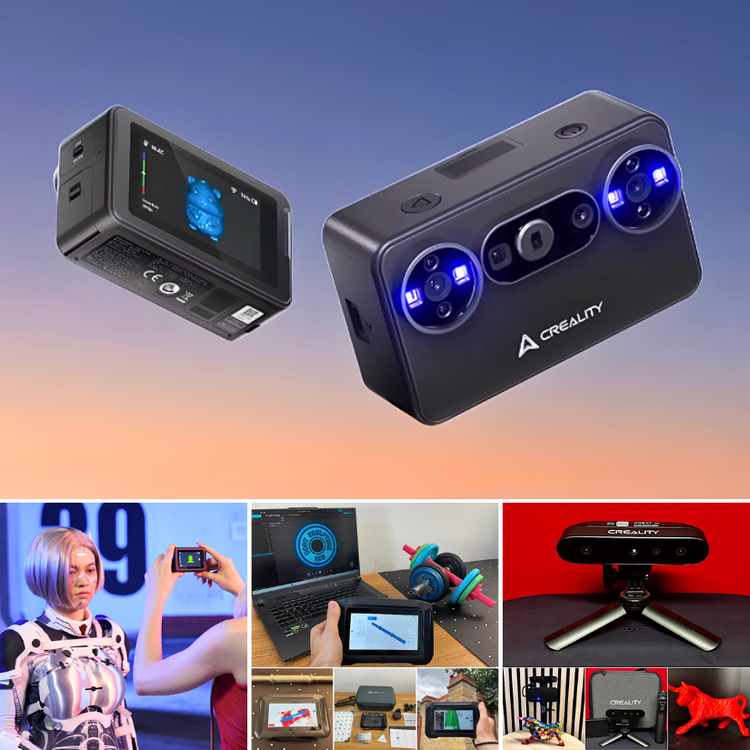
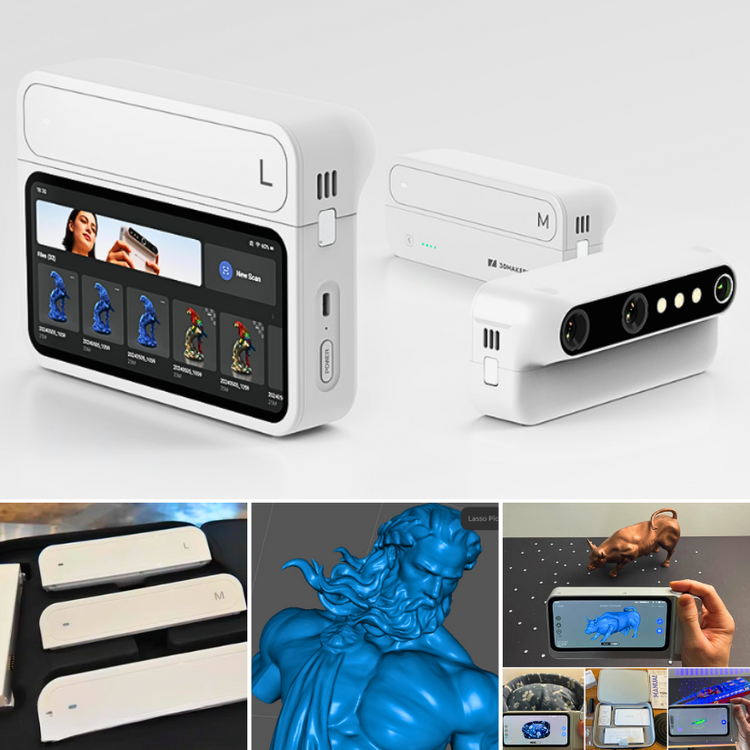
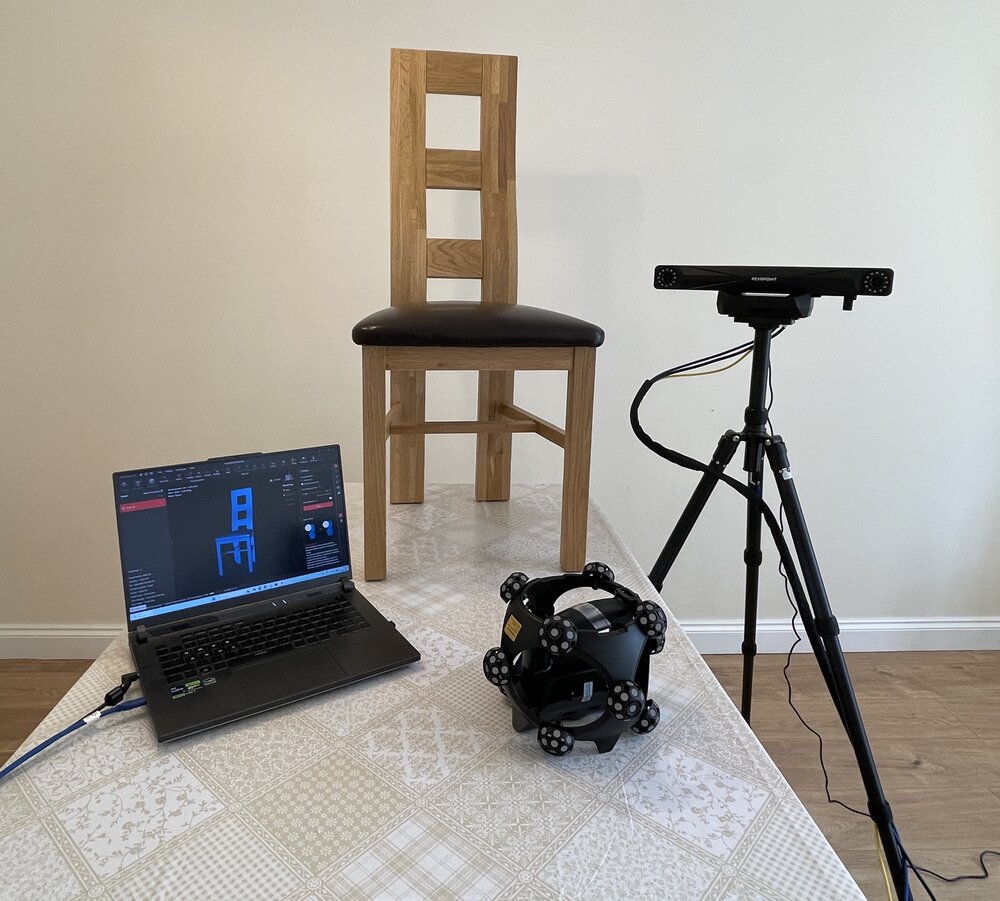
New Arrival: Revopoint INSPIRE 2 Just received the INSPIRE 2 for testing (Teddy helped with the delivery 🐶). I’ll be sharing first impressions and test scans soon. What do we have: Quick Look: The INSPIRE 2 is Revopoint’s lightweight, go-anywhere 3D scanner, built for creators, designers, and educators. Weighing just 450g, it offers up to 0.03 mm precision and volumetric accuracy of 0.05mm + 0.1mm × L (m). This scanner is built on Revopoint INPIRE, Andrew Sink tested in the past: https://3dwithus.com/revopoint-inspire-3d-scanner-review-low-cost-3d-scanning Has anyone here already tried this model? Would love to hear your experiences before I dive in! Special requests are also welcome.
-
Creality MakeNow CubeMe 2D to 3D Generator Results
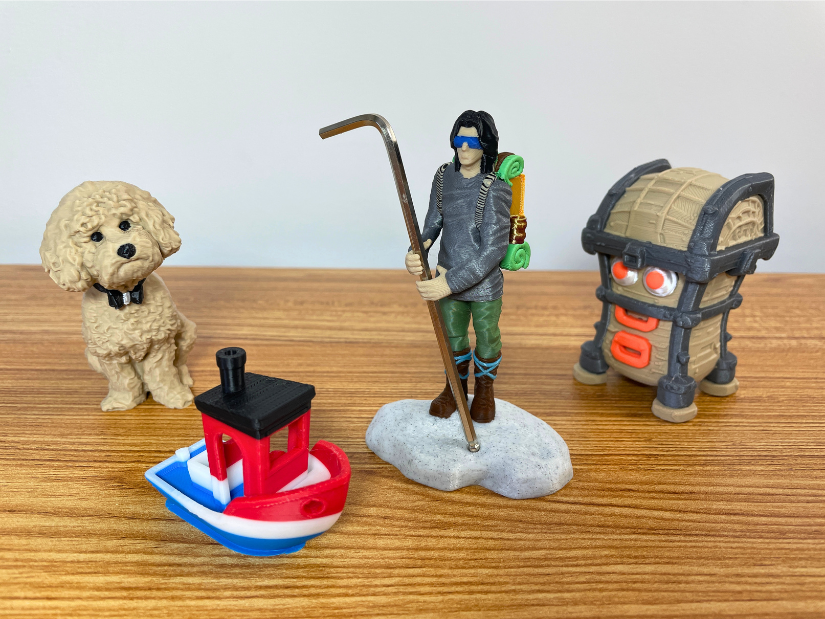
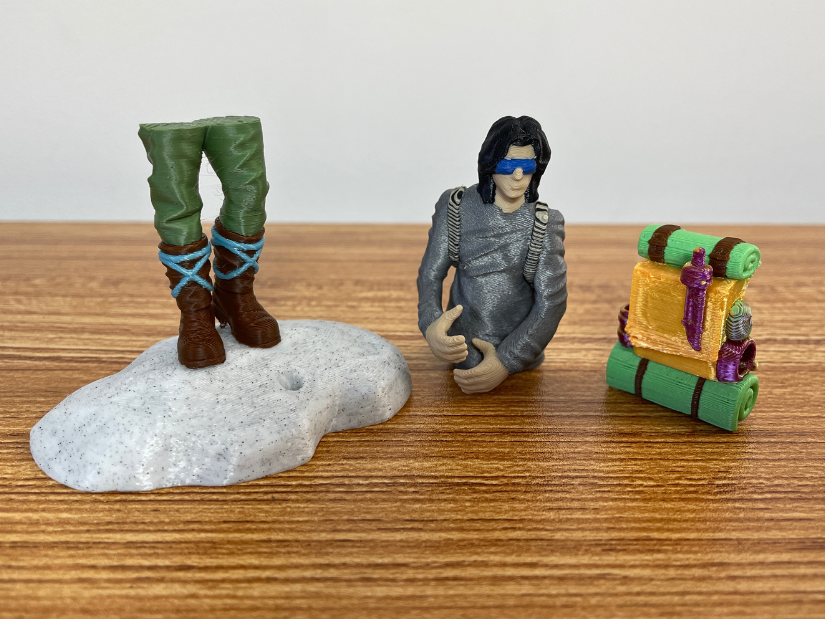
To push the K2 Pro’s multicolour capabilities, I used one of the AI MakeNow Generators on Creality Cloud. I turned my existing 2D image, taken while visiting a tradeshow, into a model — and to my delight, it worked very well. - 8 Colors Print Result: 1) Black – hair, eyebrows, eyes; 2) Light pink/peach – skin; 3) White – eyeballs, teeth; 4) Grey – main jumper; 5) Beige – badge, belt, thick shoe sole; 6) Brown – bag, underneath T-shirt, shoe soles; 7) Blue – 3DWithUs logo; 8) Dark blue – trousers. - Blender. After my initial run in signle color, grey PLA, I realized that the bag’s belt needed some intervention. Using Blender, I thickened the belt and also added 3DWithUs logos to both the bag and the tradeshow badge for extra detail. - Tips. Definitely print any model in a single colour first. Even then, there can be challenges with ultra-small details. For example, tiny features like teeth may not come out well if the model is scaled down too much. The color (541) changes naturally produced a lot of waste purges, and in some cases, similar shades could be combined to reduce this. Another way to justify the material use is by filling the entire build plate with multiple models at once. For example, printing a whole family of 3D avatars in one go could make efficient use of the process, especially if creating custom characters for board games or collectible figurines. Another advantage of batch printing is that the time penalty is relatively small. If one figurine takes around 20 hours to print, adding a second one to the same build plate may add only about an hour, depending on the model size. In practice, when I placed ten avatars on the print bed, the total print time increased by only about ten hours. This makes full-plate printing a much more efficient approach when producing sets of customized models. This 20-hour print genuinely pushed the K2 Pro’s multicolour capabilities. With 541 filament changes, it was a demanding test — yet the printer handled it impressively, delivering desirable end result. It’s the kind of stress test that shows the machine is not only capable on paper but also in real-world scenarios. Did you try it already? Share your results here 👇
-
Creality K2 Pro Combo is Here
Creality K2 Pro Combo just arrived. Recently, I had the opportunity to review the K2 Plus Combo and was impressed with its features. Now, almost a year later, Creality has launched the K2 and K2 Pro. Interesting. The heated chamber and high-temperature printing capabilities will benefit printing with engineering-grade materials such as CF blends. Happy to test it for a detailed evaluation and to add more content to our existing guides. Update: Although I could not test many engineering-grade materials yet, I did test the two-CFS setup — meaning 8- and 6-color printing. Here is the full review and print examples: https://3dwithus.com/creality-k2-pro-combo-8-color-printing-with-2-cfss-tested Did you have experience with this machine, or do you have any questions? Post here.
-
RC Model Boats: 3D Printed and Others
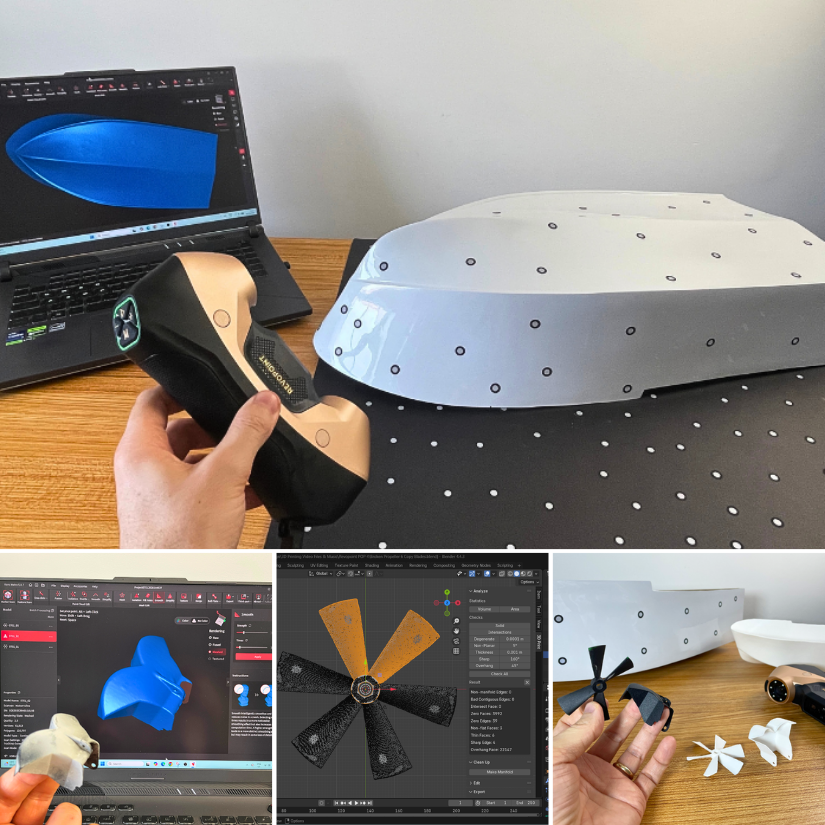
What started as a broken model ended up as a scanned, scaled, and 3D printed RC boat. Big thanks to Clive from SouthendMBC for putting it together and making it work on the water. From Rubble to RC Boat Compilation - No Sound.mp4
-
Snapmaker U1: Early Bird Pricing Announced – $679!
More than $3 million in 1 hour! @Snapmaker U1 is off to an impressive start. Watched and would recommend a few videos: 🔹 Review by @SamPrentice: youtu.be/NzXqyPN5fYE 🔹 Manufacturing process: youtu.be/-3uV6dOqhRQ And here’s our updated article: https://3dwithus.com/snapmaker-u1-toolchanging-multicolor-3d-printer
-
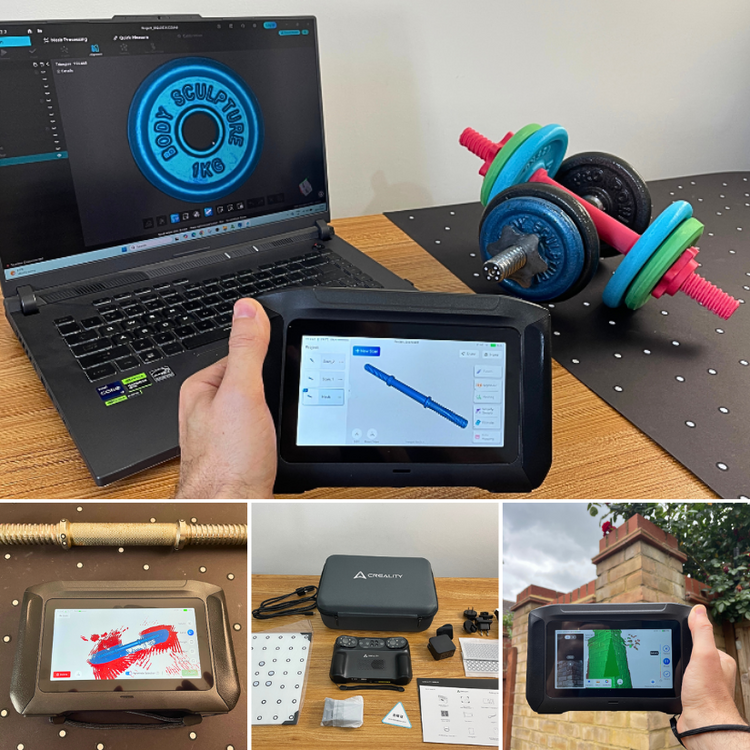
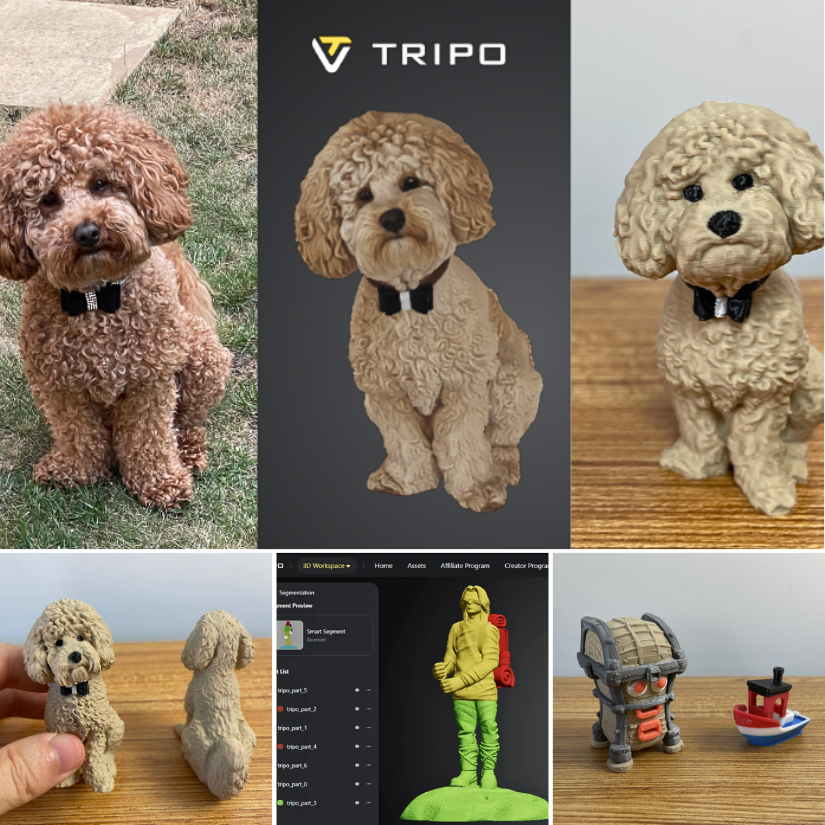
Has anyone tried 3D scanning and then printing an object? I’m a beginner at modeling, and learning modeling has really been such a headache for me.
Could you please post a picture? I will tell you if it is doable. Yes, 3D scanning may help. There is still a learning curve, though. For example, cleaning and patching scans will have to be done in 3D software anyway.
-
EIBOS EURUS is Here
I’ve tested a few filament dryers and always keep them handy. I would still recommend having a filament dryer available — especially if you live in humid regions like the UK, for example. Moisture is everywhere. Let’s say you open a spool and leave it printing overnight. When you seal it back using a vacuum pump and desiccant dehumidifiers, that may not be enough to restore the humidity to ideal levels. In such cases, I recommend drying the filament before sealing it — when needed. It also depends on the filament type. For some engineering-grade materials like PA12-CF, manufacturers even recommend using a filament dryer for a few hours before printing, including with brand-new spools. Here’s my test with Inlogic PA12-CF and PA6-CF. Brand-new filament is dried in the SUNLU E2, then fed into the Creality K2 Plus via a PTFE tube. Maybe overkill — but I got beautiful, functional prints!
-
Snapmaker CNC Rotary Module Unboxed
Just unboxed the Snapmaker Rotary Module — the packaging alone feels like opening a luxury watch! Looking forward to testing it soon with some custom engraving and carving projects. Stay tuned for updates — and if you've already used the Rotary Module, feel free to share your tips, setups, or project photos below! 👇
-
EIBOS EURUS is Here
Just gave my first go at vacuum-sealing a filament spool using the EIBOS pump and reusable bags. First impressions? Surprisingly quick and oddly satisfying. A full guide and video covering how these pumps work, and long-term storage tips, will be coming soon to 3DWithUs. UPDATE: Full guide is live. Filament Vacuum Pumps & Reusable Bags: Complete Guide ✍ https://3dwithus.com/filament-vacuum-pumps-reusable-storage-bags 💬 Have you tried vacuum storage yet? If you’ve tried vacuum-sealing your filament, share your results (and fails!) below.
-
Snapmaker U1: Early Bird Pricing Announced – $679!
Snapmaker U1 Kickstarter Campaign is now Live. 👉 Official Page: Snapmaker Campaign 👉 Our preview: Snapmaker U1 Overview Tool-changing system, multicolor printing, and strong early test results — what do you think?
-
Creality K2 Plus Combo Print Examples, Settings, Tips
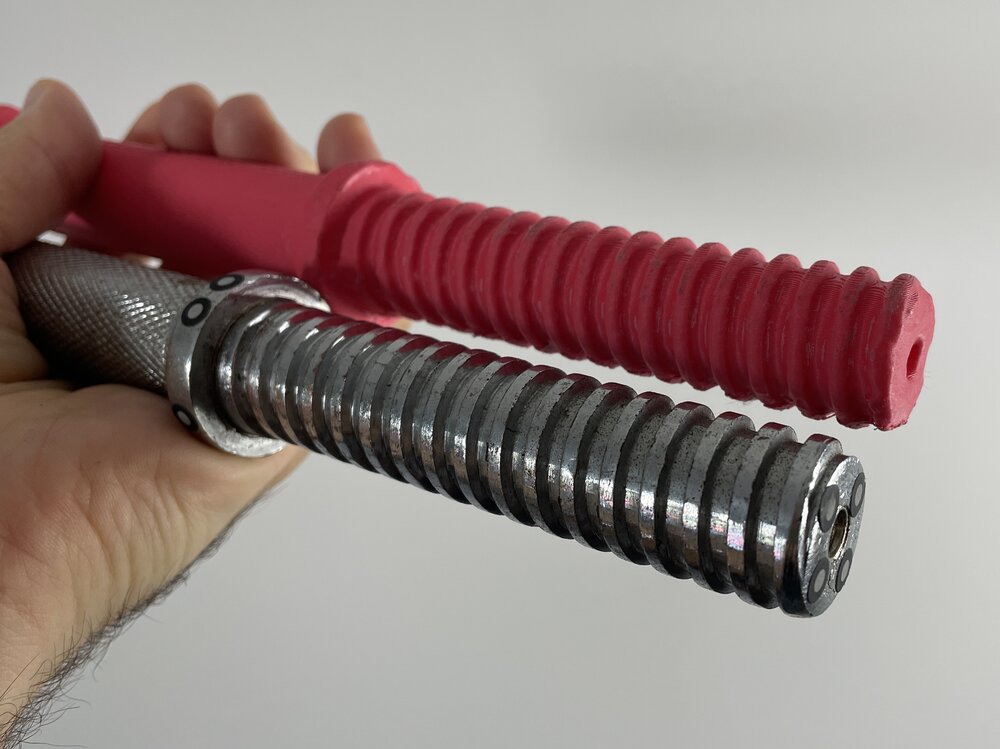
Another interesting print on my Creality K2 Plus. Supports placed similarly to how they would be for resin 3D printing - I am surprised that it’s worked. Scanned, scaled, and printed a speedy RC boat hull 🚤
-
Creality SpacePi X4 is Here
Hi Lily, Thanks so much for being active on our new forum. We appreciate it! We have a detailed guide on filament dryers, many of which have been tested by different authors. Depending on the spool size and use case, some dryers are better suited than others. For example, Polymaker’s dryer and storage boxes are ideal for single spools and casual users, while SUNLU’s products are well-suited for drying bulk spools or engineering-grade materials. Check out the guide! https://3dwithus.com/filament-dryer-boxes-and-diy-solutions
-
Creality SpacePi X4 is Here
Just received the SpacePi X4 filament dryer from Creality and about to try it out. 📦 Bonus: My fluffy assistant was the first to check out the box! 🐶 If you’ve used it already, feel free to share your thoughts, setup tips, or anything worth knowing