


InfiMaker K1 Desktop 5-Axis CNC Discussion

Featured Replies
Topics
-
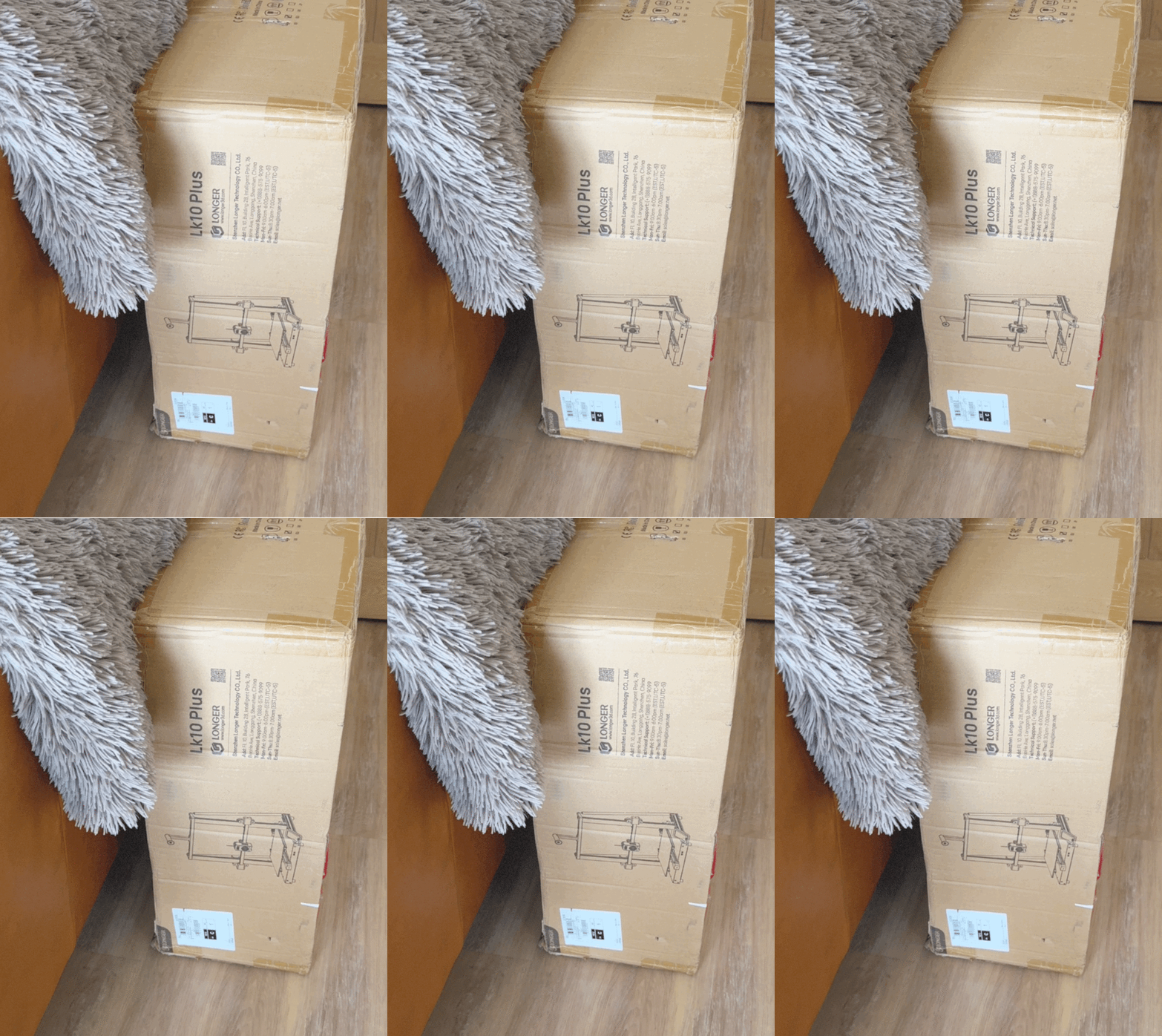
Longer LK 10 plus in for test and review the LK 5 series was a good printer when they first came out a couple of years. So let’s see if it has evolved to fit in with the new 3D printers that are available.
-
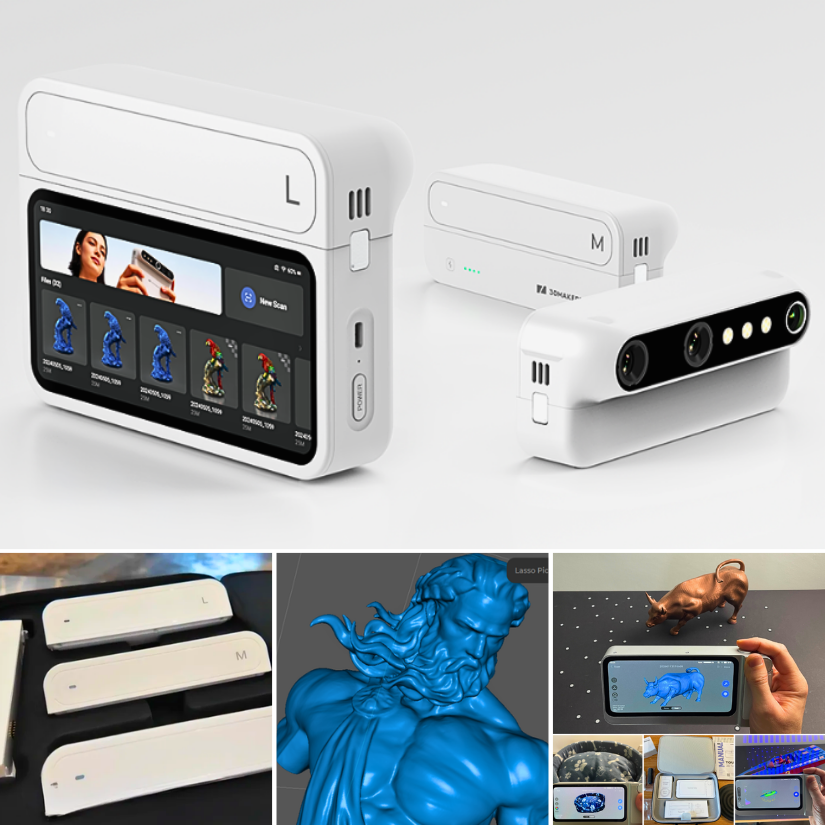
3DMakerpro just launched the world's first modular 3D scanner: Turtle. Building on the standalone Toucan, Turtle introduces interchangeable S, M, and L scanning modules. https://3dwithus.com/3dmakerpro-new-3d-scanners#turtle
-
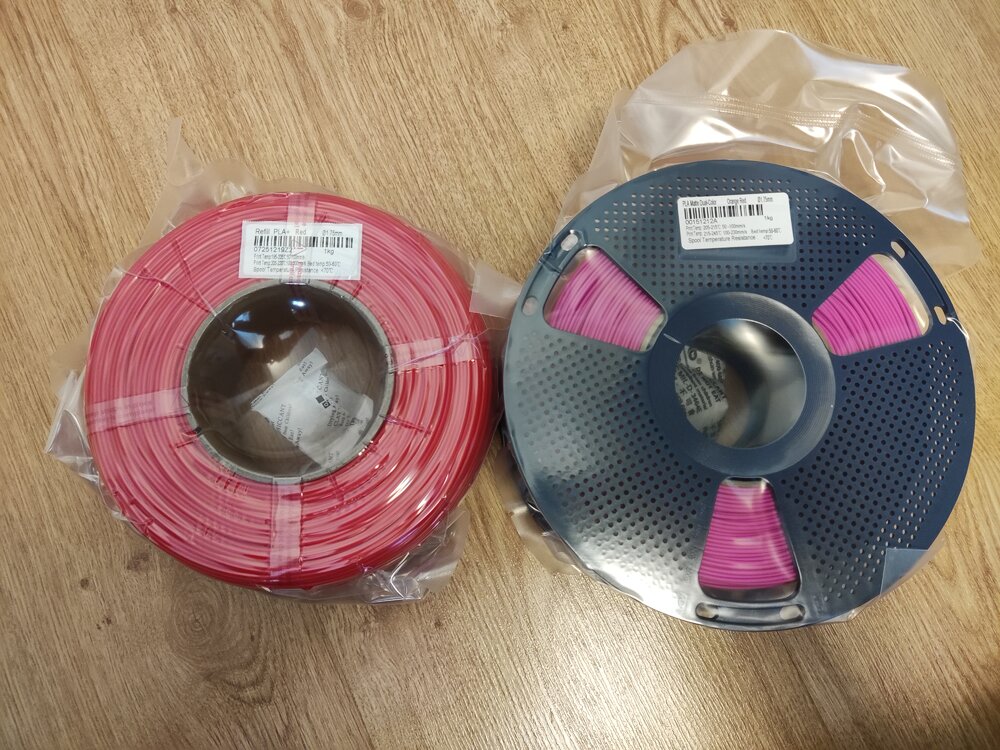
Giveaway filament arrived! I got: Refill PLA+ Red Matte Dual-Color Orange-Red Thanks you SUNLU and 3DWithUs! (I am starting to run out of storage space :D)
-
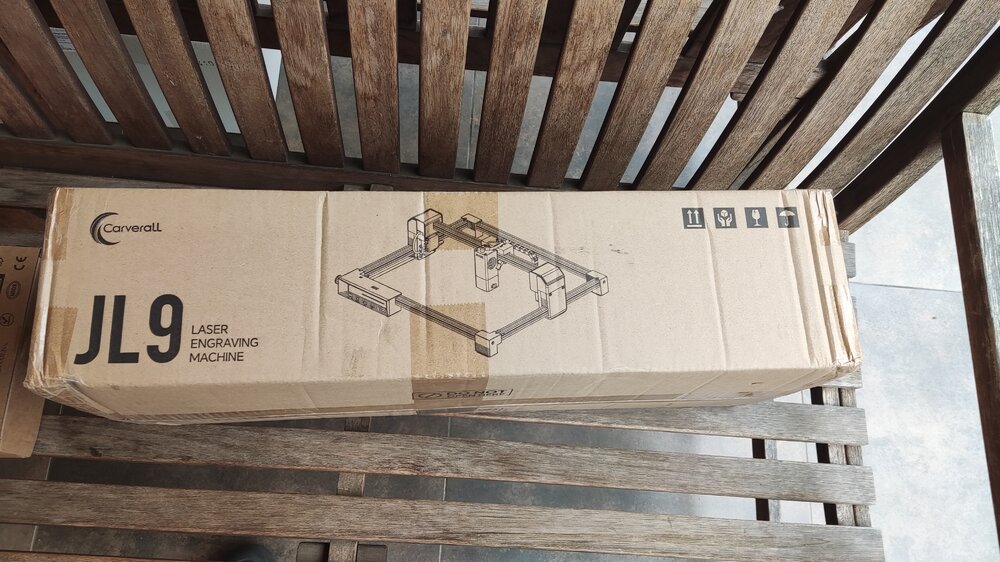
Just received these packages recently. Assembly is still in progress as I am waiting on some accessories and materials, but hopefully, the work can start soon! I am really excited to be part of this collab with 3DWithUs and Carverall!
-
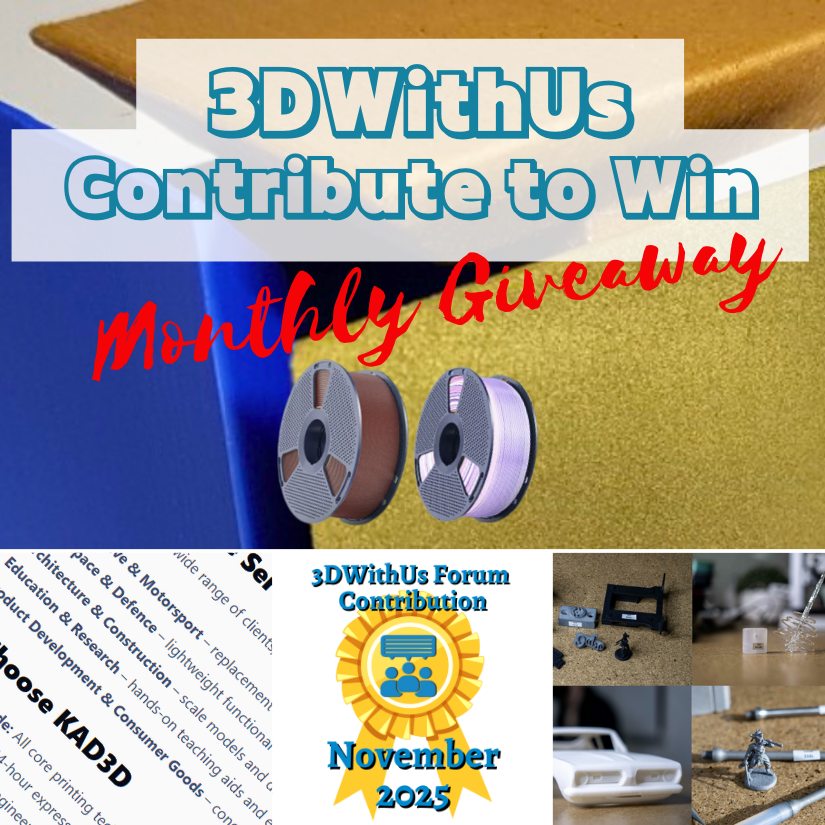
We’re excited to launch a new community initiative to reward contributors on the 3DWithUs forums! Each month, we’ll reward the best contributions in our forum: whether it’s a helpful answer, an inspiring project showcase, or a thoughtful discussion. Unlike automated giveaways, this one is judged by humans – our editorial team will pick the winners. The focus is on quality posts that bring value to the community, not just luck. 🎁 Prizes: Each month, we select 1–4 contributors whose posts or comm



Account
Navigation
Search
Configure browser push notifications
Chrome (Android)
- Tap the lock icon next to the address bar.
- Tap Permissions → Notifications.
- Adjust your preference.
Chrome (Desktop)
- Click the padlock icon in the address bar.
- Select Site settings.
- Find Notifications and adjust your preference.
Safari (iOS 16.4+)
- Ensure the site is installed via Add to Home Screen.
- Open Settings App → Notifications.
- Find your app name and adjust your preference.
Safari (macOS)
- Go to Safari → Preferences.
- Click the Websites tab.
- Select Notifications in the sidebar.
- Find this website and adjust your preference.
Edge (Android)
- Tap the lock icon next to the address bar.
- Tap Permissions.
- Find Notifications and adjust your preference.
Edge (Desktop)
- Click the padlock icon in the address bar.
- Click Permissions for this site.
- Find Notifications and adjust your preference.
Firefox (Android)
- Go to Settings → Site permissions.
- Tap Notifications.
- Find this site in the list and adjust your preference.
Firefox (Desktop)
- Open Firefox Settings.
- Search for Notifications.
- Find this site in the list and adjust your preference.
Join the conversation
You can post now and register later. If you have an account, sign in now to post with your account.
Note: Your post will require moderator approval before it will be visible.