


Geeetech PLA Prints – Showcase Yours

Featured Replies
Topics
-
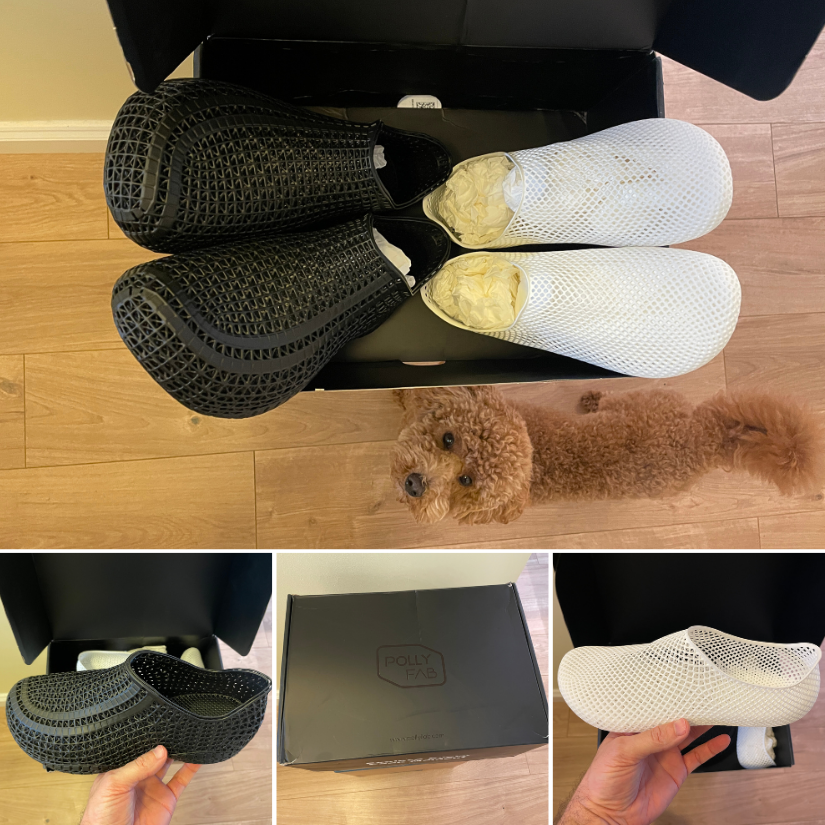
Two pairs of 3D printed shoes from PollyFab just arrived — one white pair, Aero EU 39 (252) for my wife, and one black pair Flux 43 EU (276.04) for myself. Initial impressions are positive: a flexible lattice design and lightweight. (Also approved by our furry quality-control inspector 🐶🙂) I'll wear them for a bit and report back on comfort, breathability, and everyday performance. If anyone else has tried these, feel free to share your experience! I know that Phil Macey https://www.youtube.com
-
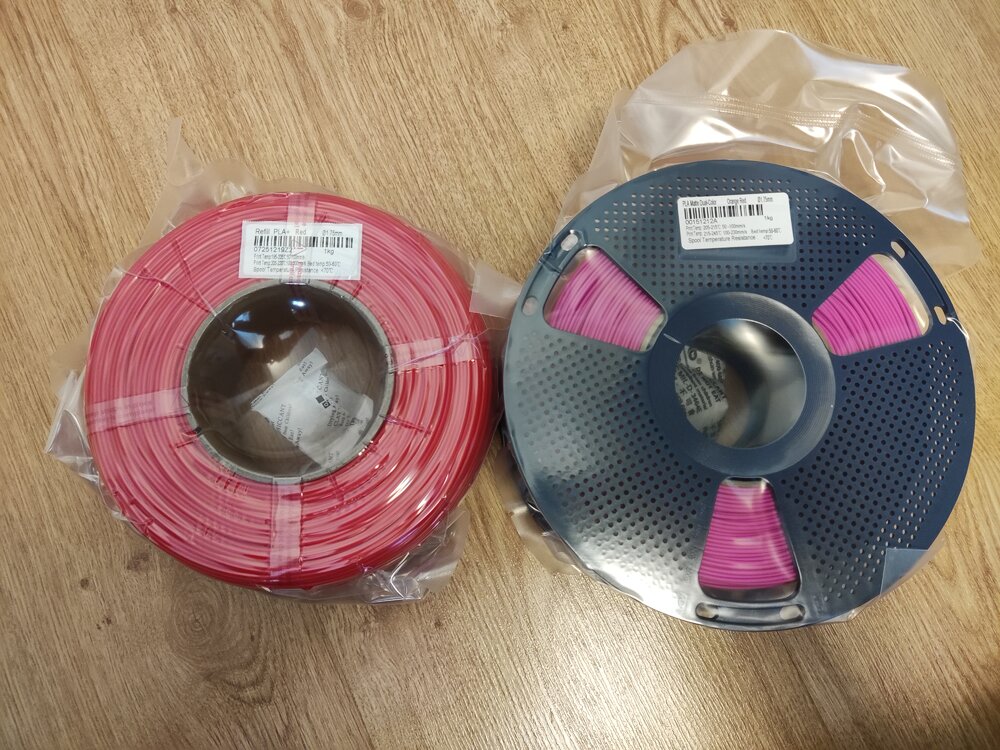
Giveaway filament arrived! I got: Refill PLA+ Red Matte Dual-Color Orange-Red Thanks you SUNLU and 3DWithUs! (I am starting to run out of storage space :D)
-
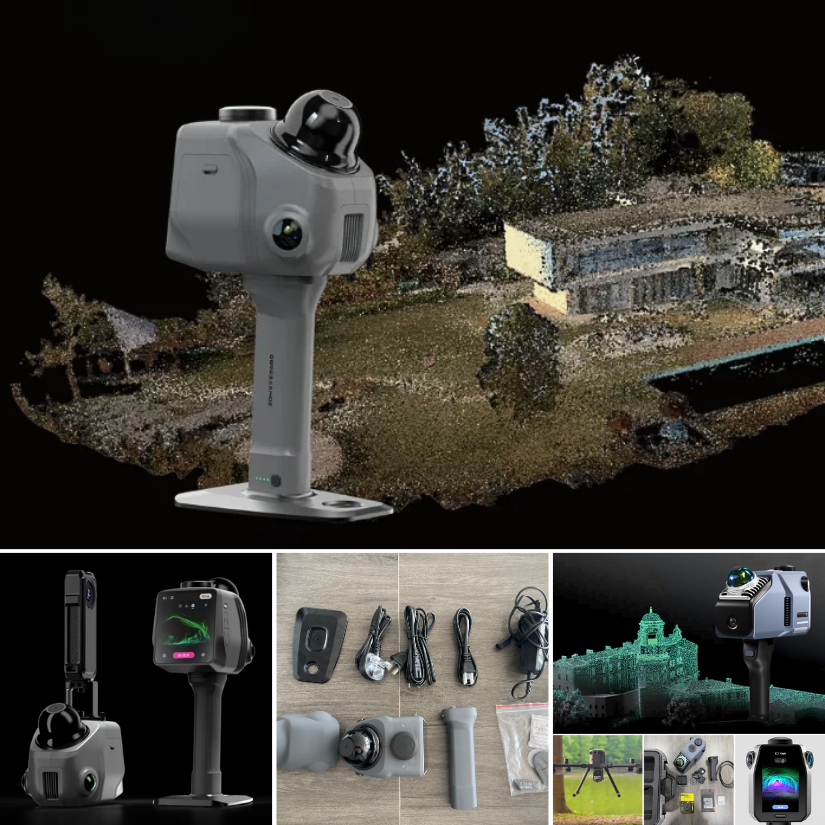
3DMakerpro just launched the Raven LiDAR spatial 3D scanner. Budget version of Eagle or something more? https://3dwithus.com/3dmakerpro-new-3d-scanners Interesting to see LiDAR spatial scanning technology becoming more accessible.
-
Anyone knows where to buy the silicone nozzle wipers for the ECC2 ? The ones for the Centauri Carbon are not compatible... Thanks!
-
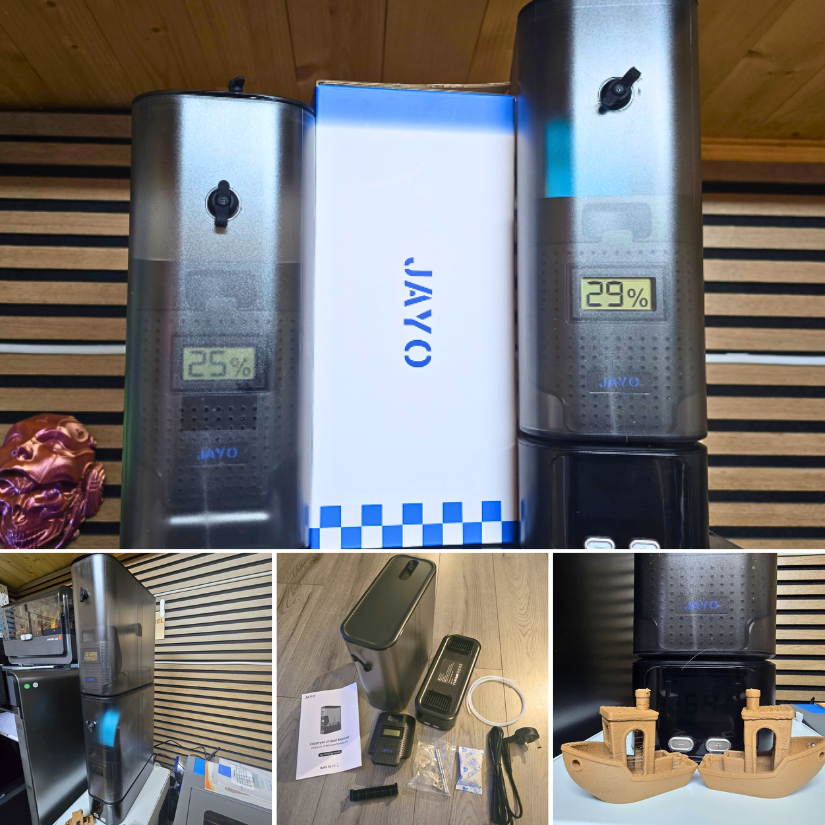
JAYO sent us the FilaDryer J1 to test. As usual, we thoroughly tested it by printing Benchy in WOOD PLA blend. Here is my detailed review, and my YouTube video is coming soon. https://3dwithus.com/jayo-filadryer-j1-filament-dryer-review Please comment here if you have any questions or want to showcase specific setups and mods.



Create an account or sign in to comment