Leaderboard
-
Marcidy
Members8Points14Posts -

3DWithUs
Administrators4Points27Posts -
Max Funkner
Members4Points70Posts -
Fabrizio
Members3Points1Posts




Popular Content
Showing content with the highest reputation since 02/24/26 in all areas
-
Hey fellow makers! 👋 By day, we’re a group of aerospace engineering students at TU Delft, but by night, we’re makers who have been in the 3D printing space since 2016. Like many of you, we’ve always struggled with one existential problem: the air quality in our workspaces. We noticed that printing with materials like ABS, PETG, and even PLA releases fumes, ultrafine particles (UFPs), and VOCs that linger in the room. We searched for a solution, but most enclosures on the market were either niche to specific printers, sacrificed build quality, or were simply too expensive. So, we decided to build our own. Meet Clura—a modular, smart, and completely open-source 3D printer enclosure. This awesome project is now live on kickstarter (fully funded in 58 minutes!) This is the link: https://www.kickstarter.com/projects/clura/enclosure We wanted to create something that actually protects your health while optimizing the printing process. Here is what we integrated into the design: Air Filtration: It uses high-performance fans with dual-layer HEPA and carbon filtration, capable of filtering the entire enclosure volume in just 60 seconds. Smart Sensors & Fire Safety: We packed it with a dedicated sensor suite. It uses a BME680 for temp/humidity/VOCs and a PMS5003 for particle tracking. For safety, it combines an MQ2 gas sensor with MEMS and optical smoke sensors to detect thermal runaway or fires instantly. Filament Weight Tracking: We integrated HX711-based load cells into the spool holders to track filament weight in real-time. No more guessing if you have enough plastic to finish a print! Universal Fit: Because it's modular, it currently fits the Prusa MK3/MK4, Bambu Lab A1/Mini, Prusa Mini, Ender 3 style bed slingers and so much more... Our 100% Open-Source Promise We are firm believers in the open-source community. Every CAD file, software component, and build guide is free and released under the CC BY-NC license. (links on docs.clura.dev) You can self-source the parts and build it yourself, customize it, and even submit your own mods to our Community Upgrade Center. You own it completely. No vendor lock-in, ever. The kits we offer are just a convenient way to assemble it by supporting the project while saving time and money in the process. We'd love to hear your feedback! Happy printing! 🛠️
(1).thumb.jpg.7a7c10c46d410ddbcab89422b2389a0b.jpg) 3 points
3 points -
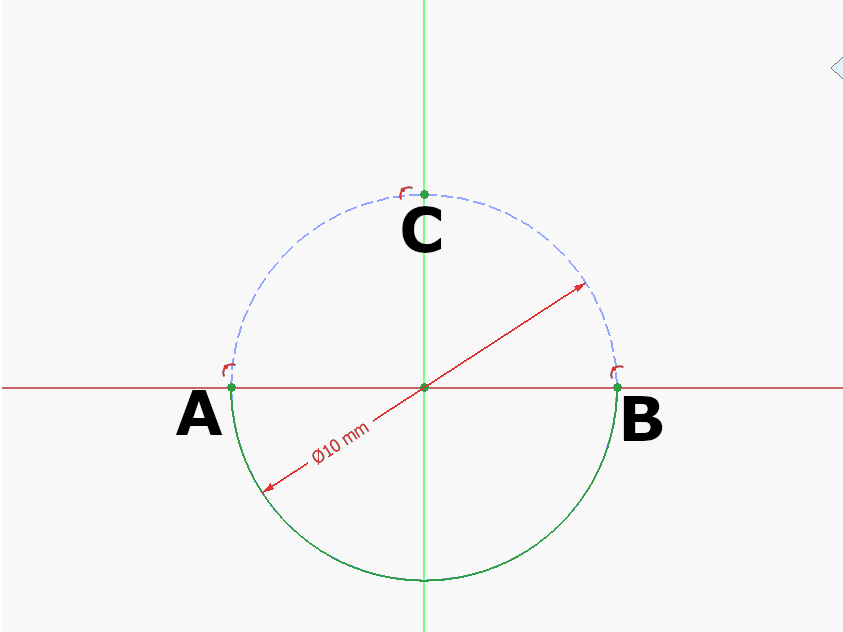
3 pointsStep 1: Draw a construction circle at the Origin. Mark A, B, C where the circle meets the Y and Z Axis as seen above. Draw the half circle at the origin between A and B. Step 2: Draw a construction circle at the Origin. Mark A, B, C where the circle meets the Y and Z Axis as seen above. Draw the half circle at the origin between A and B. Step 3: Draw an arc centered at C between D-E: 🥚 Good job!The full tutorial project is available at Printables with the finished 3d model and FreeCAD file: https://www.printables.com/model/1615557-egg-tutorial-model
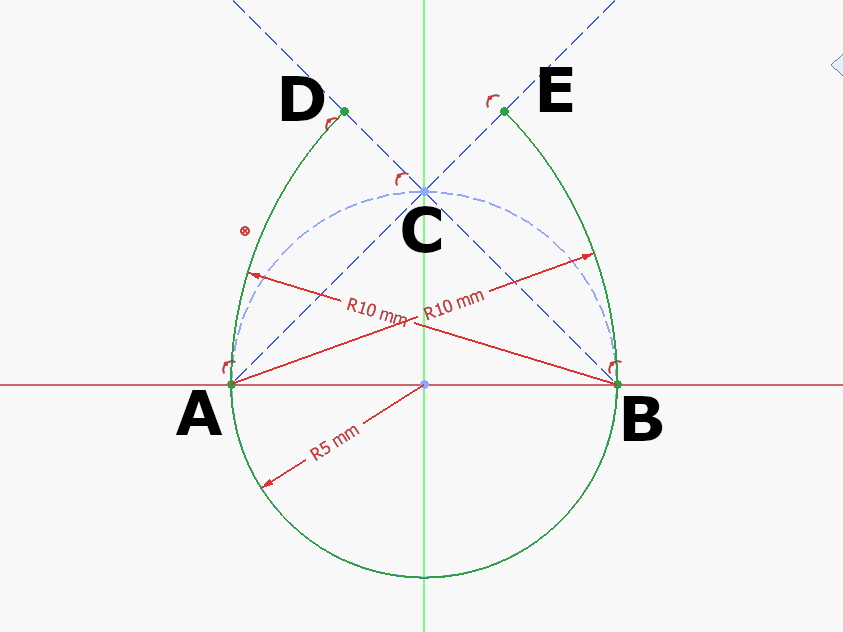
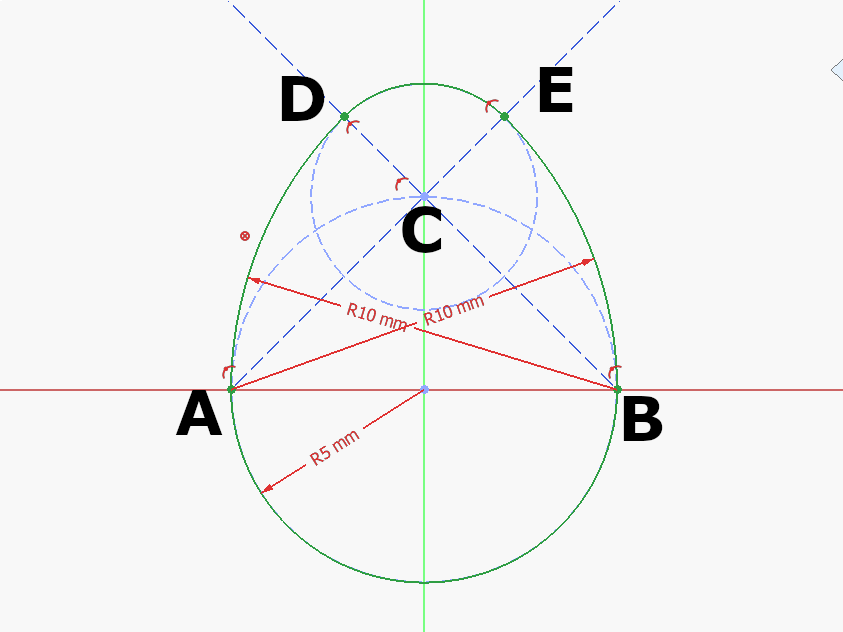 3 points
 -
2 pointsCongratulations! 🎉 This thread won 2 filament spools in the Contribute to Win - February 2026 giveaway. We will contact you shortly to arrange the delivery of two SUNLU filament spools. Giveaway Rules: https://3dwithus.com/forum/topic/973-contribute-to-win-monthly-giveaway
 2 points
 -
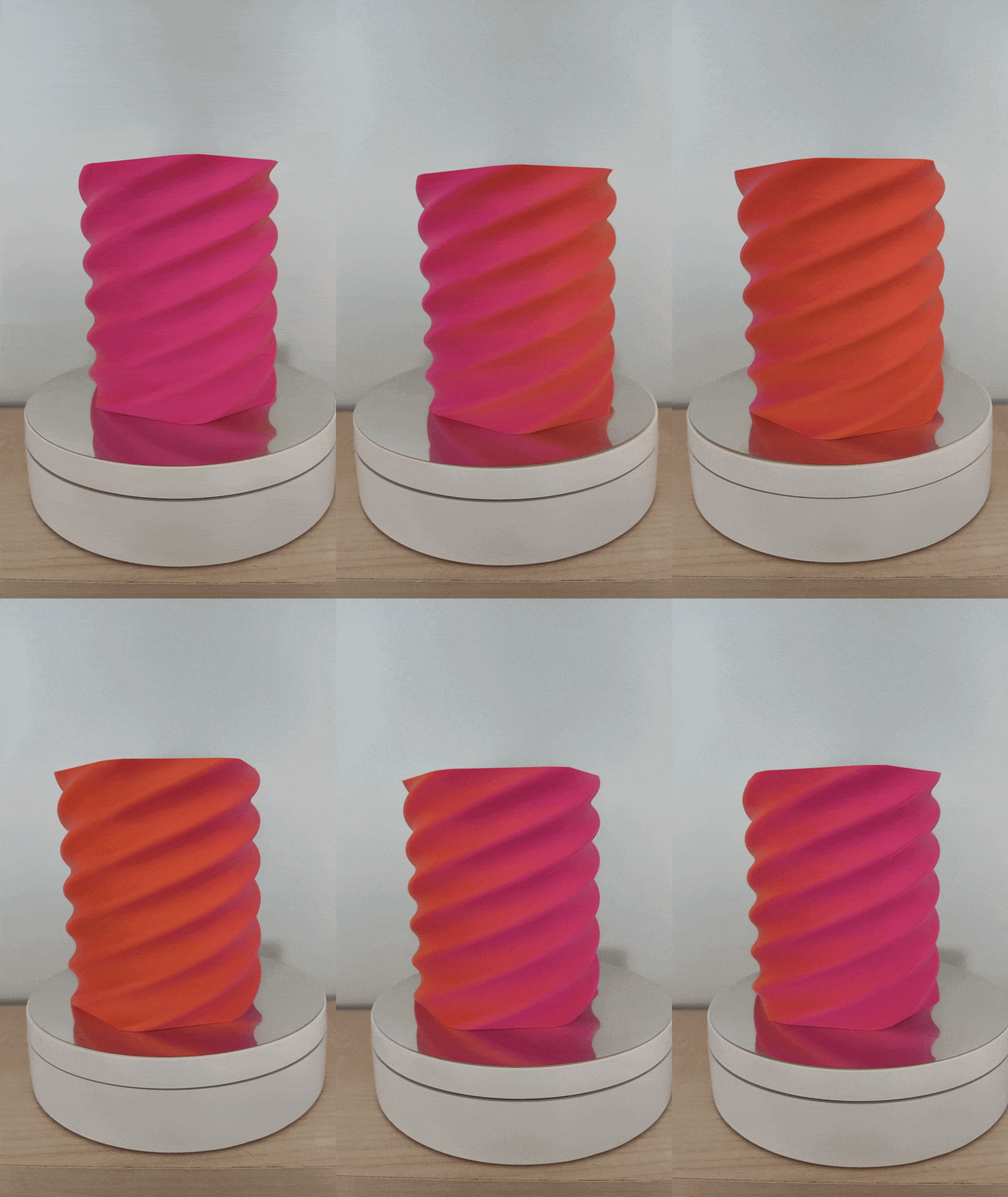
Giveaway filament arrived!I got: Refill PLA+ Red Matte Dual-Color Orange-Red Thanks you SUNLU and 3DWithUs! (I am starting to run out of storage space :D)
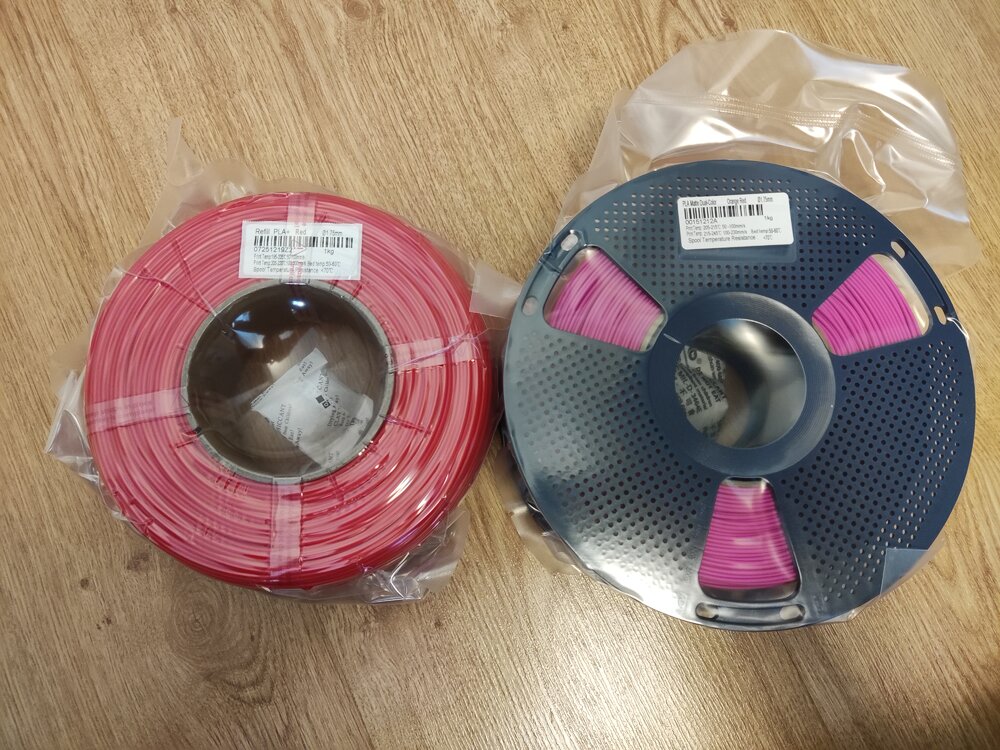 1 point
 -
Thanks! Great work, the way you aligned the music is spot on. I wish you were on socials, I would tag you there too 🙂 Really appreciate you sharing this, I am sure SUNLU (and Anycubic) will love it. You can now find your video across the 3DWithUs socials. Here is the YouTube Short as an example:1 point
-
Yes, it is a native, Kobra S1 time-lapse video. The inbuilt camera is not the best in terms of quality, but speeding up the timelapse (30s -> 5s) makes it look a little bit better (Also cut it to match the 9:16 aspect ratio of my phone). I didn't share it on socials, so feel free to do so if you like :)1 point
-
Nice video. Time-lapse is very clean. Is it an Anycubic Kobra S1 native time-lapse video? Did you share this video on socials? Can I share it on 3DWithUs (https://linktr.ee/3DWithUs) social media channels?1 point
-
Made another vase as well. I wanted to use this video for a giveaway submission, but later realised it needs easter themed designs. So i edited it a little and I am uploading it here. 0315.mp4 Sources: 3D Model: Scaled to 250mm tall (Only Z-Axis Scale) Filament: SUNLU dual-color Orange+Red Matte Video Editor Background Music Thank you again SUNLU and 3DWithUs!1 point
-
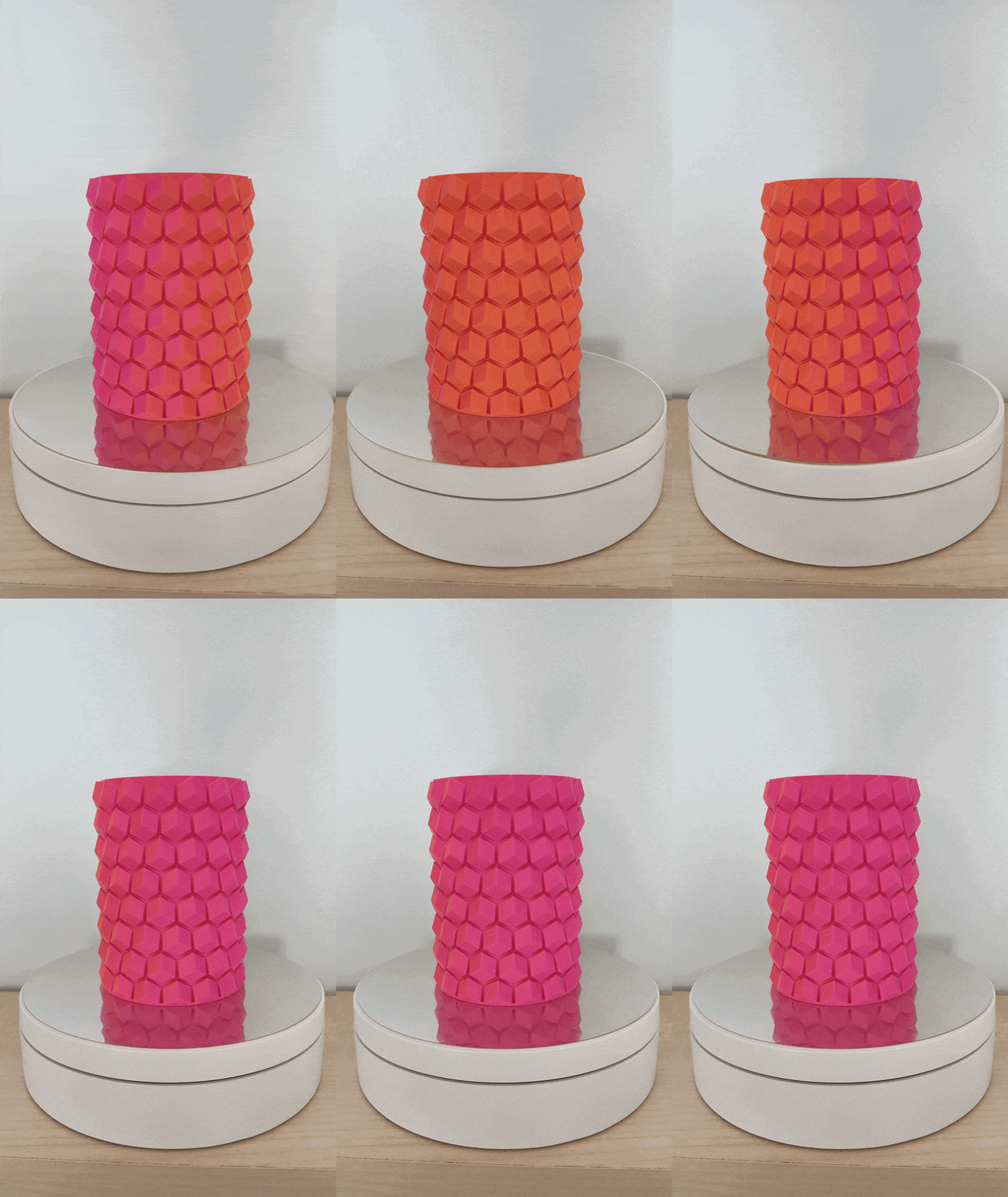
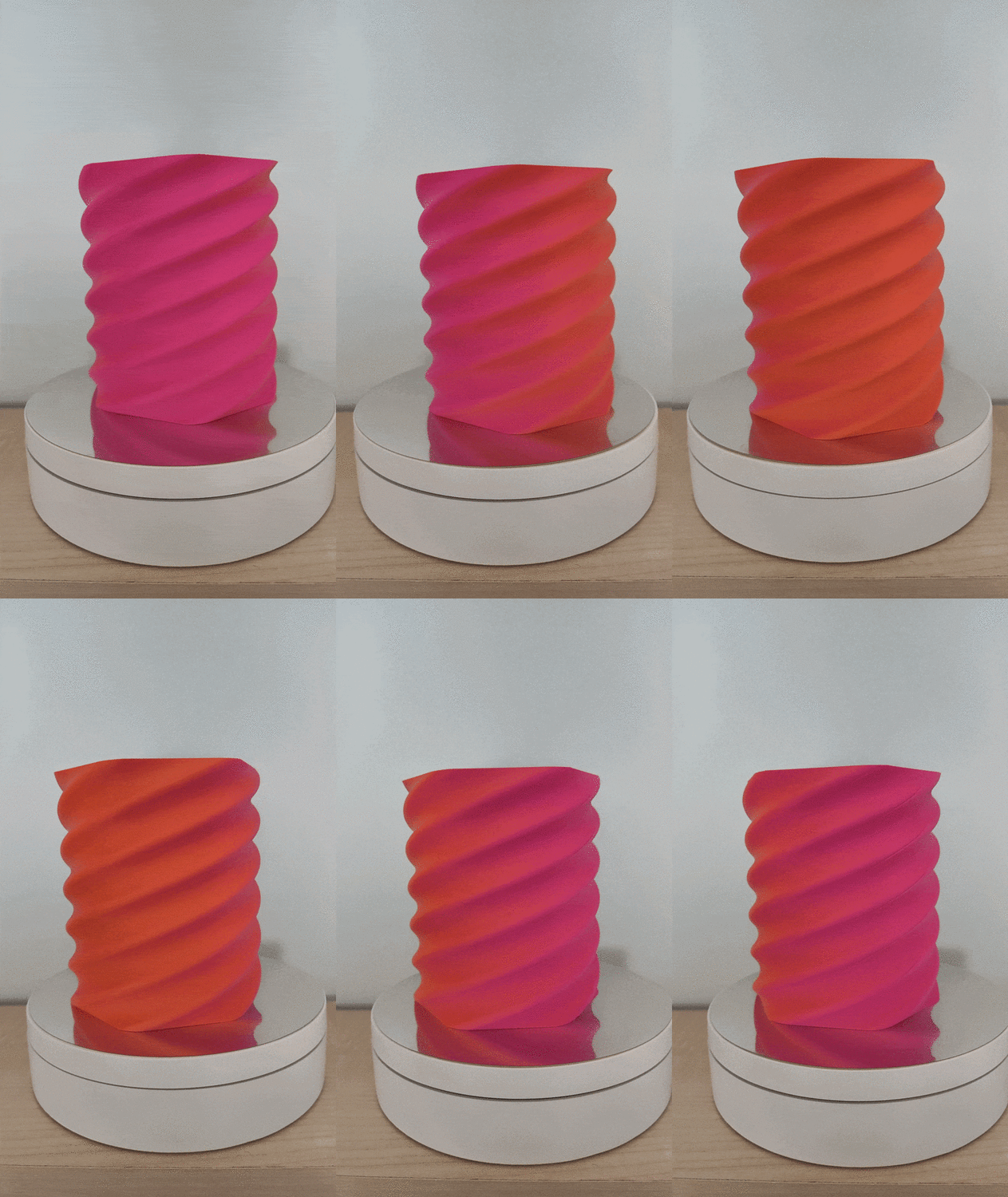
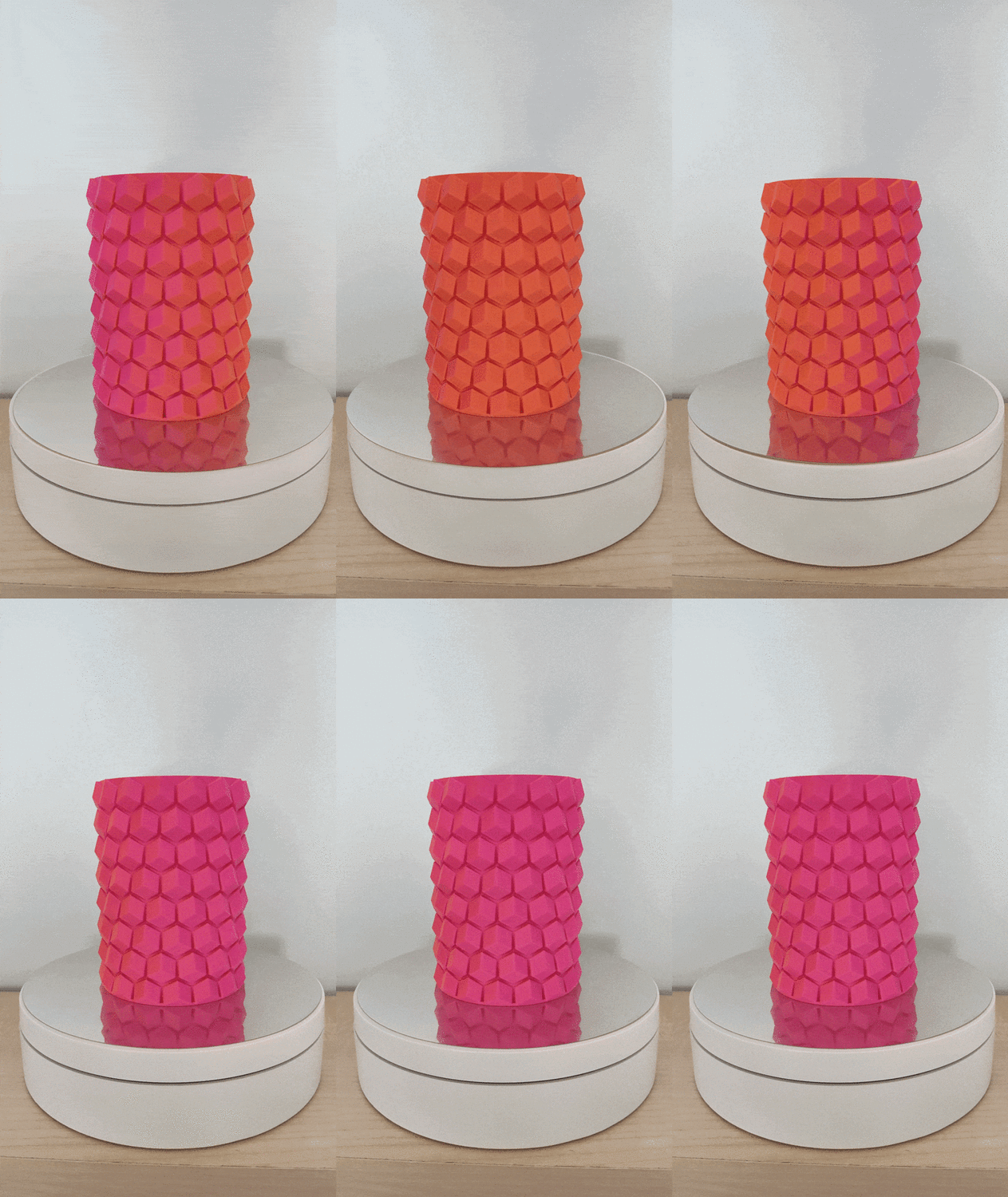
The dual color indeed looks cool! Printed some pen holders with it. The models are not mine: https://www.printables.com/model/108872-pen-holder https://www.printables.com/model/198641-hex-vase-cup
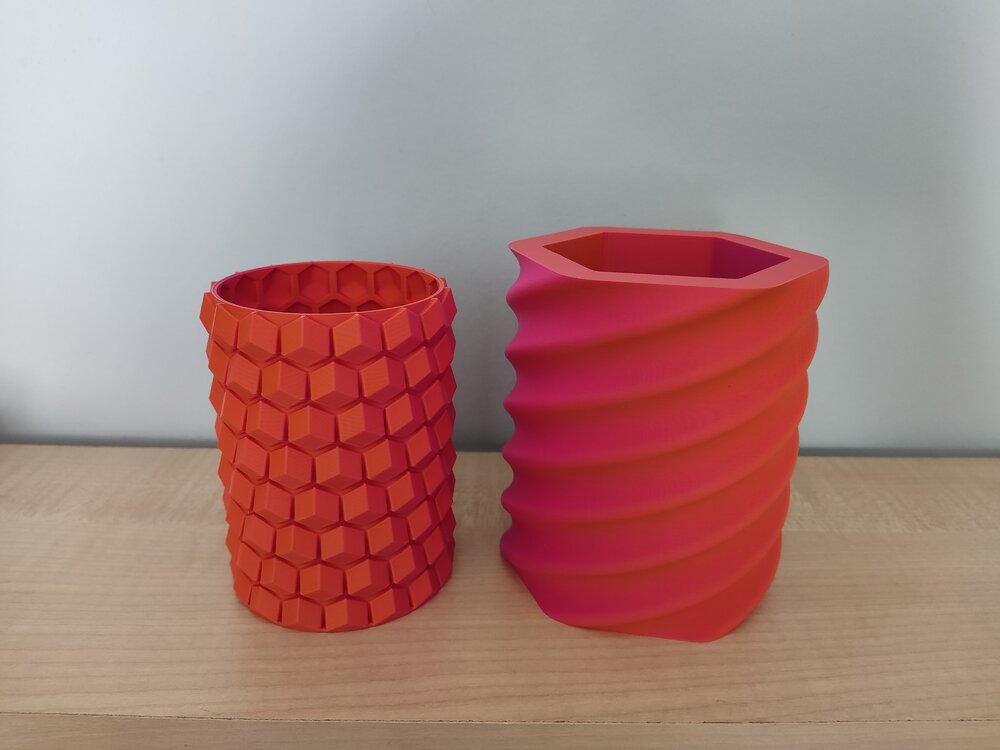
 1 point
 -
Anyone knows where to buy the silicone nozzle wipers for the ECC2 ? The ones for the Centauri Carbon are not compatible... Thanks!1 point
-
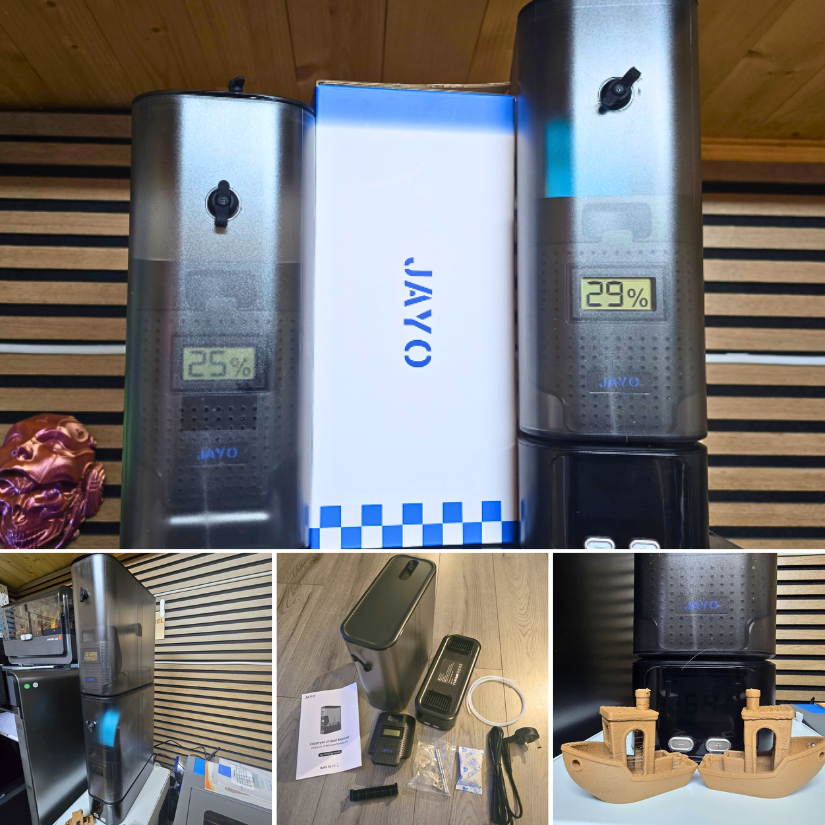
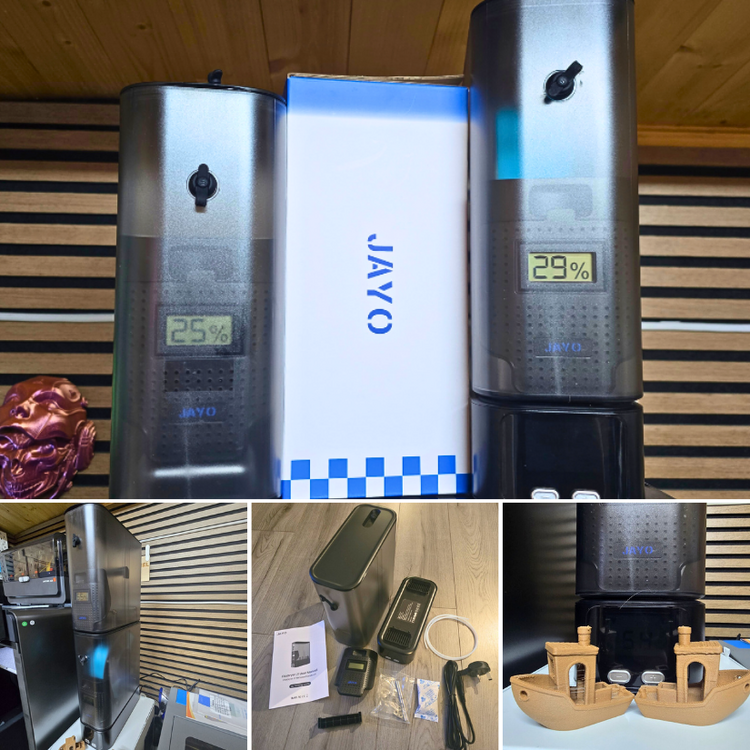
1 pointJAYO sent us the FilaDryer J1 to test. As usual, we thoroughly tested it by printing Benchy in WOOD PLA blend. Here is my detailed review, and my YouTube video is coming soon. https://3dwithus.com/jayo-filadryer-j1-filament-dryer-review Please comment here if you have any questions or want to showcase specific setups and mods.
 1 point
 -
1 pointAlongside with this hands-on review, I also recorded a detailed video showing the JAYO FilaDryer J1 setup, drying process, and real-world testing with filament prints. The video gives a closer look at the unit’s design, controls, and how it performs during everyday use.1 point
-
Will do! I just already have too many filaments opened up and waiting to be used. I am still waiting for some reusuable vacuum bags to arrive, so i can store them efficiently after printing.1 point
-
Love dual color filaments ♥️ You'd better print something. Not sure how SUNLU feels about it 😅1 point
-
Congratulations! 🎉 This thread won 2 filament spools in the Contribute to Win - February 2026 giveaway. We will contact you shortly to arrange the delivery of two SUNLU filament spools. Giveaway Rules: https://3dwithus.com/forum/topic/973-contribute-to-win-monthly-giveaway
1 point
-
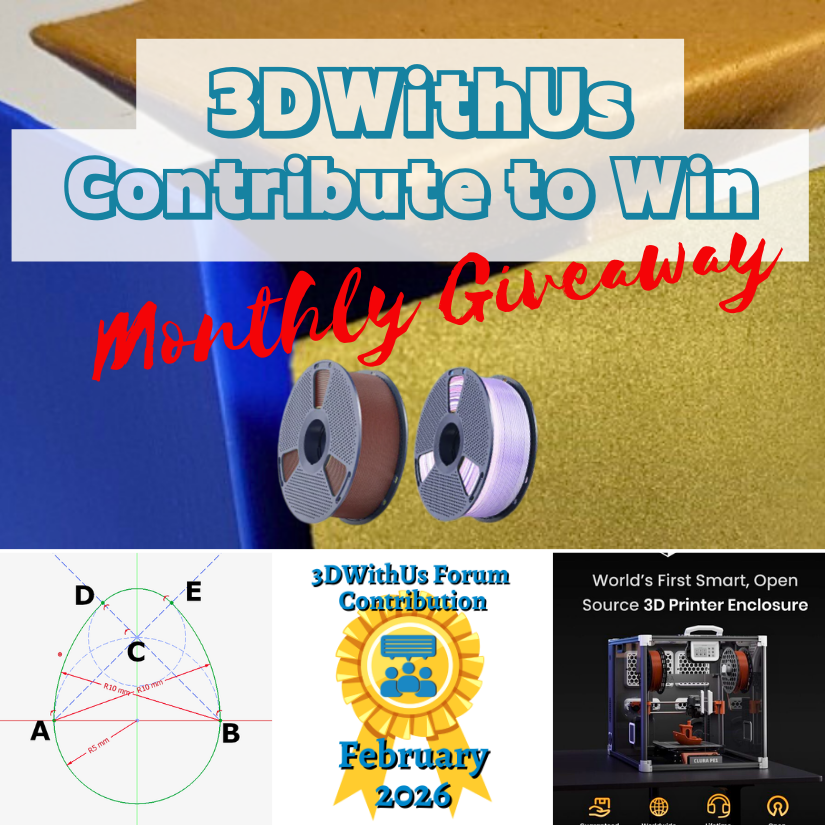
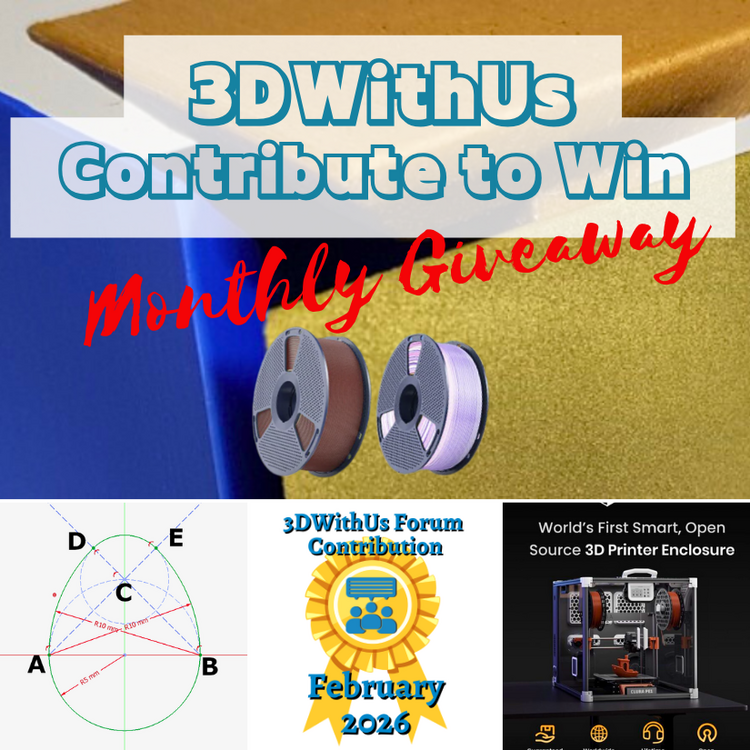
🎉 February Giveaway Completed — March Giveaway Is On The Way! Huge thanks to our forum supporters! We're excited to award our filament prize to forum contributors 🙌 🏆 Winning contributions: Smart Enclosure with Air Filtration & Filament Tracking: https://3dwithus.com/forum/topic/998-we-built-a-fully-open-source-smart-enclosure-with-air-filtration-filament-tracking-now-live-on-kickstarter/ How to sketch/draw an egg: https://3dwithus.com/forum/topic/999-how-to-sketchdraw-an-egg-tutorial Four SUNLU filament spools are now on their way 🎁 What's Next✅ The February giveaway is live ✅ 2 × SUNLU filament spools will be awarded (Best Post and/or Best Comment) ✅ All helpful & creative contributions count Share your projects, tips, questions, fails & wins. Every contribution helps grow the community and puts you in the running. If you were considering posting but haven’t jumped in yet, this is the perfect time to start. Sign Up Here https://3dwithus.com/forum/register/
 1 point
 -
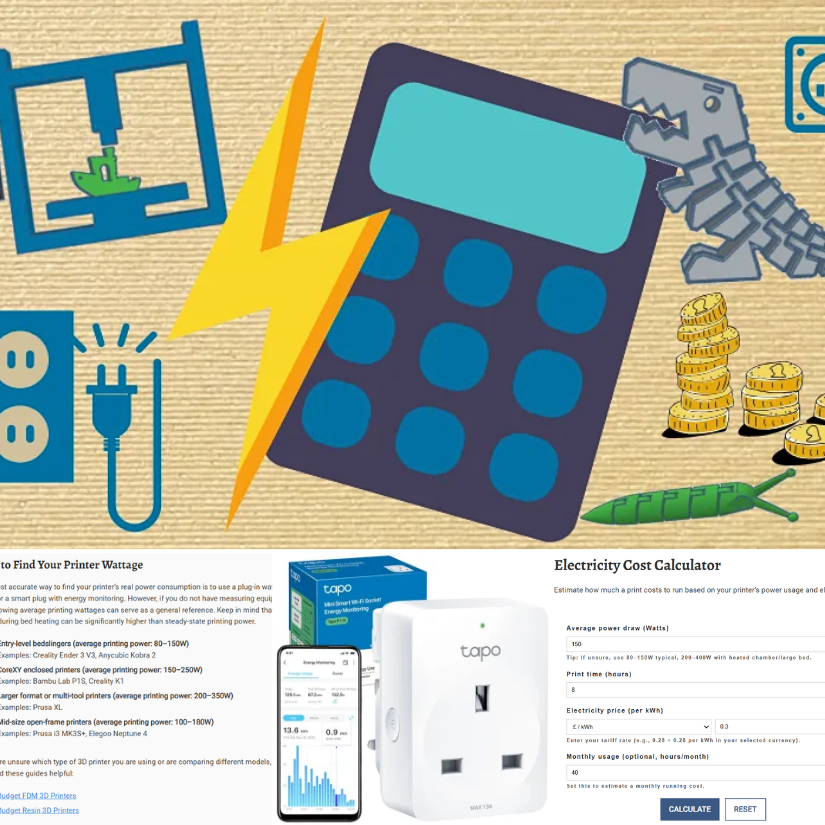
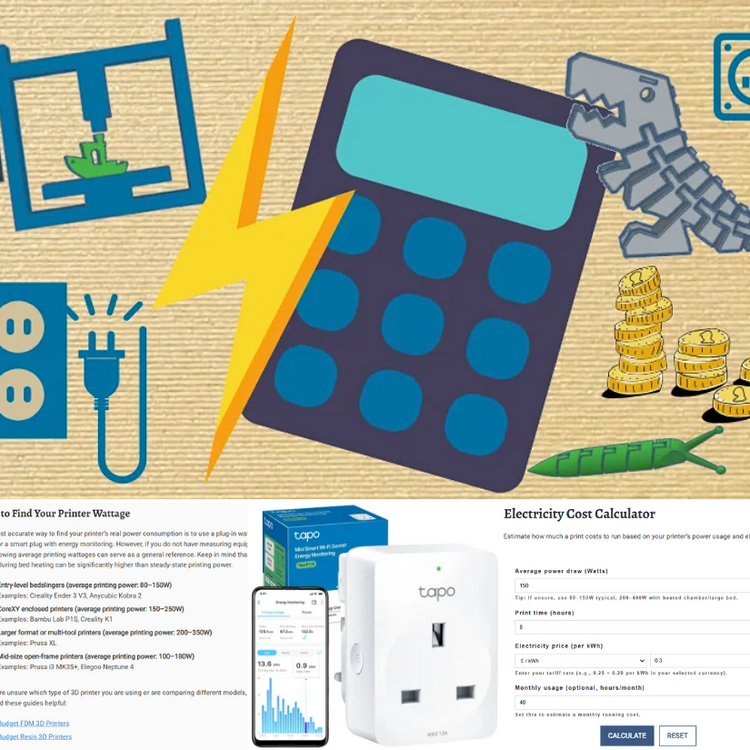
This online calculator will help you estimate the costs involved in creating a 3D-printed object, taking various factors into account. 💰 https://3dwithus.com/3d-print-cost-calculator If you need to justify your 3D printing hobby at home, here’s a handy electricity cost calculator 😉 Spoiler: it doesn’t use as much power as you might think. For UK folks, it’s even more reasonable. ⚡https://3dwithus.com/3d-printer-electricity-cost-calculator We will be getting more handy tools to fill our Interactive Tools & Calculators category. Any requests? Do you have interesting examples of 3D printing costs? Share them here.
 1 point
(1).jpg.f83b9d8459fc85bdd4f31594b192df4a.jpg)