


Elegoo Centari Carbon Discussion

Featured Replies
Topics
-
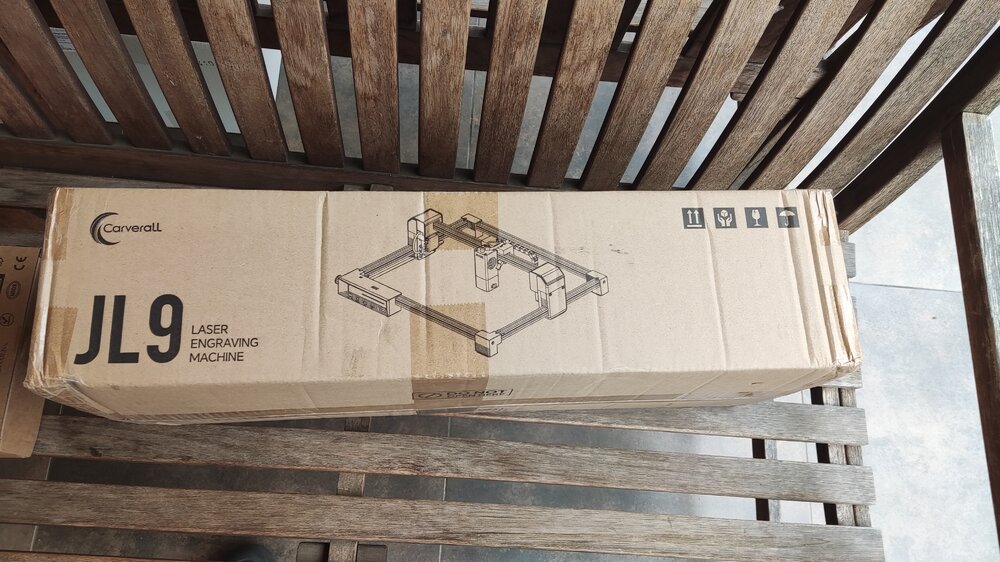
Just received these packages recently. Assembly is still in progress as I am waiting on some accessories and materials, but hopefully, the work can start soon! I am really excited to be part of this collab with 3DWithUs and Carverall!
-
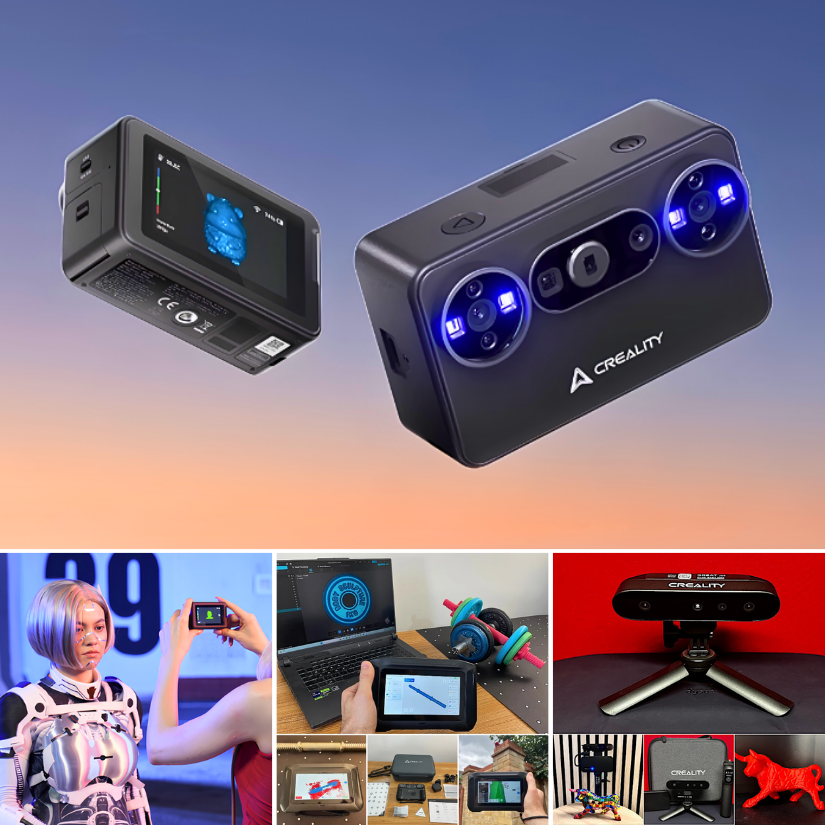
Creality’s 3D scanner lineup is interesting. From the tiny new Pika to the standalone Sermoon P1 and more. Still waiting for Pika to arrive. Here is the first look: https://3dwithus.com/creality-new-3d-scanners
-
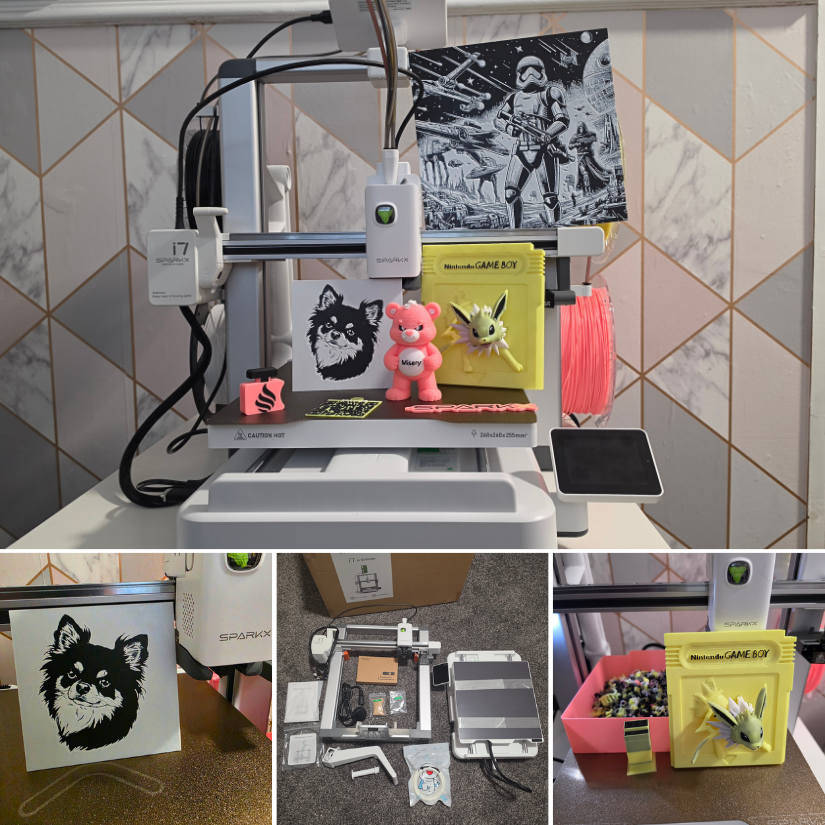
We’ve just published our hands-on review of the Creality SparkX i7 Nano Combo with the compact CFS Nano multicolor system. If you’re considering this setup, have questions about it, or already use one, share your thoughts and experiences here. https://3dwithus.com/creality-sparkx-i7-nano-cfs-nano-hands-on-review
-
Hi everyone, I am new here and new to 3D printing so I don't know anything. I bought a used printer and I'm having some difficulty with my machine. First what happened is this, the screen would be lite up but it would be blank, nothing showing on the screen. After some research I found that it more than likely is a short somewhere in the heater wiring and probably at the heater head. So I started moving it around it the screen lite up with letters again. Next I started taking it off and the
-
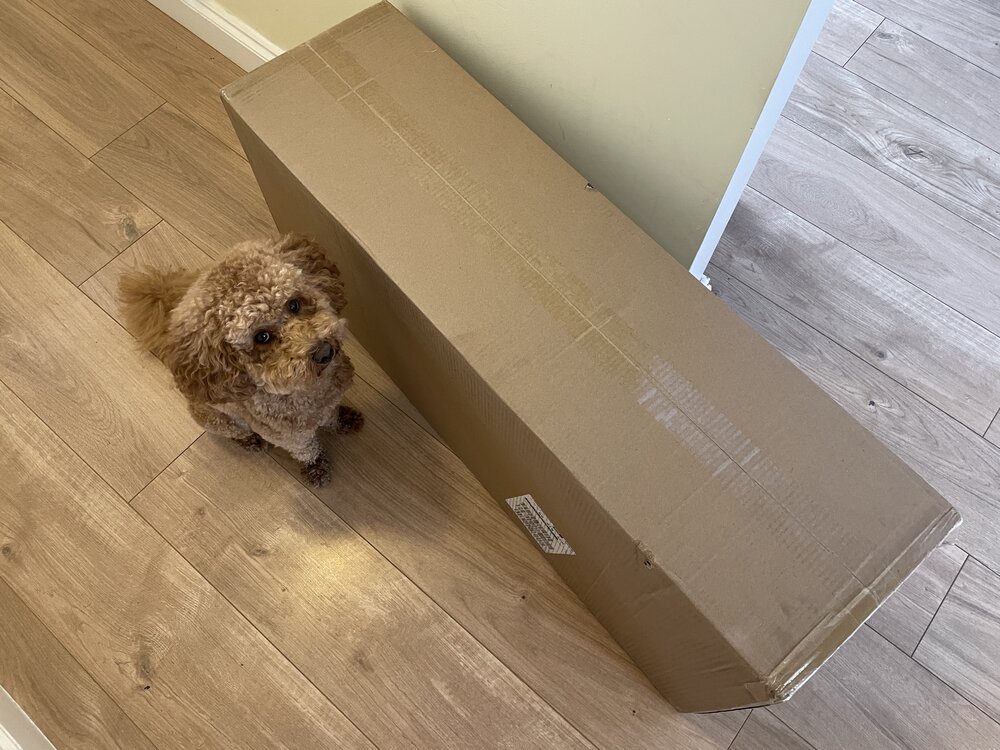
🐶 'Daddy cmon - do it already' 🐾 The Revopoint Trackit SR has arrived. All in one big box. Size-wise, I can feel the difference straight away, as the original Trackit came in two big, heavy-duty cases. Hands-on testing soon...


Join the conversation
You can post now and register later. If you have an account, sign in now to post with your account.
Note: Your post will require moderator approval before it will be visible.